

1. Error in Go: package_mytest.go:5:2: cannot find package “.” in: E:\WWWRoot\Go\The-way-to-go\package\pack1. as shown in Figure 1

PS E:\wwwroot\go\the-way-to-go\package> go run .\package_mytest.go
package_mytest.go:5:2: cannot find package "." in:
        E:\wwwroot\go\the-way-to-go\package\pack1
2. Check the code of pack1.go
package pack1
var Pack1Int int = 42
var pack1Float = 3.14

func ReturnStr() string {
	return "Hello main!"
}
3. Check the code of package_mytest.go
package main

import (
	"fmt"
	"./pack1"
)


func main() {
	var test1 string
	test1 = pack1.ReturnStr()
	fmt.Printf("ReturnStr from package1: %s\n", test1)
	fmt.Printf("Integer from package1: %d\n", pack1.Pack1Int)
	// fmt.Printf("Float from package1: %f\n", pack1.pack1Float)
}
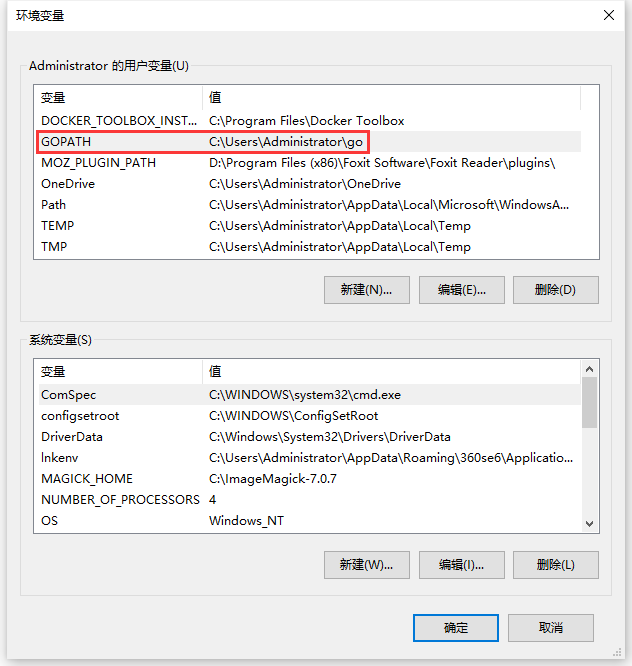
4. Check the environment variables – the user variables of the administrator – GOPATH, whose values are: C:\Users\Administrator\Go, as shown in Figure 2
5. Compile and install a package. Copy pcak1.go to C:\Users\Administrator\Go\Src\Pack1\Pack1.go. Compile and install the package to the local: Go install Pack1, which will copy Pack1.a to C:\Users\Administrator\Go\Pkg\Windows_amd64. as shown in Figure 3
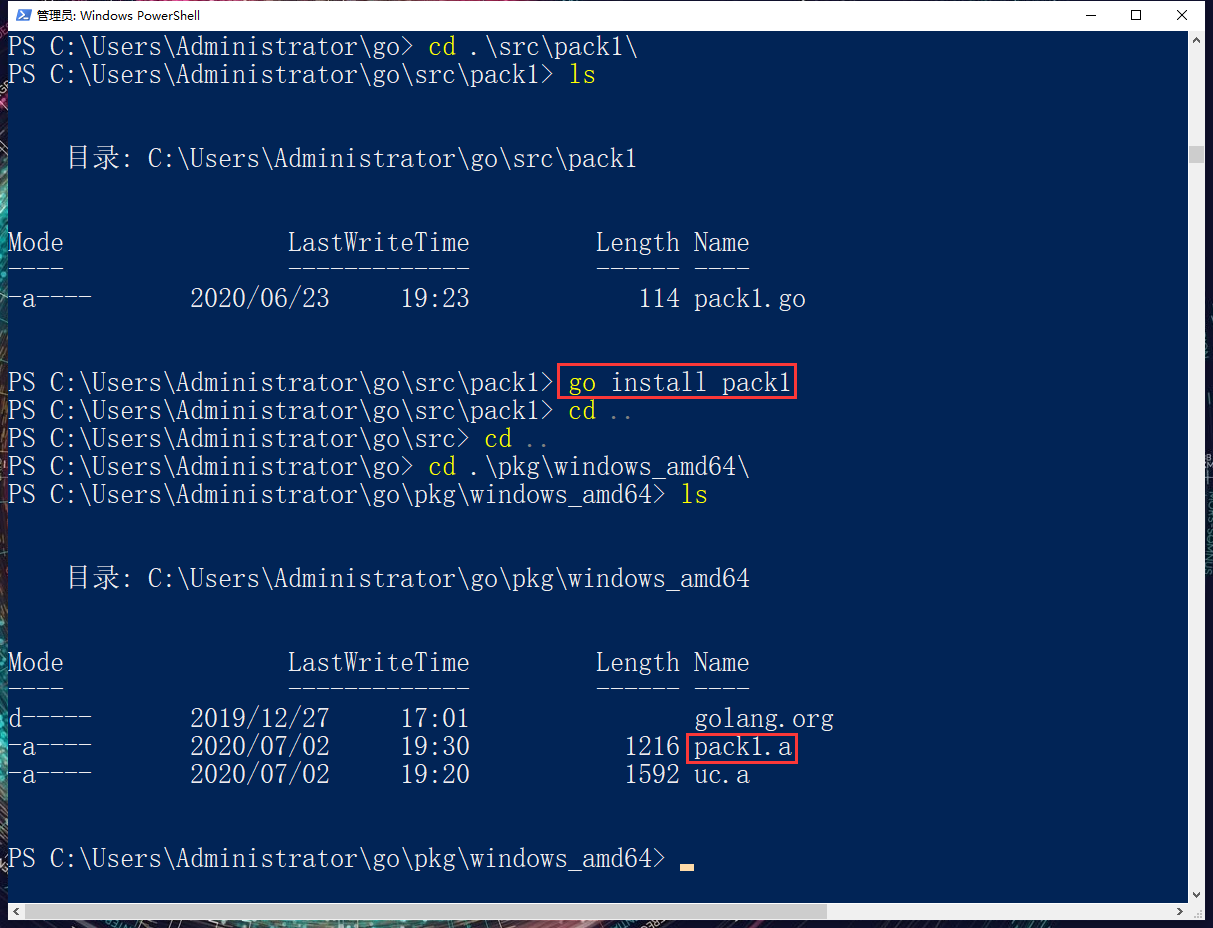
PS C:\Users\Administrator\go> cd .\src\pack1\
PS C:\Users\Administrator\go\src\pack1> ls


    目录: C:\Users\Administrator\go\src\pack1


Mode                LastWriteTime         Length Name
----                -------------         ------ ----
-a----       2020/06/23     19:23            114 pack1.go


PS C:\Users\Administrator\go\src\pack1> go install pack1
PS C:\Users\Administrator\go\src\pack1> cd ..
PS C:\Users\Administrator\go\src> cd ..
PS C:\Users\Administrator\go> cd .\pkg\windows_amd64\
PS C:\Users\Administrator\go\pkg\windows_amd64> ls


    目录: C:\Users\Administrator\go\pkg\windows_amd64


Mode                LastWriteTime         Length Name
----                -------------         ------ ----
d-----       2019/12/27     17:01                golang.org
-a----       2020/07/02     19:30           1216 pack1.a
-a----       2020/07/02     19:20           1592 uc.a
6. Run: go run .\package_mytest.go, the execution is successful, “./pack1” can also be executed successfully. as shown in Figure 4
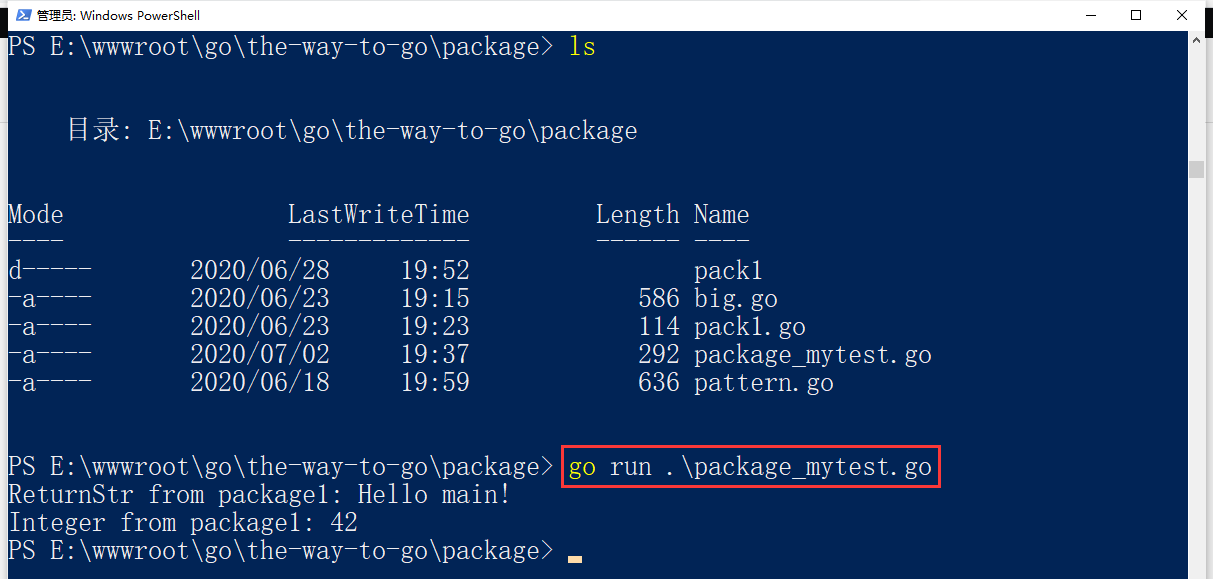
PS E:\wwwroot\go\the-way-to-go\package> go run .\package_mytest.go
ReturnStr from package1: Hello main!
Integer from package1: 42