

Background
Recently, while maintaining my blog, I encountered a tricky issue: a specific article detail page directly displayed “There has been a critical error on this website” (500 Internal Server Error), while all other article detail pages opened completely normally.
A single page crash is usually triggered by an element unique to that page (such as a specific shortcode, block, or content) causing a PHP fatal error.
1. Checking the error logs to identify the “culprit”
My first reaction was to check the server’s debug.log, where I found the following fatal error record:
[23-Jun-2026 13:13:47 UTC] PHP Fatal error: Cannot redeclare custom_desc_and_ads_inserter() (previously declared in /data/wwwroot/www.shuijingwanwq.com/wp-content/plugins/insert-headers-and-footers/includes/class-wpcode-snippet-execute.php(419) : eval()'d code:6) in /data/wwwroot/www.shuijingwanwq.com/wp-content/plugins/insert-headers-and-footers/includes/class-wpcode-snippet-execute.php(419) : eval()'d code on line 451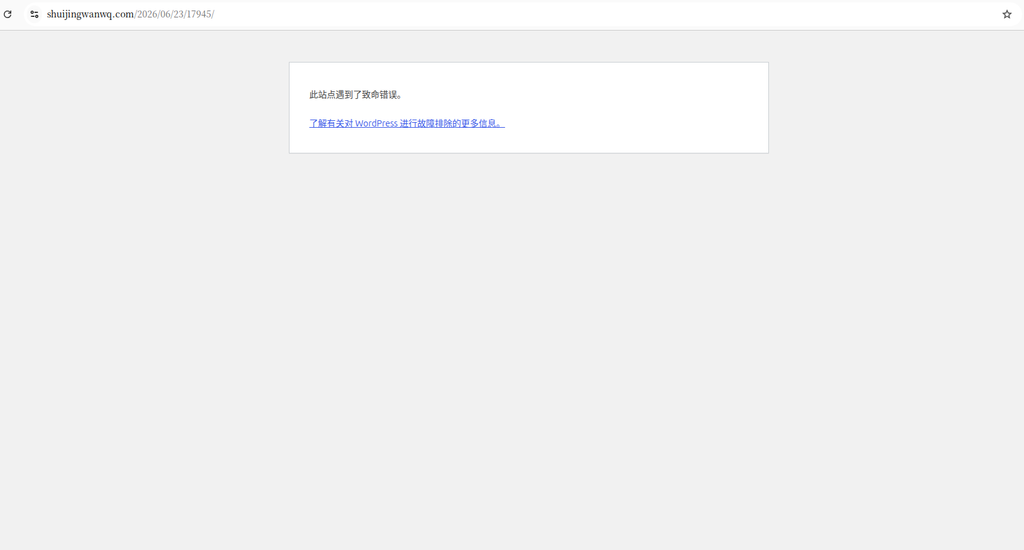

Log analysis:
Cannot redeclare custom_desc_and_ads_inserter(): This is a classic PHP error, meaning the same function name has been declared twice.- The path points to the
class-wpcode-snippet-execute.phpfile insideinsert-headers-and-footers(i.e., the WPCode plugin). - The key is
eval()'d code: This indicates that the code causing the error is not hardcoded into the file, but rather a code snippet dynamically executed by the WPCode plugin.
2. Emergency handling and troubleshooting dead ends
To restore page access first, I decided to disable the corresponding code snippet in WPCode from the backend.
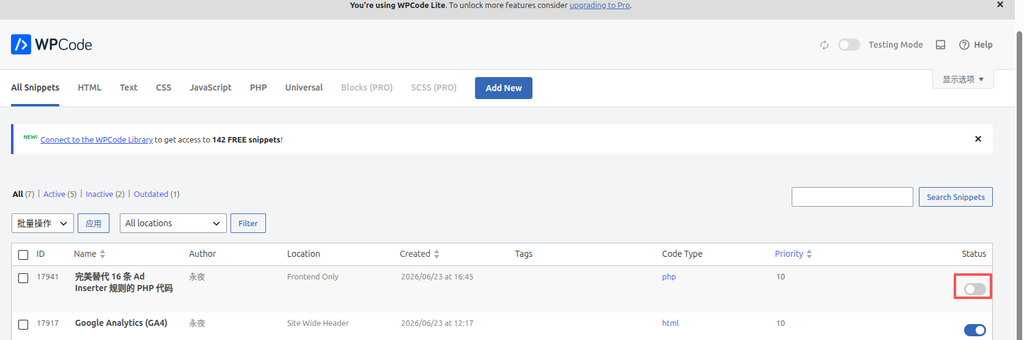
After disabling it, the page indeed stopped throwing the 500 error, but this was only treating the symptom, not the root cause. Next, I began looking for the root cause:
- Suspect 1: Code Pro code block
I remembered that in the article throwing the error, I had used the Code Pro plugin to display a piece of PHP code that happened to contain the definition of thecustom_desc_and_ads_inserterfunction.
Action: I renamed the function name in the code block, saved it, and refreshed the page, but it still threw a 500 error.
Further action: I even directly deleted the entire Code Pro code block from the article, saved it, and refreshed the page, and surprisingly, it still threw a 500 error!
Reflection: Since deleting the purely display code in the article still caused the error, it meant the culprit behind the duplicate function declaration was not in the purely display code block. I needed to investigate elsewhere.
3. Locating the shortcode and falling into the trap again
Since the Code Pro block was cleared of suspicion, my focus returned to the WPCode plugin itself. I reviewed the content of this article again and found that it directly contained a WPCode shortcode call: wpcode. As shown in Figure 4.
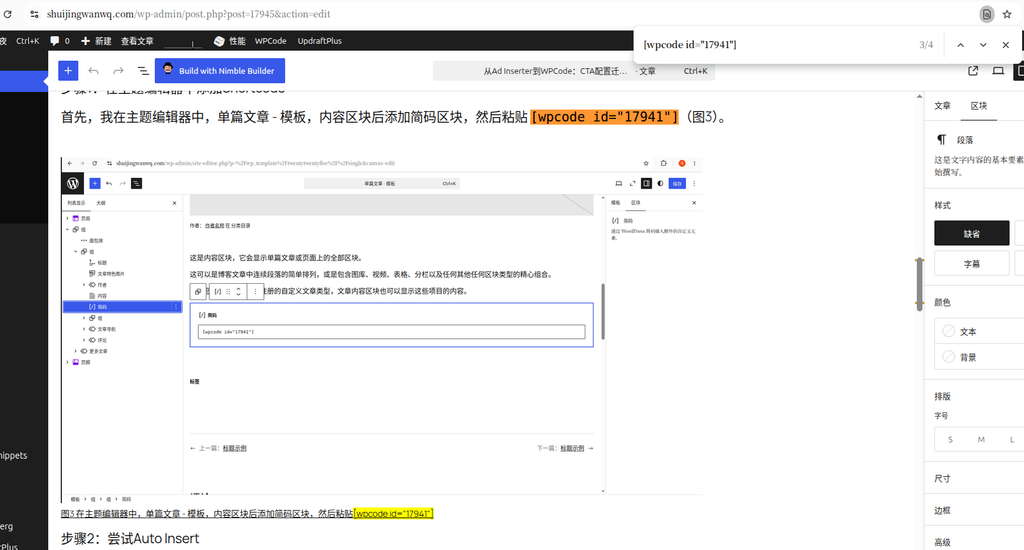
Previously, when wpcode was not placed in the dedicated “Shortcode block” of the Gutenberg editor, both the frontend page and the backend editor threw errors.
Action: I extracted wpcode, which was originally written directly in the text, and placed it into the dedicated “Shortcode block” of the Gutenberg editor.
Result: The frontend page worked normally! However, the backend editor still threw an error!
This showed that the problem was not at the block parsing level, but rather a conflict in the execution logic of the shortcode itself. When the WPCode plugin processed this shortcode, perhaps due to a conflict between the snippet content and the current environment, the internal eval() logic executed the code twice.
4. Final solution
After trying various block combinations to no avail, to completely block WPCode’s abnormal execution of this code, I adopted the most direct and effective approach. Because re-enabling the WPCode snippet would prevent access to the backend editor, the following specific sequence of operations had to be followed:
- Keep the corresponding code snippet in WPCode in a disabled state (so that the backend editor can load normally).
- Enter the editor for the article throwing the error.
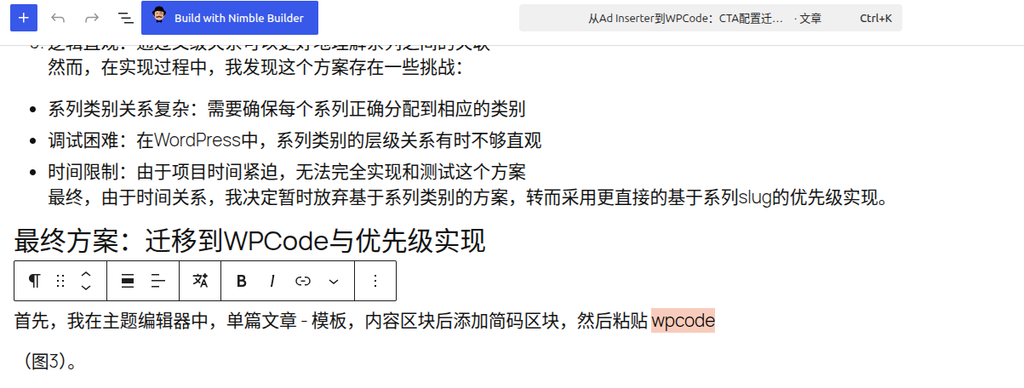
- Directly change the shortcode
wpcodein the article content to plain textwpcode. - Update the article.
- Return to the WPCode plugin settings and re-enable the previously disabled code snippet (restoring global functionality).
By removing the bracket syntax of the shortcode, WordPress no longer recognized it as an executable shortcode, thereby preventing WPCode’s eval() execution behavior. After refreshing the frontend page, the article loaded perfectly, and the backend editor returned to normal. The 500 error completely disappeared!
Summary and pitfall avoidance guide
This troubleshooting process was full of twists and turns, going from an initially wrong direction to the final identification of the root cause. I summarized the following profound lessons:
- The nature of the
Cannot redeclareerror: The same piece of code must have been executed multiple times. In dynamic execution plugins like WPCode, this usually means theeval()logic was triggered repeatedly. - Highlight plugins like Code Pro are safe: They only display code as plain text with syntax highlighting and do not execute it on the server side via
eval(). The fact that deleting them did not help proves the problem lay elsewhere. - Potential risks of WPCode shortcodes: Under certain specific circumstances, the execution of WPCode shortcodes may cause code snippets to be
eval()multiple times. If you encounter an unresolvable duplicate declaration error, directly canceling the execution of the shortcode in the content (by removing the brackets) is the most effective fallback plan to stop the loss. - Defensive programming is the baseline: Regardless of the plugin’s execution mechanism, when writing code snippets containing function definitions in WPCode, you must wrap them with
if ( ! function_exists( 'function_name' ) ) { ... }. Even if they are accidentally executed multiple times, they will be safely skipped, thereby avoiding a fatal crash.