DroidCam client is always blank in the DroidCam client connection on the DroidCam and PC side of OnePlus 12
1. In the DroidCam client connection between the DroidCam and the PC side of OnePlus 12, the DroidCam Client has always been blank. The reason should be that the corresponding mobile phone device has been unable to be found. as shown in Figure 1
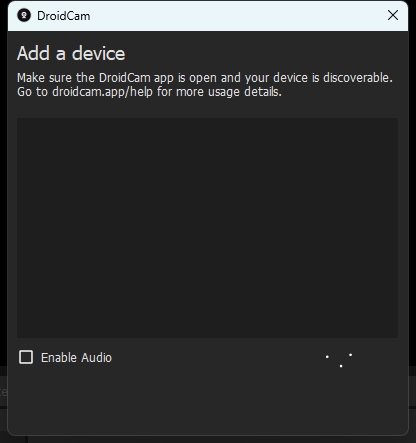
Figure 1
2. Even if you use the USB cable connection, it still does not work. Make sure the USB data cable is working properly, and it is finally normal after trying to replace the data cable. as shown in Figure 2
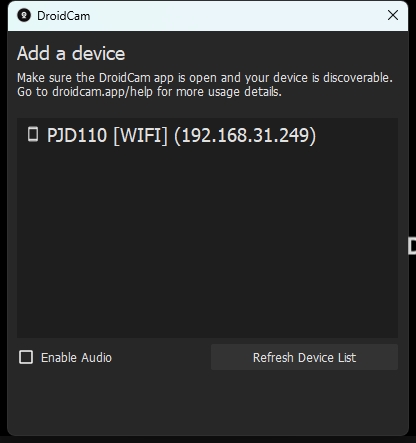
Figure 2
3. A silver data cable used before, supports a variety of interface forms. Later, the normal use of a white data cable can be used. as shown in Figure 3
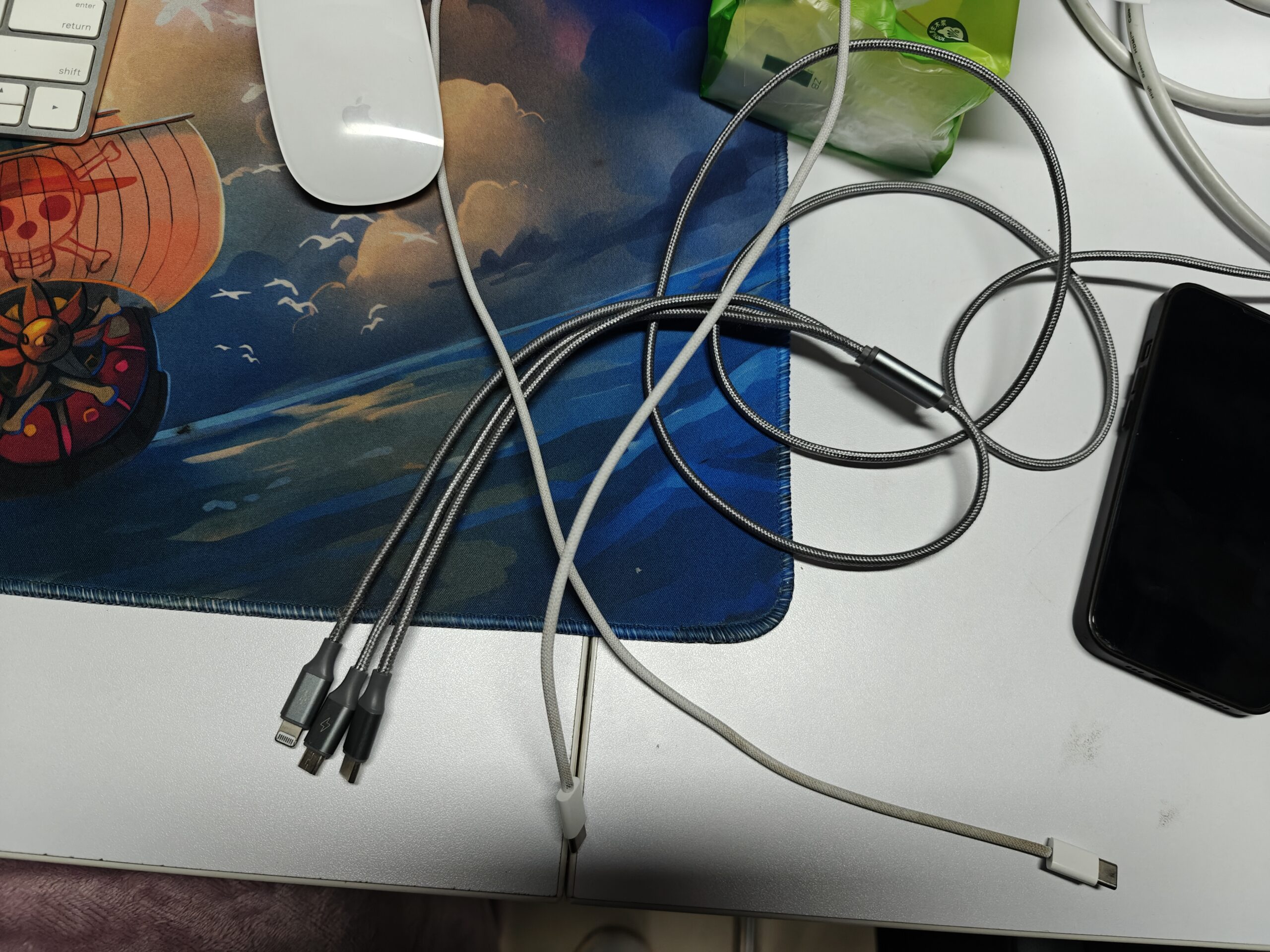
Figure 3
4. Another possible reason is that 360 Security Guard must exit first after booting. Then start the DroidCam client again. Otherwise, the corresponding mobile phone device cannot be found.
5. In the default USB configuration, you may need to try them one by one, and finally choose the USB network share. as shown in Figure 4
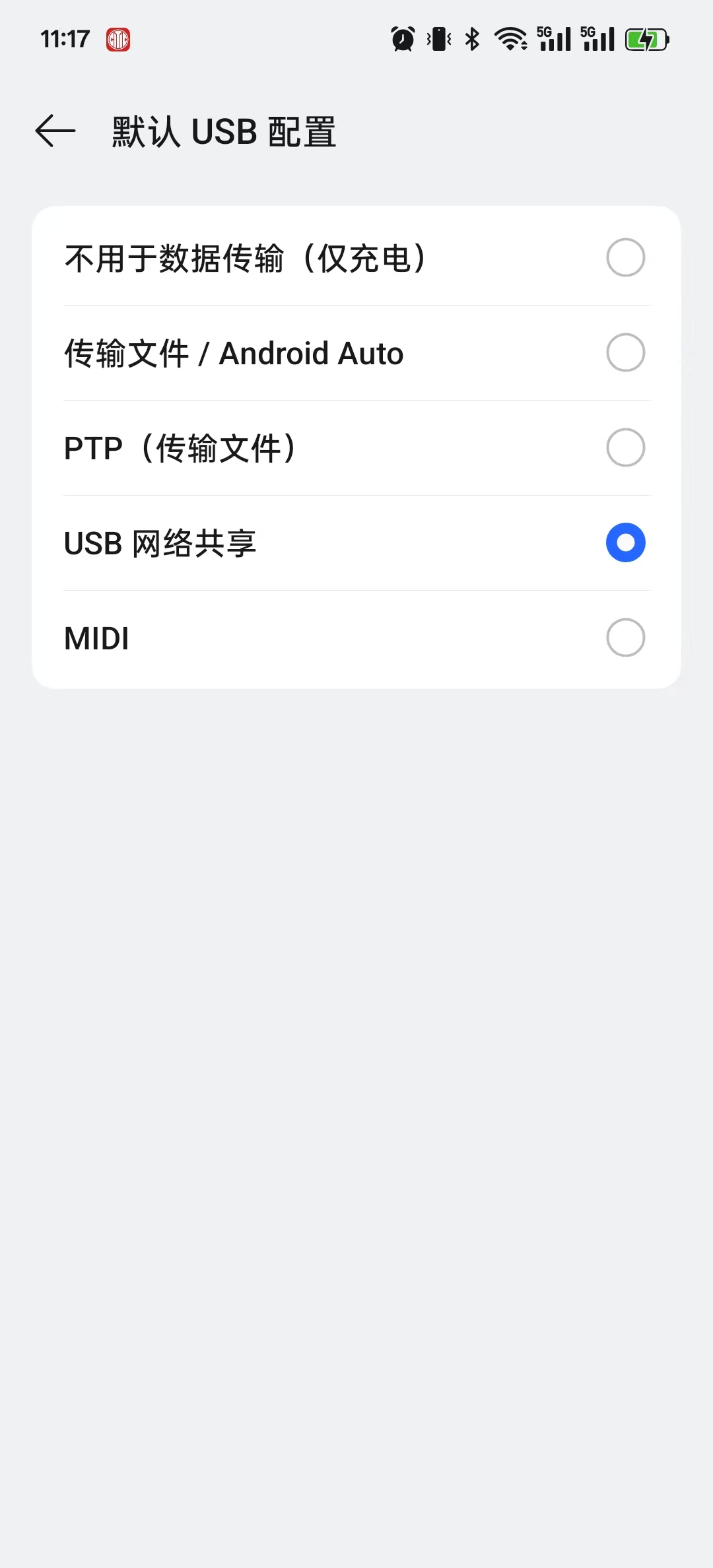
Figure 4