

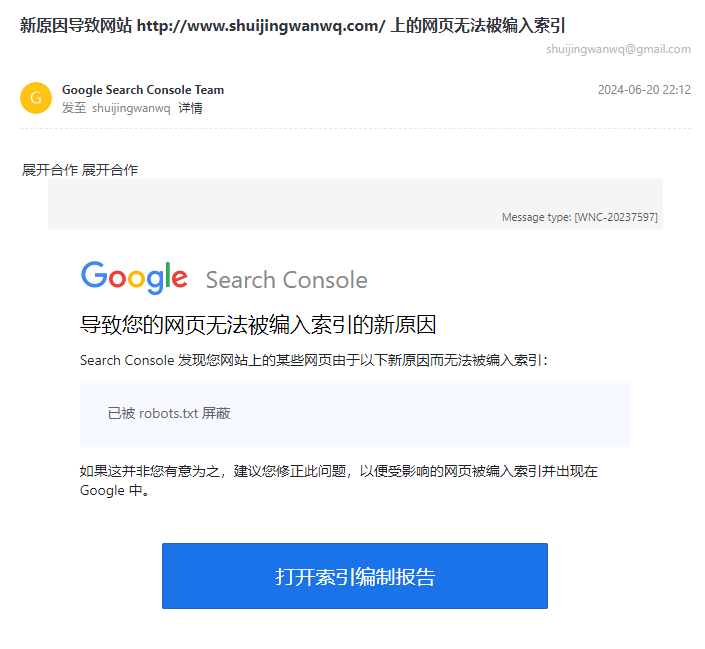
1. Received an email from Google Search Console: A new reason is preventing pages on the website http://www.shuijingwanwq.com/ from being indexed. See Figure 1.
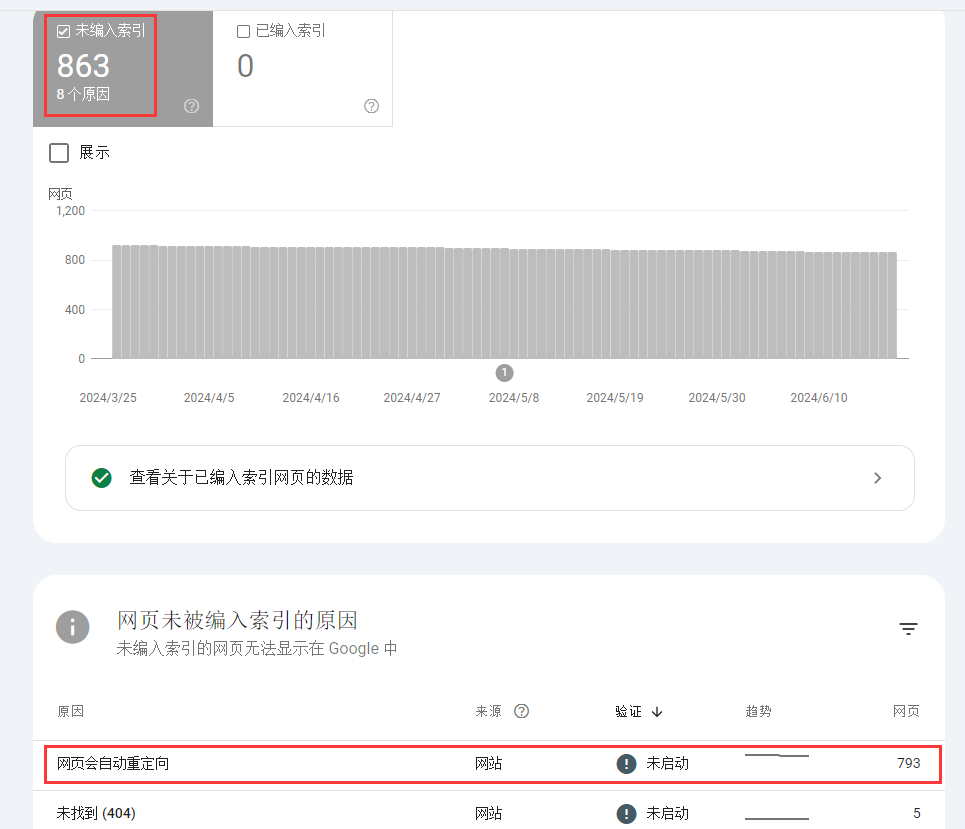
2. Opened the Index Coverage report, which showed 863 unindexed pages. Among them, 793 were due to “Page with redirect.” I decided to fix this issue. See Figure 2.
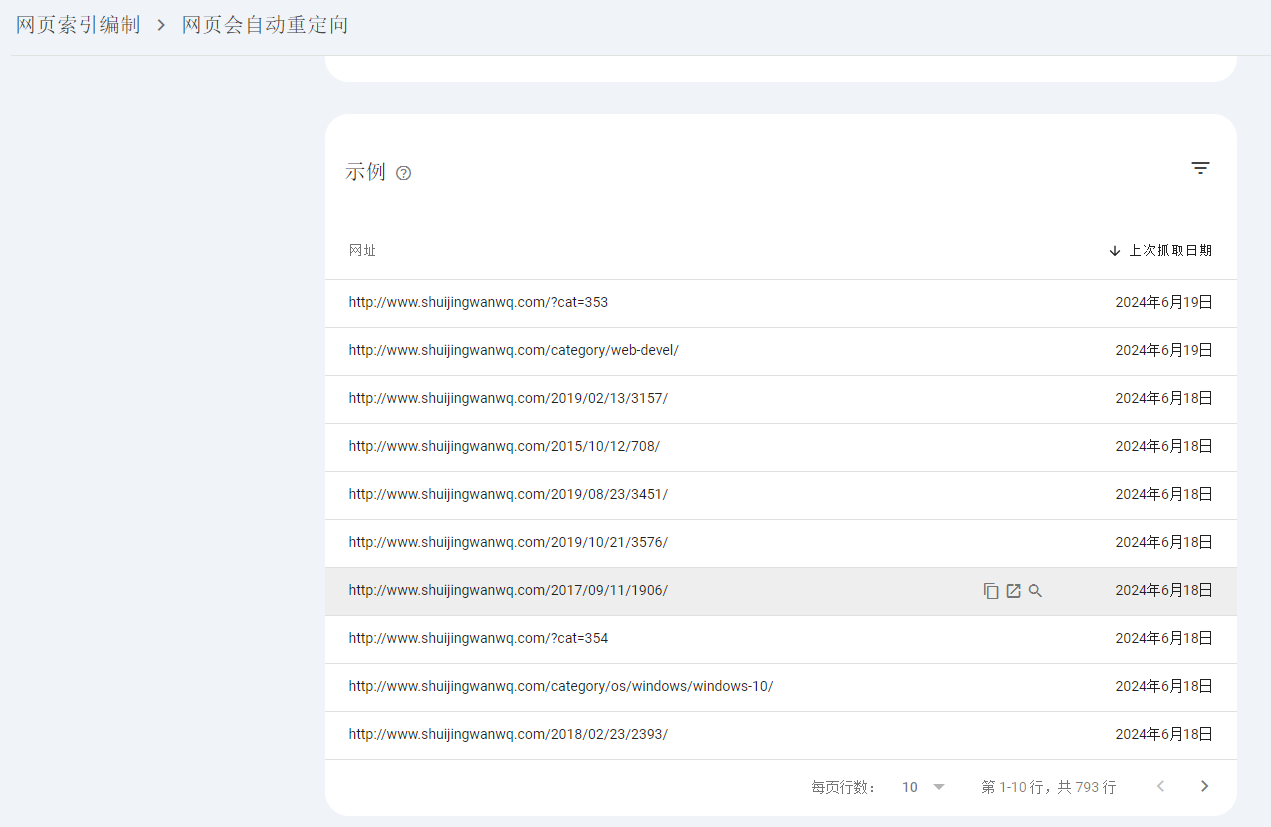
3. Clicked “Page with redirect.” These pages are not indexed and will not appear in Google search results. Clicked “Inspect URL” for a sample URL. See Figure 3.
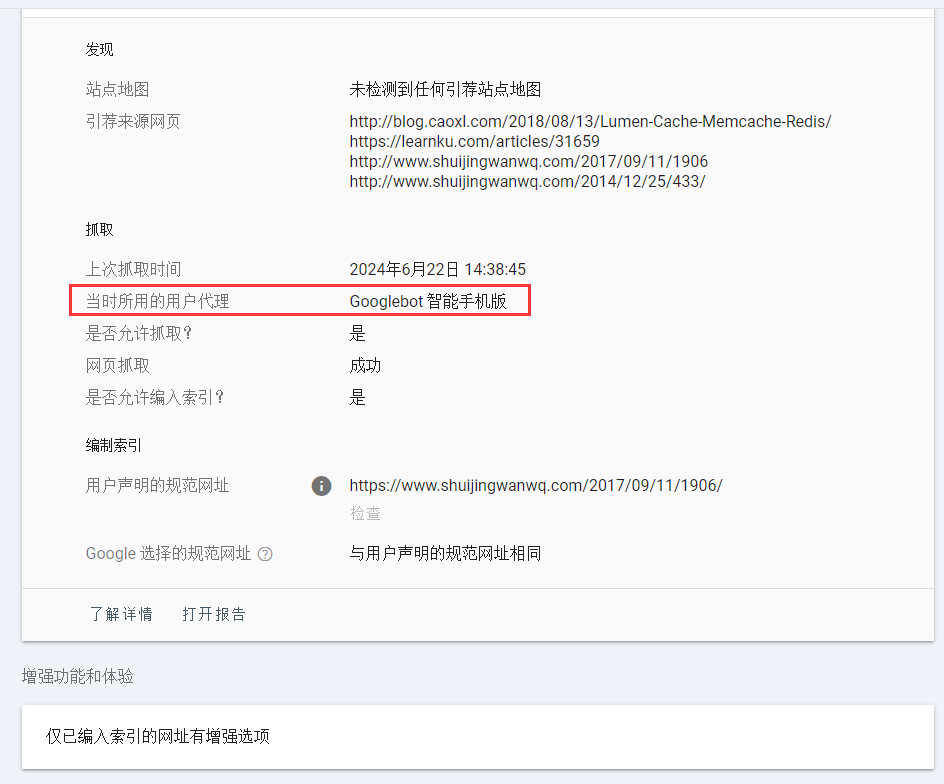
4. The URL is not yet indexed on Google. This page is not indexed. Unindexed pages cannot appear in Google search results. See the details below to understand why it was not indexed. The user agent used at the time was Googlebot Smartphone. Based on the user agent, I roughly understood the reason. The issue was that opening https://www.shuijingwanwq.com/2017/09/11/1906/ on a mobile phone would automatically redirect to https://www.shuijingwanwq.com/2017/09/11/1906/amp/. See Figure 4.
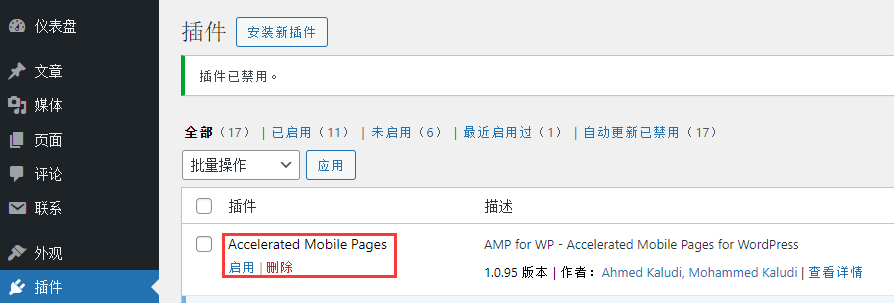
5. The root cause was that the AMP for WP – Accelerated Mobile Pages for WordPress plugin was enabled. I originally enabled this plugin hoping to increase Google ad revenue, but later found the results were not as expected. I ultimately decided to disable this plugin. See Figure 5.
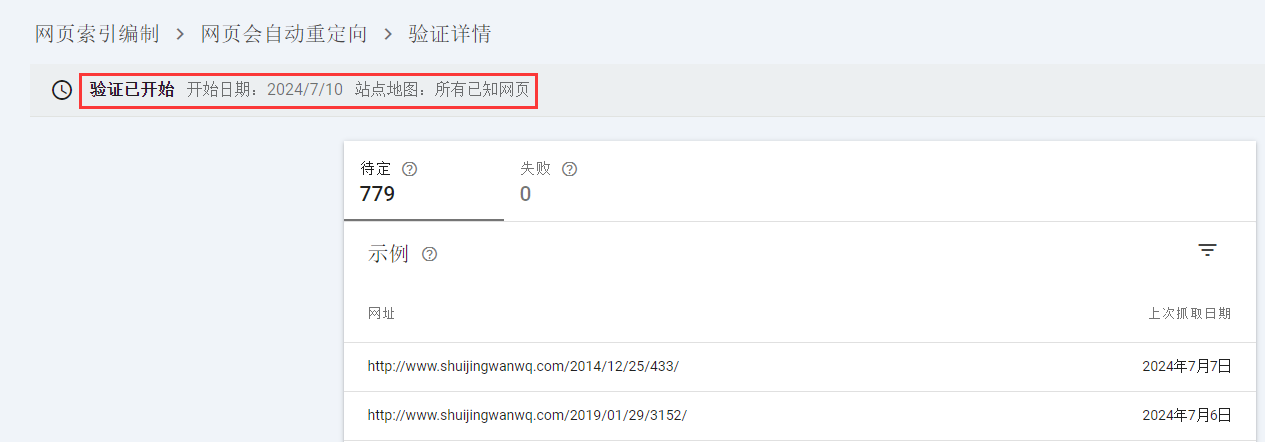
6. Then I waited for a period to observe the page indexing results. I found that waiting until July 10 still had no effect. For “Page with redirect,” I clicked “Validate fix” to view the validation details. See Figure 6.
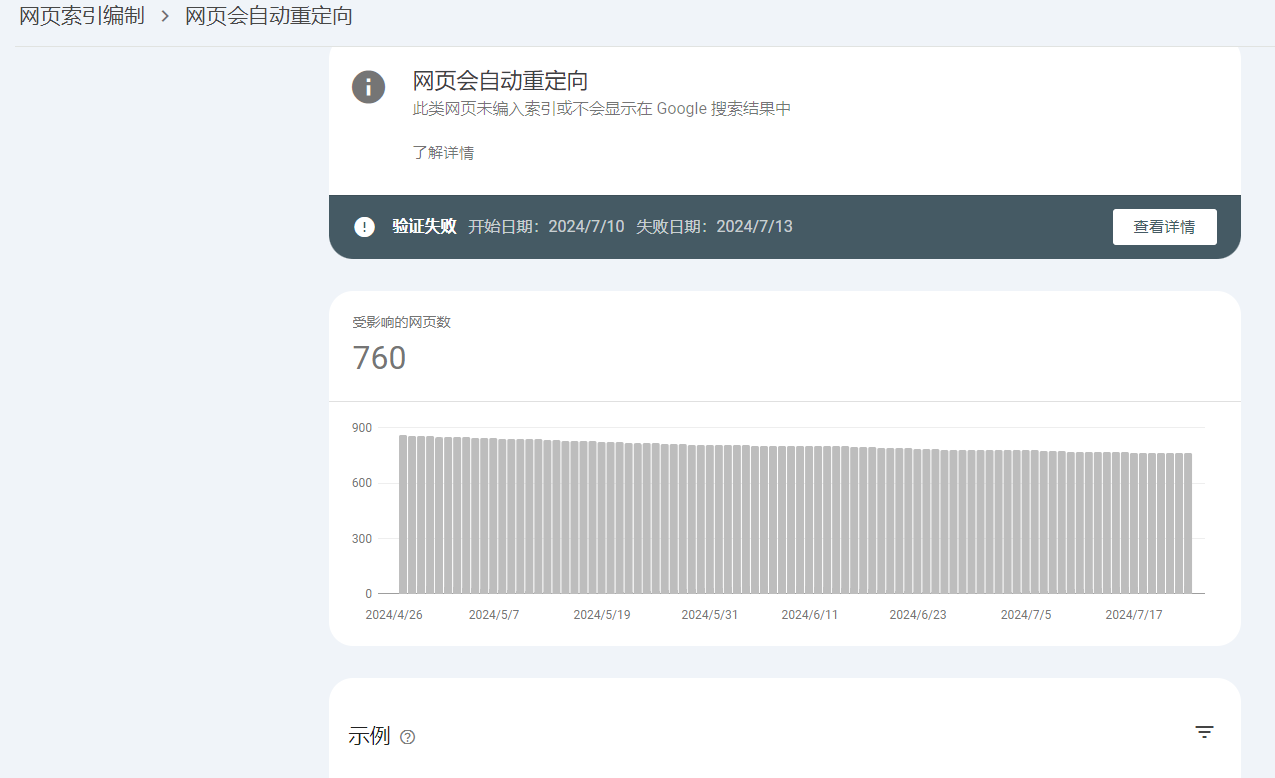
7. On 2024/07/25, it showed “Validation failed.” Start date: 2024/7/10. Failure date: 2024/7/13. See Figure 7.
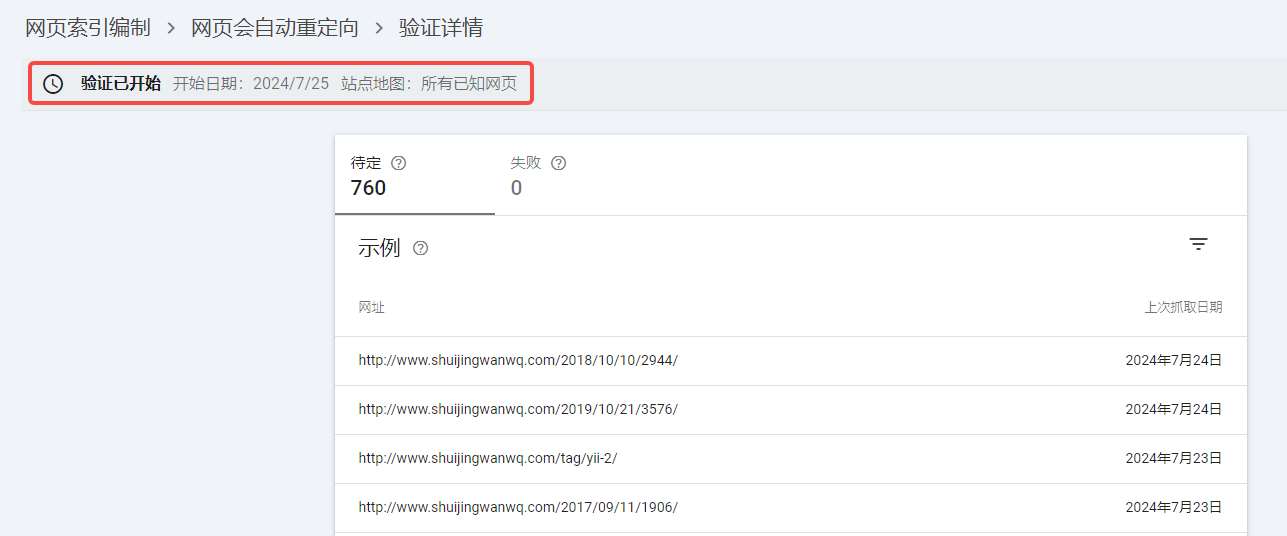
8. I checked the details, but after trying to open the URL on my phone, I confirmed it no longer auto-redirected. I decided to validate again. Validation started. Start date: 2024/7/25. Sitemap: All known pages. See Figure 8.
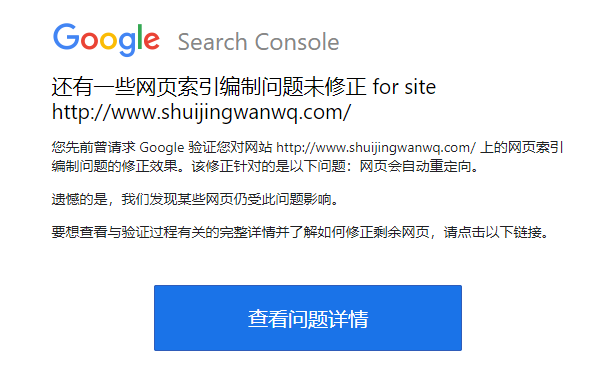
9. A few days later, I received an email stating that there were still some uncorrected page indexing issues on the website http://www.shuijingwanwq.com/. See Figure 9.
10. Checked the issue details: 241 failures. See Figure 10.
11. Finally, I identified the problem. The reason was that my website already fully supported HTTPS. All HTTP pages would automatically redirect to HTTPS. Finally, I decided to remove http://www.shuijingwanwq.com/ and keep only https://www.shuijingwanwq.com/. However, to my surprise, it was automatically re-added after removal. See Figure 11.
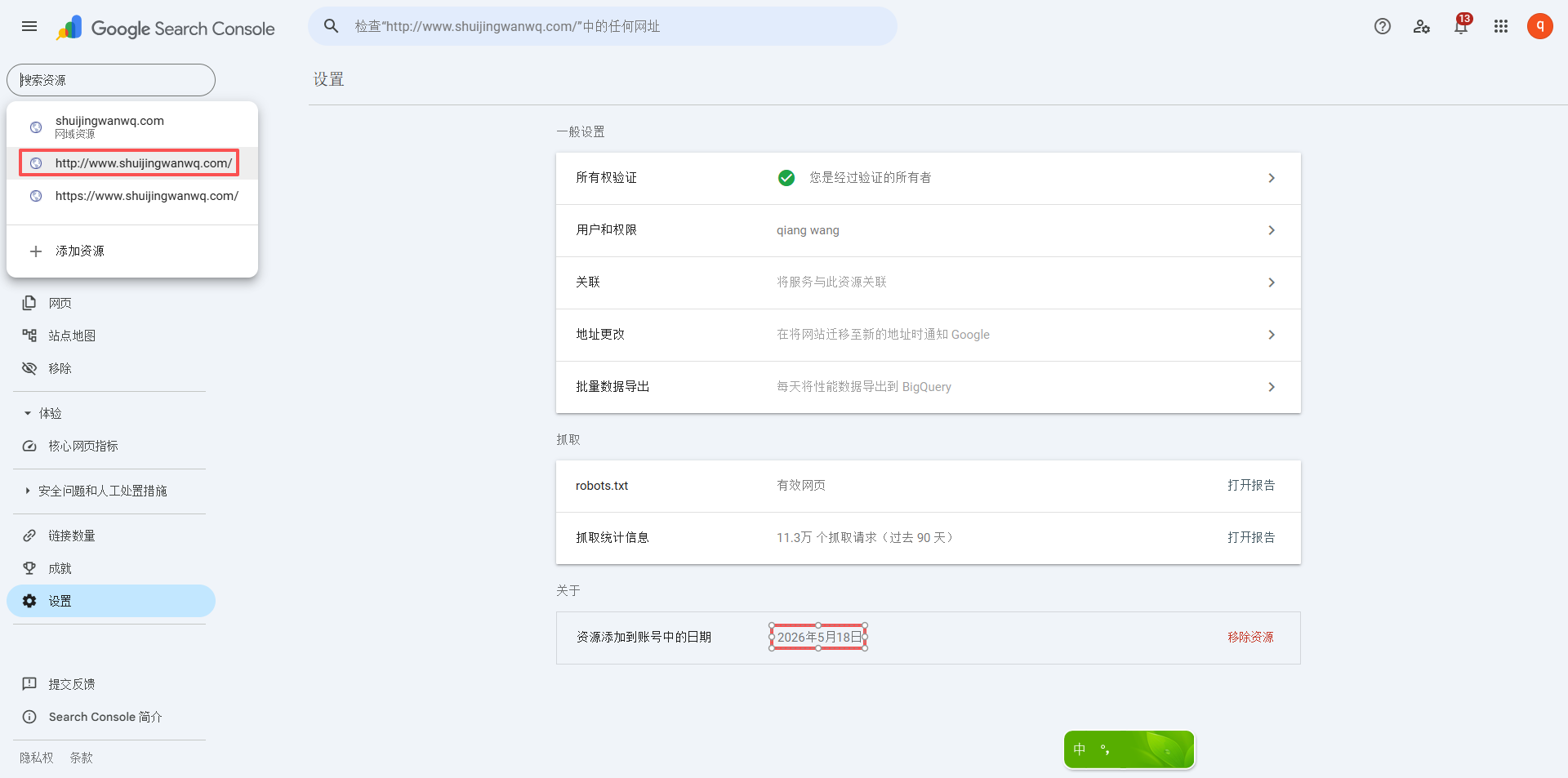
12. I suspected that http://www.shuijingwanwq.com was automatically added because my website still had internal links pointing to http://www.shuijingwanwq.com. GSC automatically adds a corresponding resource for any URL that Googlebot can find. If Googlebot crawls https://www.shuijingwanwq.com and finds any internal links pointing to the http:// version, it will follow those links to find the HTTP page and automatically add a corresponding resource in GSC.
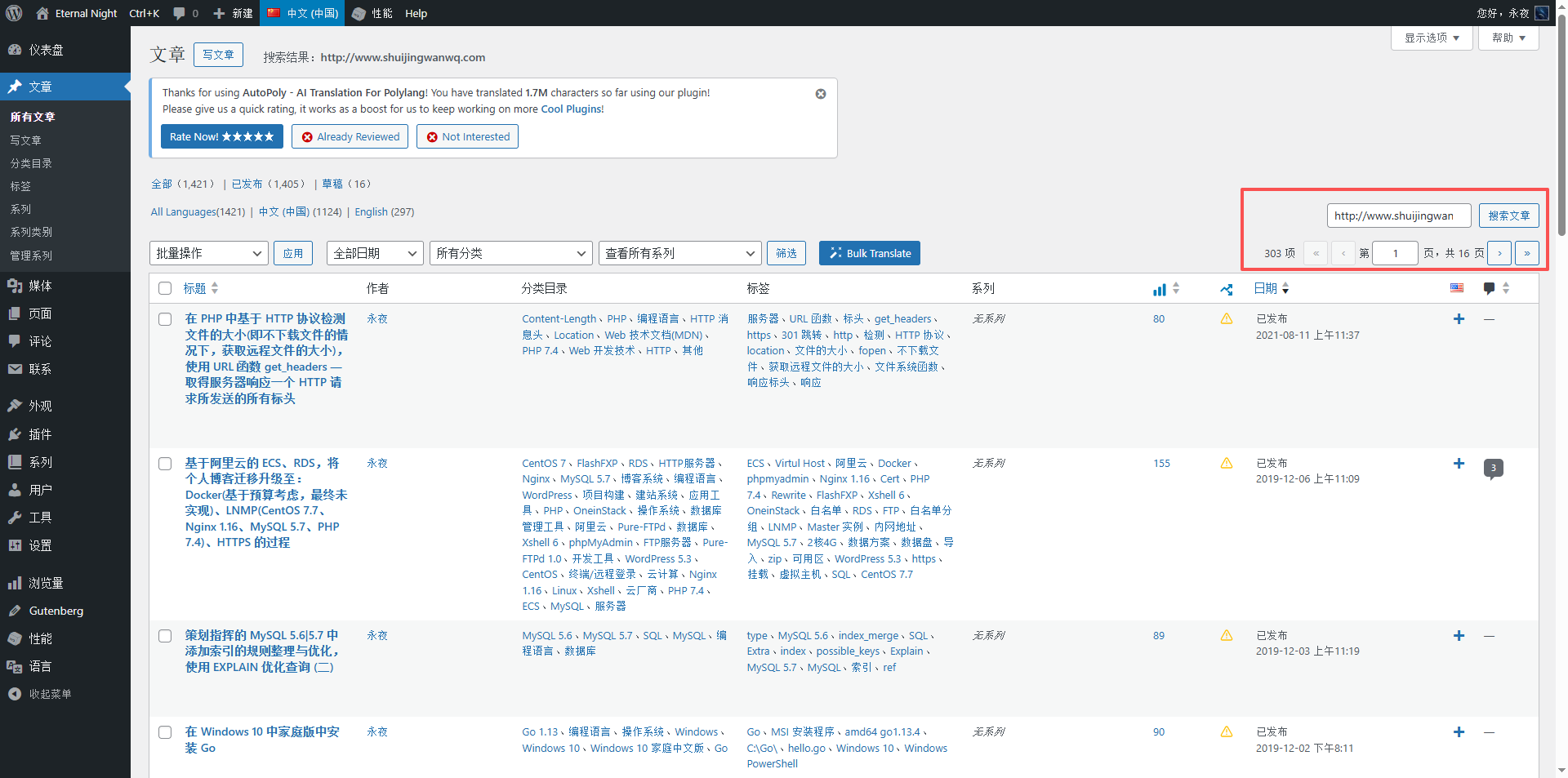
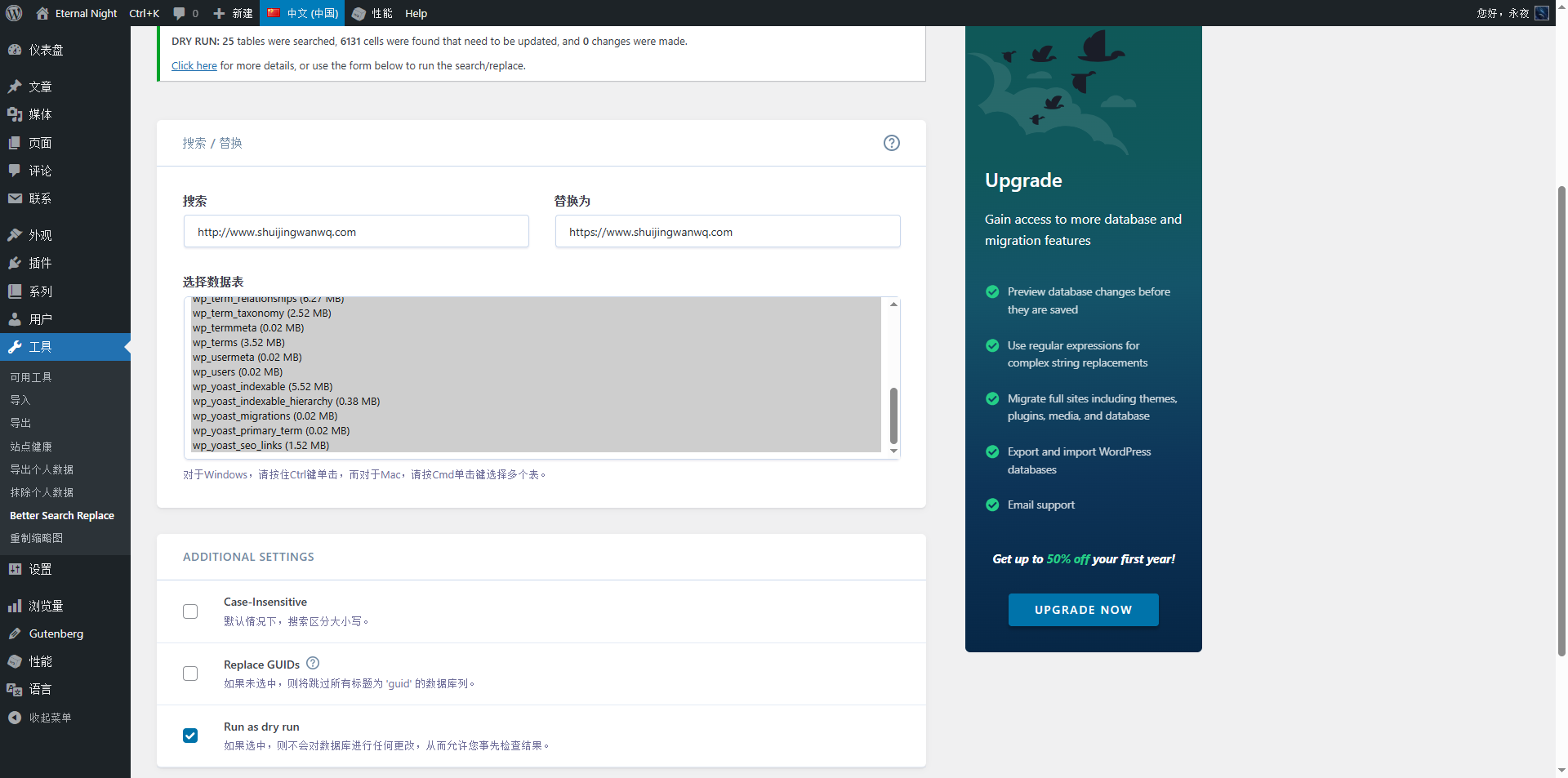
13. I decided to search for http://www.shuijingwanwq.com in All Posts in the admin dashboard, and then replace all instances with https://www.shuijingwanwq.com. When I searched in All Posts, I was surprised to find over 300 articles containing http://www.shuijingwanwq.com. That was a huge number. I decided to use the Better Search Replace plugin to perform a bulk replacement. See Figure 12.
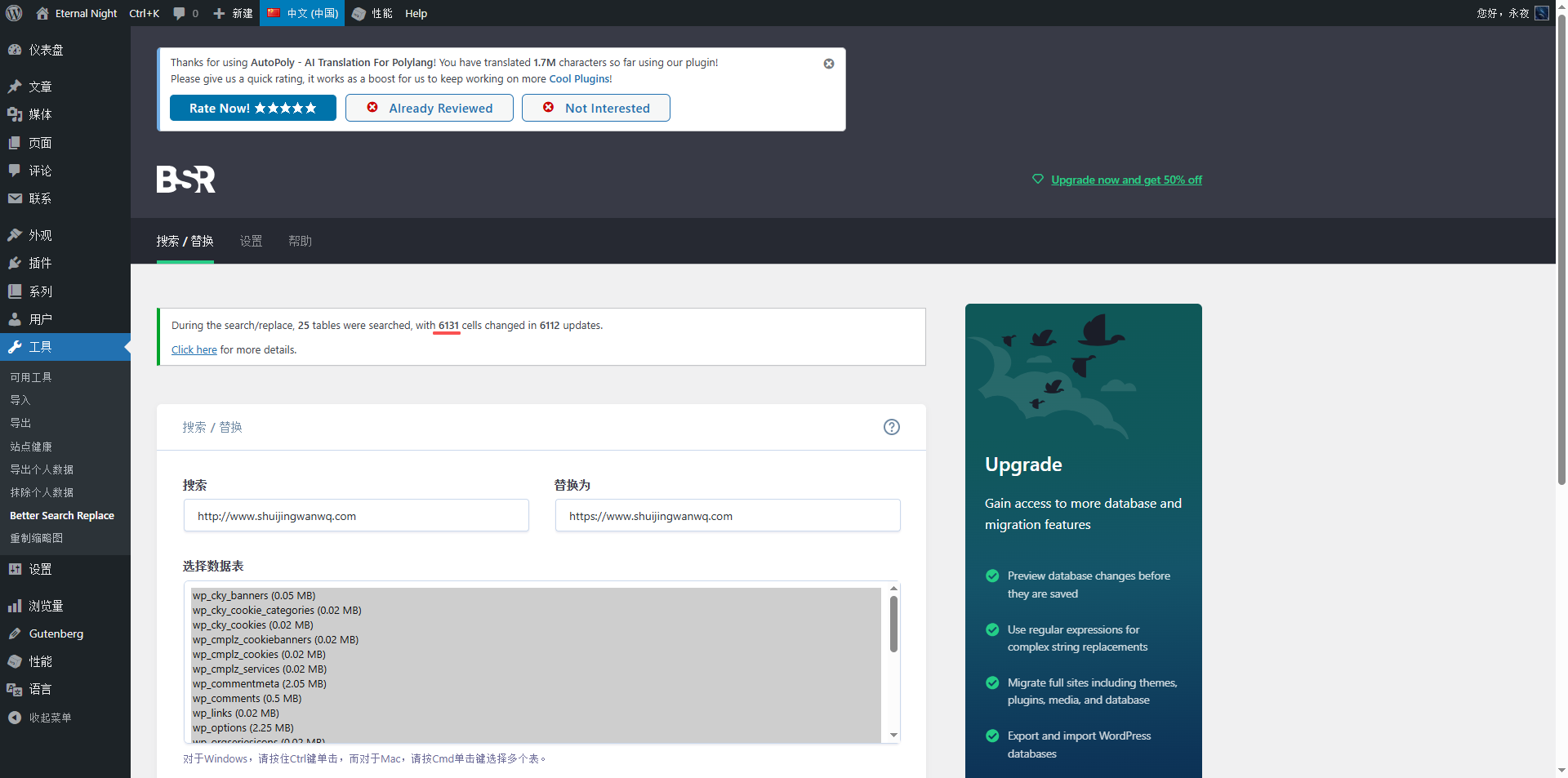
14. Dry run: Scanned 25 tables, found 6131 cells to update, made no changes. Click here to view more details, or use the form below to run a find/replace. See Figure 13.
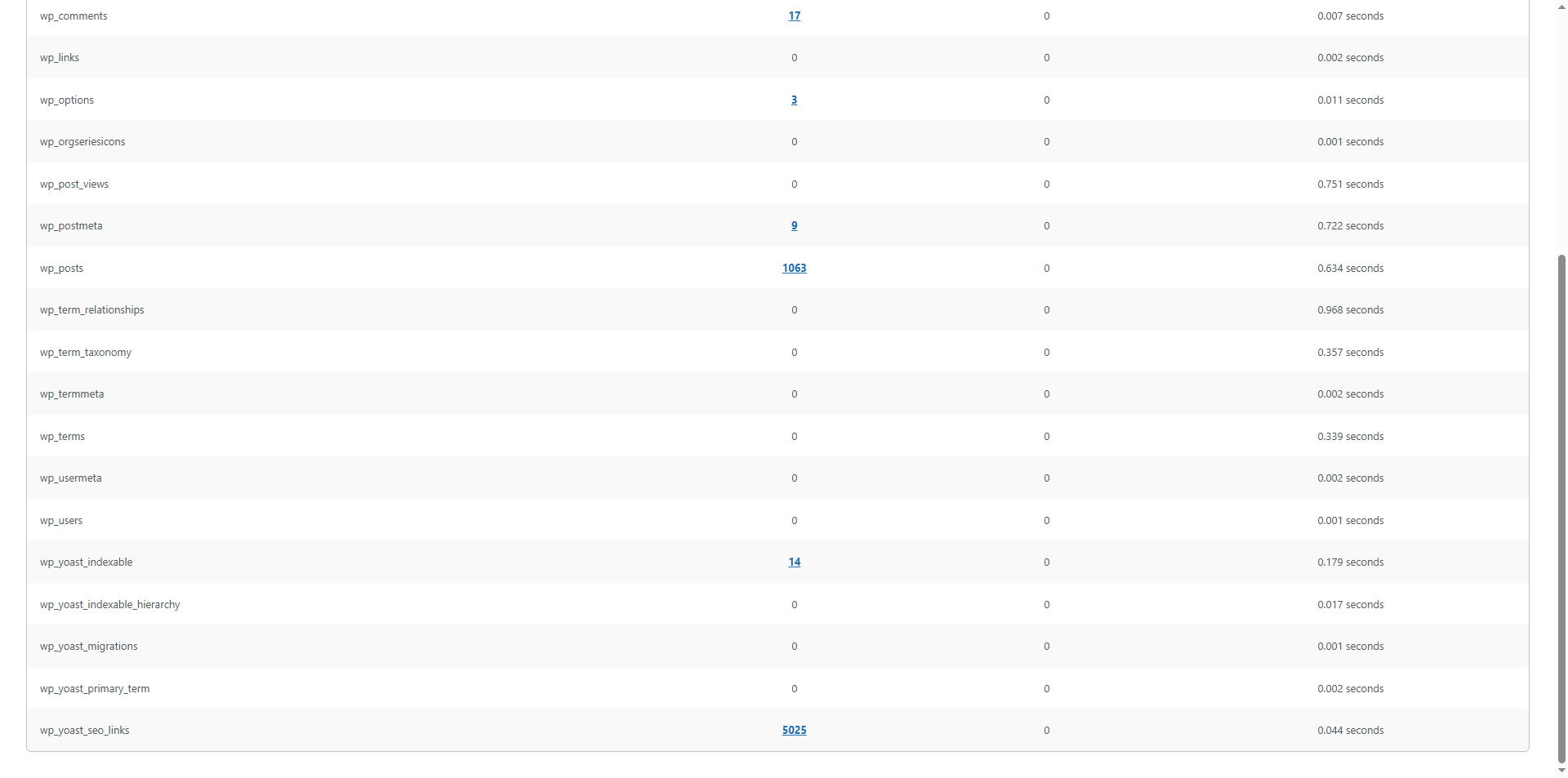
15. Clicked “Click here,” and found that the following tables were primarily affected: wp_comments(17), wp_options(3), wp_postmeta(9), wp_posts(1063), wp_yoast_indexable(14), wp_yoast_seo_links(5025). See Figure 14.
16. After backing up the database, I went to the Better Search Replace plugin page and unchecked “Run as dry run.”
I kept the other options unchanged (search/replace strings, selected tables).
I clicked “Run Search/Replace”.
I waited for the page to finish processing. I saw a success message similar to “6131 cells changed.” See Figure 15.
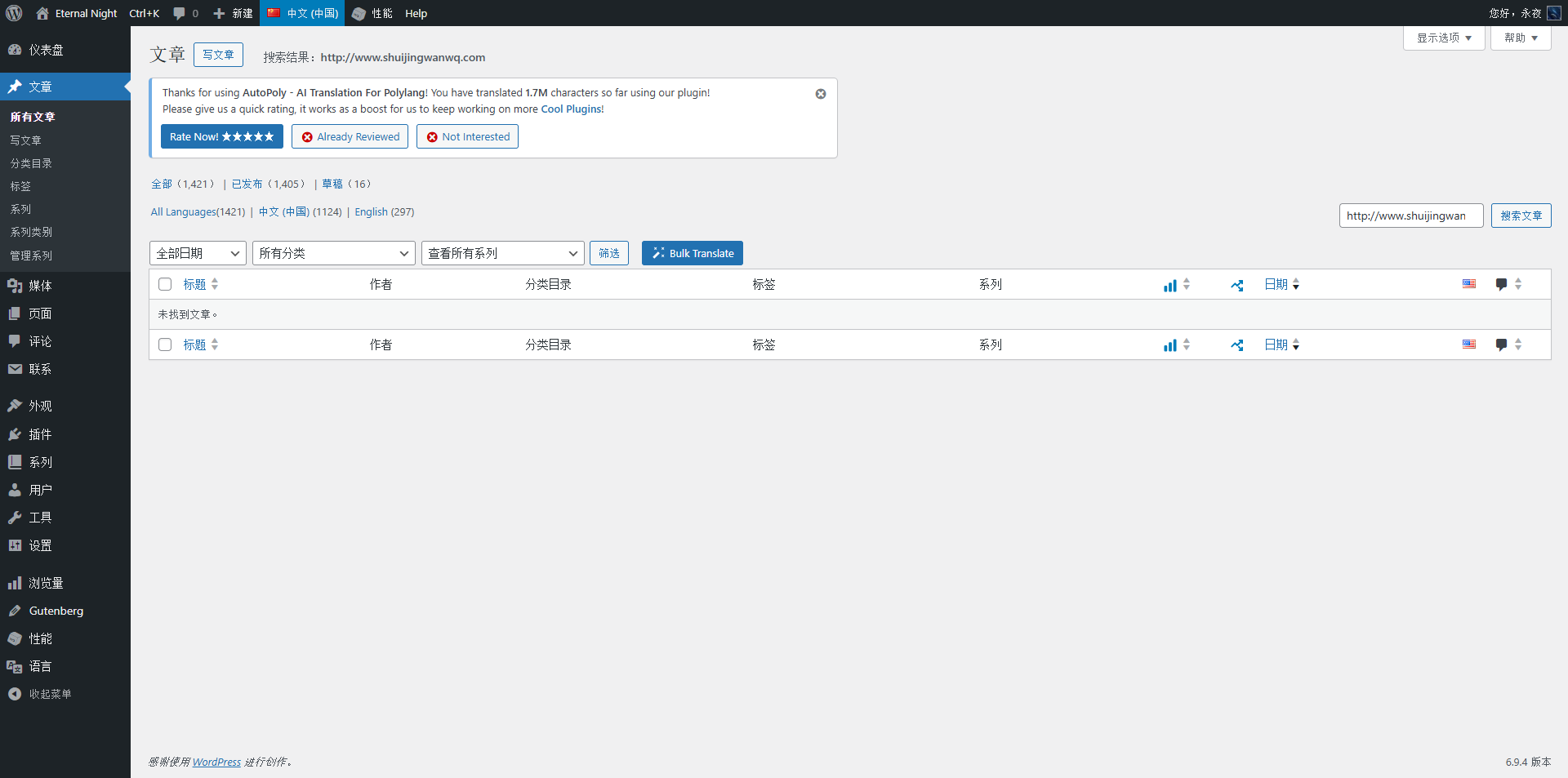
17. Searched for http://www.shuijingwanwq.com in All Posts in the admin dashboard. The search results were empty. See Figure 16.
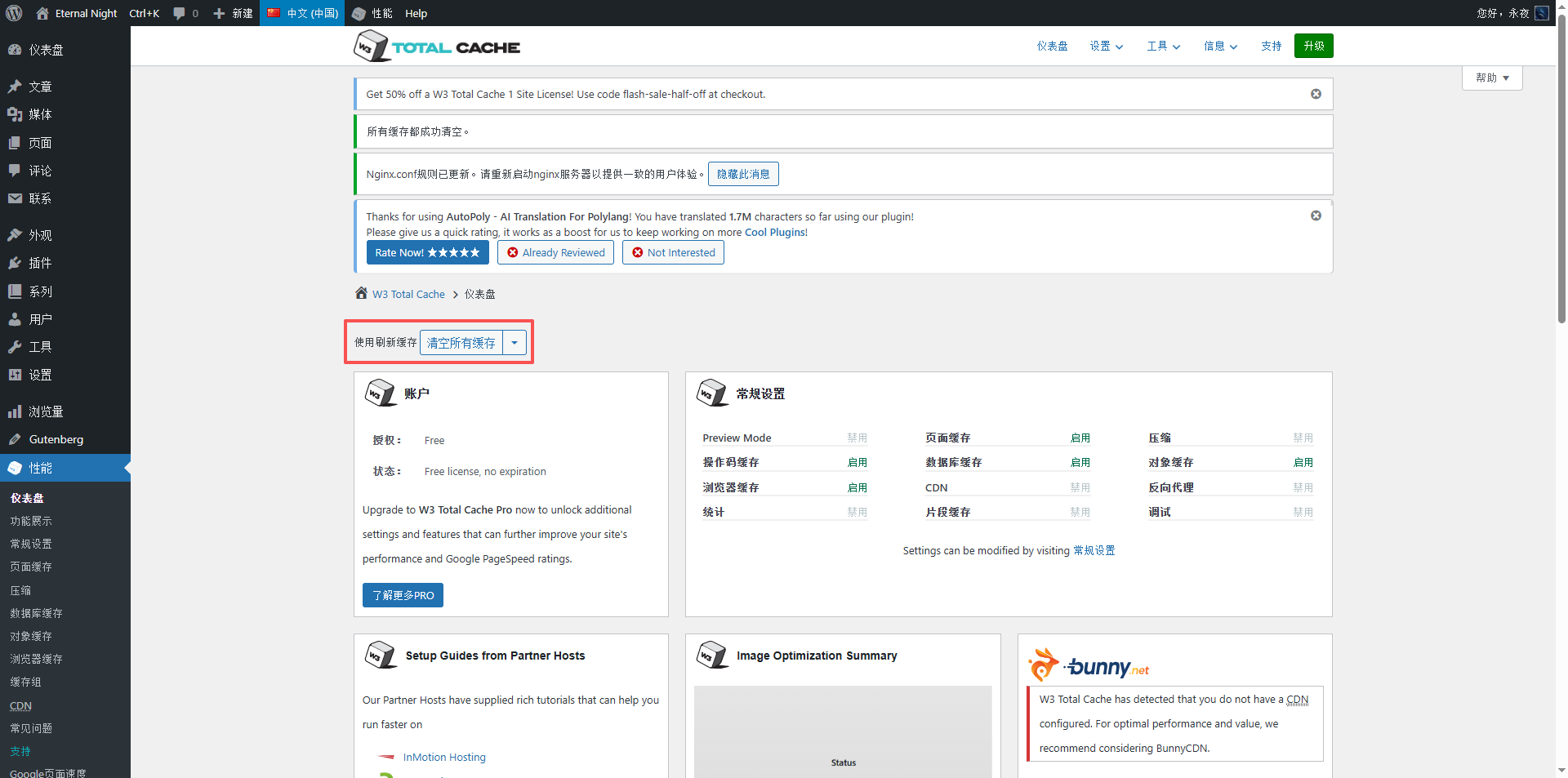
18. Cleared all caches. See Figure 17.
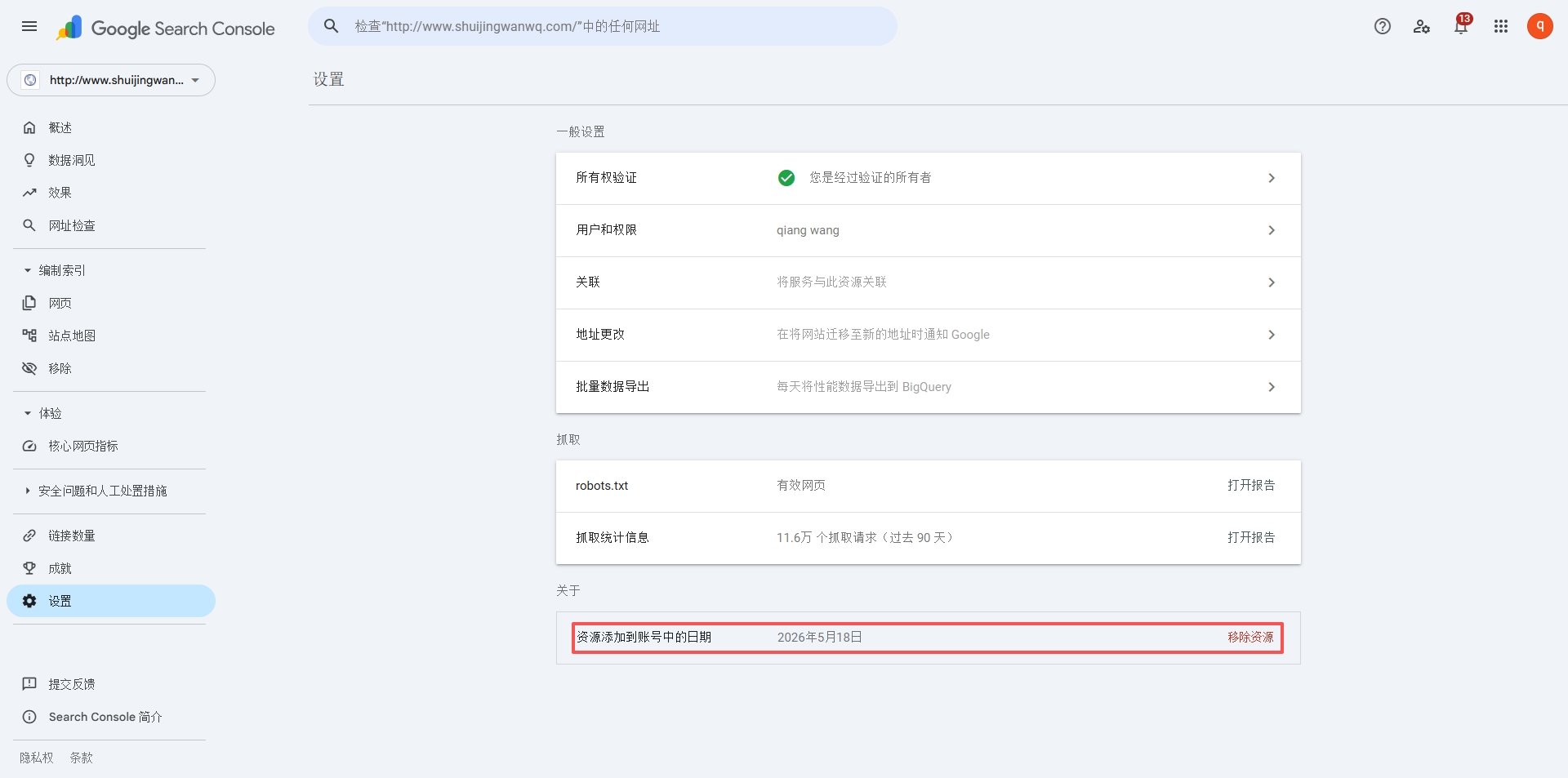
19. Again went to Settings – About – Remove property http://www.shuijingwanwq.com. See Figure 18.
20. A few days later, I confirmed that http://www.shuijingwanwq.com/ was no longer automatically re-added, as expected.