Recently, in order to directly click the print button on the web page, I began to print the corresponding documents, analyzed several web controls, and finally decided to use the free version of JatoolSprinter.
Among them, there is a problem with reyon under IE10. Obviously, there is only one page, but it has been judged that there are nine pages, which is a problem. However, ScriptX is not configured with an ideal format, and it is not clear what went wrong for the time being. Lodop does not have a free version, but its paid version, which is not expensive based on the domain name, is not expensive. Only 210 yuan.
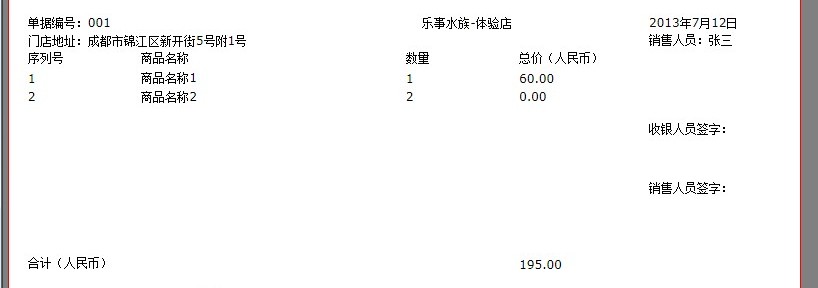
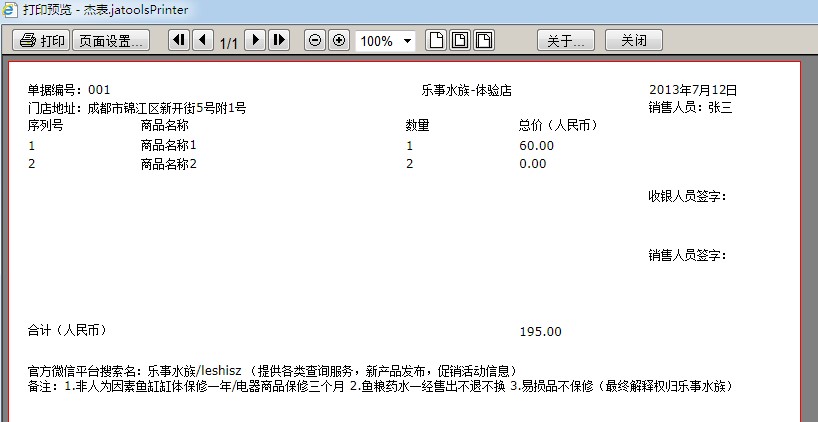
However, since the company does not want to buy a paid version, it is said that the free version of JatoolSprinter is finally used in order to print the relevant documents. One problem is that the margins seem to have no effect when it is set to 0, so it can only be set as small as possible. Another problem is that the printing preview is correct, but the printed documents are missing some content on the far left, and the format of html has to be adjusted. Margin-left has some spacing on the left to solve this problem! Upload a preview:
Leave a Reply