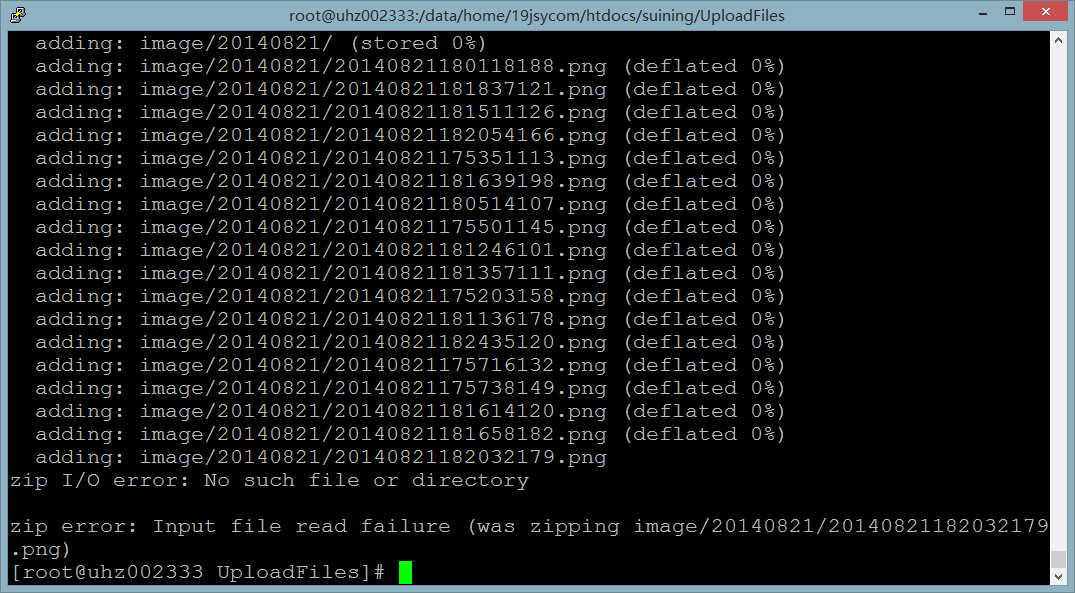


Note: If the compressed file is too large, the system does not allow it, and does not want to do any other processing, you can split and compress according to the rules of the directory.
There is no problem not worth solving, and no technology not worth learning!
Note: If the compressed file is too large, the system does not allow it, and does not want to do any other processing, you can split and compress according to the rules of the directory.
This site uses Akismet to reduce spam. Learn how your comment data is processed.
Leave a Reply