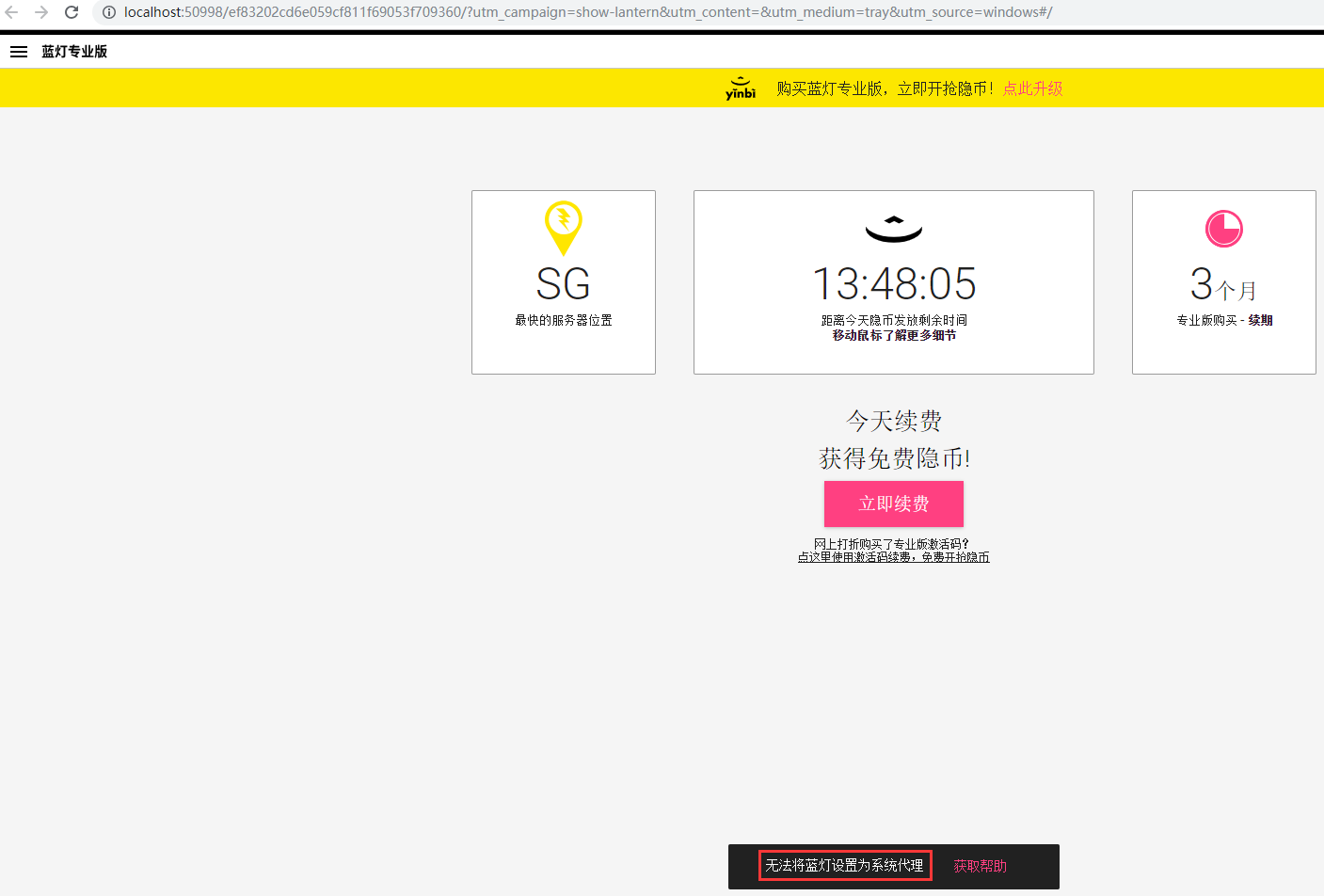
1. Turn on the blue light, status: The blue light cannot be set as the system agent, as shown in Figure 1
2. Click to get help and open the URL: https://github.com/getlantern/wik I/troubleshooting:-failed-to-set-lantern-as-system-proxy , as shown in Figure 2

3. Click the start menu, then click Settings, click Network and Internet, select the proxy option in the network and Internet, and turn off the use of the proxy server, as shown in Figure 3

4. Exit the blue light, turn it on again, and the blue light has been successfully set as the system agent, as shown in Figure 4

Leave a Reply