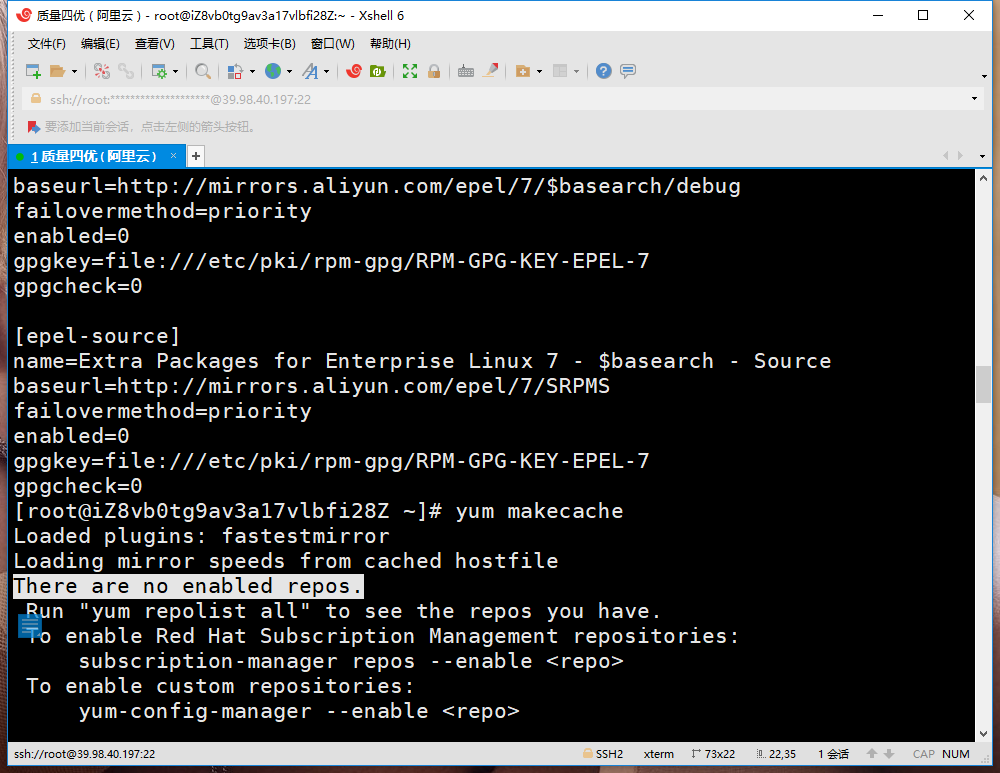
1. Execute the command in CentOS 7.6 64-bit: yum makeCache to update the cache of the yum source, and report an error: There are no enabled repos, as shown in Figure 1
Figure 1
[root@iZ8vb0tg9av3a17vlbfi28Z ~]# yum makecache
Loaded plugins: fastestmirror
Loading mirror speeds from cached hostfile
There are no enabled repos.
 Run "yum repolist all" to see the repos you have.
 To enable Red Hat Subscription Management repositories:
     subscription-manager repos --enable <repo>
 To enable custom repositories:
     yum-config-manager --enable <repo>
2. Decided to reinstall the 7.6 release package, first go to the Alibaba Yunyuan website, find the corresponding release package, and copy its link, as shown in Figure 2
Figure 2
3. Execute the following commands in sequence, as shown in Figure 3
Figure 3
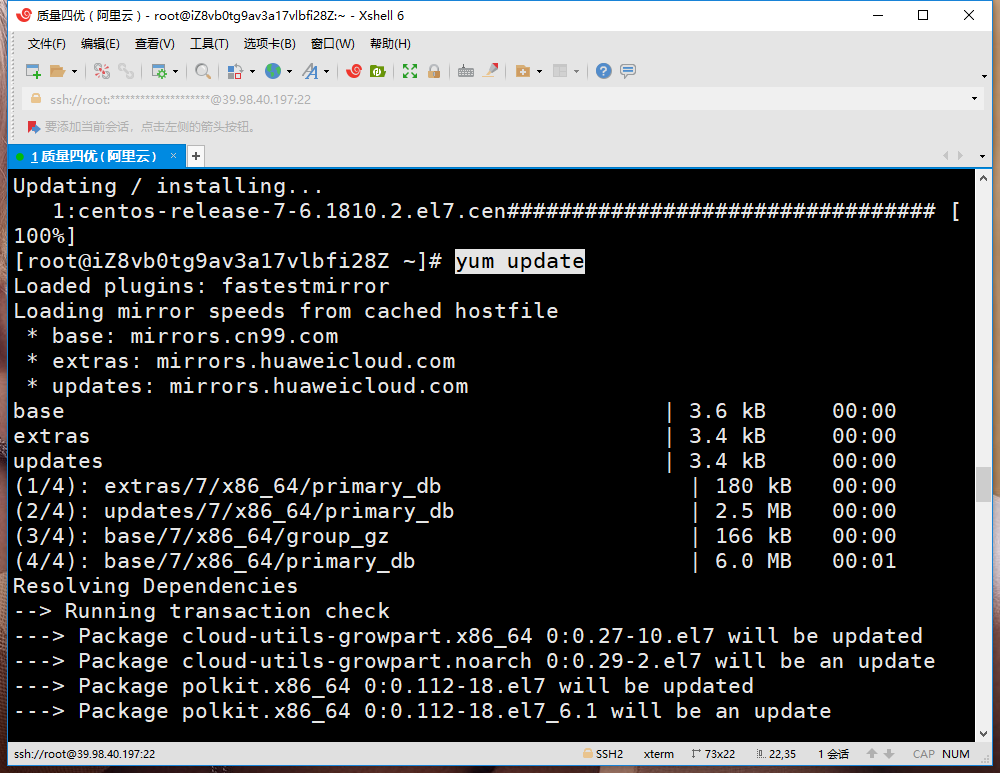
4. Execute the command: yum makeCache to update the cache of the yum source, no errors are reported, and it is in line with expectations, as shown in Figure 4
Figure 4


Leave a Reply