Error when running Go: exercise-maps.go:4:2: cannot find package “code.google.com/p/go-tour/wc” in any of: C:\Go\src\code.google.com\p\go-tour\wc (from $goroot)
1. Check the Go file: exercise-maps.go, the code is as follows
package main

import (
	"code.google.com/p/go-tour/wc"
)

func WordCount(s string) map[string]int {
	return map[string]int{"x": 1}
}

func main() {
	wc.Test(WordCount)
}
2. Run the file, Go reports an error: exercise-maps.go:4:2: Cannot find package “code.google.com/p/go-tour/wc” in any of:
C:\Go\src\code.google.com\p\go-tour\wc (from $goroot)
C:\Users\Administrator\Go\src\code.google.com\p\go-tour\wc (from $gopath), as shown in Figure 1
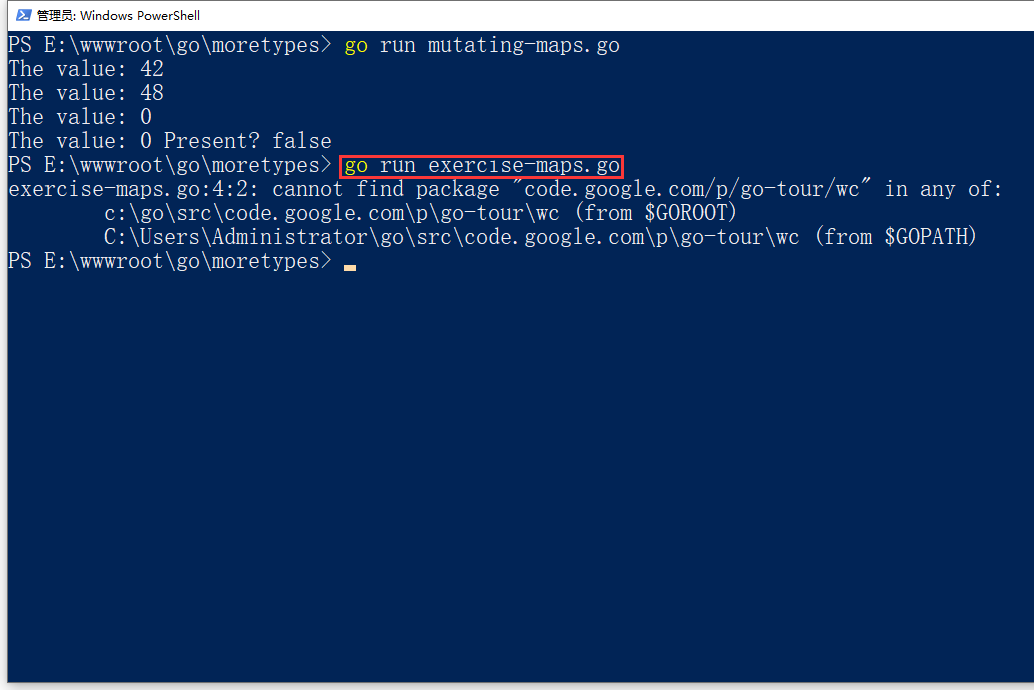
Figure 1
PS E:\wwwroot\go\moretypes> go run exercise-maps.go
exercise-maps.go:4:2: cannot find package "code.google.com/p/go-tour/wc" in any of:
        c:\go\src\code.google.com\p\go-tour\wc (from $GOROOT)
        C:\Users\Administrator\go\src\code.google.com\p\go-tour\wc (from $GOPATH)
3. Open the URL of Go Tour on GitHub:https://github.com/golang/tour, after turning on the blue light connection, install the go tour based on the source code, and an error is reported: unrecognized import path “golang.org/x/tour”, ping golang.org, prompts the request timeout, as shown in Figure 2
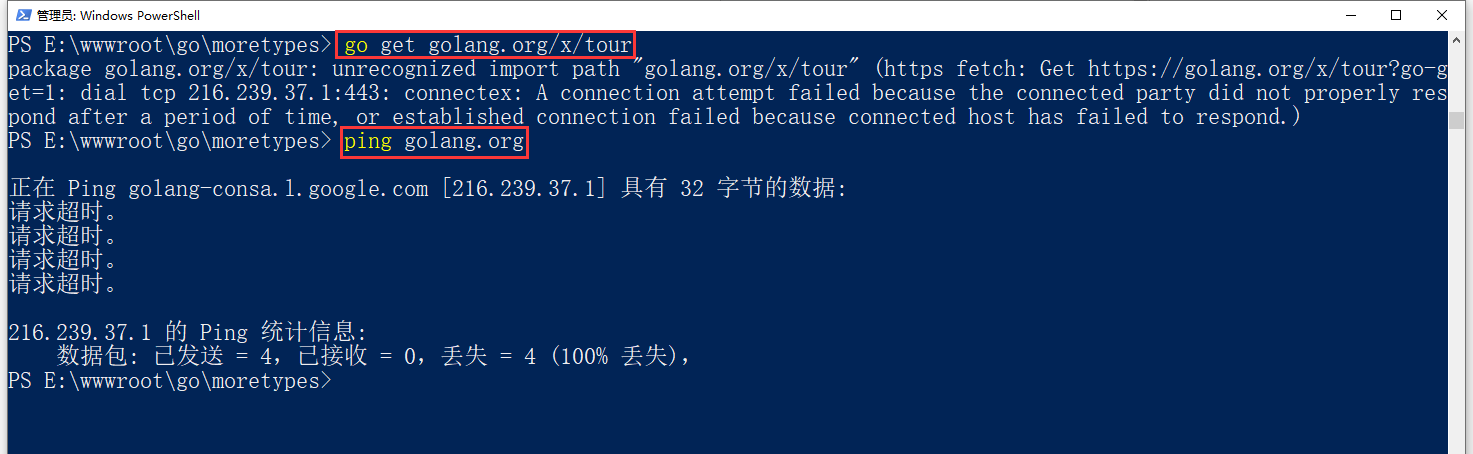
Figure 2
PS E:\wwwroot\go\moretypes> go get golang.org/x/tour
package golang.org/x/tour: unrecognized import path "golang.org/x/tour" (https fetch: Get https://golang.org/x/tour?go-g
et=1: dial tcp 216.239.37.1:443: connectex: A connection attempt failed because the connected party did not properly res
pond after a period of time, or established connection failed because connected host has failed to respond.)
4. Open the URL in Chrome:https://golang.org/, it can be opened normally, as shown in Figure 3
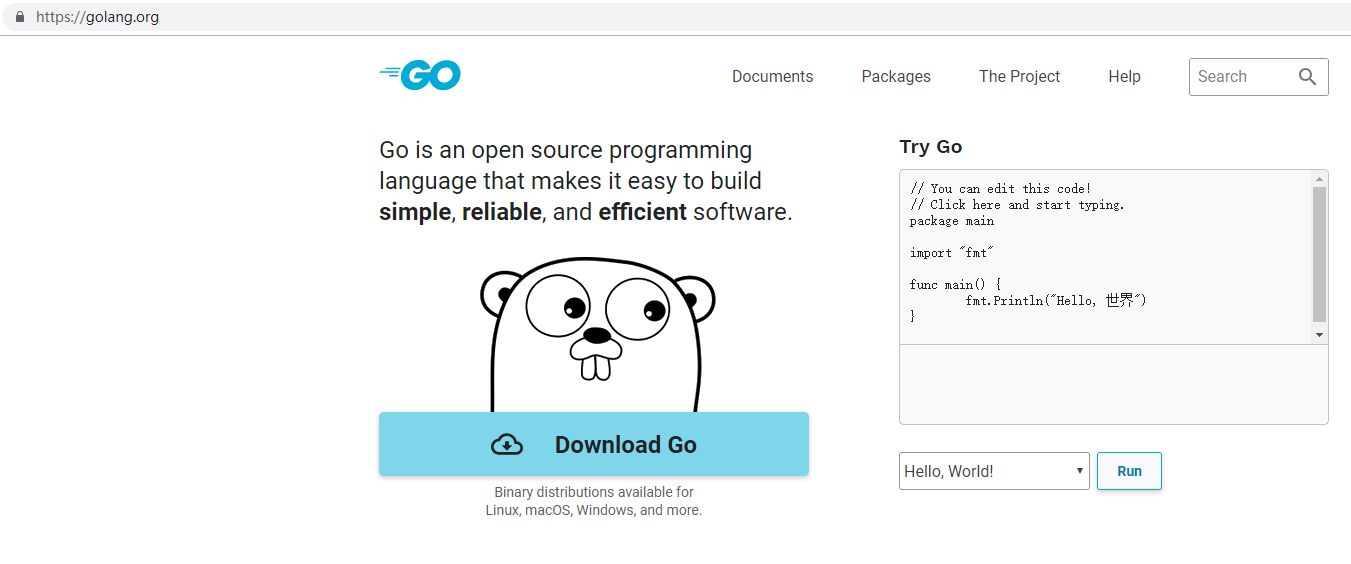
Figure 3
5. Use the blue light to configure the HTTP proxy for the command line to view the advanced settings of the blue light – HTTP(S) proxy server, as shown in Figure 4
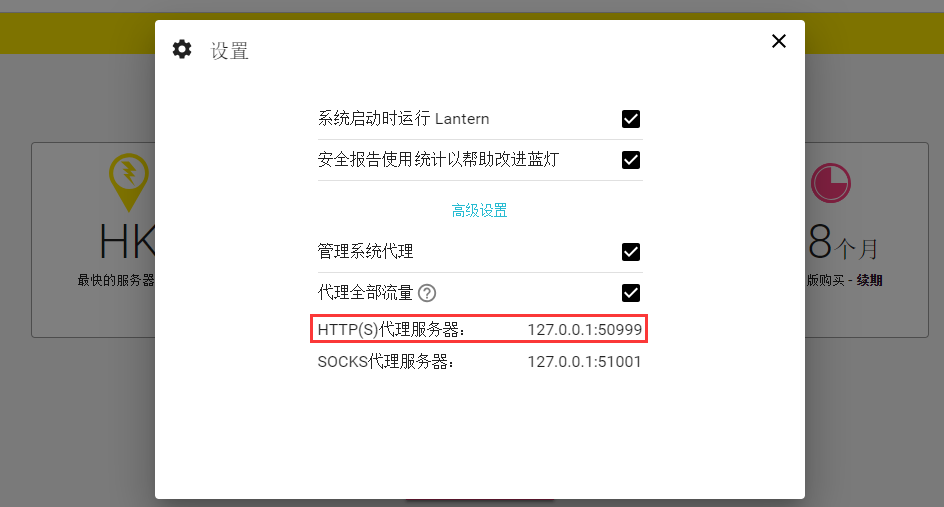
Figure 4
6. Set two environment variables http_proxy and https_proxy in cmd, execute the following two commands to set the environment variable, complete the configuration, and install the go tour based on the source code, no error is reported, although it still cannot ping pass, but can be opened through curlwww.google.com,表示The HTTP proxy has been successfully set, as shown in Figure 5
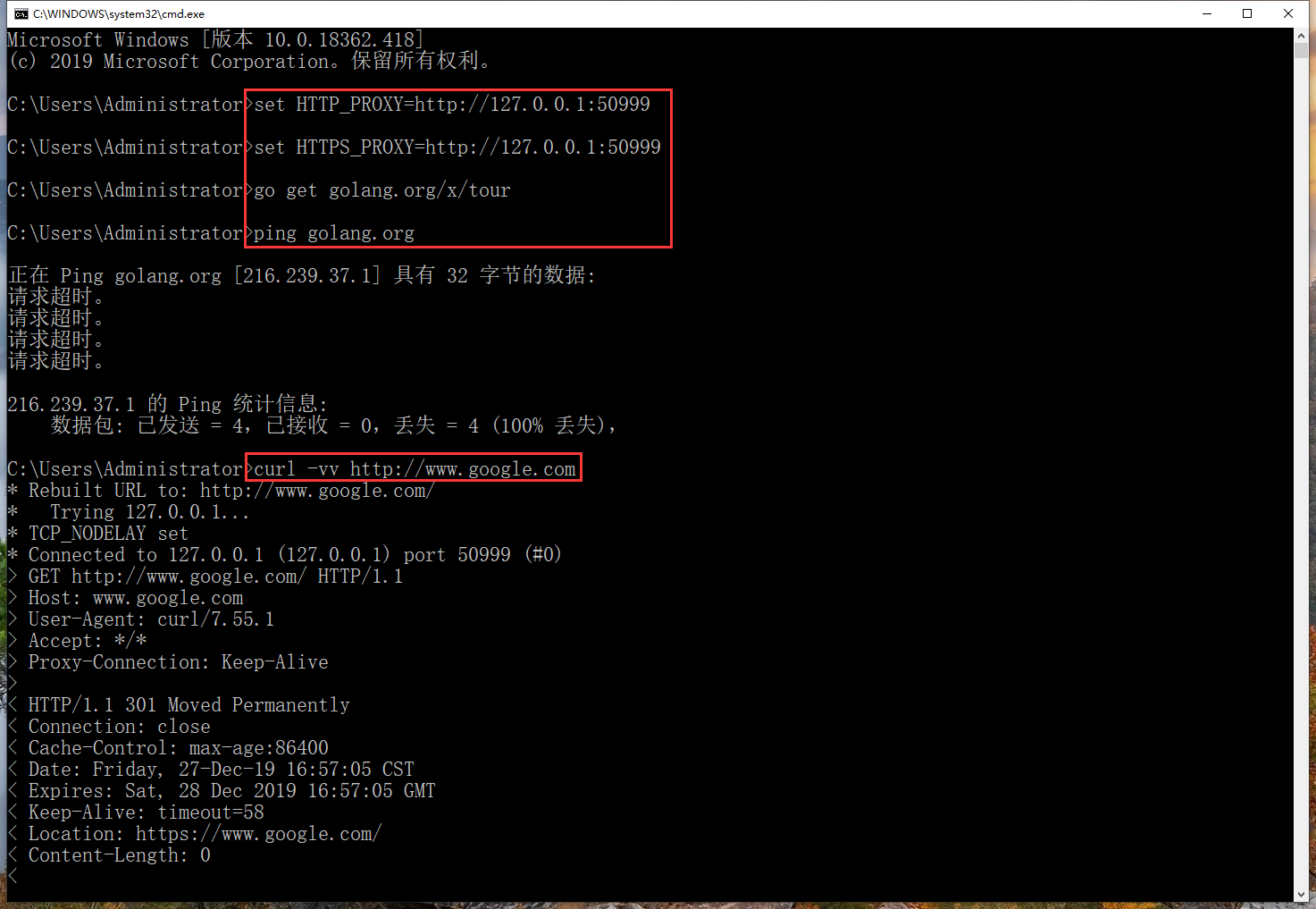
Figure 5
C:\Users\Administrator>set HTTP_PROXY=http://127.0.0.1:50999

C:\Users\Administrator>set HTTPS_PROXY=http://127.0.0.1:50999

C:\Users\Administrator>go get golang.org/x/tour

C:\Users\Administrator>ping golang.org

正在 Ping golang.org [216.239.37.1] 具有 32 字节的数据:
请求超时。
请求超时。
请求超时。
请求超时。

216.239.37.1 的 Ping 统计信息:
    数据包: 已发送 = 4,已接收 = 0,丢失 = 4 (100% 丢失),

C:\Users\Administrator>curl -vv http://www.google.com
* Rebuilt URL to: http://www.google.com/
*   Trying 127.0.0.1...
* TCP_NODELAY set
* Connected to 127.0.0.1 (127.0.0.1) port 50999 (#0)
> GET http://www.google.com/ HTTP/1.1
> Host: www.google.com
> User-Agent: curl/7.55.1
> Accept: */*
> Proxy-Connection: Keep-Alive
>
< HTTP/1.1 301 Moved Permanently
< Connection: close
< Cache-Control: max-age:86400
< Date: Friday, 27-Dec-19 16:57:05 CST
< Expires: Sat, 28 Dec 2019 16:57:05 GMT
< Keep-Alive: timeout=58
< Location: https://www.google.com/
< Content-Length: 0
<
* Closing connection 0
7. View the directory: C:\Users\Administrator\Go\src\golang.org\x, the directory: tour already exists, as shown in Figure 6
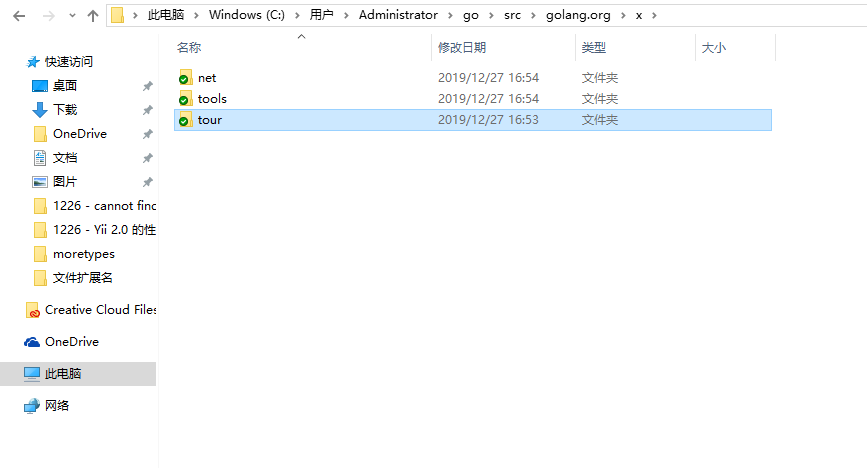
Figure 6
8. Edit the go file: exercise-maps.go, replace code.google.com/p/go-tour with: golang.org/x/tour, the code is as follows
package main

import (
	"golang.org/x/tour/wc"
)

func WordCount(s string) map[string]int {
	return map[string]int{"x": 1}
}

func main() {
	wc.Test(WordCount)
}
9. Run the file, run normally, as shown in Figure 7
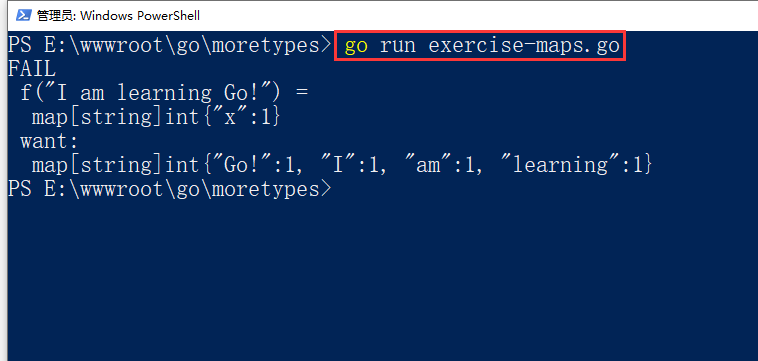
Figure 7
PS E:\wwwroot\go\moretypes> go run exercise-maps.go
FAIL
 f("I am learning Go!") =
  map[string]int{"x":1}
 want:
  map[string]int{"Go!":1, "I":1, "am":1, "learning":1}