An error occurred while updating in WordPress: the download failed. Too many requests
1. An error occurred while updating in WordPress: the download failed. Too many requests, as shown in Figure 1
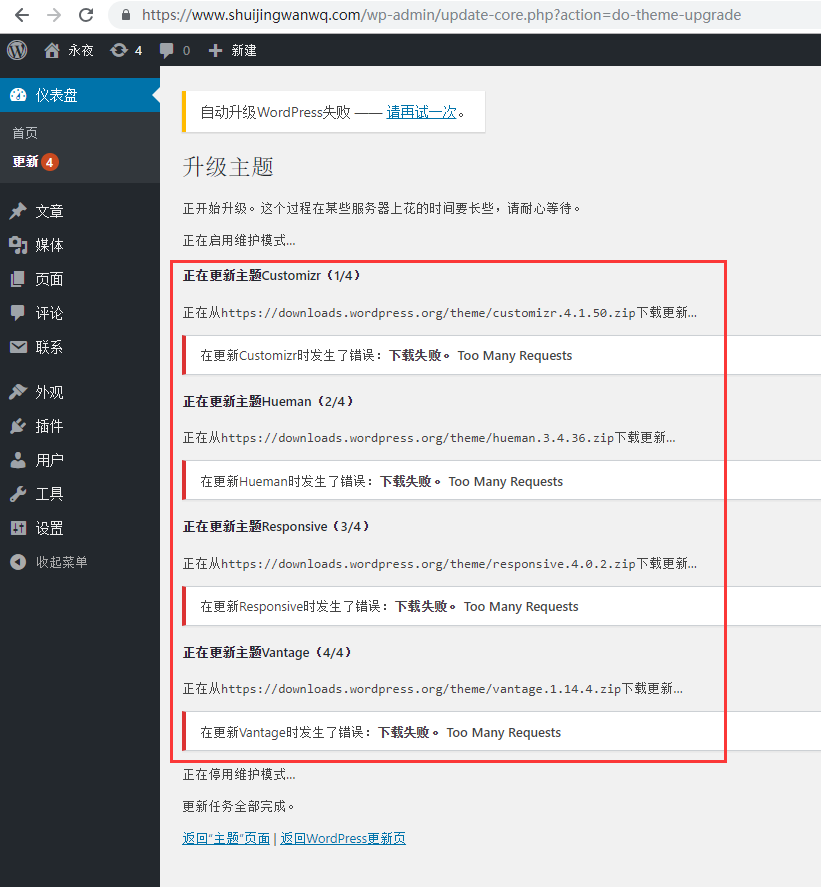
Figure 1
2. Open the URL:https://wordpress.org/, Response: 429 Too many requests, so it seems that the reason is that the official WordPress website is blocked in China. as shown in Figure 2
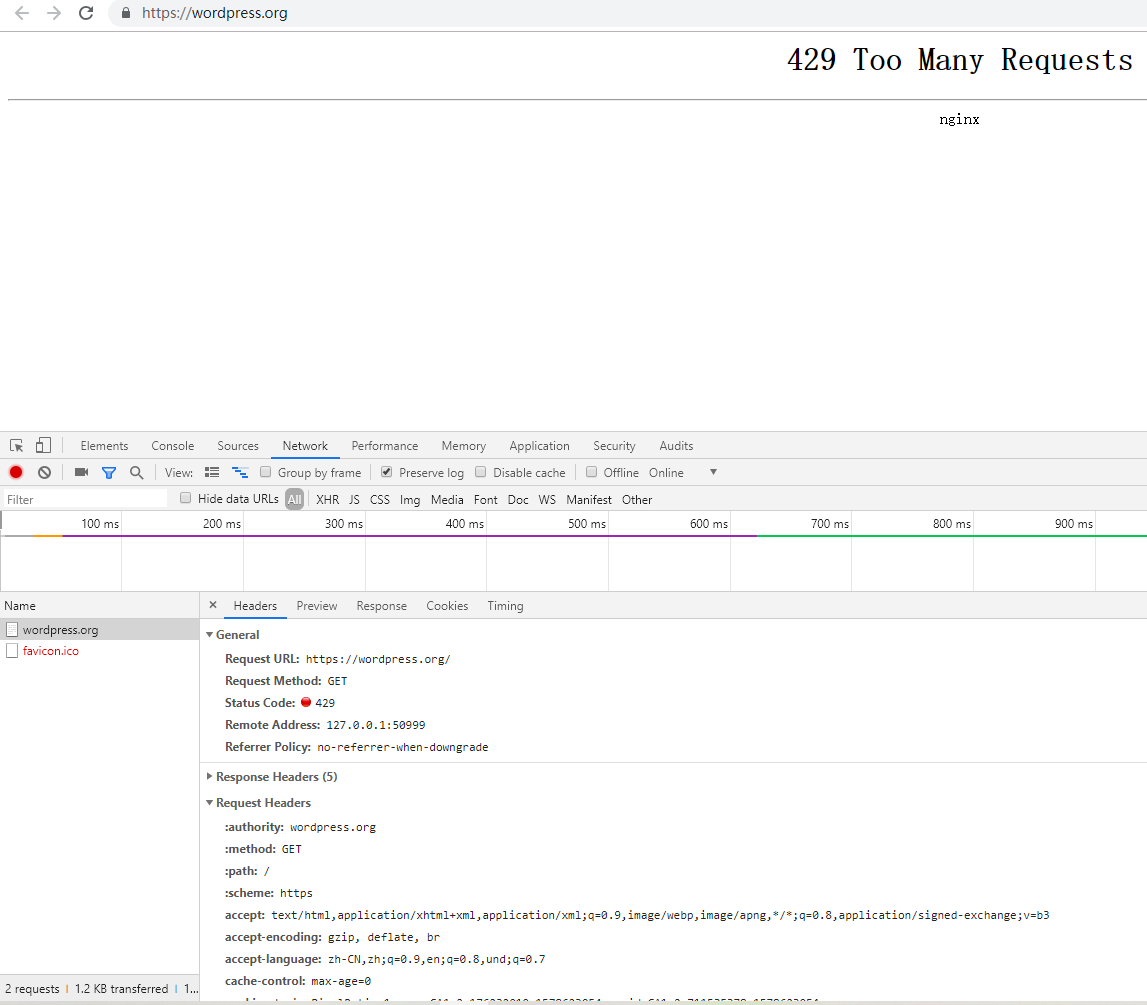
Figure 2
3. After connecting the blue light locally, you can open the URL normally:https://wordpress.org/, as shown in Figure 3
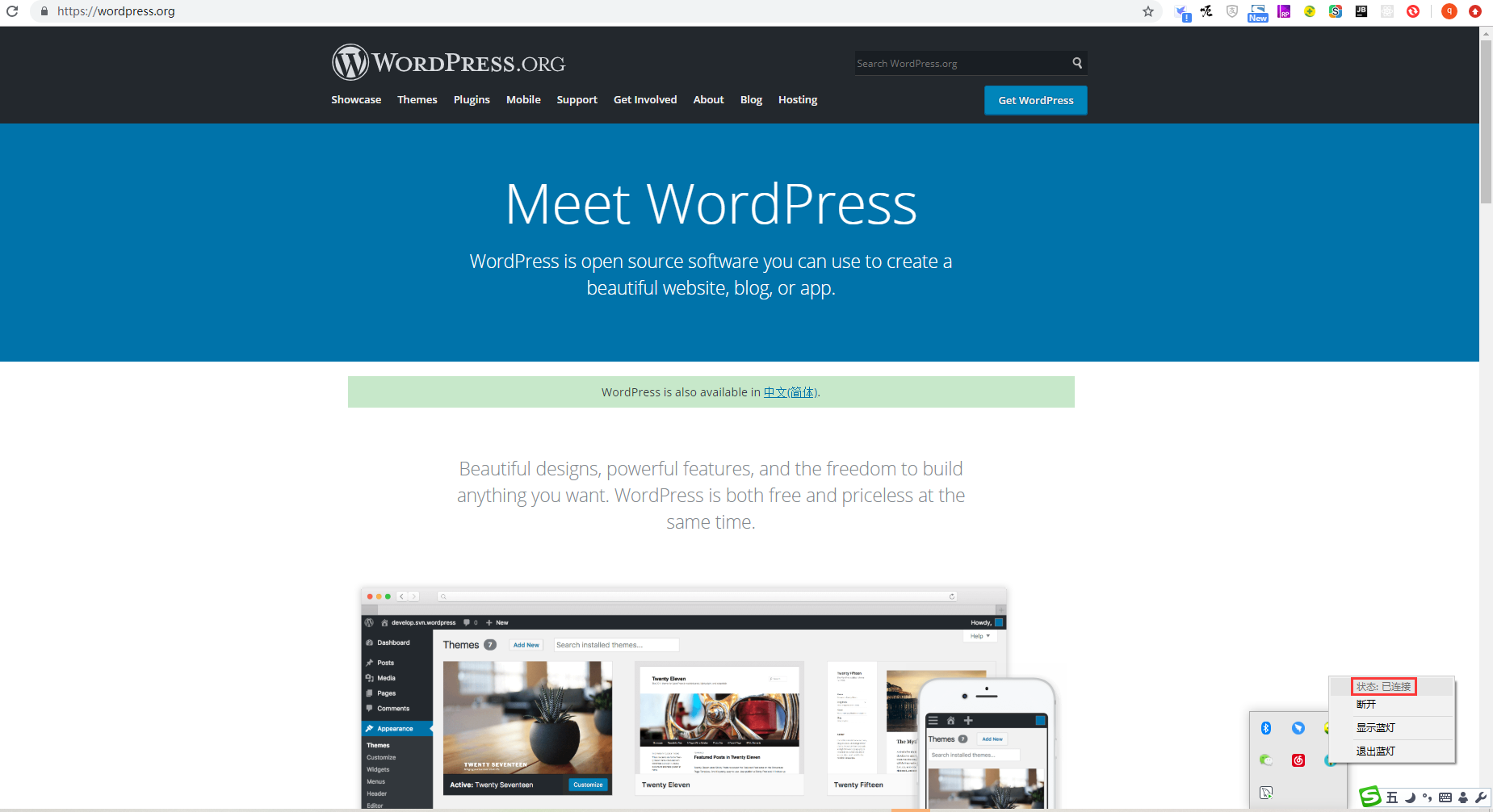
Figure 3
4. Since the blue light only supports: Windows, Android, Mac, Ubuntu, and does not support CentOS, you need to install a blue light-like software in the CentOS server to support the opening of the WordPress official website. Open URL:https://www.wbolt.com/plugins/kill-429?invite=316, Kill 429 – Perfect solution WordPress updated version/theme/plugin 429 error, as shown in Figure 4
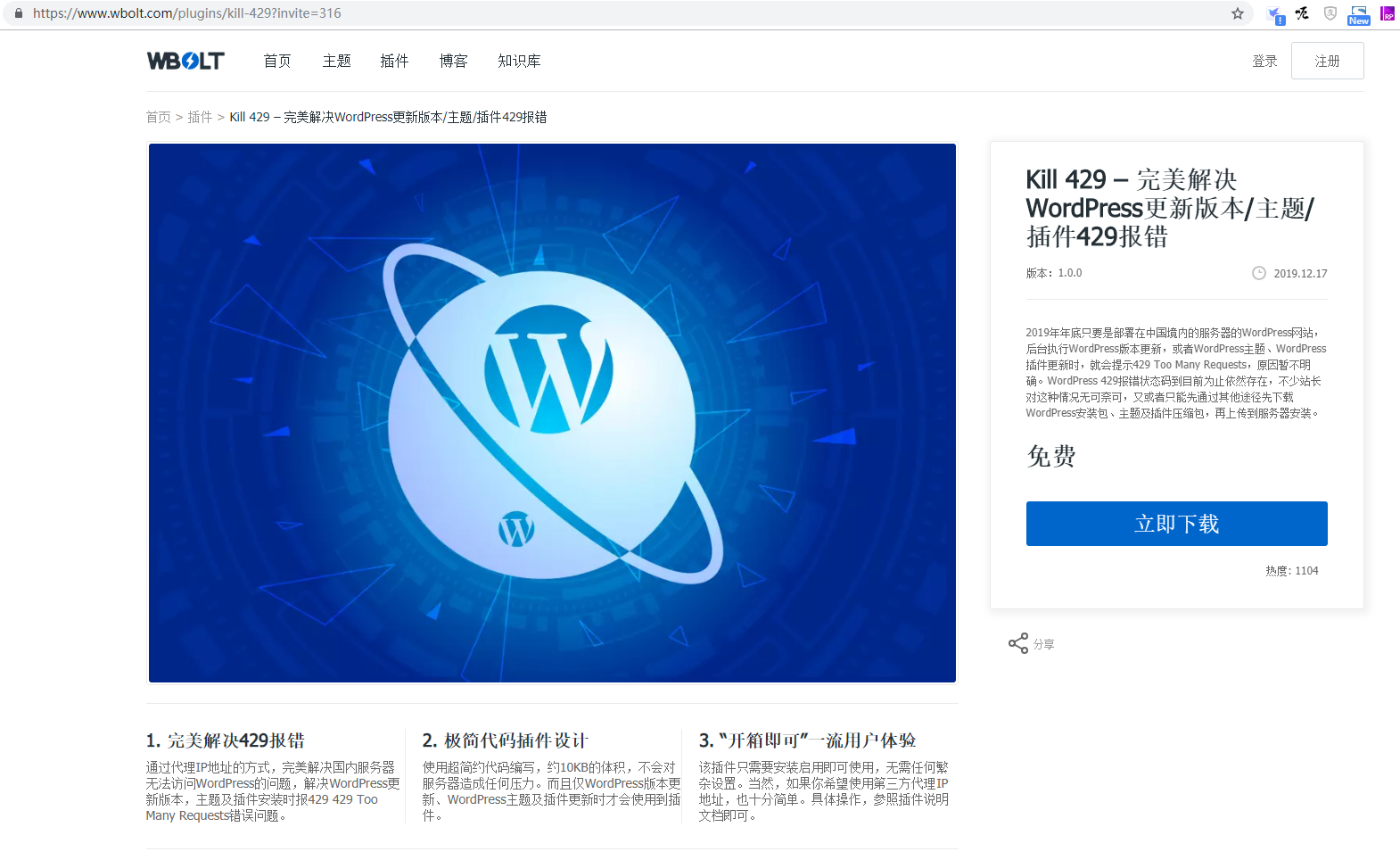
Figure 4
5. Unzip the plug-in package KILL-429.1.0.0.zip, upload the folder FTP to /wp-content/plugins/ in the WordPress installation directory. directory, as shown in Figure 5
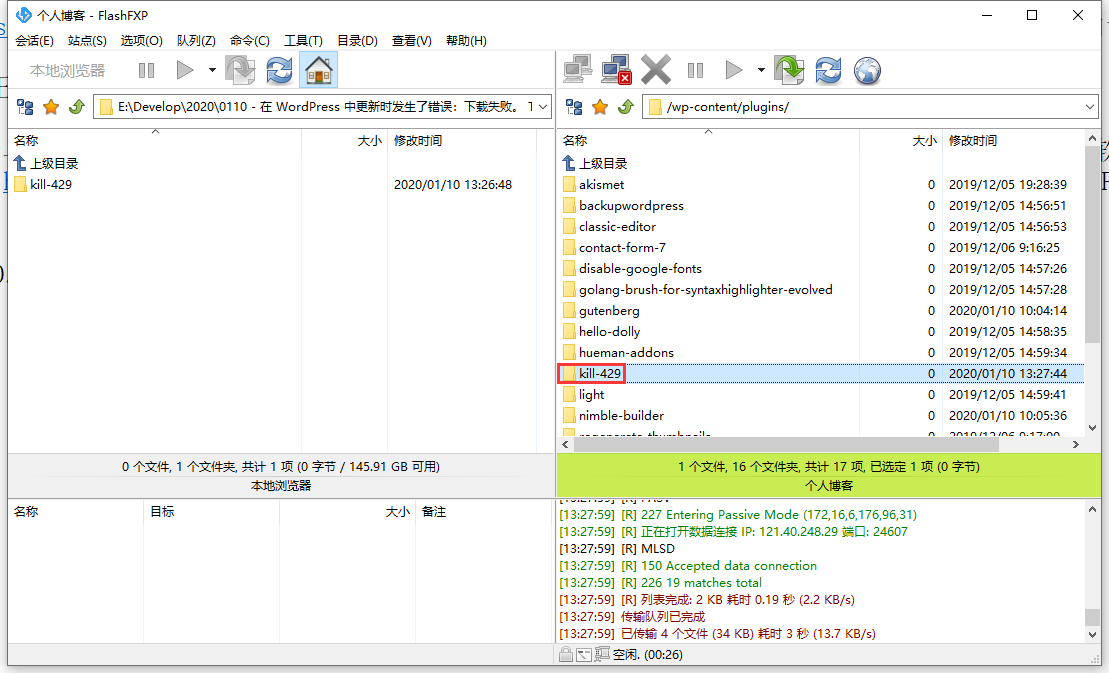
Figure 5
6. Visit the WordPress dashboard and enter the plug-in – the installed plug-in, find Kill 429 in the plugin list, and click Enable, as shown in Figure 6
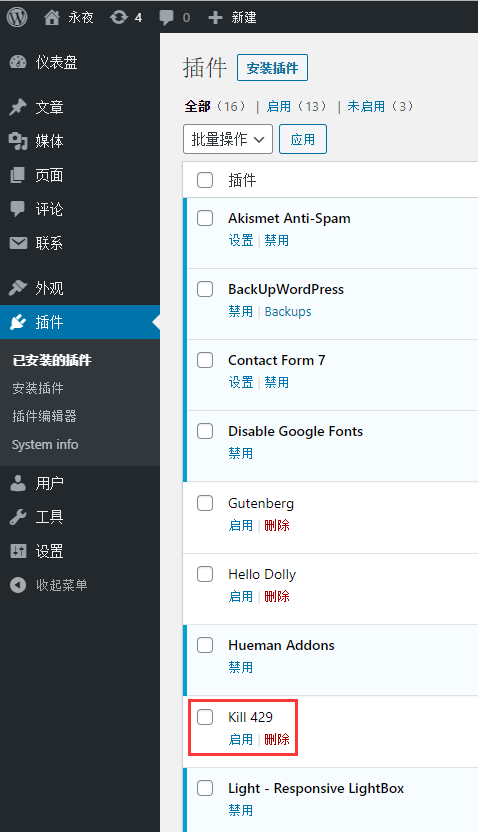
Figure 6
7. Update again in WordPress, and all the update tasks are completed, as shown in Figure 7
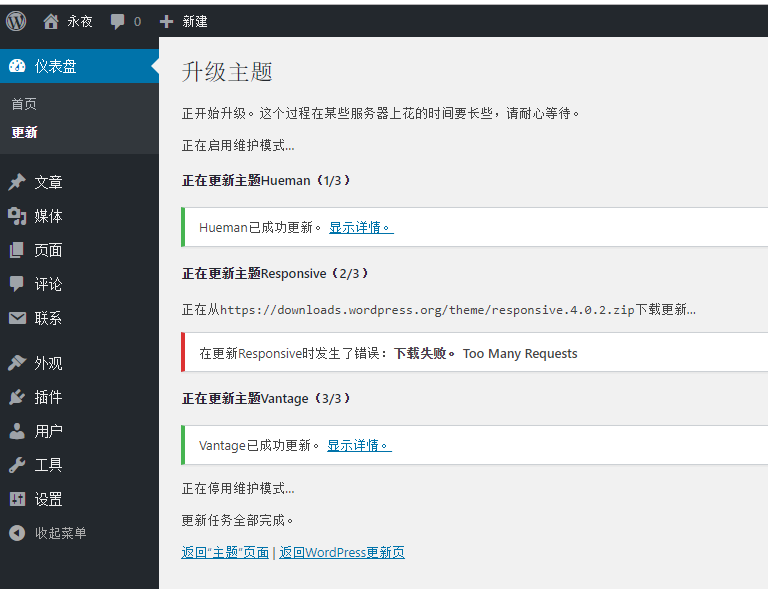
Figure 7