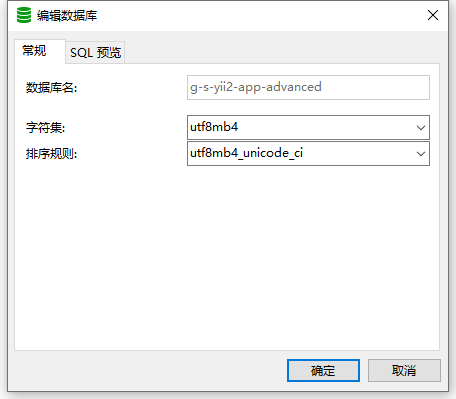
1. In Navicat for MySQL, when editing the database, the database name cannot be edited, as shown in Figure 1
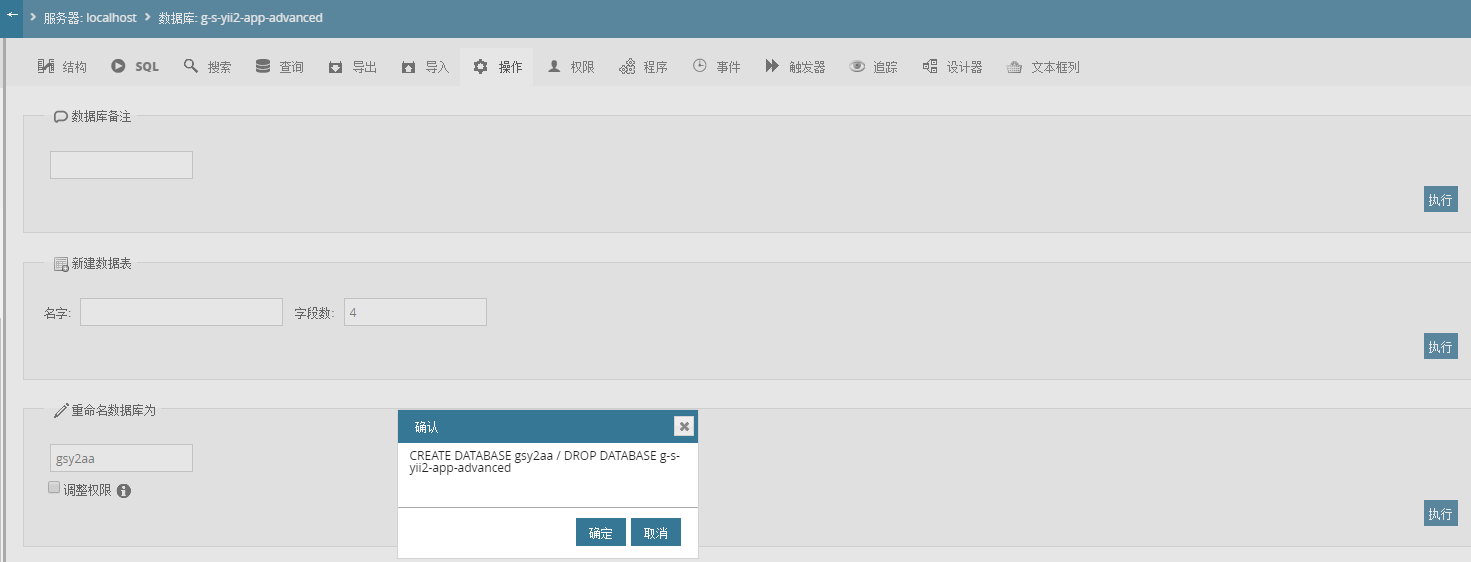
2. Rename the database in phpmyadmin, it can be seen that phpmyadmin can support the operation of direct rename, as shown in Figure 2
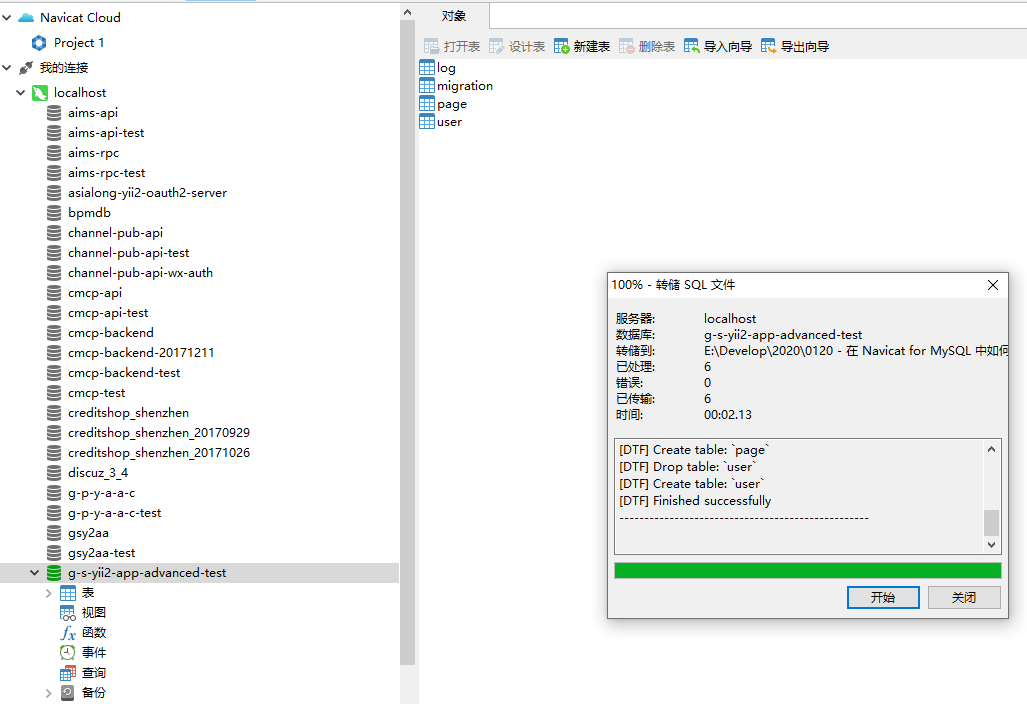
3. Prepare to rename g-s-yii2-app-advanced-test in Navicat for mysql, and create a new database: gsy2aa-test, as shown in Figure 3

4. On the database g-s-yii2-app-advanced-test, dump SQL files – structure and data, export files: g-s-yii2-app-advanced-test.sql, as shown in Figure 4
5. On the database GSY2AA-TEST, run the SQL file, select the SQL file just exported, as shown in Figure 5
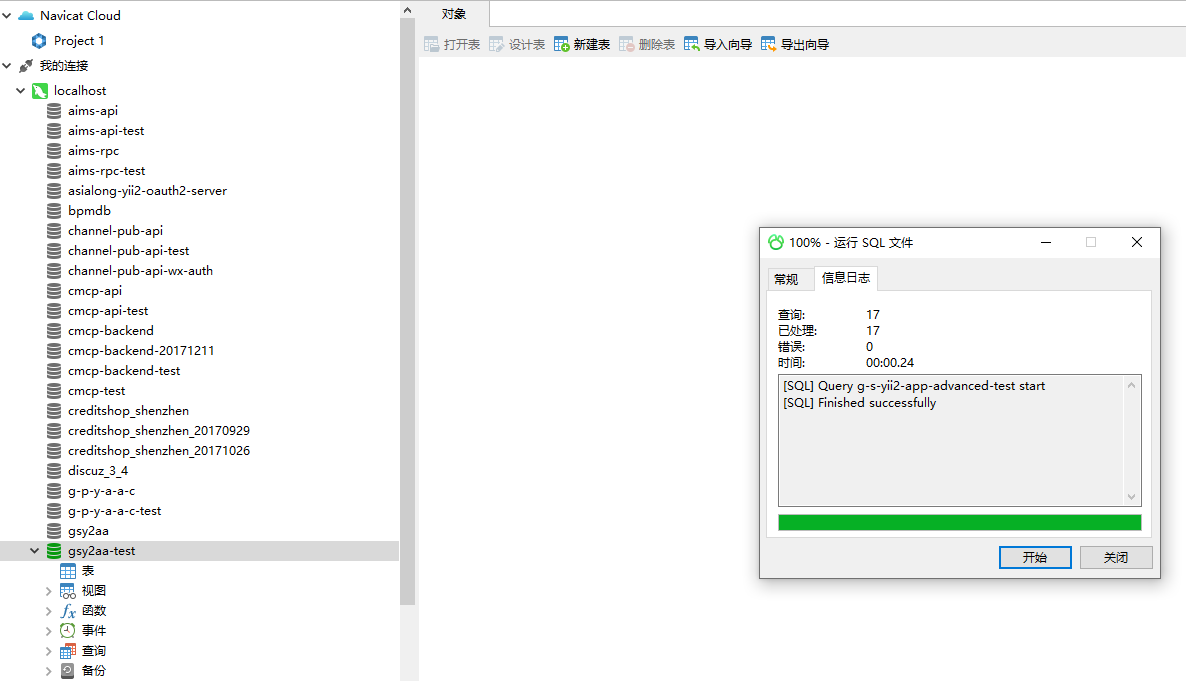
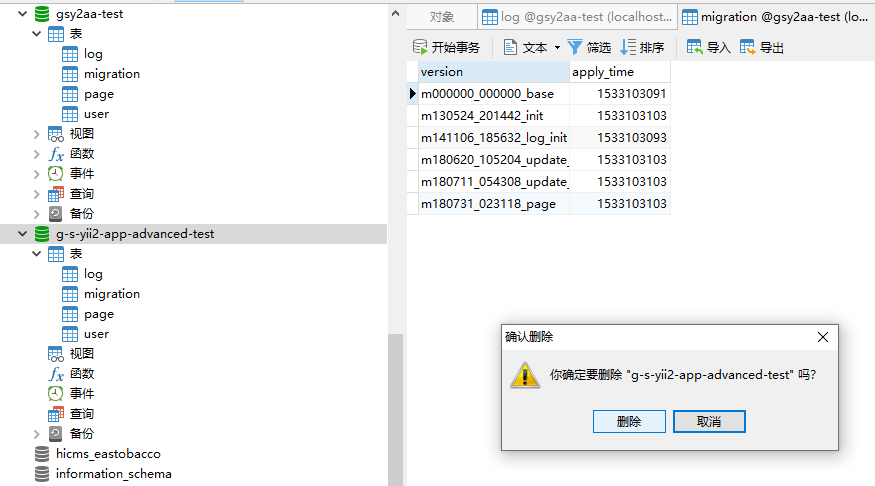
6. Refresh on the database GSY2AA-TEST to determine that the structure and data are consistent with the database G-S-YII2-App-Advanced-Test, as shown in Figure 6

7. Delete the database g-s-yii2-app-advanced-test, as shown in Figure 7
Leave a Reply