In the Honor phone, after using the mobile phone manager to delete the files and data of DingTalk, open DingTalk black screen
1. In the Honor mobile phone, use the mobile phone housekeeper to delete the files and data of the DingTalk (tick all after checking them), as shown in Figure 1
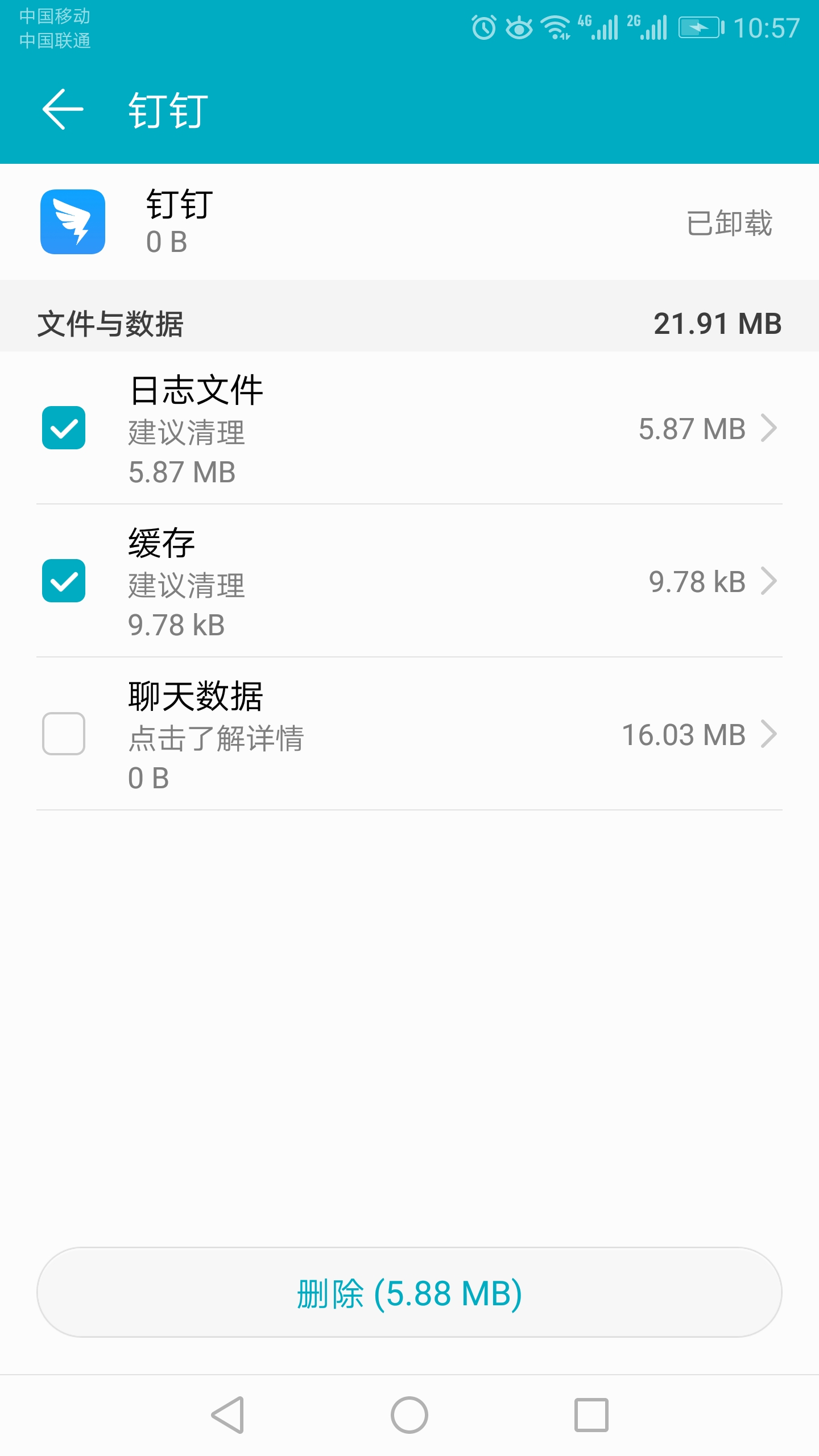
Figure 1
2. Open the black screen of DingTalk, or stay on the startup interface (only show the DingTake LOGO), as shown in Figure 2

Figure 2
3. Alipay and WeChat also use the mobile phone housekeeper to delete all files and data, and the software can still be started normally. In the end, there was no way, so I had to uninstall DingTalk, and then reinstall it, and then I can start DingTalk.