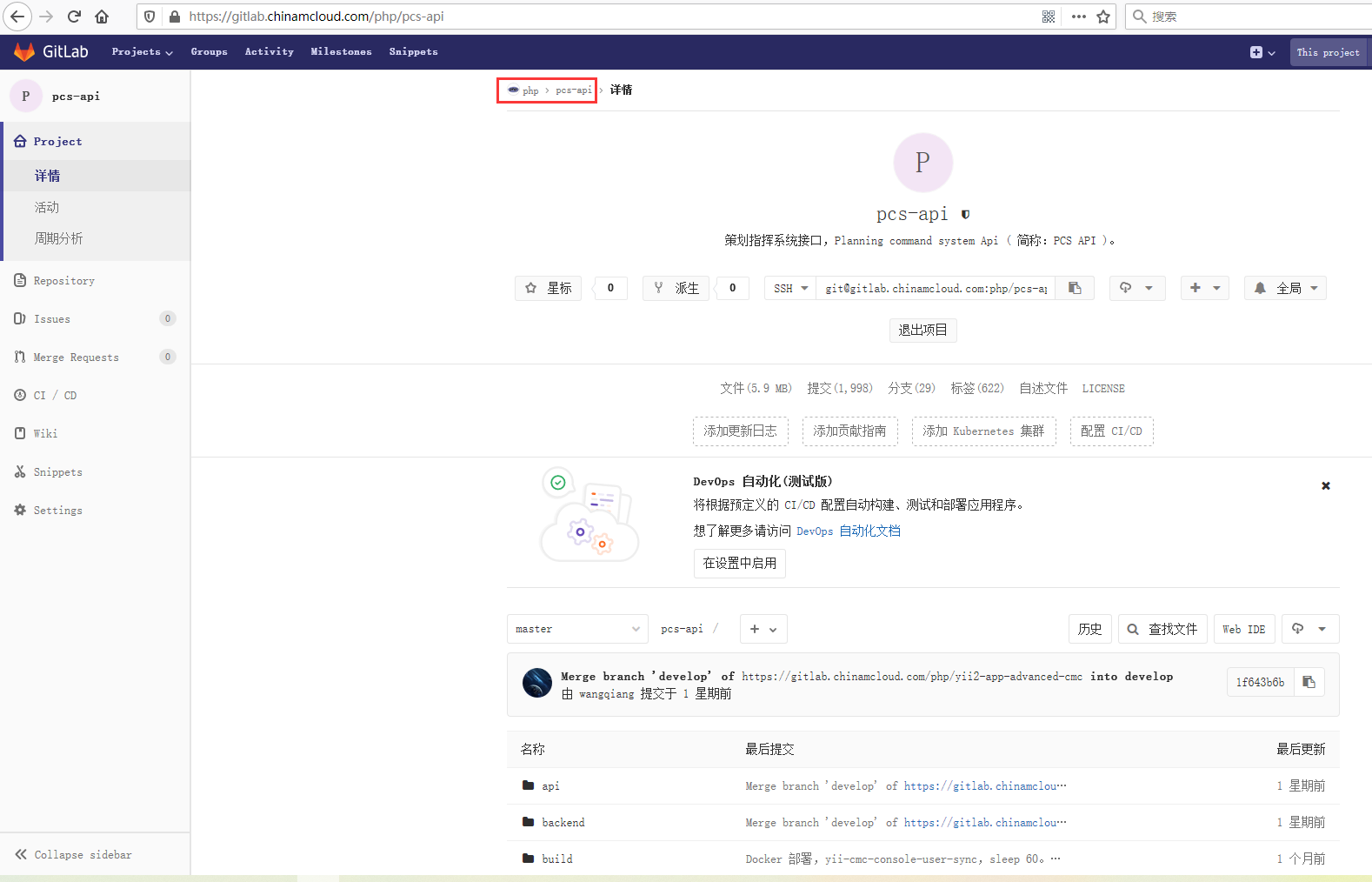
1. The group of the existing project and its names are: PHP, PCS-API, as shown in Figure 1
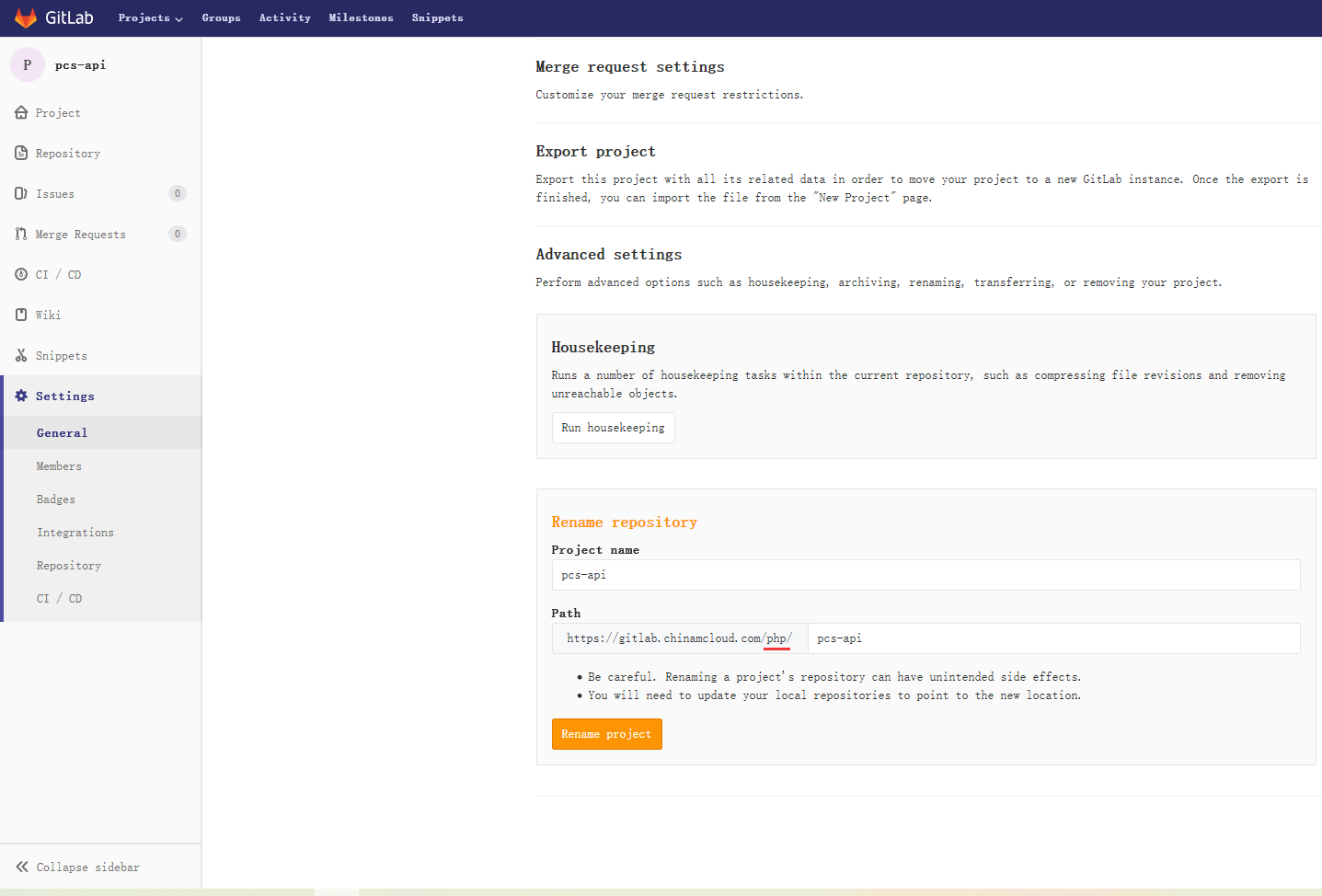
2. In settings -> general -> advanced settings, the php in the path is not allowed to be modified, as shown in Figure 2
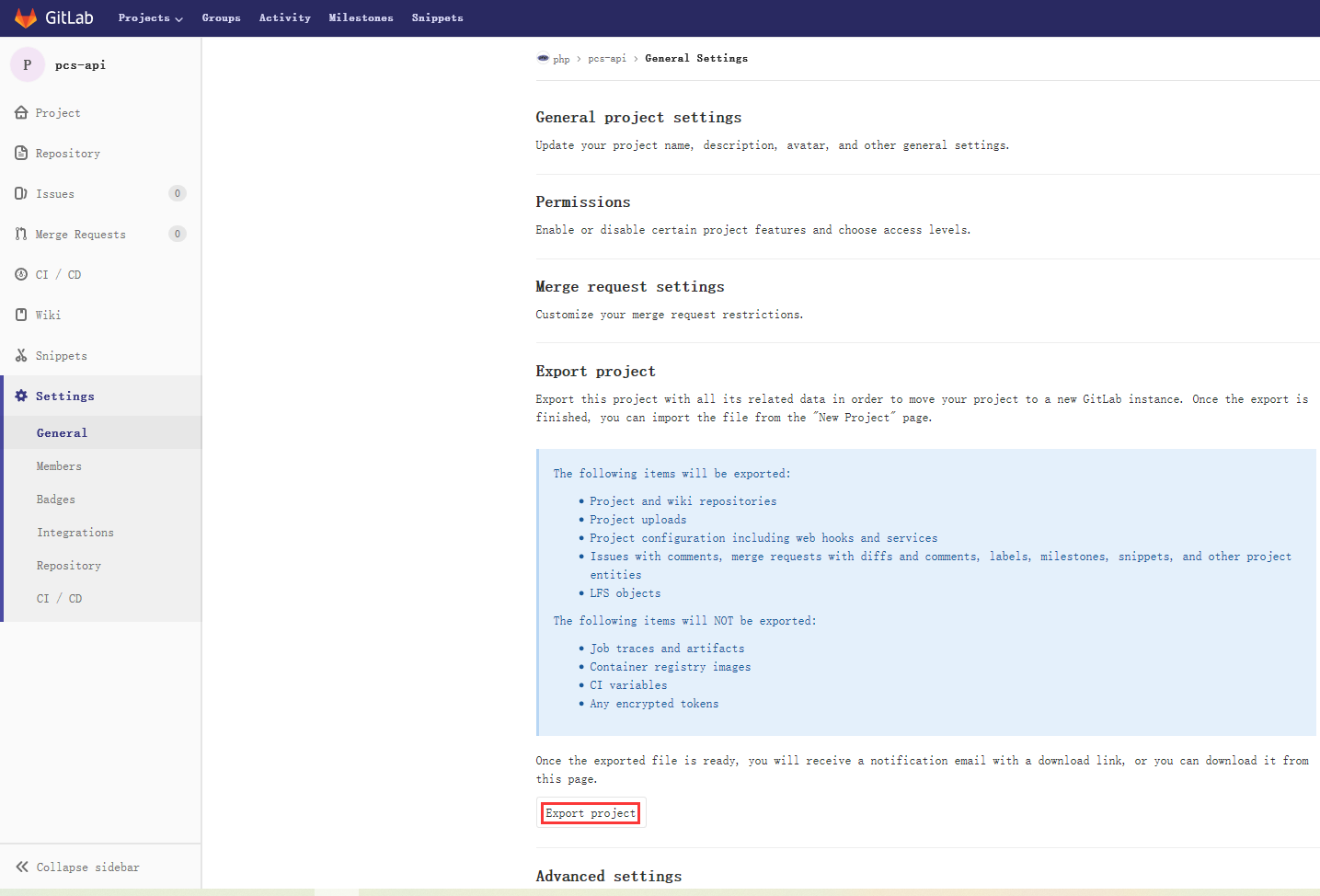
3. In Settings -> General -> Export Project, export the project and all related data, as shown in Figure 3
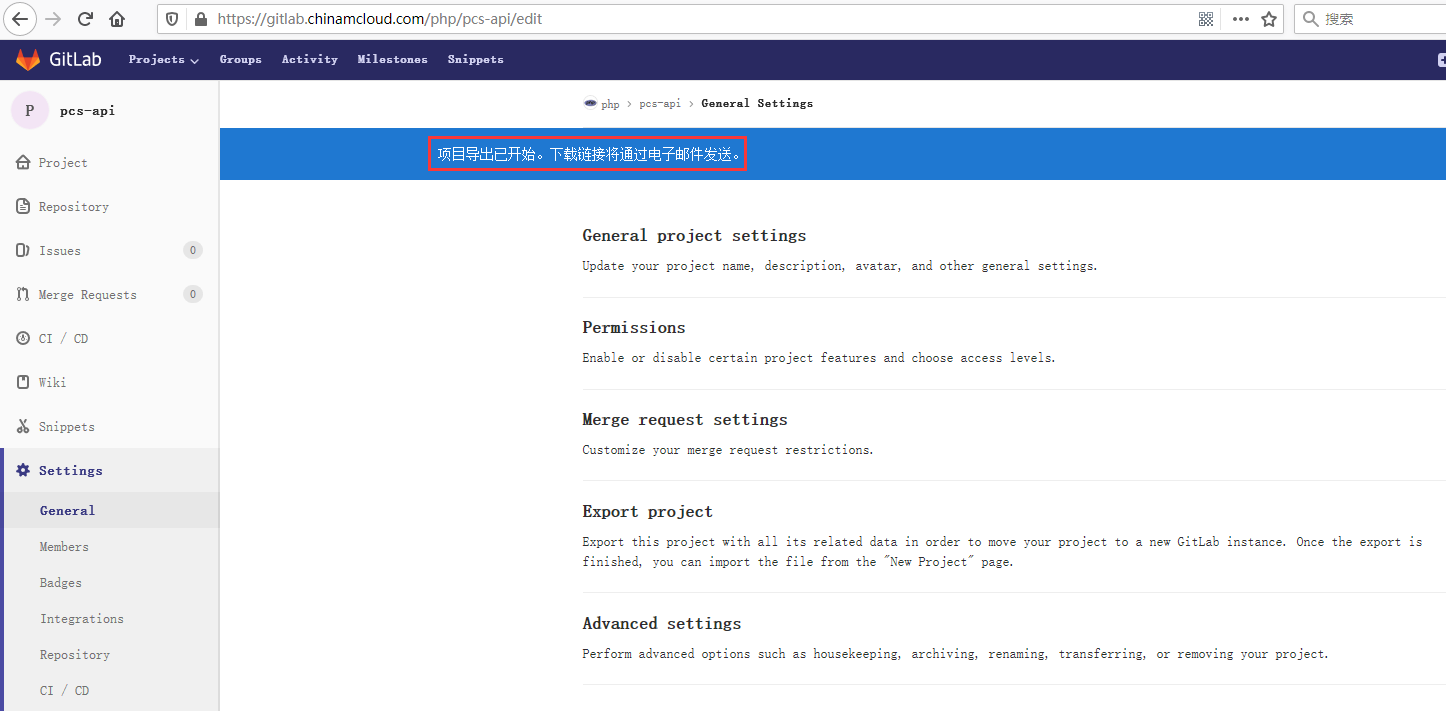
4. The project export has started, and the download link will be sent by email. as shown in Figure 4
5. The project PCS-API has been successfully exported. The project export can be downloaded from: PHP/PCS-API Export. The download link will expire after 24 hours. as shown in Figure 5
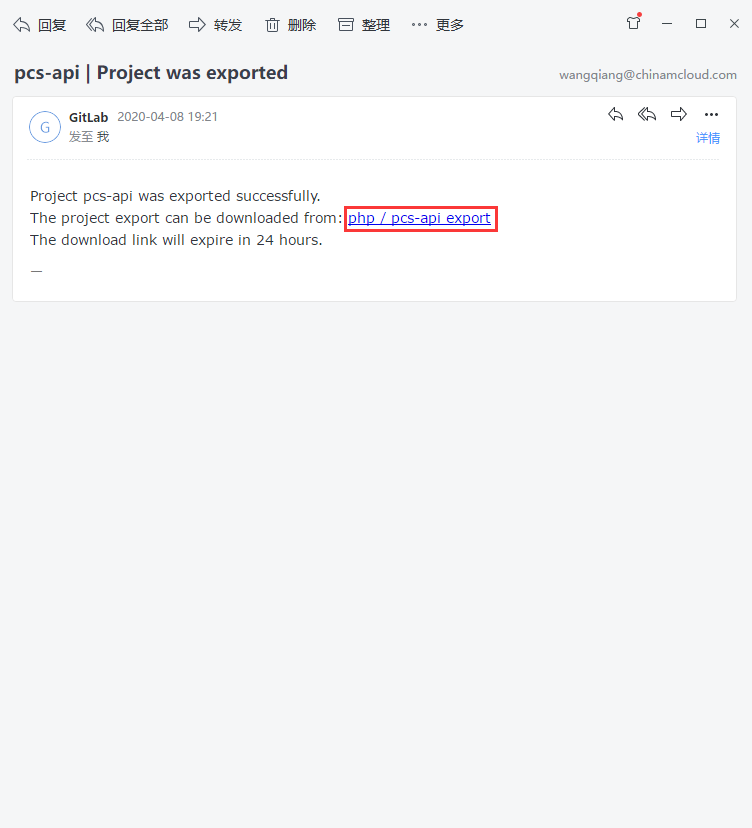
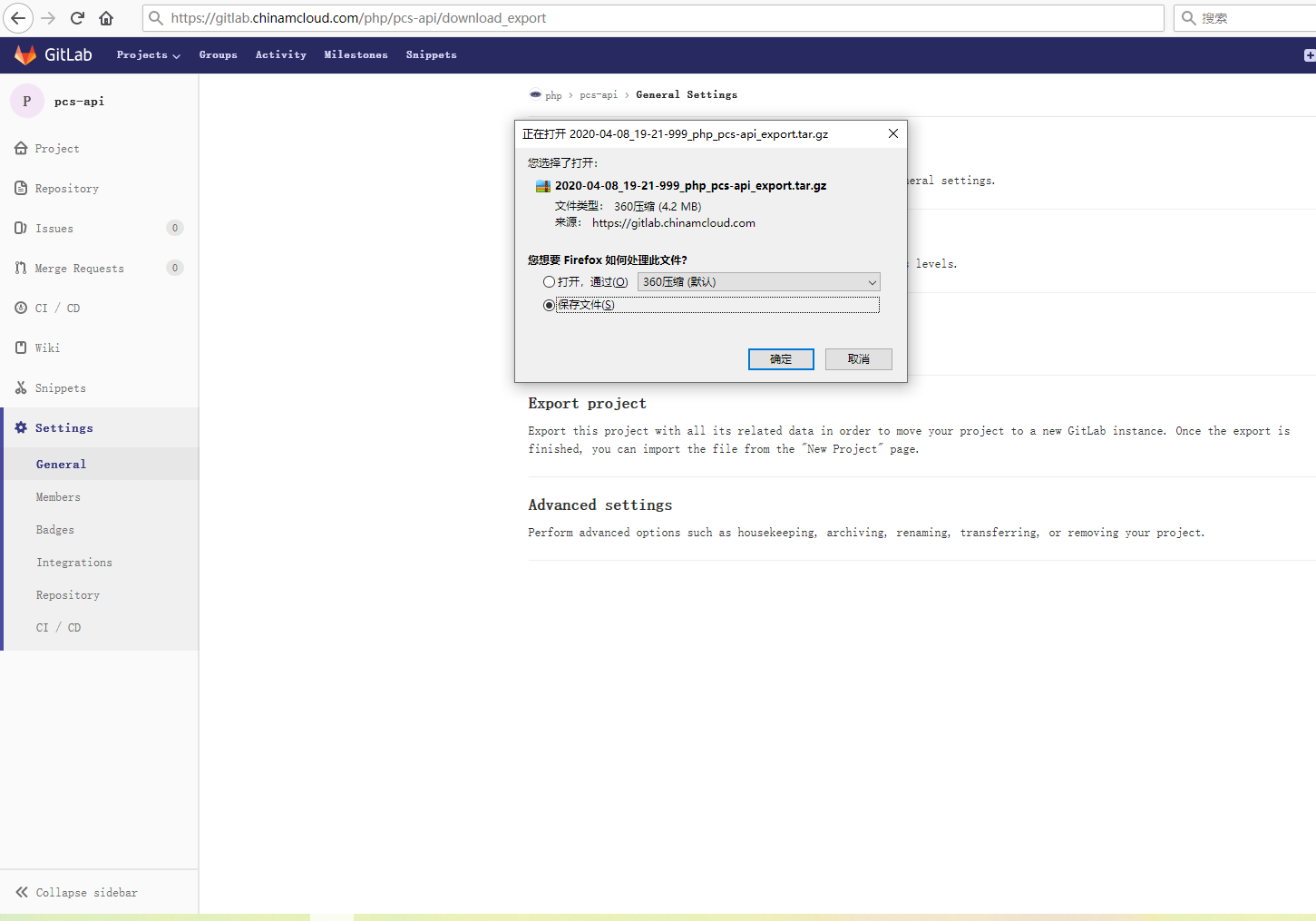
6. Open the download link and save the file: 2020-04-08_19-21-999_php_pcs-api_export.tar.gz, as shown in Figure 6
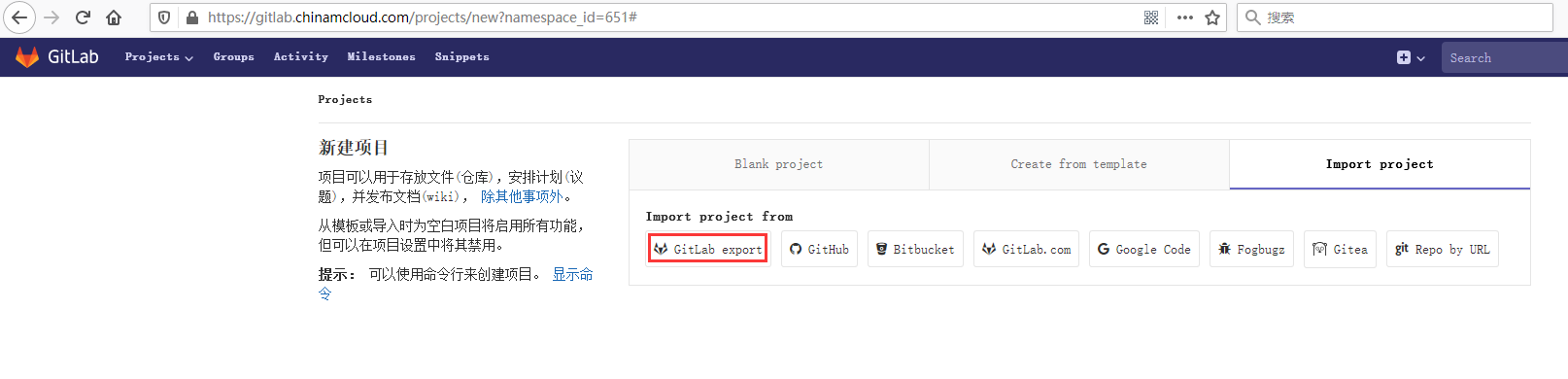
7. Open the URL of the group PCS: https://gitlab.chinamcloud.com/pcs, create a new project -> import project -> gitlab export, as shown in Figure 7
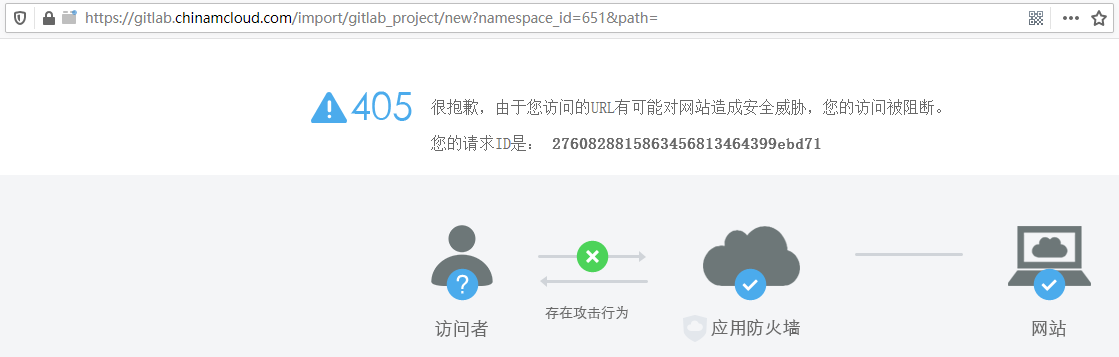
8. Click GitLab Export to respond to 405. Sorry, because the URL you visit may pose a security threat to the website, your access is blocked. as shown in Figure 8
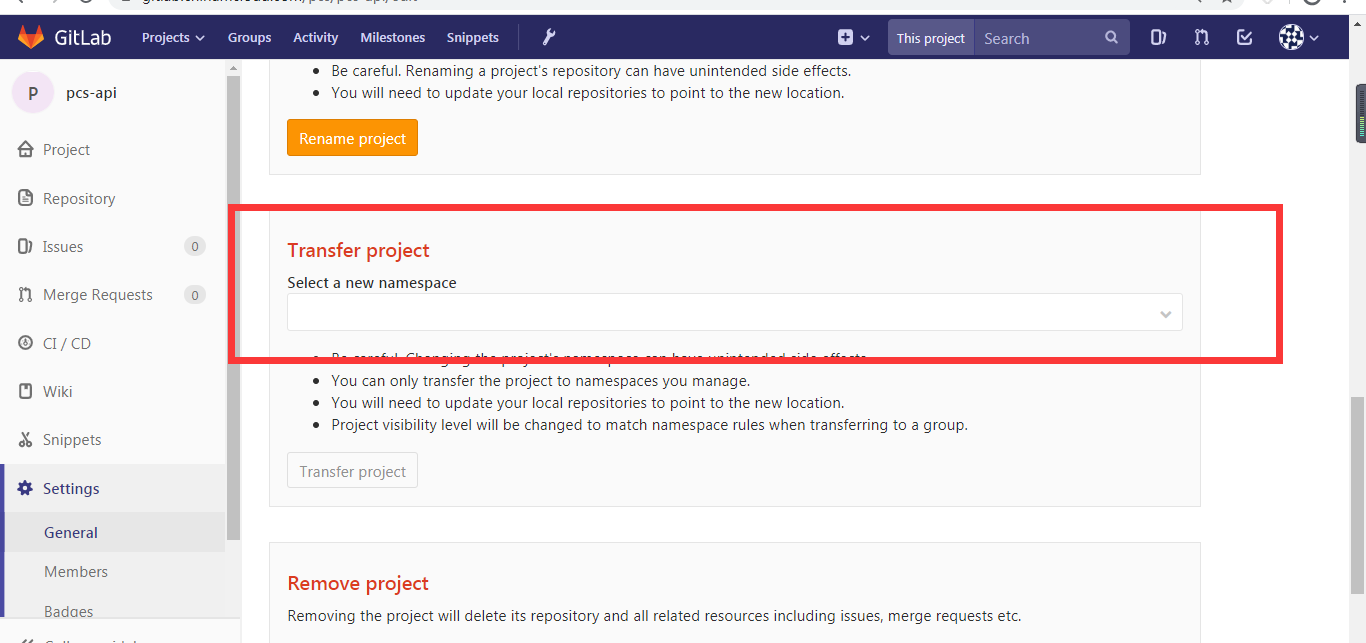
9. In the end, I had to contact the deployment staff of GitLab, and found that the group could not be modified in step 2 because the permissions were not enough. When the authority is sufficient, it is possible to adjust the group to which it belongs. In settings -> general -> advanced settings –> transfer project , as shown in Figure 9
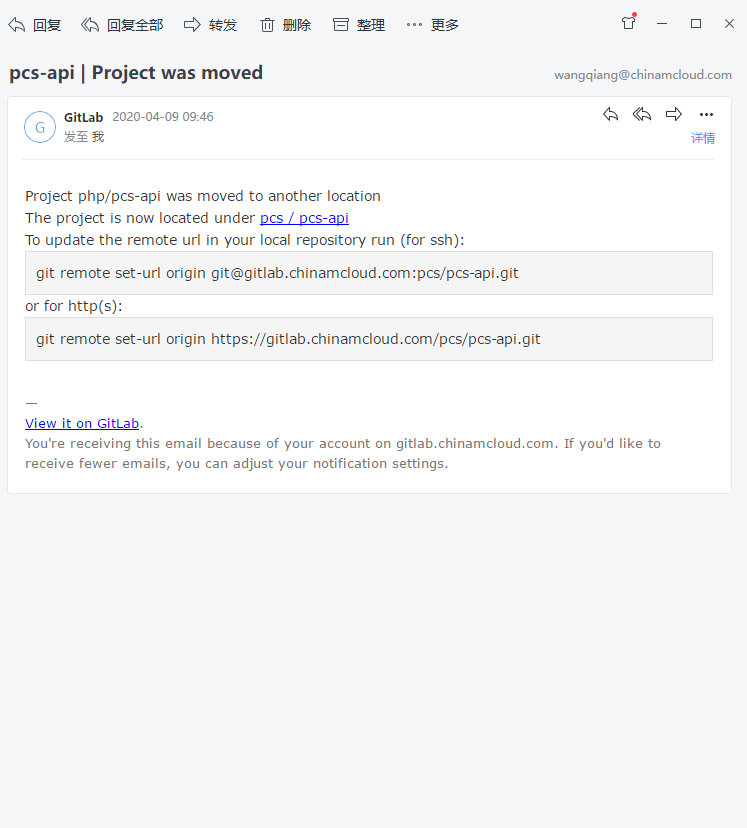
10. Received an email, the project PHP/PCS-API has been moved to another location, which is now under the PCS/PCS-API. As shown in Figure 10
11. In settings -> general -> advanced settings, the value of the project name is adjusted to: pcs_api, path The value is adjusted to: pcs_api, as shown in Figure 11

Leave a Reply