Prompt in phpstorm: Analysis of Invalid VCS root mapping
1. In phpstorm prompt: Invalid vcs root mapping. The directory <project>\vendor\wartron\yii2-uuid is registered as a git root, but no git repositories were found there. as shown in Figure 1

Figure 1
2. Click Configure to enter the configuration interface. Discover: Vendor\Wartron\Yii2-UUID is marked red. as shown in Figure 2

Figure 2
3. Reference URL:https://www.shuijingwanwq.com/2020/05/11/4130/. The reason is that the directory is deleted: e:\wwwroot\pcs-api\vendor\wartron\yii2-uuid\.git. as shown in Figure 3
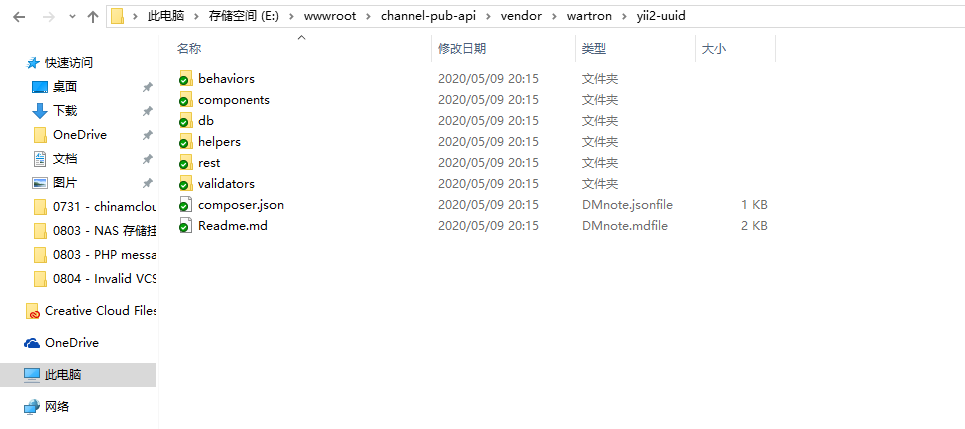
Figure 3
4. Reference should I submit dependencies in the vendor directory? :https://docs.phpcomposer.com/faqs/should-i-commit-the-dependencies-in-my-vendor-directory.html.
5. Execute the command: composer install, prompt: nothing to install or update.
PS E:\wwwroot\channel-pub-api> composer install
Loading composer repositories with package information
Installing dependencies (including require-dev) from lock file
Nothing to install or update
Generating autoload files
27 packages you are using are looking for funding.
Use the `composer fund` command to find out more!
6. Refer to point 3, before running the composer update command, you need to delete the dependent files on the disk. Delete the directory: E:\wwwroot\pcs-api\vendor\wartron. Submit to Git. as shown in Figure 4
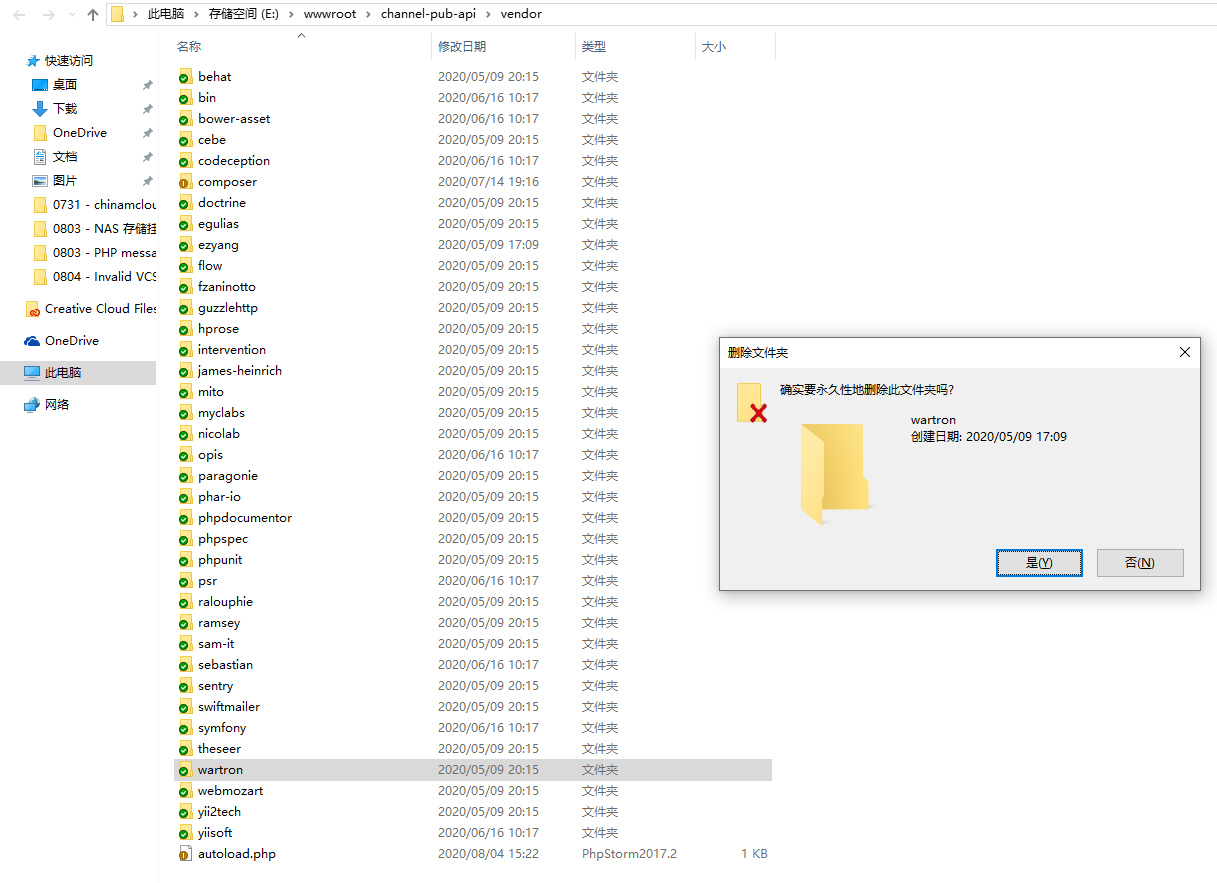
Figure 4
7. After deleting the directory: \vendor\wartron, submit it to git. as shown in Figure 5
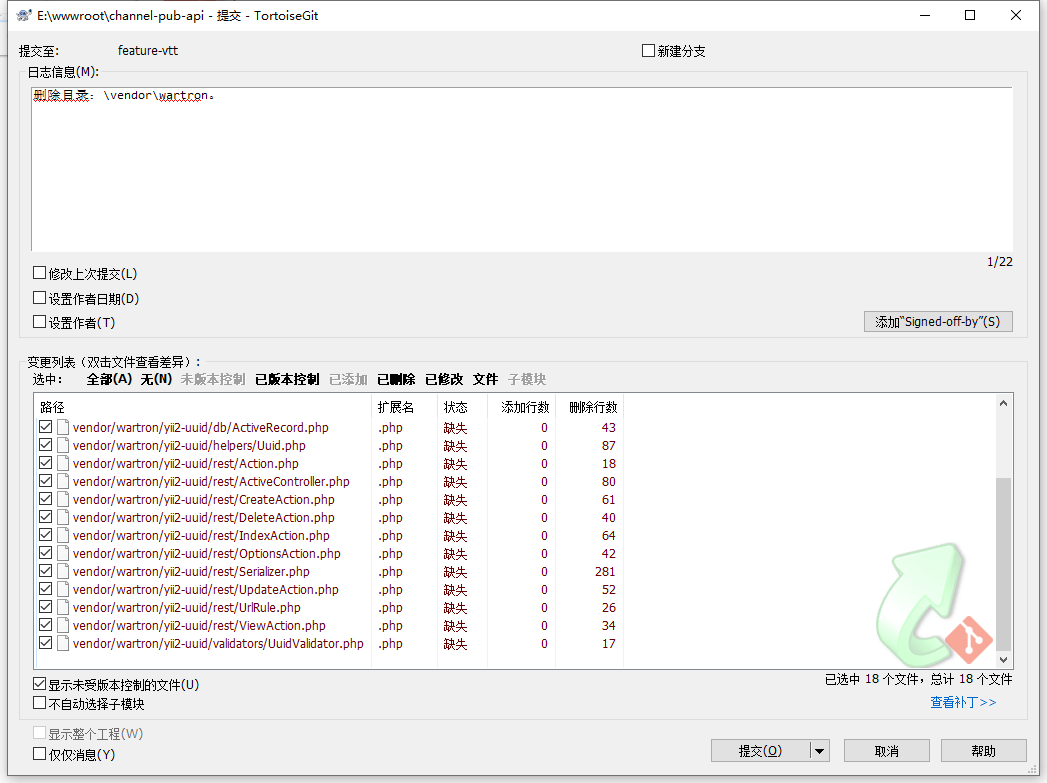
Figure 5
8. Execute the command: composer install. Fresh installation: wartron/yii2-uuid. as shown in Figure 6
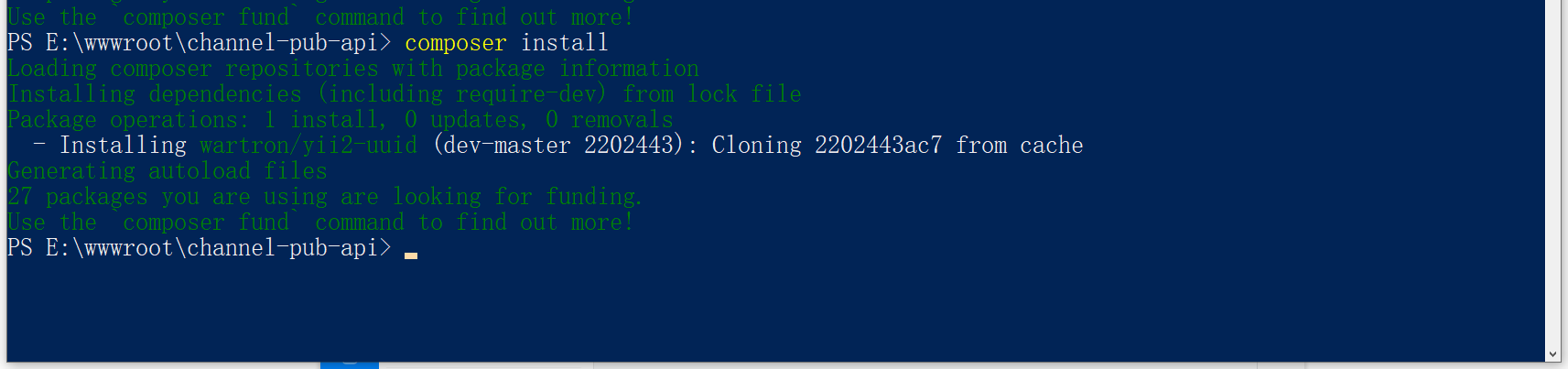
Figure 6
PS E:\wwwroot\channel-pub-api> composer install
Loading composer repositories with package information
Installing dependencies (including require-dev) from lock file
Package operations: 1 install, 0 updates, 0 removals
  - Installing wartron/yii2-uuid (dev-master 2202443): Cloning 2202443ac7 from cache
Generating autoload files
27 packages you are using are looking for funding.
Use the `composer fund` command to find out more!
9. View the directory: E:\wwwroot\pcs-api\vendor\wartron\yii2-uuid\.git, already exists. as shown in Figure 7

Figure 7
10. If you submit the code at this time, you will find that only the empty directory will be submitted:\vendor\wartron, and the files in its directory have not been submitted. The reason is that it was affected by \vendor\wartron\yii2-uuid\.git . The previous scheme was to delete the directory:\vendor\wartron\yii2-uuid\.git. However, after deletion, a prompt will appear: Invalid VCS root mapping. as shown in Figure 8
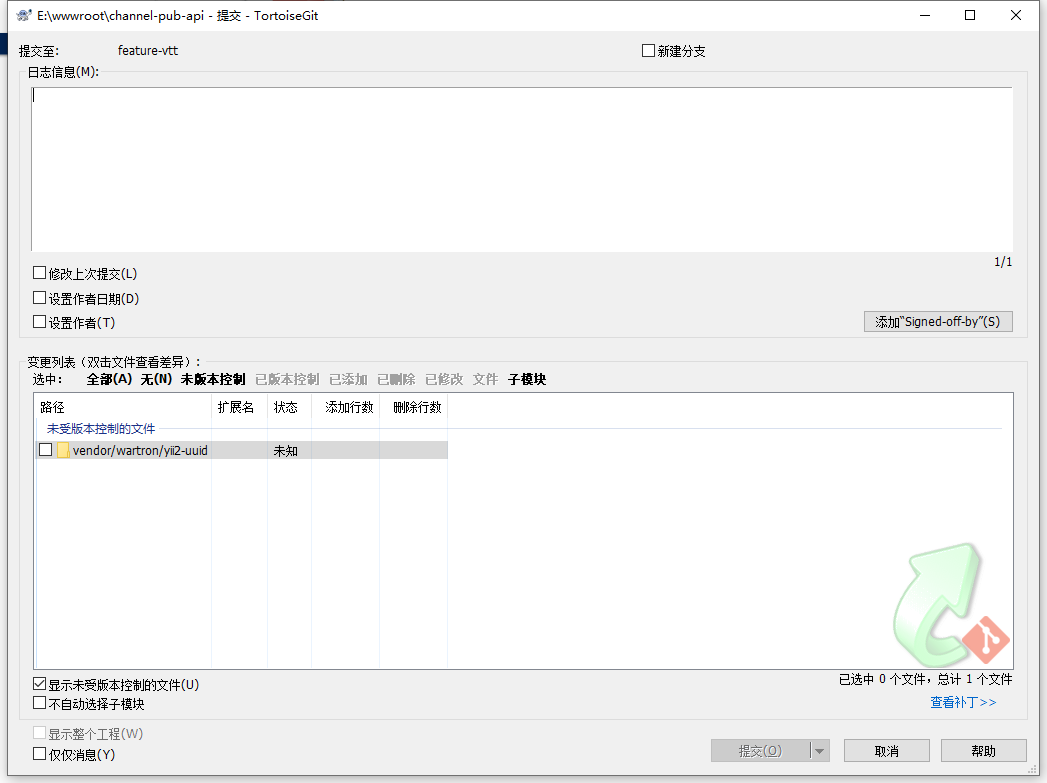
8
11. Refer to point 2. Use –prefer-dist or set preferred-install to dist in the config option. Delete the directory: E:\wwwroot\pcs-api\vendor\wartron. Execute the command: composer install –prefer-dist. Fresh installation: wartron/yii2-uuid. as shown in Figure 9
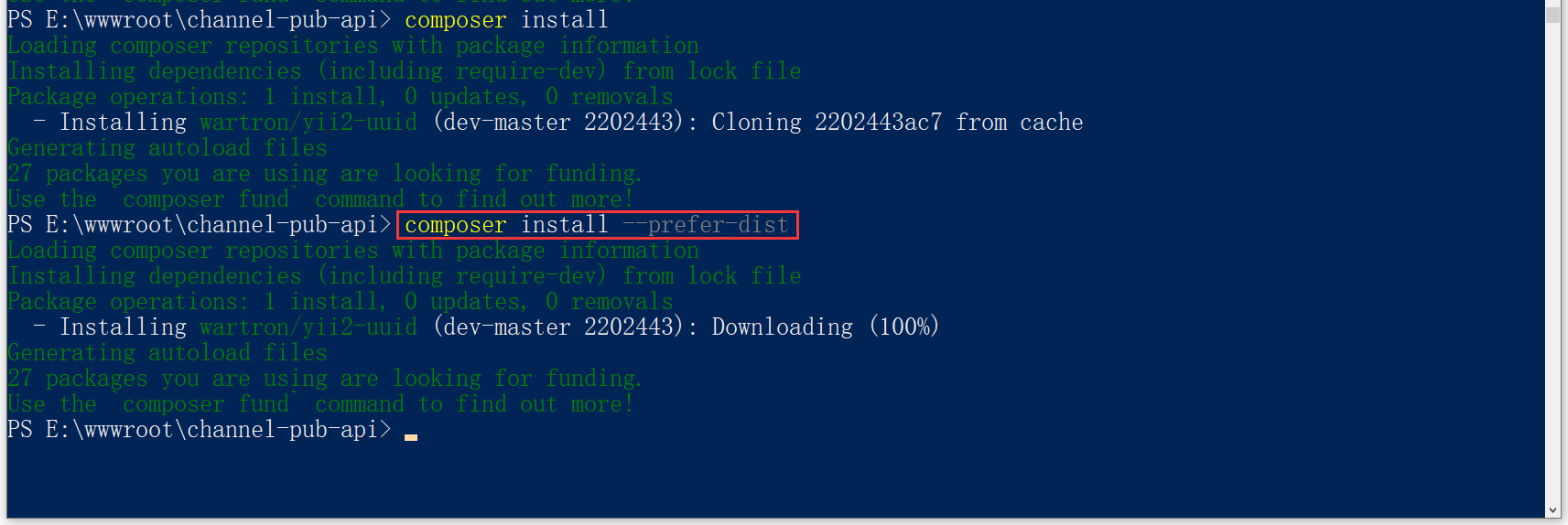
Figure 9
PS E:\wwwroot\channel-pub-api> composer install --prefer-dist
Loading composer repositories with package information
Installing dependencies (including require-dev) from lock file
Package operations: 1 install, 0 updates, 0 removals
  - Installing wartron/yii2-uuid (dev-master 2202443): Downloading (100%)
Generating autoload files
27 packages you are using are looking for funding.
Use the `composer fund` command to find out more!
12. View the directory: E:\wwwroot\pcs-api\vendor\wartron\yii2-uuid\.git, no longer exists. As shown in Figure 10
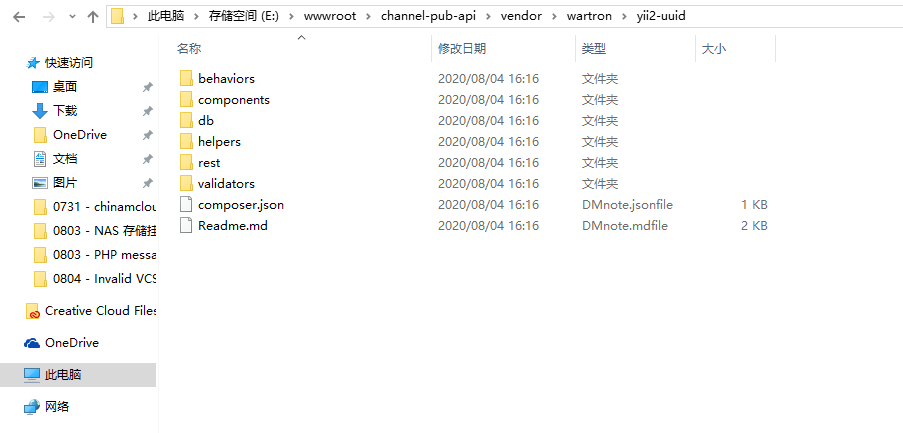
Figure 10
13. Submit the code, and you will find that the files in the directory: \vendor\Warron have all been submitted. as shown in Figure 11
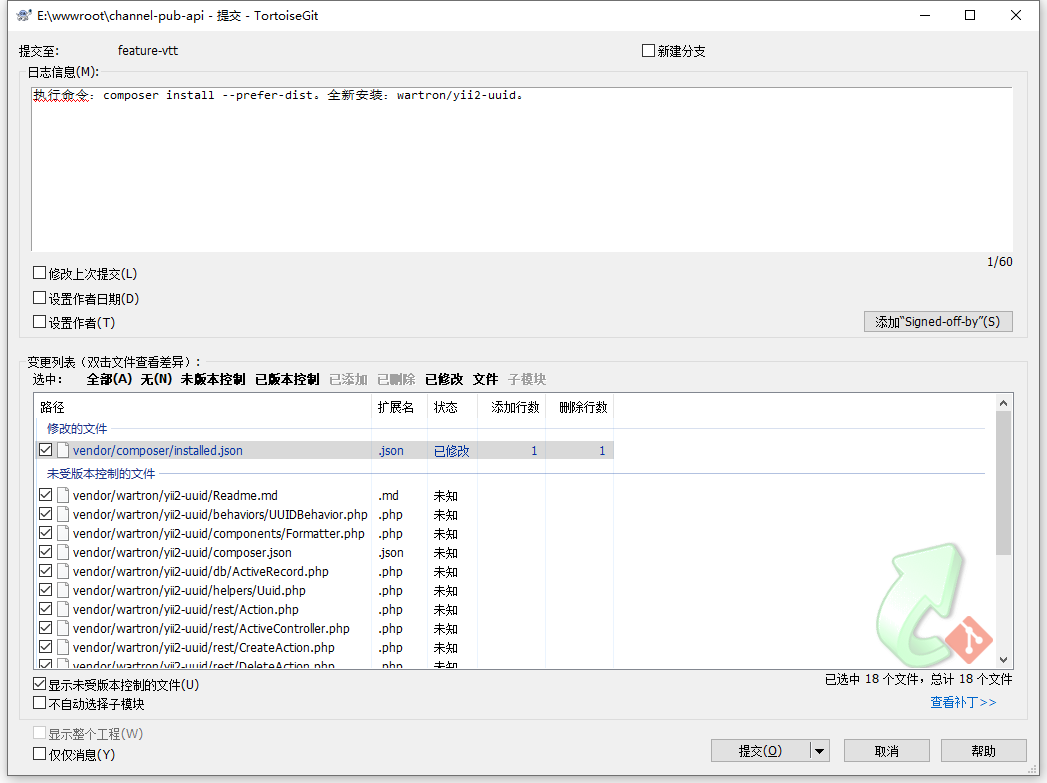
Figure 11
14. Delete items in Manage Projects. as shown in Figure 12
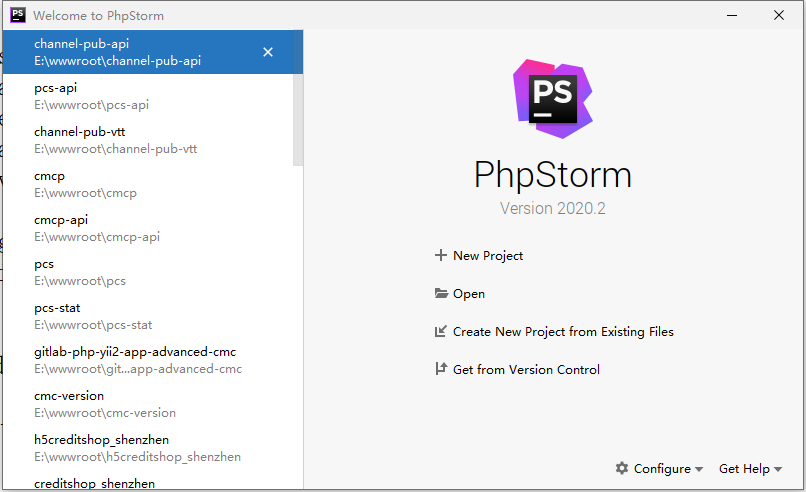
Figure 12
15. Delete the phpstorm project files, that is, the directory: .idea . as shown in Figure 13
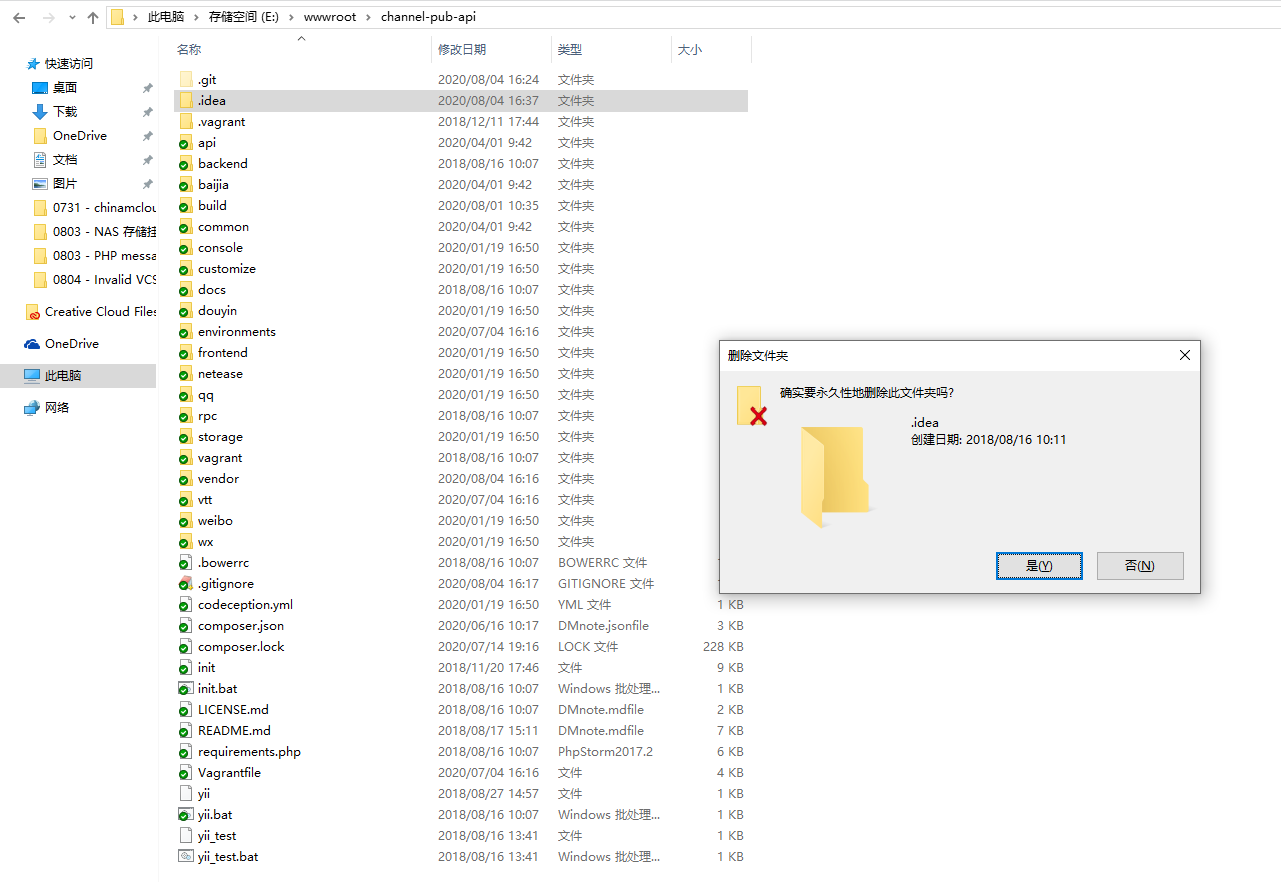
Figure 13
16. Create a new project again. There is no prompt in PHPStorm: Invalid VCS root mapping. Looking at the version control interface, it no longer exists:: vendor\wartron\yii2-uuid. in line with expectations. Figure 14
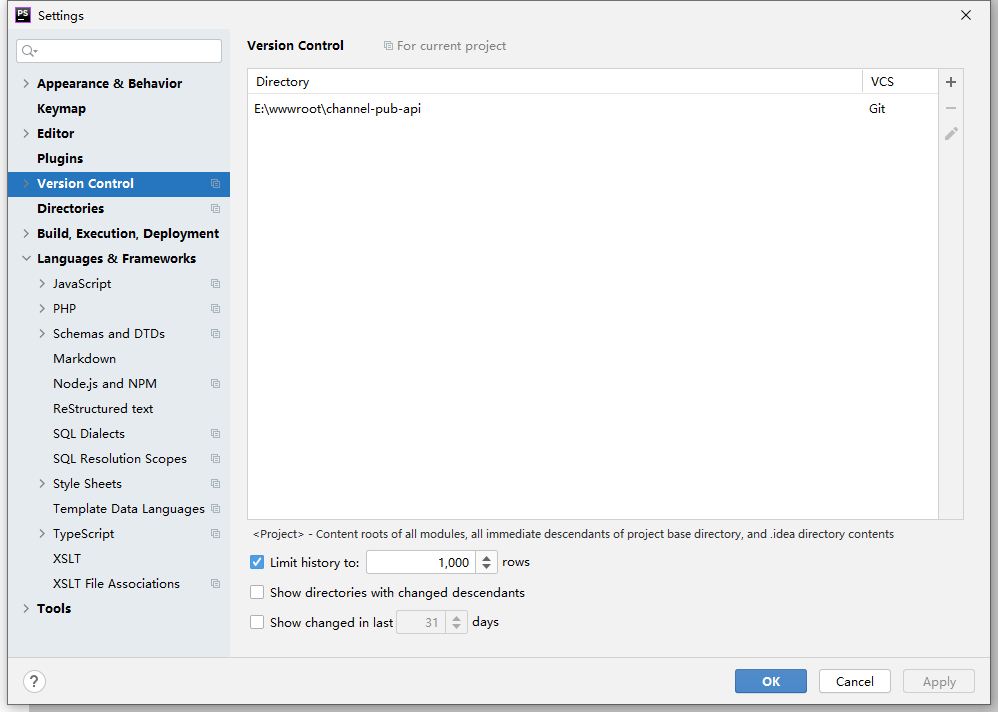
Figure 14
17. The corresponding description in the document before: (Wartron\yii2uuid After each composer update, it needs to be additional processing to submit to git ). can already be deleted. as shown in Figure 15
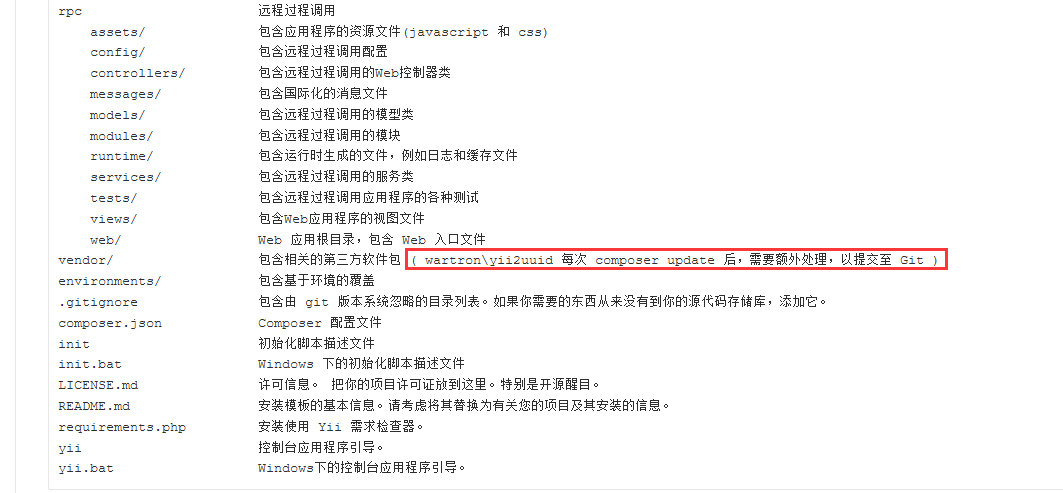
Figure 15