In Rancher 2.3, after adding a health check, the container cannot be started, but it is successful to call the health check in the container
1. After removing the health check, start the container, and it is successful to call the health check in the container. as shown in Figure 1
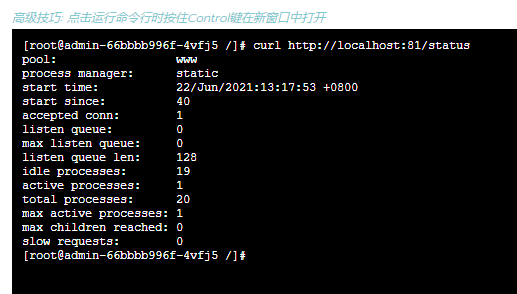
Figure 1
[root@admin-66bbbb996f-4vfj5 /]# curl http://localhost:81/status
pool:                 www
process manager:      static
start time:           22/Jun/2021:13:17:53 +0800
start since:          40
accepted conn:        1
listen queue:         0
max listen queue:     0
listen queue len:     128
idle processes:       19
active processes:     1
total processes:      20
max active processes: 1
max children reached: 0
slow requests:        0
[root@admin-66bbbb996f-4vfj5 /]#
2. After adding the health check and upgrading, it has been in the state: Upgrading Workload. as shown in Figure 2

Figure 2
3. View all pods in the current workload. Newly created container state: ContainerCreating. as shown in Figure 3
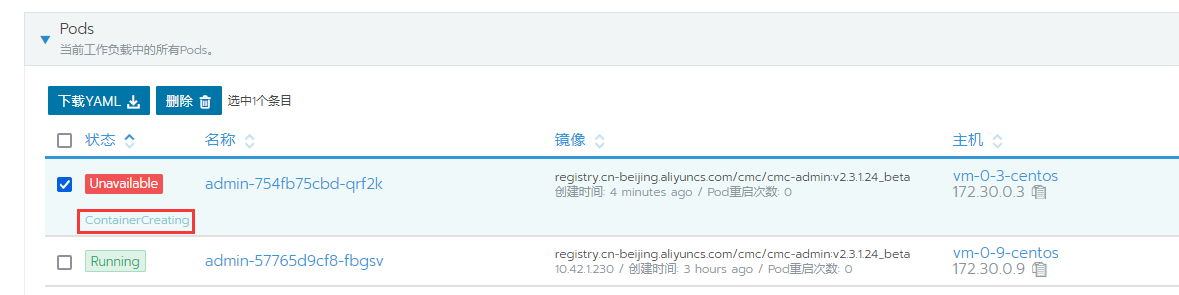
Figure 3
4. The configuration of the health check during the upgrade is as follows. as shown in Figure 4

Figure 4
5. After all health checks are set to no, the upgrade is successful. as shown in Figure 5

Figure 5
6. Force delete all pods in the current workload. as shown in Figure 6
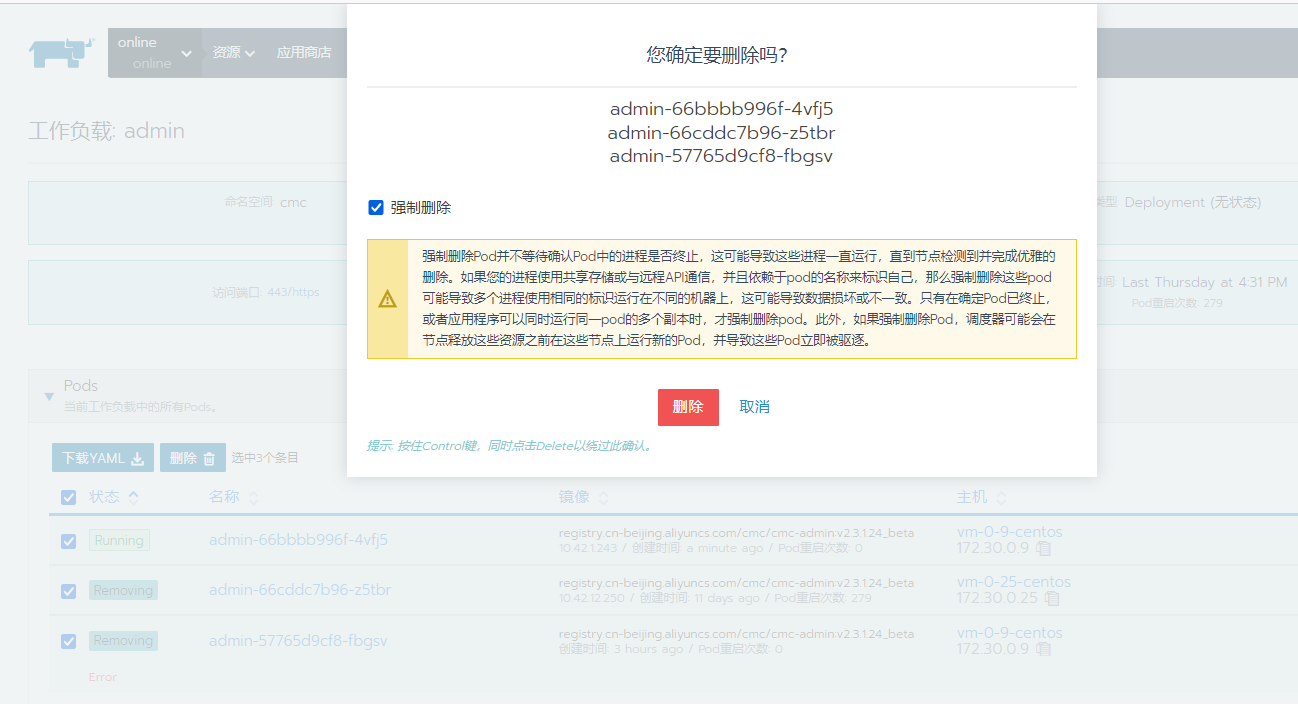
Figure 6
7. After adding a health check, upgrade again, and the upgrade is successful.