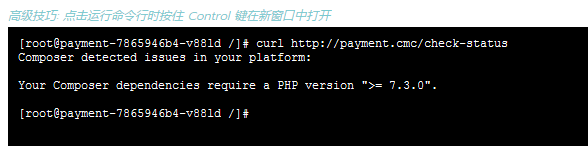
1. Composer detected issues in your platform: your composer dependencies require a php version “>= 7.3.0”.. Composer detects a problem in your platform: your composer dependency requires the PHP version of “>= 7.3.0”. as shown in Figure 1
Figure 1
[root@payment-7865946b4-v88ld /]# curl http://payment.cmc/check-status
Composer detected issues in your platform:

Your Composer dependencies require a PHP version ">= 7.3.0".
2. The root cause is that the program needs to be deployed on the cloud server of Huawei Cloud’s ARM (Kunpeng) architecture. Therefore, the basic image is changed to an ARM-enabled image, and the PHP version changes to: PHP 7.2.20. AARCH64 is the 64-bit state introduced in the ARMv8-A architecture. as shown in Figure 2
Figure 2
[root@payment-7865946b4-v88ld /]# cat /etc/redhat-release
CentOS Linux release 7.8.2003 (AltArch)
[root@payment-7865946b4-v88ld /]# cat /proc/version
Linux version 4.18.0-80.7.2.el7.aarch64 (mockbuild@aarch64-01.bsys.centos.org) (gcc version 8.3.1 20190311 (Red Hat 8.3.1-3) (GCC)) #1 SMP Thu Sep 12 16:13:20 UTC 2019
[root@payment-7865946b4-v88ld /]# arch
aarch64
[root@payment-7865946b4-v88ld /]# php -v
PHP 7.2.20 (cli) (built: Aug 12 2020 19:02:44) ( NTS )
Copyright (c) 1997-2018 The PHP Group
Zend Engine v3.2.0, Copyright (c) 1998-2018 Zend Technologies
    with Zend OPcache v7.2.20, Copyright (c) 1999-2018, by Zend Technologies
[root@payment-7865946b4-v88ld /]#
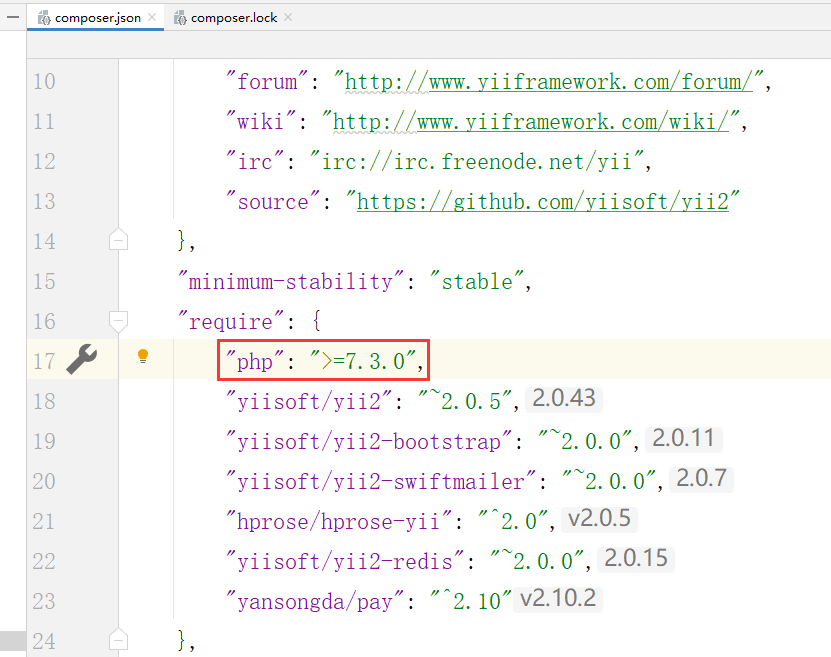
3. Check composer.json. “php”: “>=7.3.0”,. as shown in Figure 3
Figure 3
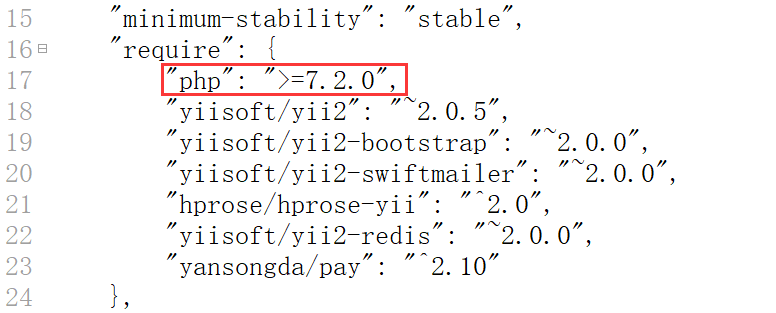
4. Since /vendor has been put into the git repository. Edit composer.json: “php”: “>=7.2.0”,. as shown in Figure 4
Figure 4
    "require": {
        "php": ">=7.2.0",
    },
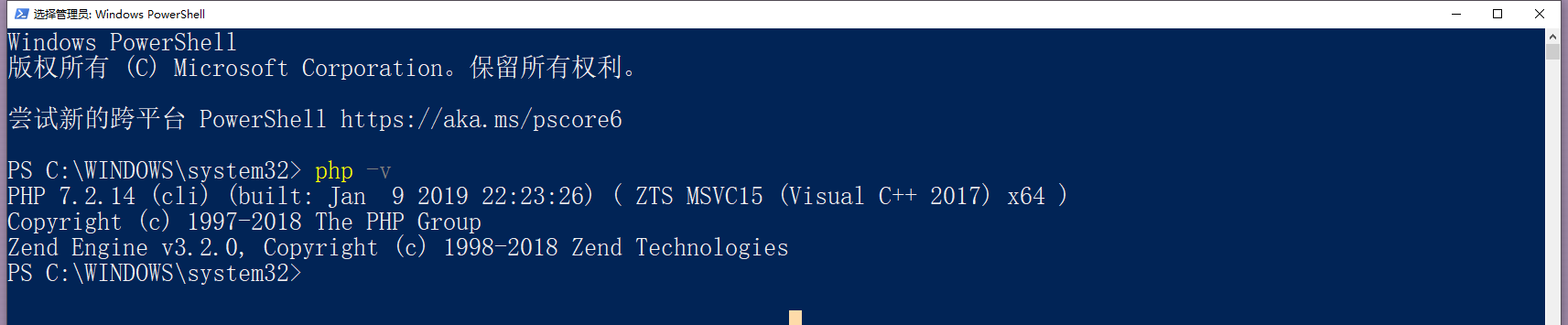
5. Switch the PHP version of the local Windows environment to: 7.2.14, which is consistent with the PHP version of the image of the production environment: 7.2.20. as shown in Figure 5
Figure 5
PS C:\WINDOWS\system32> php -v
PHP 7.2.14 (cli) (built: Jan  9 2019 22:23:26) ( ZTS MSVC15 (Visual C++ 2017) x64 )
Copyright (c) 1997-2018 The PHP Group
Zend Engine v3.2.0, Copyright (c) 1998-2018 Zend Technologies
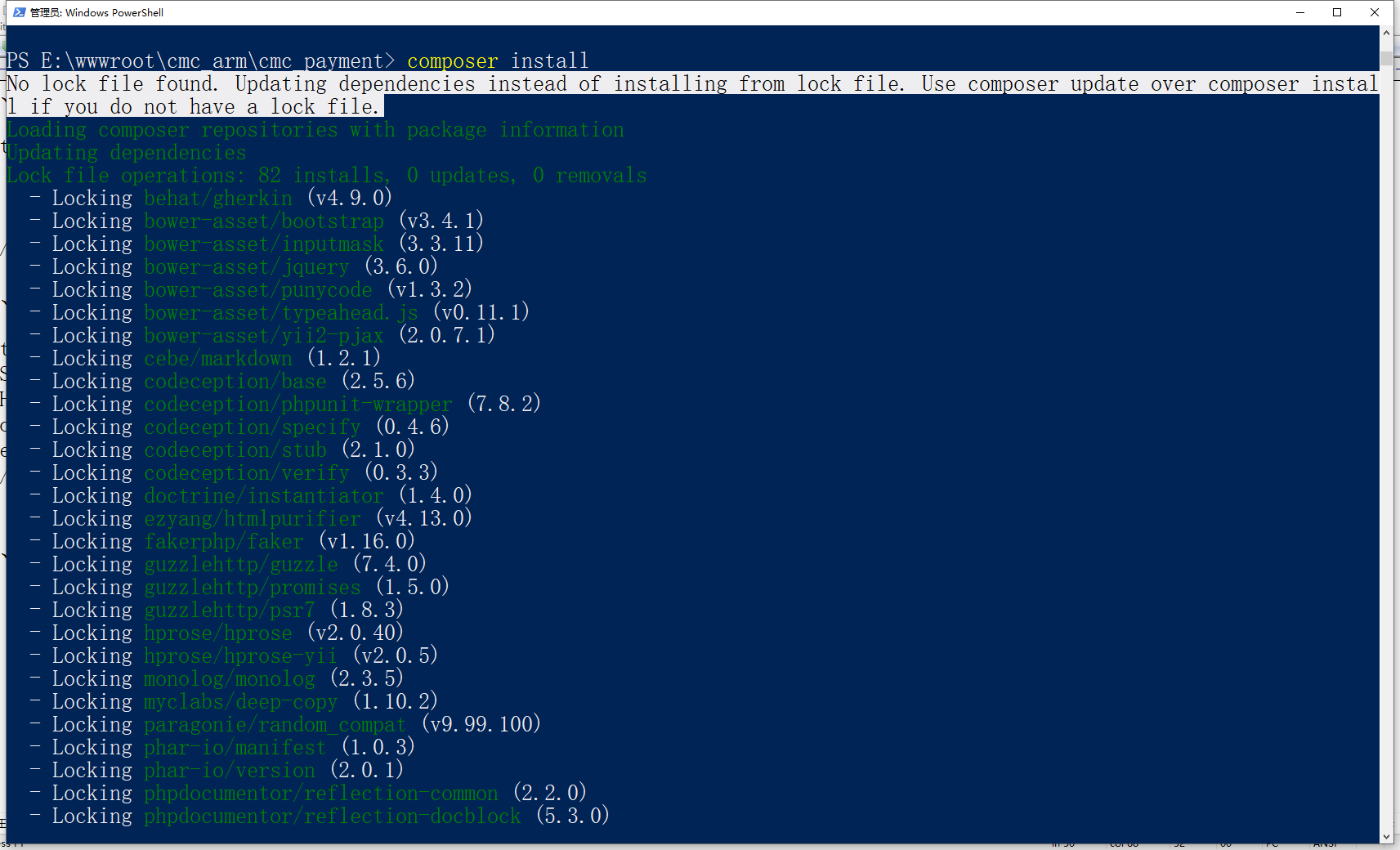
6. Delete the directory: /vendor, delete: composer.lock, and re-execute: composer install. as shown in Figure 6
Figure 6
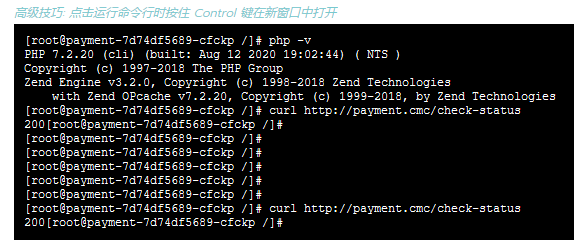
7. Run the health check program, a PHP script, the response is 200, and no error is reported. problem solving. as shown in Figure 7
Figure 7

Leave a Reply