Troubleshooting PHP-CGI.exe can’t run in Windows 10 Pro
1. In Windows 10 Professional, PHP cannot run the troubleshooting analysis. Execute the command: php-cgi.exe -b 127.0.0.1:9000-c c:/php-7.4.27/php.ini , automatically exit. as shown in Figure 1
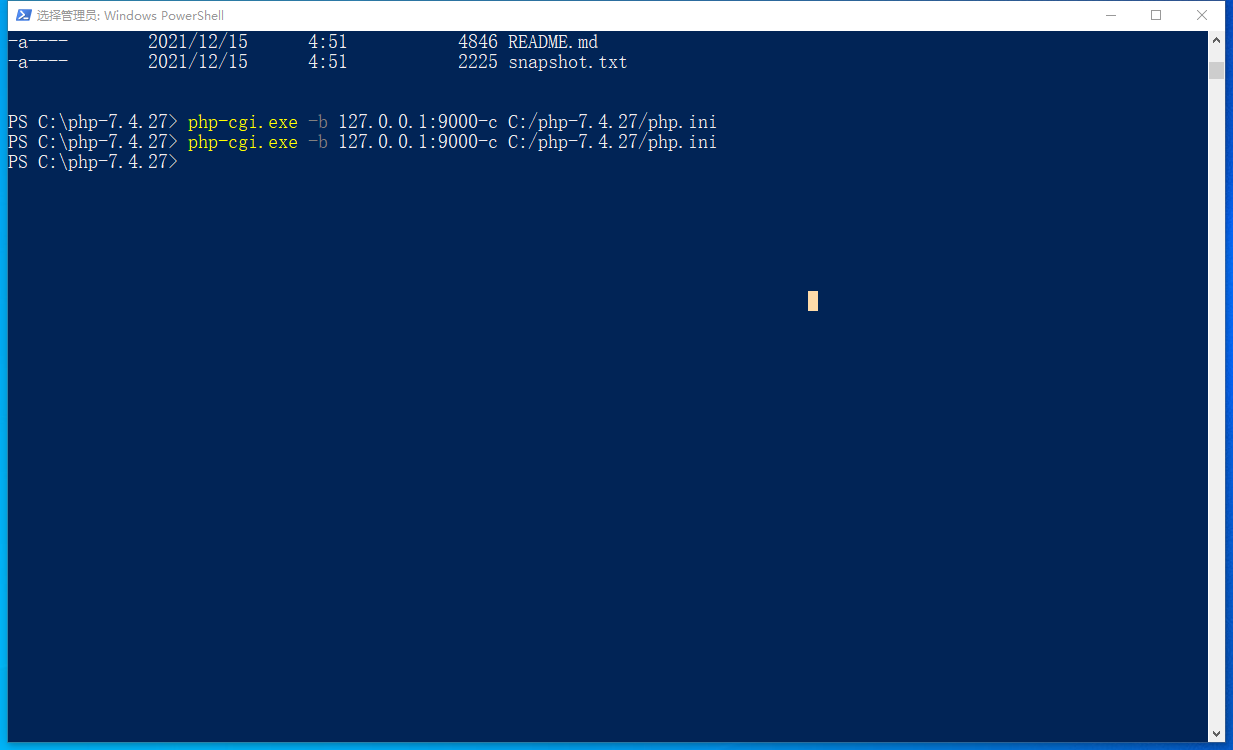
Figure 1
2. Install the Visual C++ 2015 runtime 64-bit, as shown in Figure 2
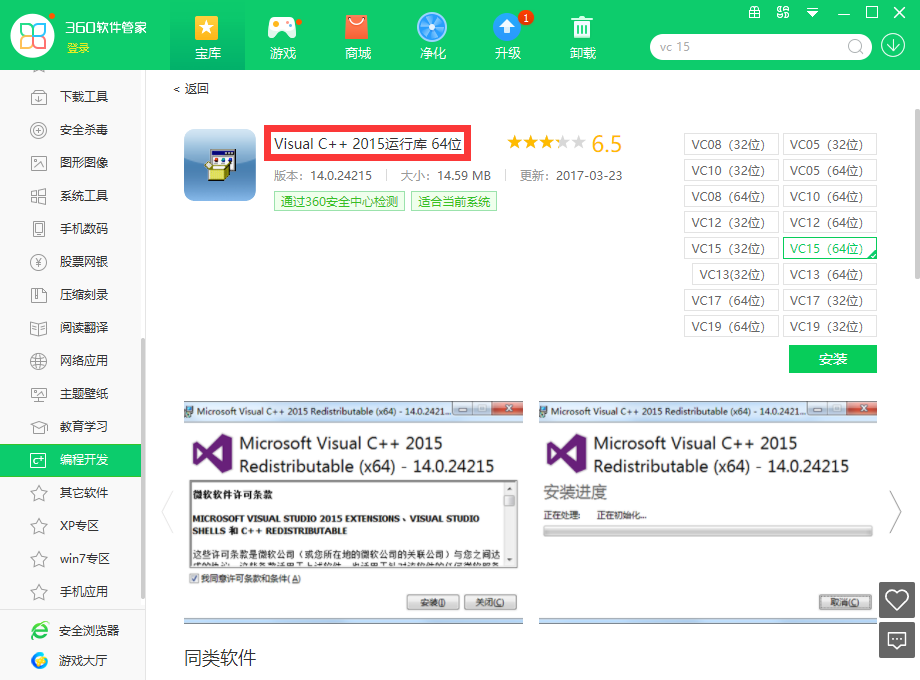
Figure 2
3. Execute the command again: php-cgi.exe -b 127.0.0.1:9000-c c:/php-7.4.27/php.ini, error: php warning:vcruntime140.dll14.0 Is not compareable with this php build linked with 14.16 in unknown on line 0 . as shown in Figure 3
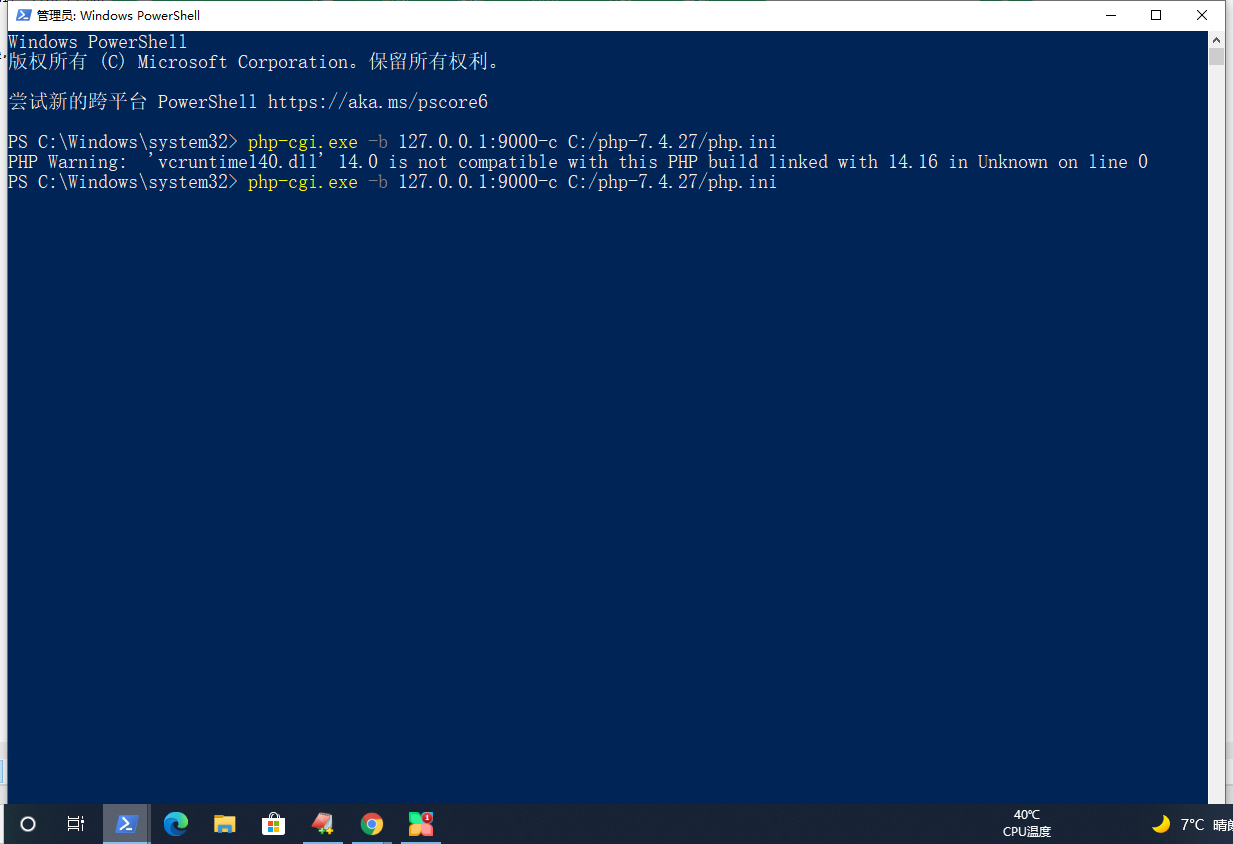
Figure 3
PS C:\php-7.4.27> php-cgi.exe -b 127.0.0.1:9000-c C:/php-7.4.27/php.ini
PHP Warning:  'vcruntime140.dll' 14.0 is not compatible with this PHP build linked with 14.16 in Unknown on line 0
PS C:\php-7.4.27>
4. Restart the computer and still report the same error. Reference URL:https://www.shuijingwanwq.com/2019/01/24/3139/, the VC15 version needs to install Visual Studio 2017 x64 or x86 Visual C++ Redistributable, download and install Microsoft Visual C++ Redistributable for Visual Studio 2017. Install the Visual CPP 2017 runtime 64-bit. No more errors. as shown in Figure 4

Figure 4
PS C:\Windows\system32> php-cgi.exe -b 127.0.0.1:9000-c C:/php-7.4.27/php.ini
PHP Warning:  'vcruntime140.dll' 14.0 is not compatible with this PHP build linked with 14.16 in Unknown on line 0
PS C:\Windows\system32> php-cgi.exe -b 127.0.0.1:9000-c C:/php-7.4.27/php.ini
5. Execute the command: php -v, display the php version correctly. as shown in Figure 5
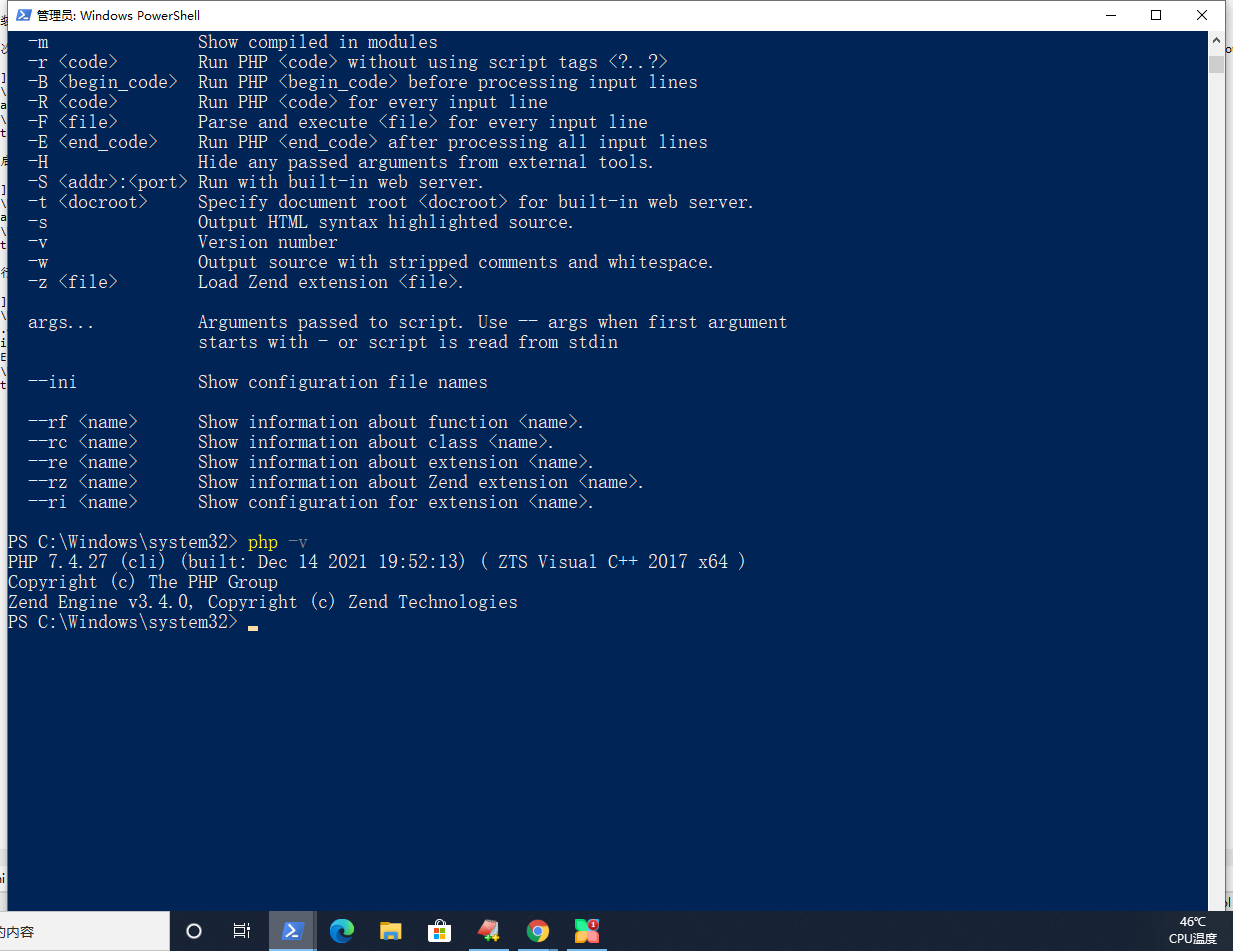
Figure 5
PS C:\Windows\system32> php -v
PHP 7.4.27 (cli) (built: Dec 14 2021 19:52:13) ( ZTS Visual C++ 2017 x64 )
Copyright (c) The PHP Group
Zend Engine v3.4.0, Copyright (c) Zend Technologies
PS C:\Windows\system32>