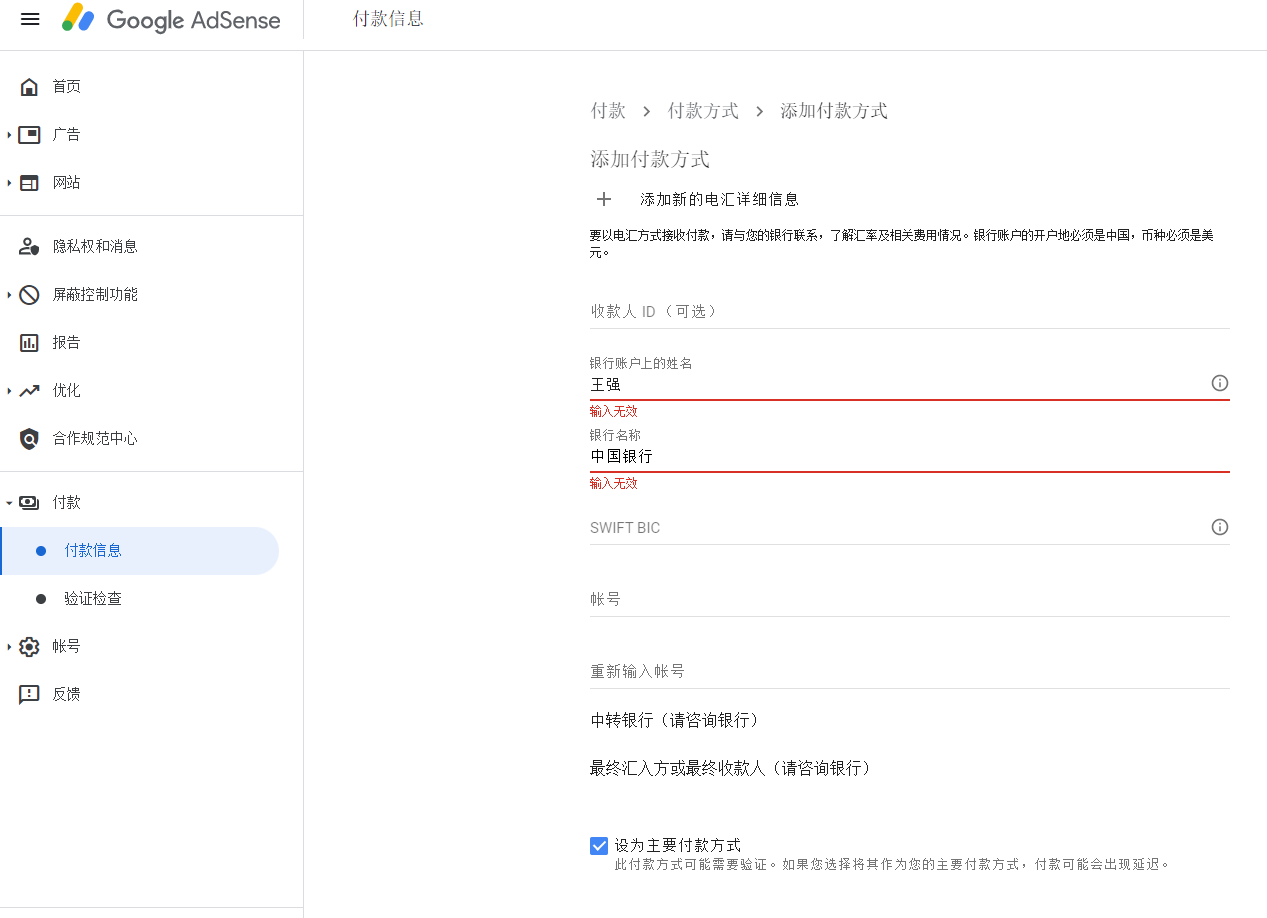
1. On the Payment – Payment Method – Add Payment Methods page, enter the name on the bank account: Wang Qiang, and the prompt input is invalid. Bank name input: Bank of China, prompt input is invalid. as shown in Figure 1
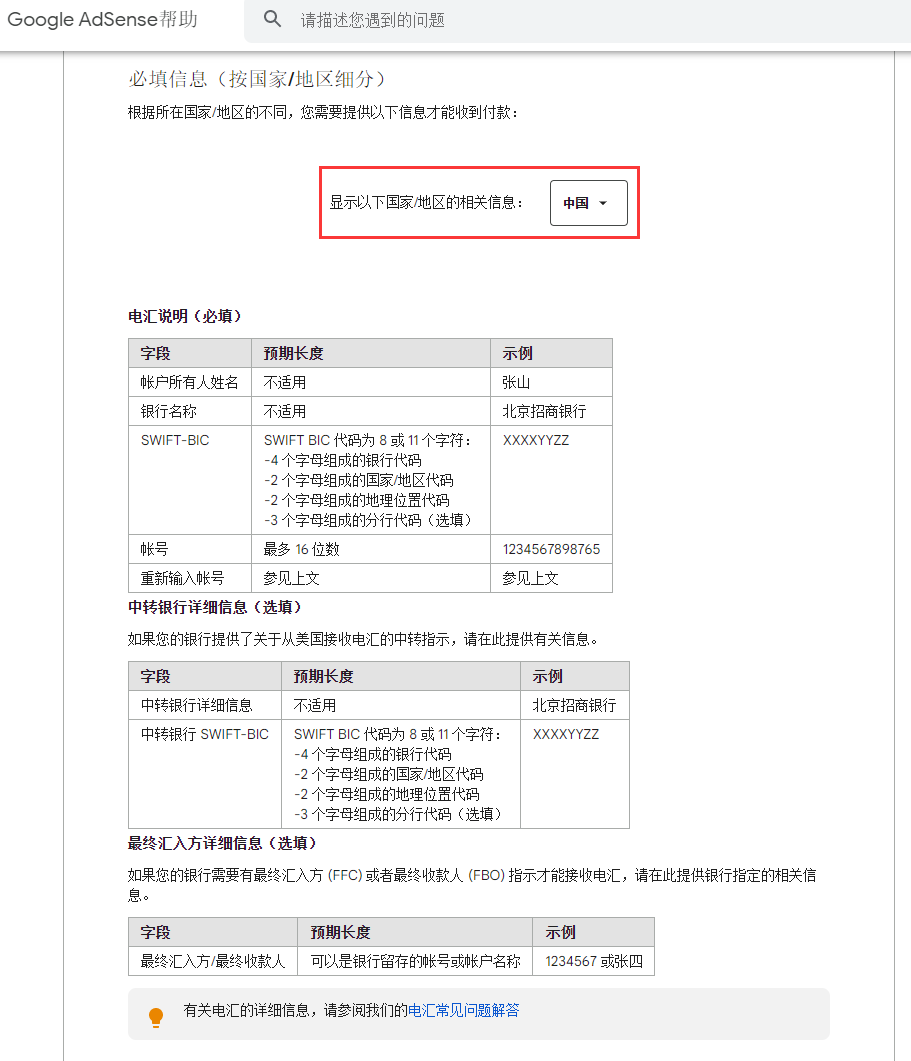
2. Reference URL: https://support.google.com/adsense/answer/3372975?hl=zh-hans , Google AdSense Help – payment method – Wire Transfer – Payment via wire transfer. Displays the relevant information of the following countries/regions: China. as shown in Figure 2
3. Reference URL: https://support.google.com/adsense/answer/6025222?hl=zh-hans&ref_topic=6026604 , Google AdSense Help – Payment Method – Wire Transfer – Wire Transfer FAQ. For my bank account details, should I enter a local language character or a Latin character? Enter Latin characters when entering your bank account details. If you try to enter local language characters, you will see an error in your account.
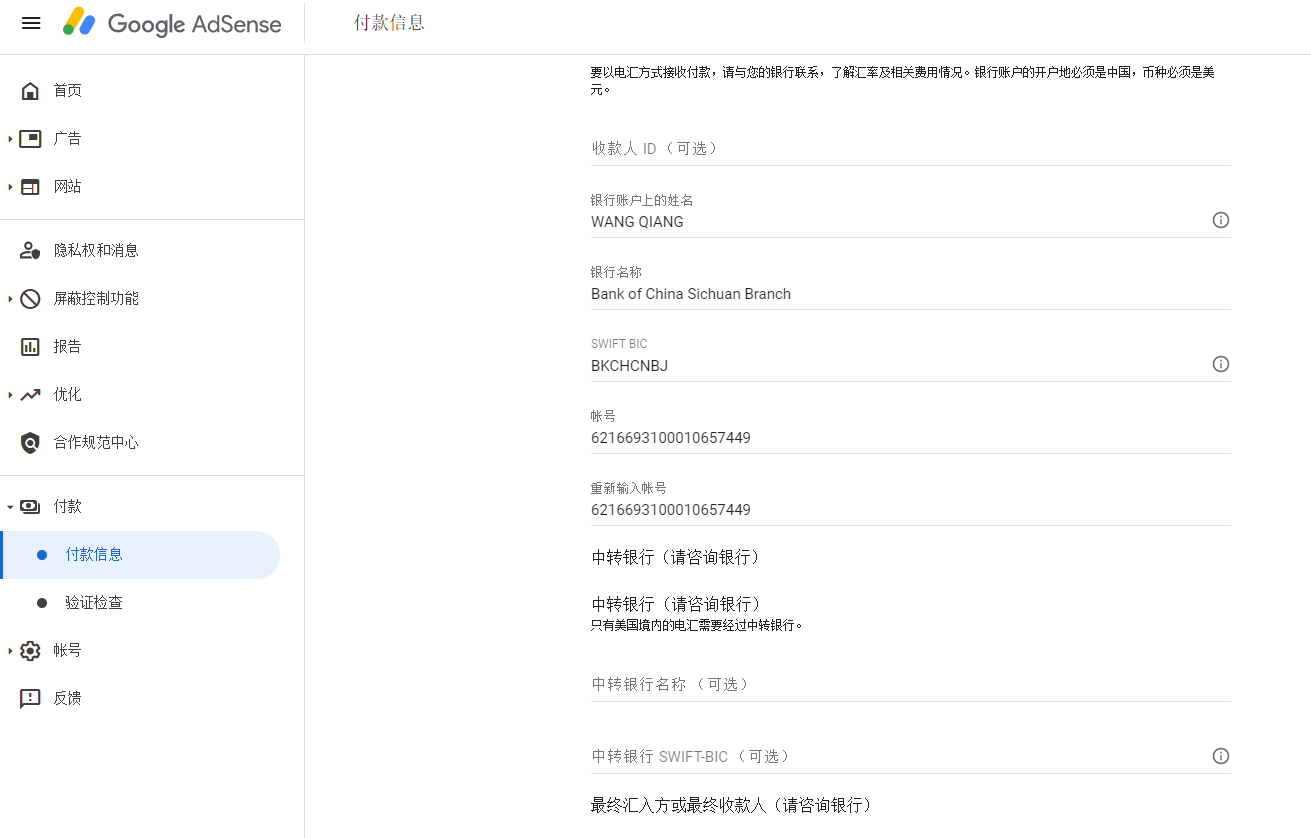
4. Enter the name on the bank account: wang qiang, bank name input: bank of china sichuan branch, because my bank of China is located in the bank of Bank of China, Sichuan branch. Refer to the Swift code of Bank of China’s domestic organization: https://www.boc.cn/aboutboc/ab6/200810/t20081016_7363.html . as shown in Figure 3
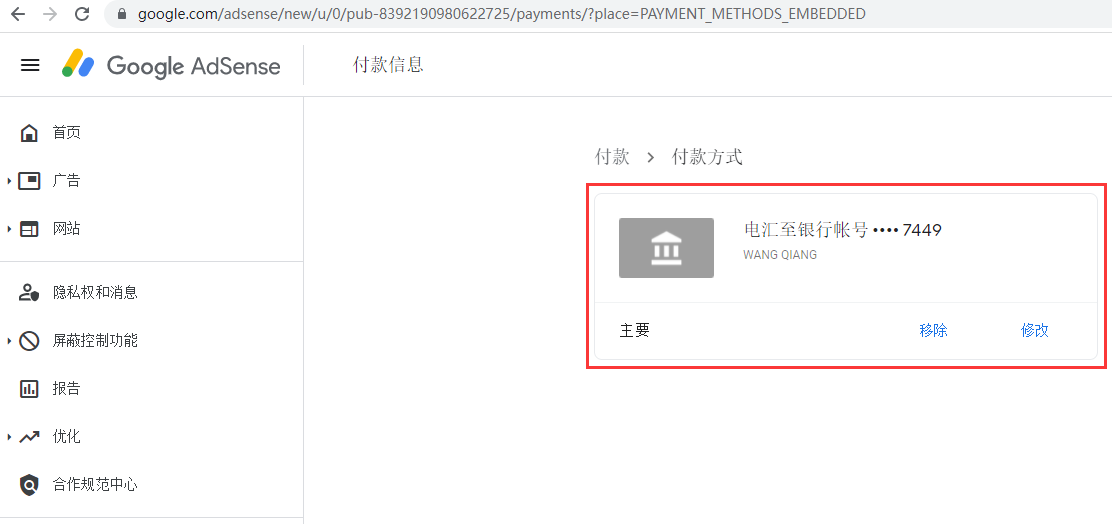
5. Add payment method successfully. as shown in Figure 4
Leave a Reply