The same configuration under Windows 10 and OpenResty, one responds to 200, and the other responds to the investigation and analysis of 404
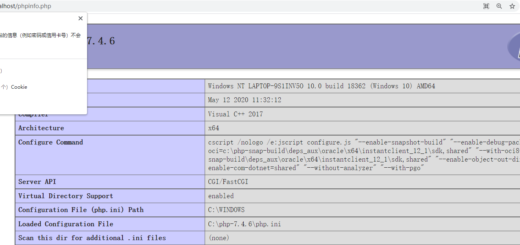
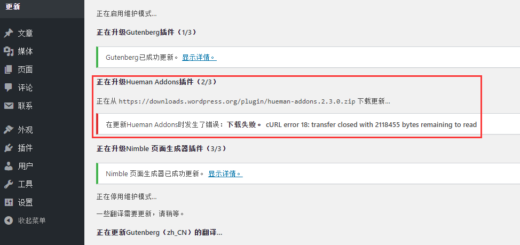
1,https://object-master.local/robots.txt, response 404. as shown in Figure 1

Figure 1
2, but,https://object.local/robots.txt, the response 200. as shown in Figure 2
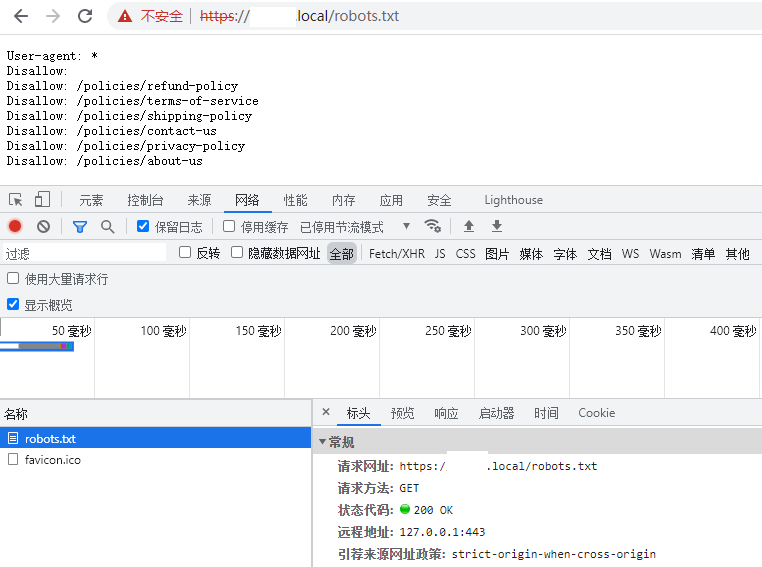
Figure 2
3. The only difference between these 2 URLs is -master . Run: tasklist /fi “imagename eq nginx.exe” . View the nginx process running in the background. There are 4. In theory, there should only be 2 of them. and can only stop 2 of these processes. as shown in Figure 3

Figure 3
PS C:\openresty-1.19.9.1-win64> tasklist /fi "imagename eq nginx.exe"

映像名称                       PID 会话名              会话#       内存使用
========================= ======== ================ =========== ============
nginx.exe                   323736 Console                    4     11,788 K
nginx.exe                   355244 Console                    4     17,540 K
nginx.exe                   362920 Console                    4     24,720 K
nginx.exe                   376204 Console                    4     18,568 K
PS C:\openresty-1.19.9.1-win64> ./nginx -s stop
PS C:\openresty-1.19.9.1-win64> tasklist /fi "imagename eq nginx.exe"

映像名称                       PID 会话名              会话#       内存使用
========================= ======== ================ =========== ============
nginx.exe                   323736 Console                    4     11,800 K
nginx.exe                   355244 Console                    4     17,540 K
PS C:\openresty-1.19.9.1-win64> ./nginx -s stop
nginx: [error] CreateFile() "./logs/nginx.pid" failed (2: The system cannot find the file specified)
4. The other two can not be stopped. Check the task manager and decide to stop manually. Looking at the nginx process running in the background, it no longer exists. as shown in Figure 4
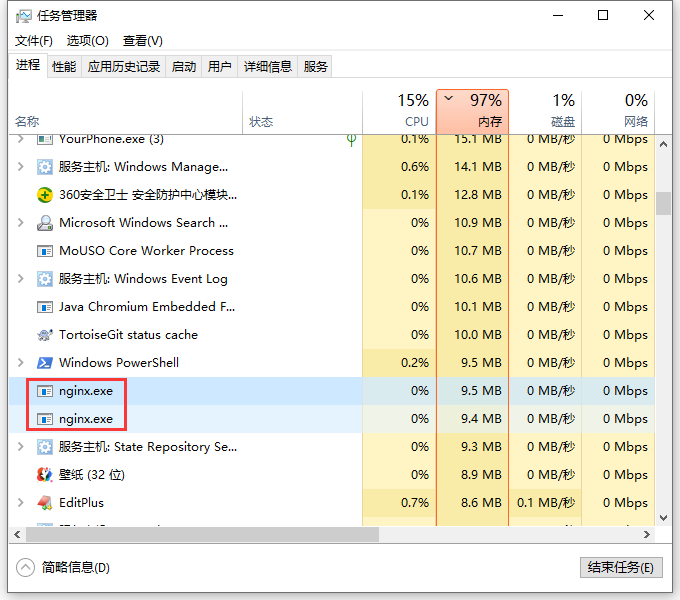
Figure 4
信息: 没有运行的任务匹配指定标准。
5. Restart Nginx and check the number of progress to 2.
PS C:\openresty-1.19.9.1-win64> start nginx
PS C:\openresty-1.19.9.1-win64> tasklist /fi "imagename eq nginx.exe"

映像名称                       PID 会话名              会话#       内存使用
========================= ======== ================ =========== ============
nginx.exe                   361944 Console                    4     18,560 K
nginx.exe                   370536 Console                    4     19,104 K
PS C:\openresty-1.19.9.1-win64>
6,https://object-master.local/robots.txt,https://object.local/robots.txtResponse 200. as shown in Figure 5
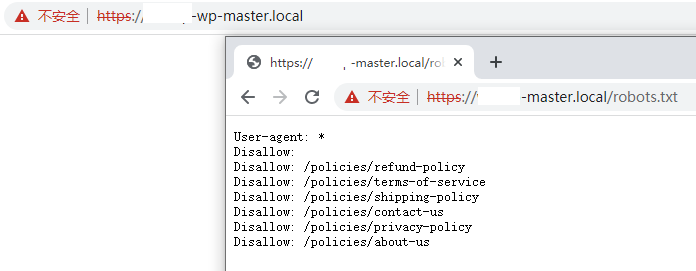
Figure 5