Tips in Postman: Connection error we were unable to establish a websocket connection with our servers.

Postman 中提示:Connection error We were unable to establish a websocket connection with our servers. Please retry. If the issue persists, check your network settings to ensure that websocket connections are allowed.

1. Prompt in Postman: Connection error we were unable to establish a websocket connection with our servers. Please retry. If the issue Persiss, check your network settings to ensure that websocket connections are allowed.
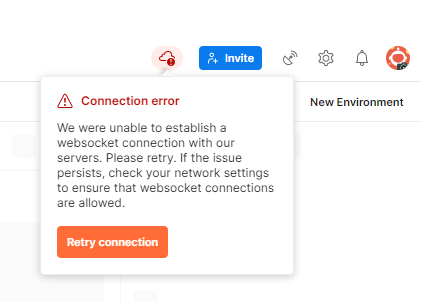
Postman 中提示:Connection error We were unable to establish a websocket connection with our servers. Please retry. If the issue persists, check your network settings to ensure that websocket connections are allowed.
Figure 1

2. Reference: https://github.com/postmanlabs/postman-app-support/issues/9487 . The old account cannot be connected after login, but the new account can be connected.

3. Decide to log out and log in again. as shown in Figure 2
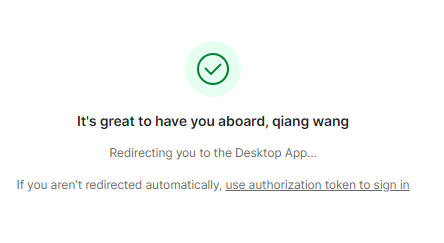
决定退出后重新登录。
Figure 2

4. Still unable to connect. Check the version, it is the latest version. as shown in Figure 3
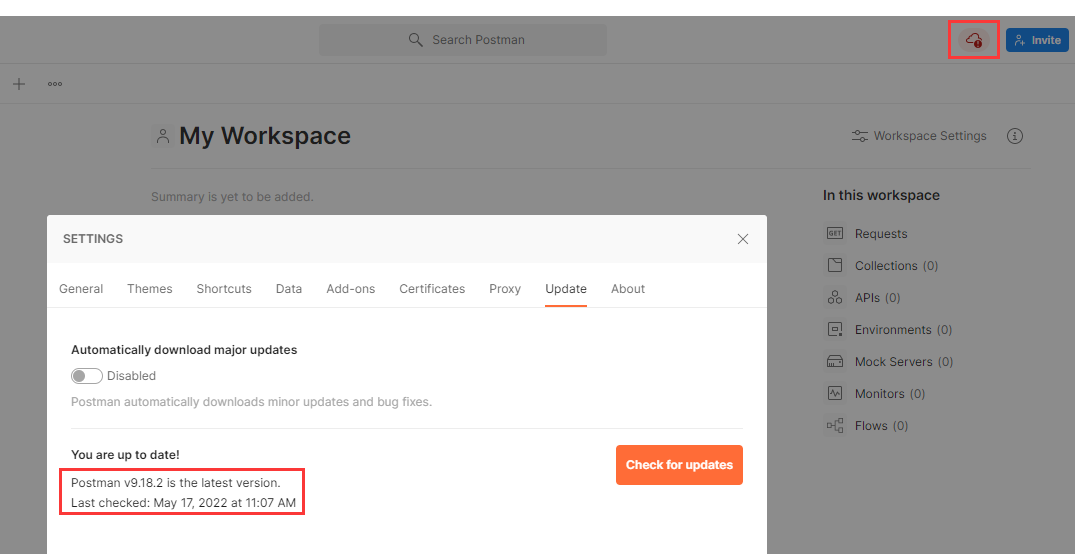
仍然无法连接。检查版本,已是最新版本。
Figure 3

5. After deciding to log out both the desktop and the web terminal, log in again. And switch to another account (registered in Postman), the account that could not be connected before is based on Google login. The connection was successful. as shown in Figure 4
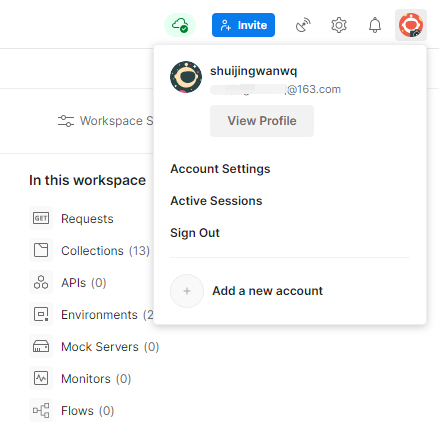
决定桌面端与 WEB 端皆退出后,再重新登录。且切换至另一个帐号(在 Postman 中注册的),之前无法连接的帐号是基于 Google 登录的。连接成功。
Figure 4

Comments

Leave a Reply

Your email address will not be published. Required fields are marked *

This site uses Akismet to reduce spam. Learn how your comment data is processed.