1. Upload pictures in WordPress, prompting: The server cannot process pictures. This happens if the server is busy or does not have enough resources to complete the task. Uploading smaller pictures may help. The recommended maximum size is 2560 pixels. as shown in Figure 1

2. Check the size of the uploaded image is 23 KB, and confirm that it is not caused by the large picture. as shown in Figure 2

3. Decided to open the preview with the photo software, and then take a screenshot to save the original image. as shown in Figure 3
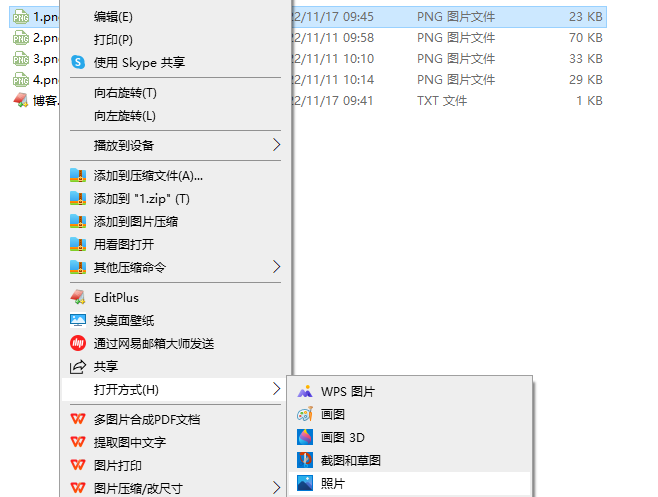
4. Upload again, still fail.
5. Debugging in WordPress, refer to: https://wordpress.org/support/article/debugging-in-wordpress/ . Edit wp-config.php
/**
* Developer-only: WordPress debugging mode.
;
* Change this value to "true", and WordPress will display all the prompts for development.
* It is strongly recommended that plug-in developers enable this function in the development environment.
*/
define(wp_debug, true);
6. Refresh the page, there are some tips below. as shown in Figure 4

Warning: use of undefined constantwp_cumulus_widget(This will throw an error in a future version of php) in /data/wwwroot/www.shuijingwanwq.com/wp-content/plugins/wp-cumulus/wp-cumulus.php on line 375

deprecated: function register_sidebar_widget has been deprecated since version 2.8.0! Please use wp_register_sidebar_widget() instead. in /data/wwwroot/www.shuijingwanwq.com/wp-includes/functions.php on line 5383

deprecated: function register_widget_control has been deprecated since version 2.8.0! Please use wp_register_widget_control() instead. in /data/wwwroot/www.shuijingwanwq.com/wp-includes/functions.php on line 5383

Deprecated: Since version 2.0.0!, the parameters used when calling the function has_cap have been deprecated! The user level has been discarded, please use the ability instead. in /data/wwwroot/www.shuijingwanwq.com/wp-includes/functions.php on line 5667
6. Upload again, the upload is successful. Only debug is turned on. as shown in Figure 5
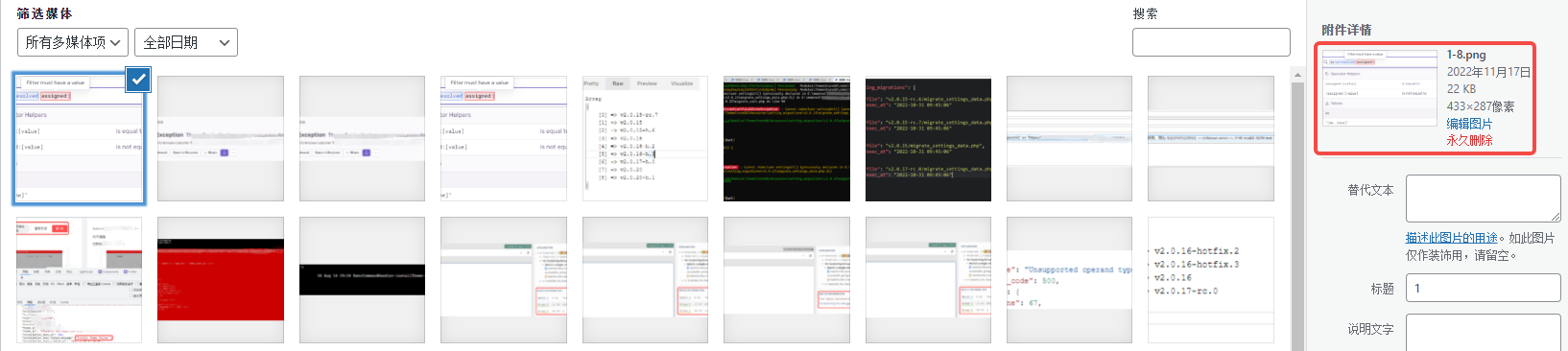
7. Restore step 5. Upload again, the upload is successful. It feels like a temporary failure on the server side. Decided to give up for the time being.
Leave a Reply