
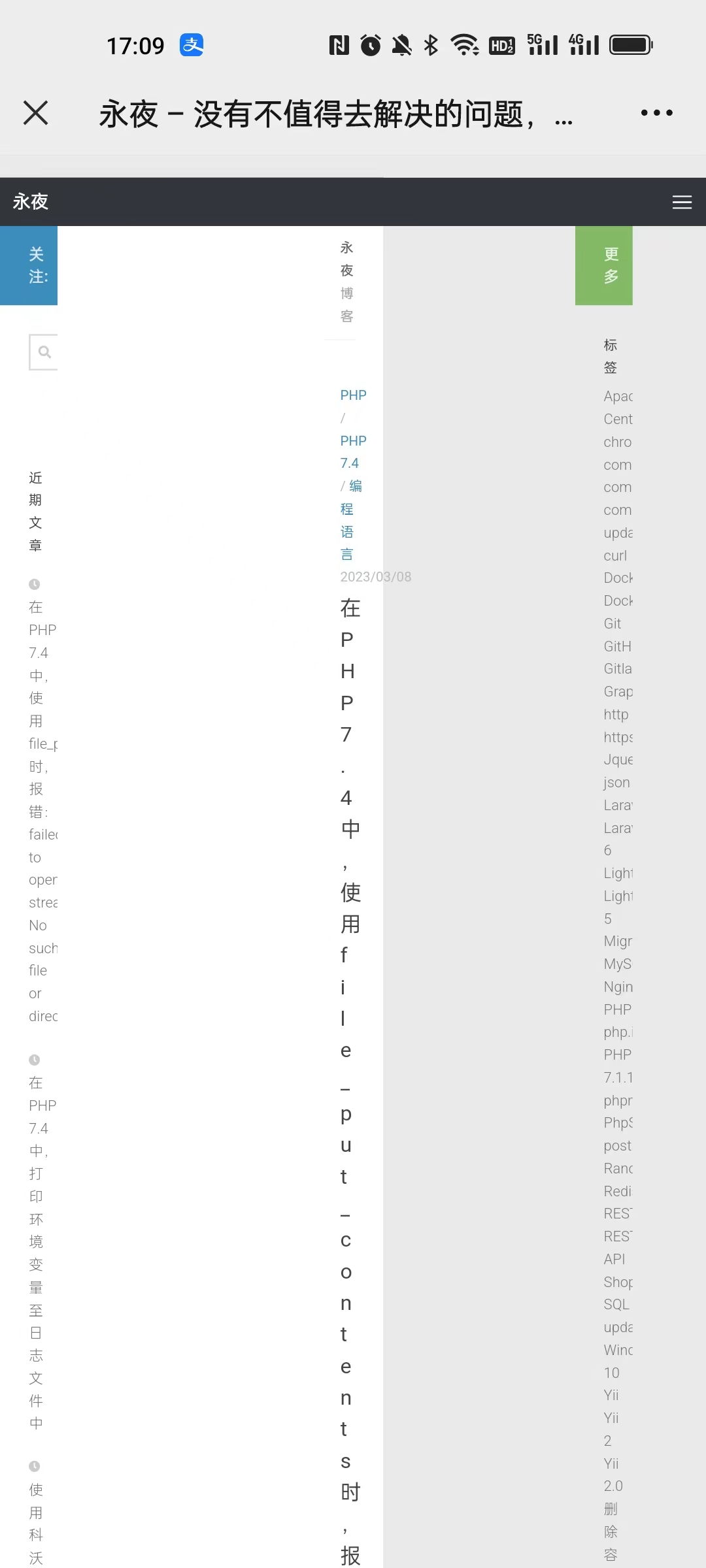
1. In WordPress 6, open the page in the mobile phone, and the interface is confused. as shown in Figure 1
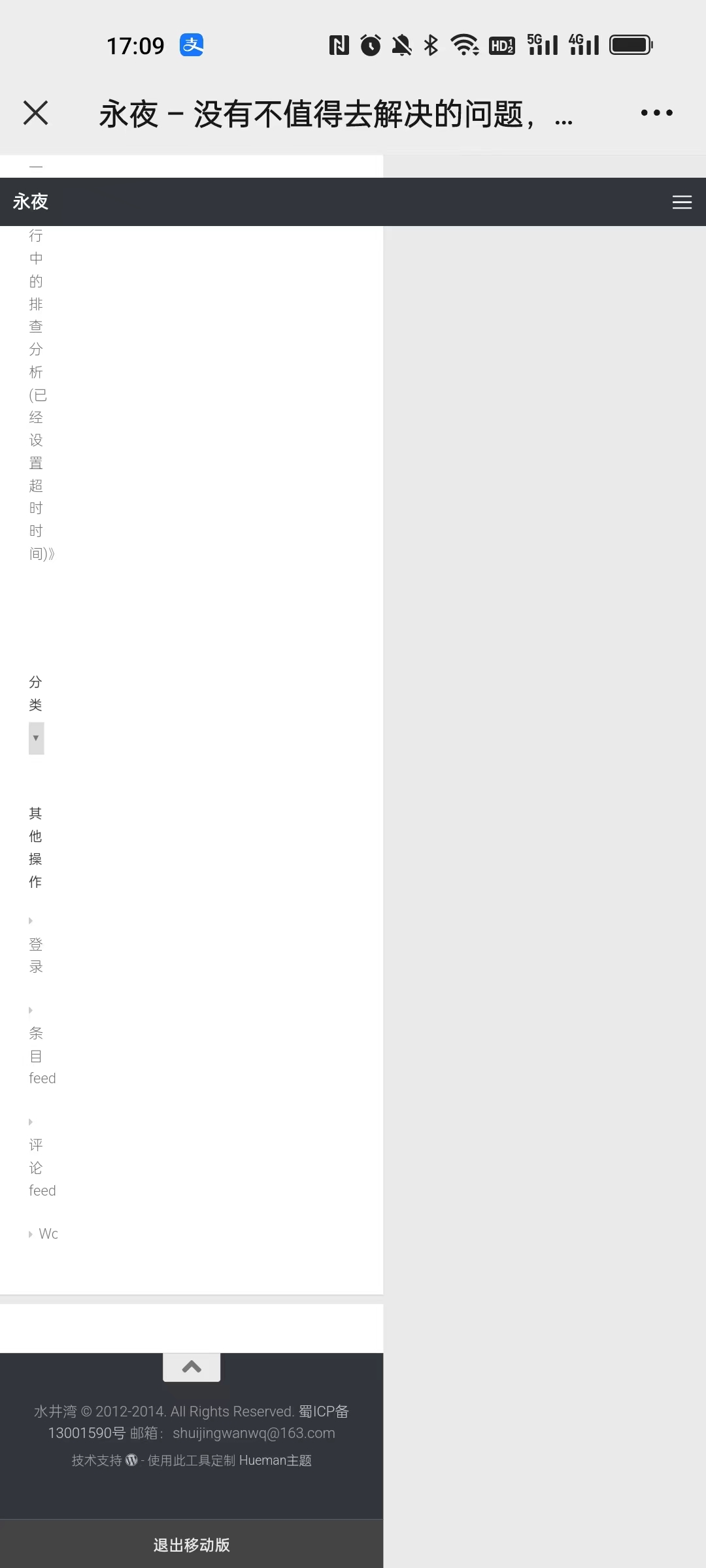
2. Scroll the page to the end of the page, there is a button to exit the mobile version. as shown in Figure 2
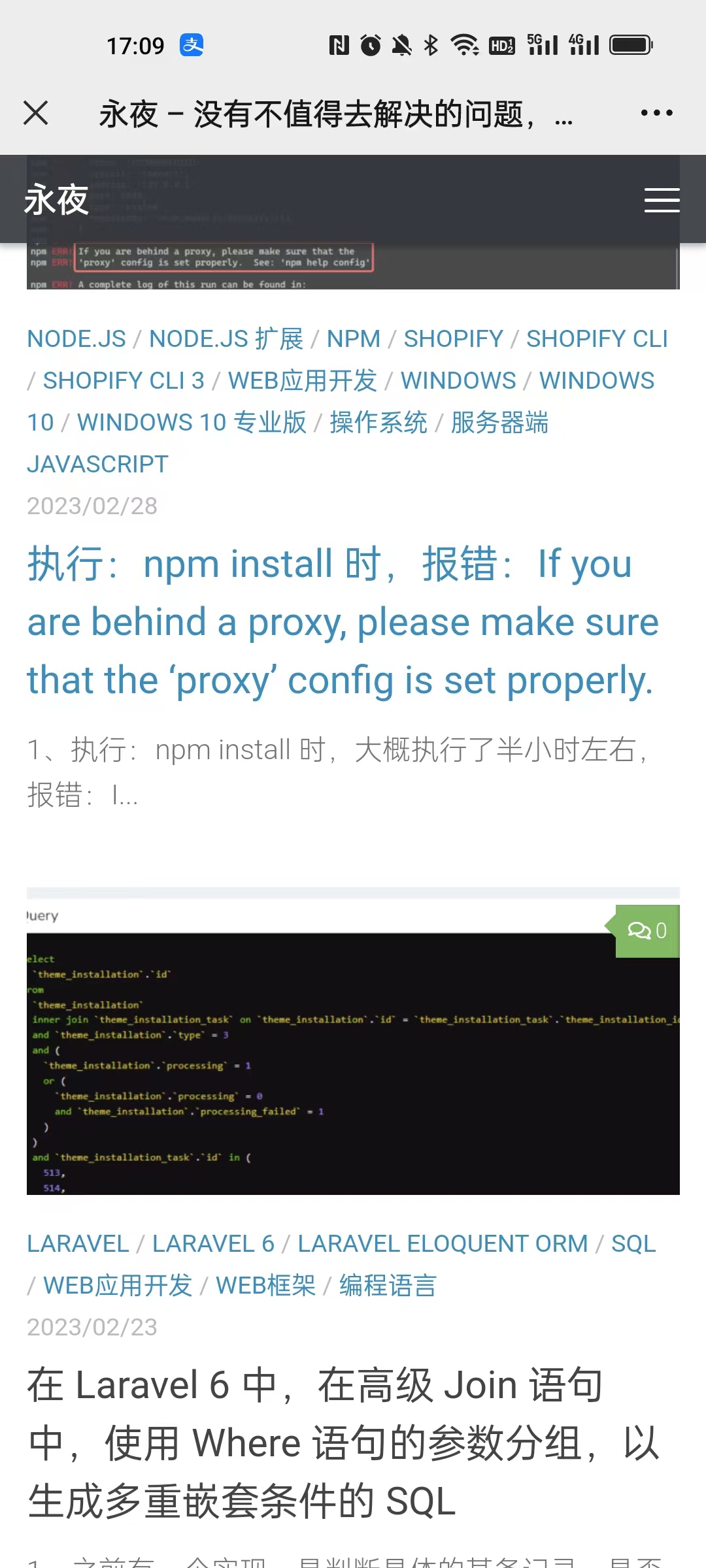
3. Click the Exit mobile version button, the page is normal. as shown in Figure 3
4. Try to disable the plugin in the background: after AMP, the page is normal. as shown in Figure 4

5. Now I hope to open the page in the mobile phone, the default is normal. And the plugin cannot be disabled: AMP . Current topic: Hueman is not compatible with AMP. as shown in Figure 5

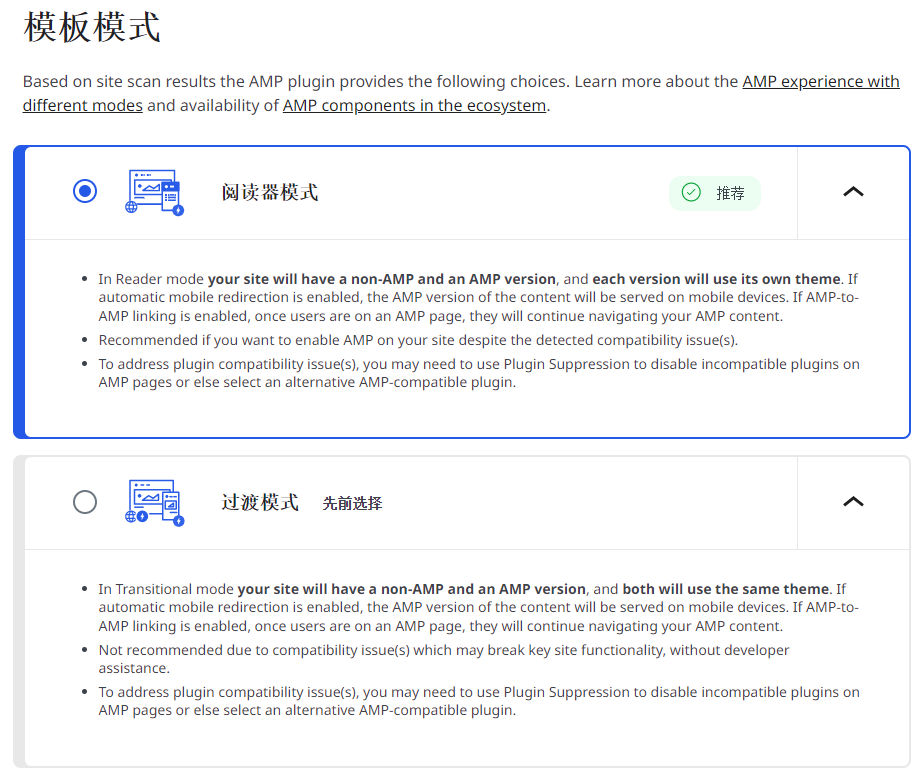
6. Before the template mode is: transition mode, switch to the recommended reader mode. In reader mode, your website will have a non-AMP version and an AMP version, each version will use its own theme. as shown in Figure 6
7. Select the theme template for mobile visitors, select: Twenty Fifteen. as shown in Figure 7
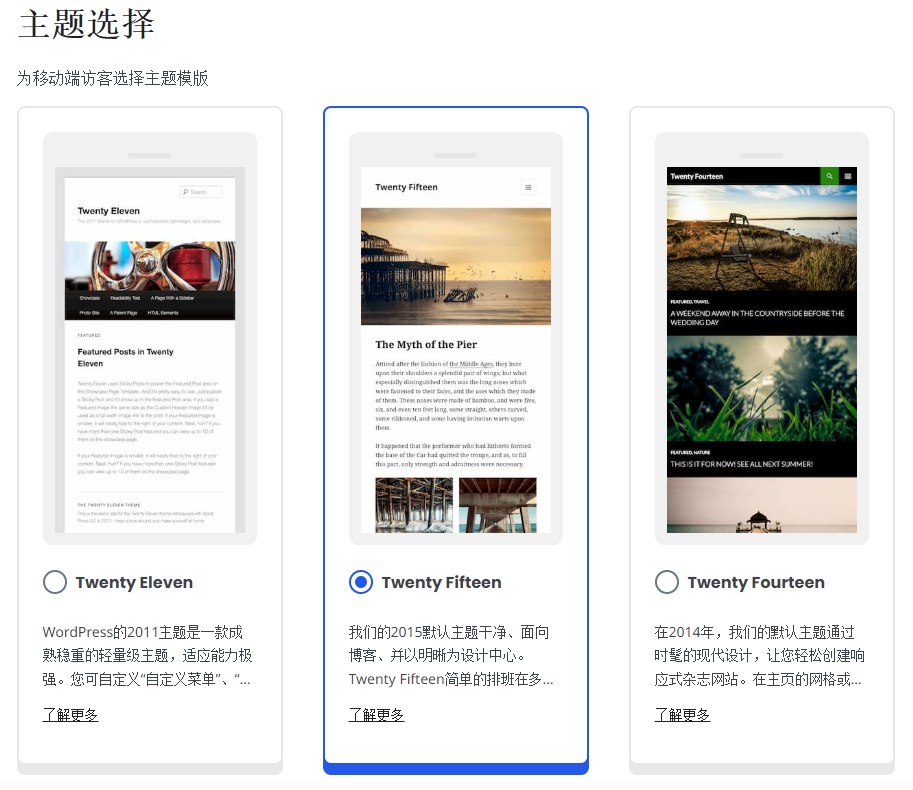
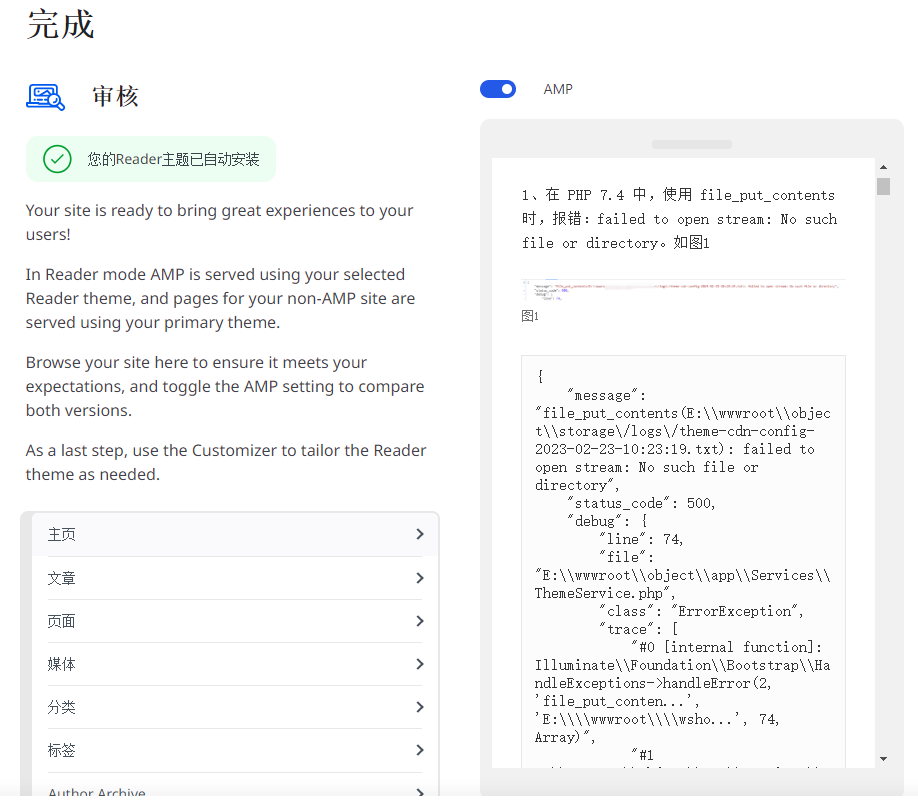
8. Your Reader theme has been automatically installed. In reader mode, AMP provides services using the reader themes of your choice, and the pages of non-AMP websites provide services using your main theme. as shown in Figure 8
9. Open the page in the mobile phone, the page is normal. But some plugins are not working properly. Such as syntaxhighlighter evolved. The program code is displayed in plain text. Not as expected. as shown in Figure 9
10. Uninstall the plug-in: AMP, install the plugin: Accelerated mobile pages. As shown in Figure 10

11. Open the page in the mobile phone, the page is normal, the plugin: syntaxhighlighter Evolved has been working normally, in line with expectations. as shown in Figure 11
Need long-term technical maintenance or remote troubleshooting?
I am a PHP / Go backend engineer with 15+ years of experience, focused on existing system maintenance, bug fixing, performance optimization, server troubleshooting, WordPress maintenance, and small feature iterations.
If your project is facing any of the following issues, we can start with a small troubleshooting task first:
- ✅ PHP / Laravel / Yii2 legacy systems without active maintenance
- ✅ Go / Gin backend APIs that need troubleshooting or optimization
- ✅ Slow, broken, or unstable WordPress websites
- ✅ Nginx / MySQL / Redis / Linux server issues
- ✅ CDN / Cloudflare / DNS / HTTPS configuration problems
- ✅ Long-term remote technical support or part-time maintenance
More details: About Me & Collaboration
WeChat: 13980074657
Email: shuijingwanwq@gmail.com
Telegram: @shuijingwan
GitHub: https://github.com/shuijingwan
Leave a Reply