1. From the property department to the flow chart of setting fingerprints. as shown in Figure 1

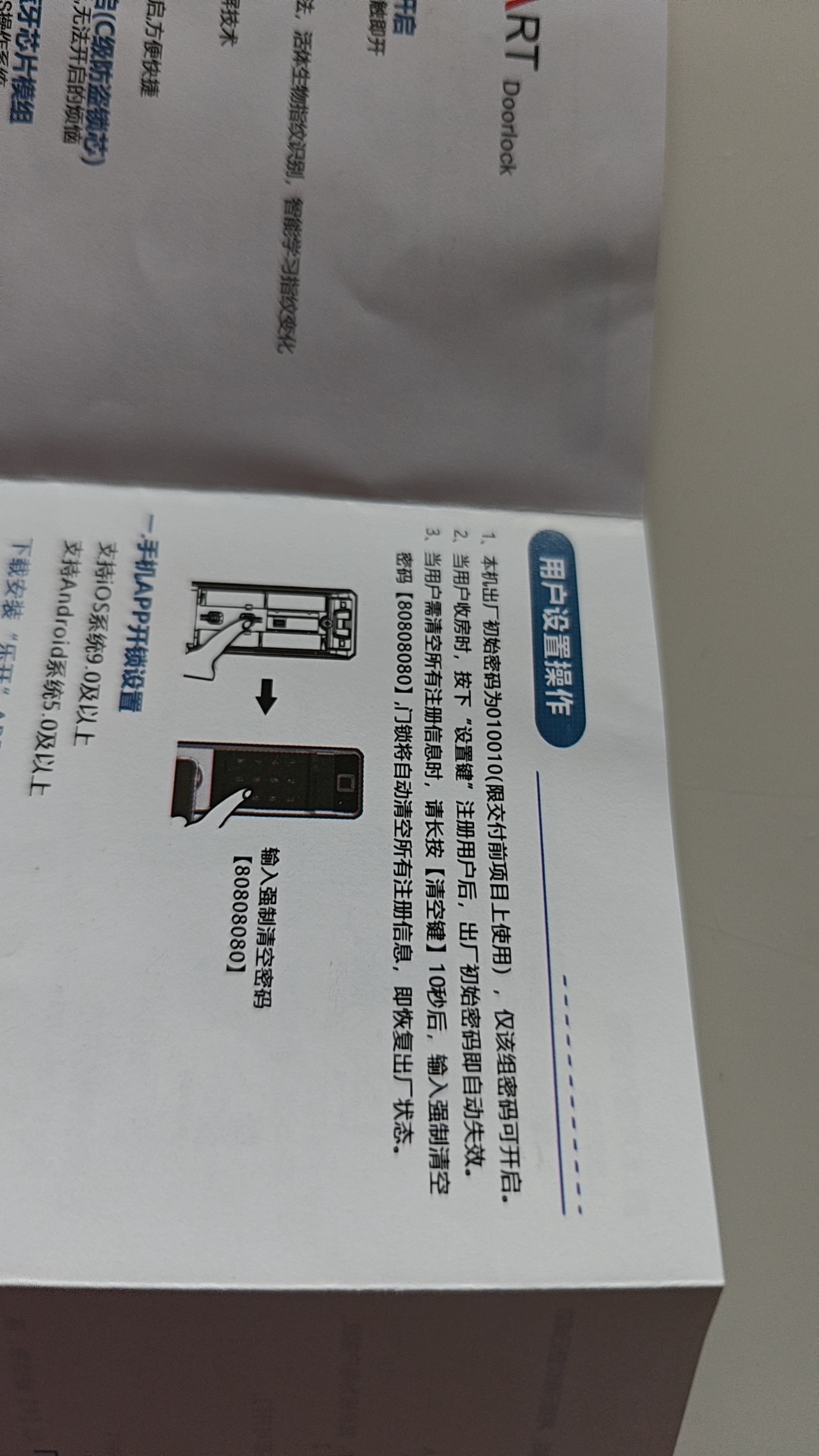
2. But the administrator’s password is not clear what it is. I found the instruction manual and found that there is only one reset password. as shown in Figure 2
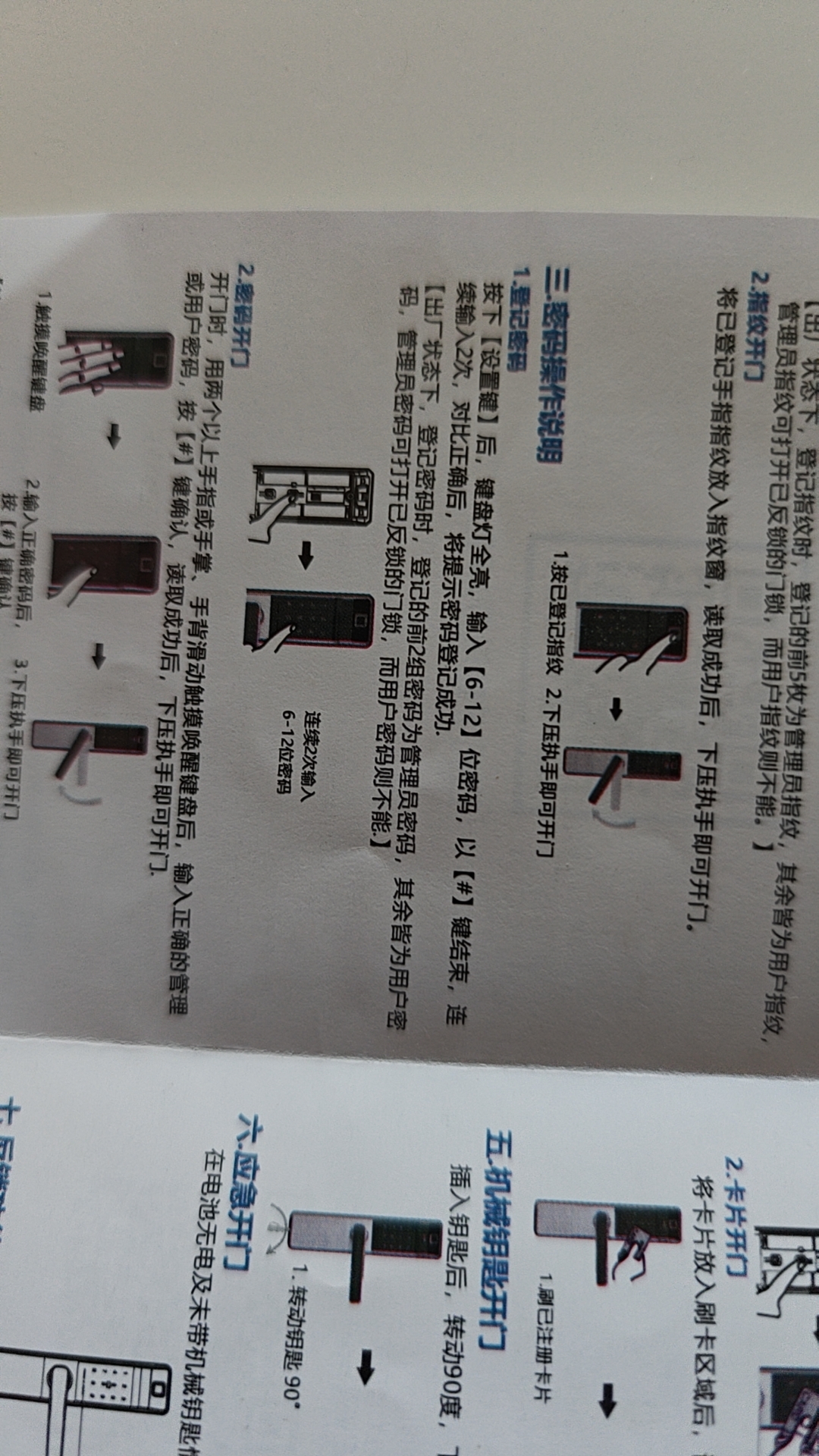
3. From the registration password of the description manual, I finally found the relevant instructions of the administrator password. In the factory state, when the password is registered, the first two groups of passwords registered are the administrator password, and the rest are all user passwords. Since I only registered a password for opening the door, this password is theoretically an administrator password. as shown in Figure 3
4. Finally, press the fingerprint 6 times, and the fingerprint start is successful. The previous password is 8 digits, and then add the last #, and press the button 9 times when opening the door. Now that you have fingerprints, you only need to press a button to open the door. Compared with the usual password opening, it is indeed much faster.
Leave a Reply