1. Log in to Telegram with a mobile phone number in mainland China, and the SMS fee will pop up, and its content is roughly translated as shown below. as shown in Figure 1
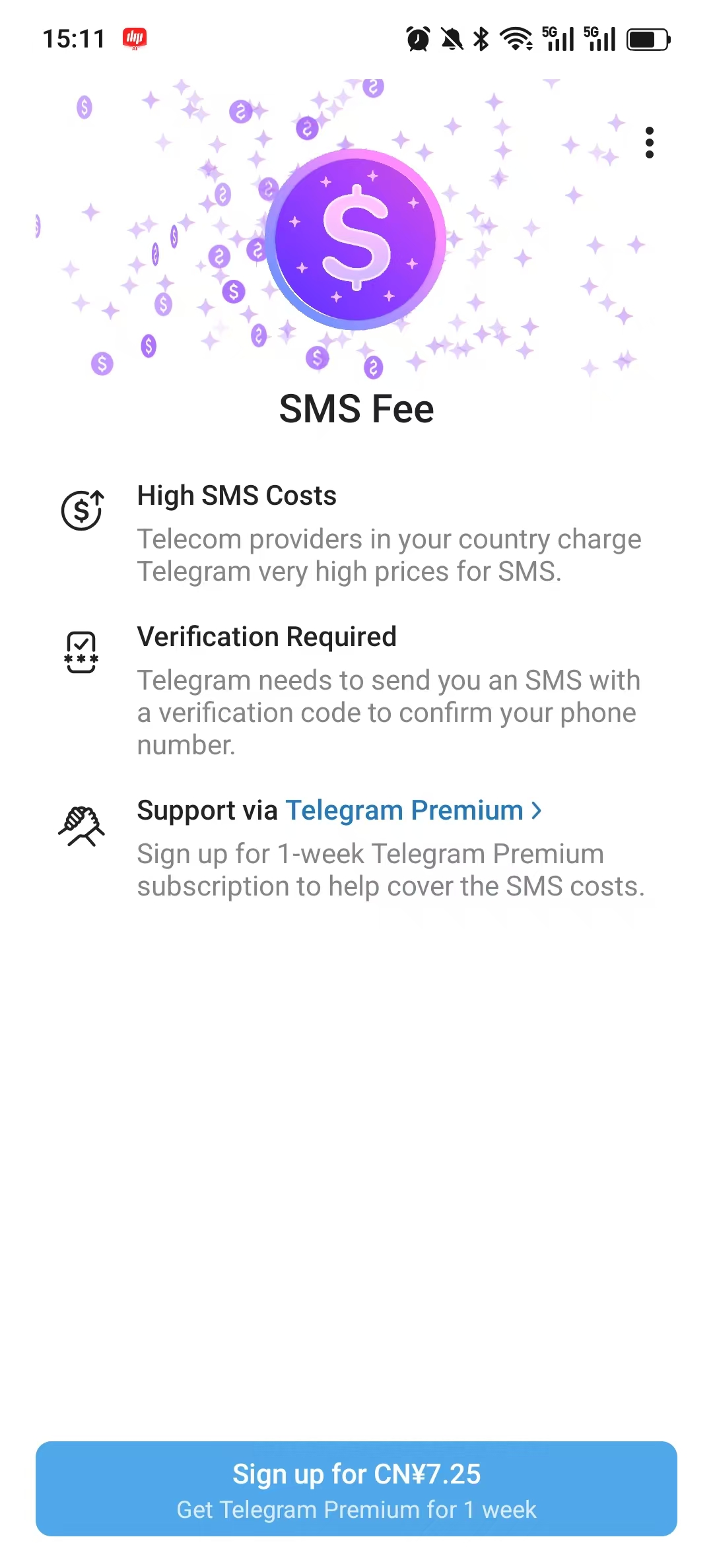
SMS fee
SMS is expensive
Telecom operators in your country charge a very high SMS fee to Telegram.
Verification required: Telegram needs to send you a text message with a verification code to confirm your mobile number.
Support via Telegram Premium >
Sign up for a one-week Telegram Premium member to help pay for SMS.
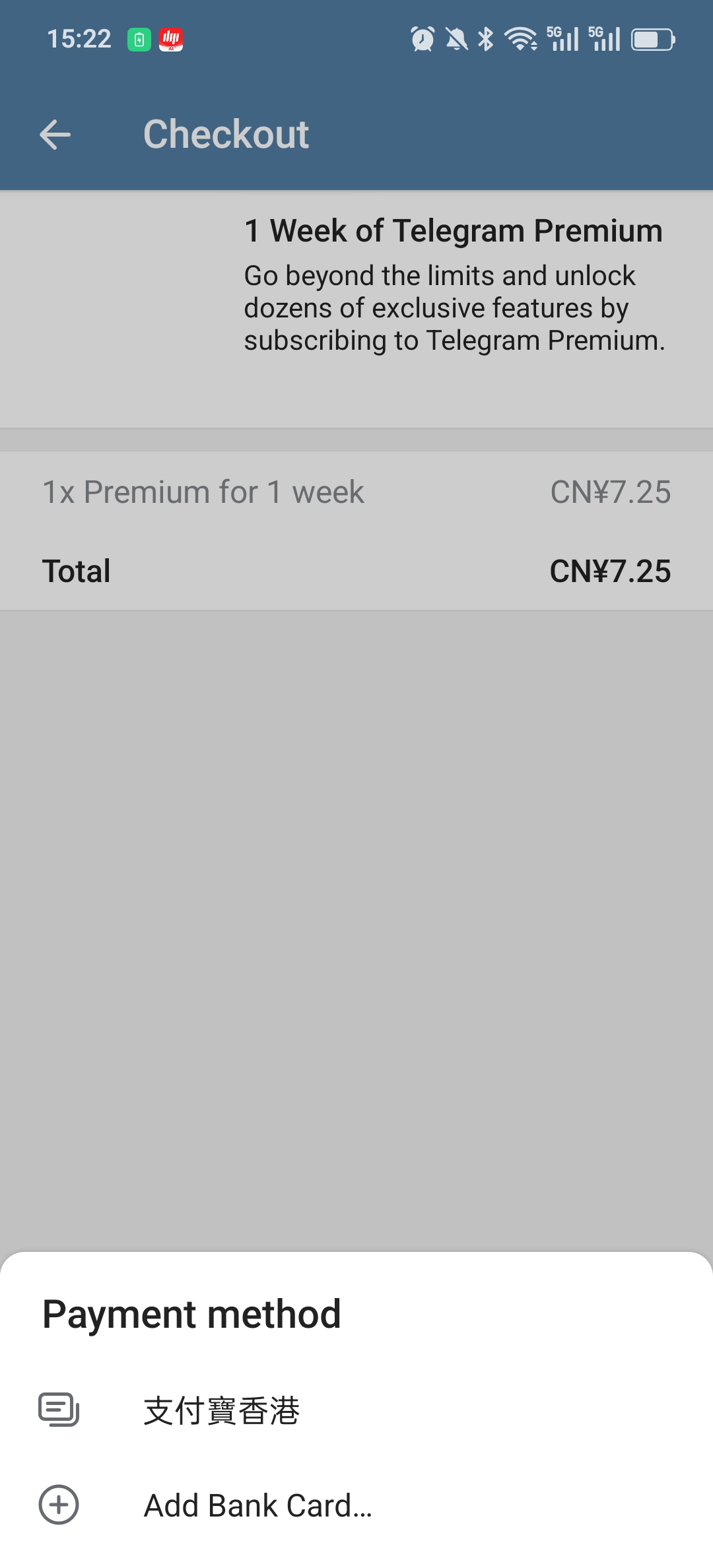
2. When paying in the Telegram app, there are 2 options, one is Alipay Hong Kong, and the other is add bank card… Since there are no credit cards that support international payments, none of these two options are feasible. as shown in Figure 2
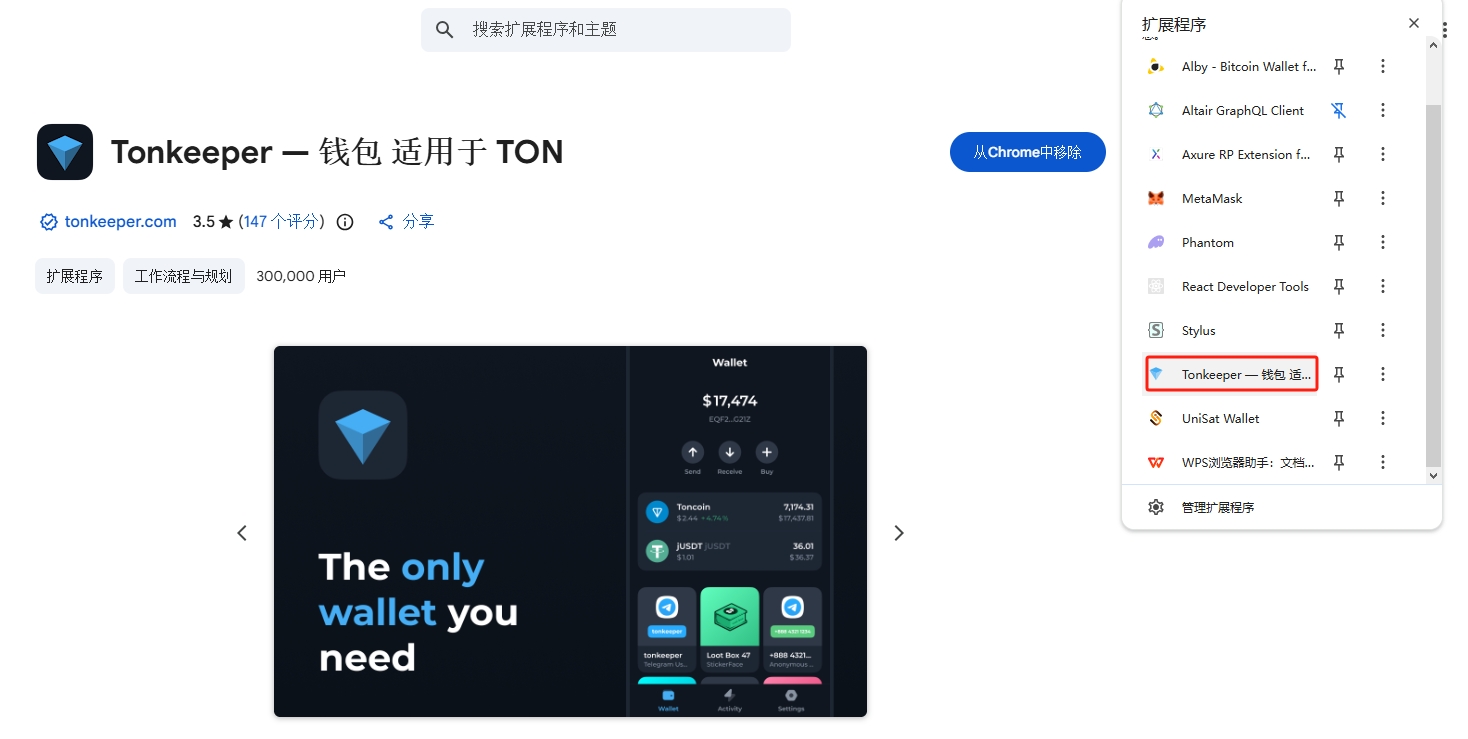
3. Search for ‘TonKeeper’ (the most commonly used wallet in the TON chain) in the Chrome web store to install. as shown in Figure 3
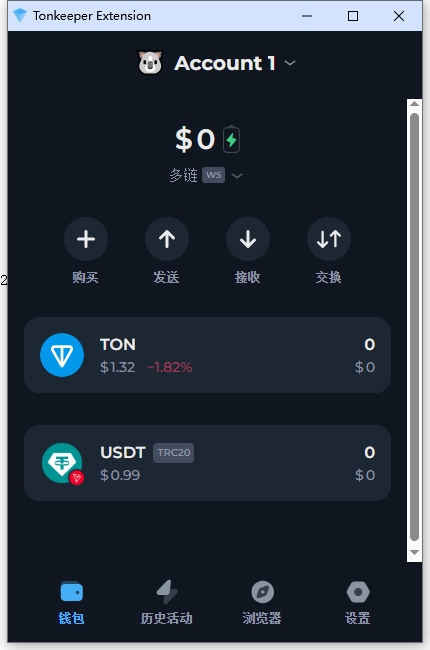
4. Import an existing wallet and complete the relevant settings. as shown in Figure 4
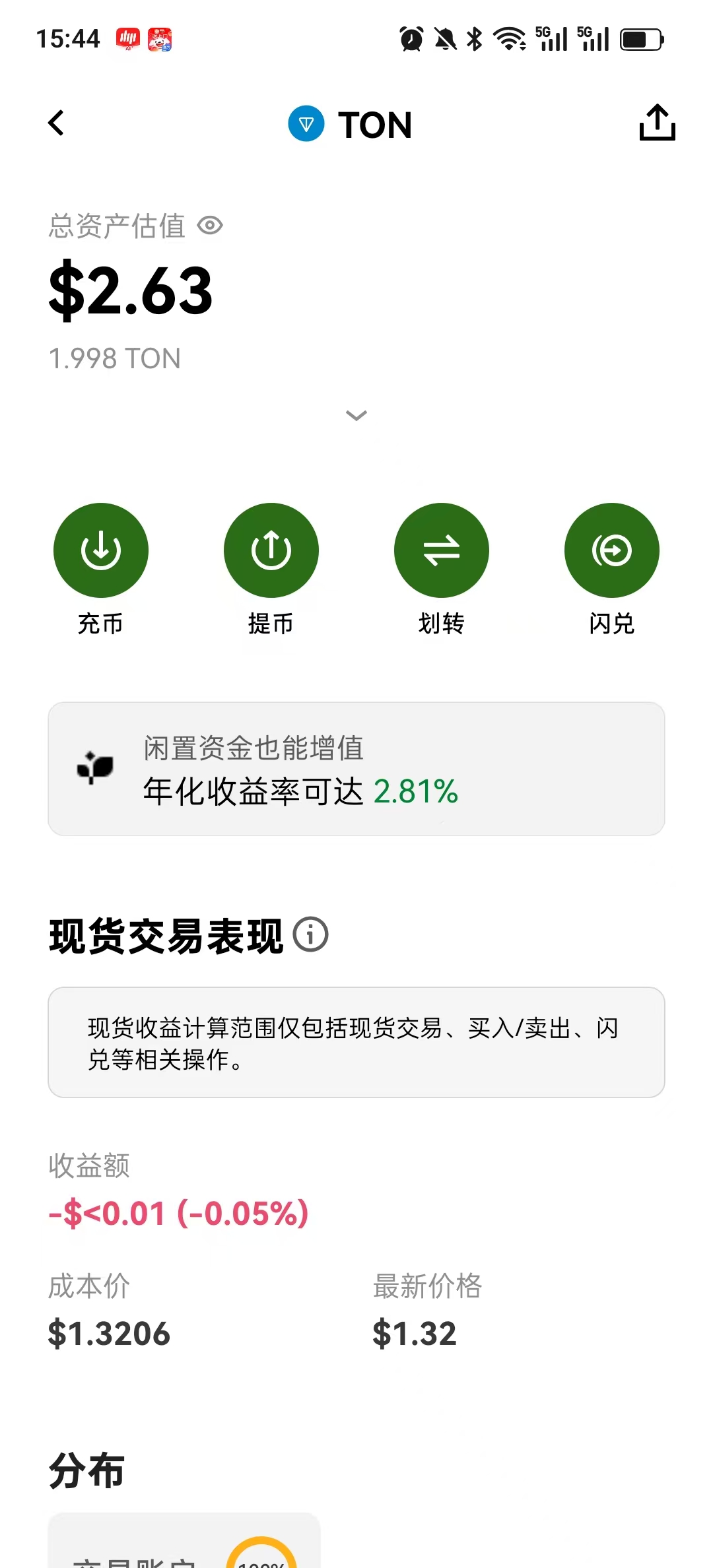
5. Buy 2 tons on Ouyi. as shown in Figure 5
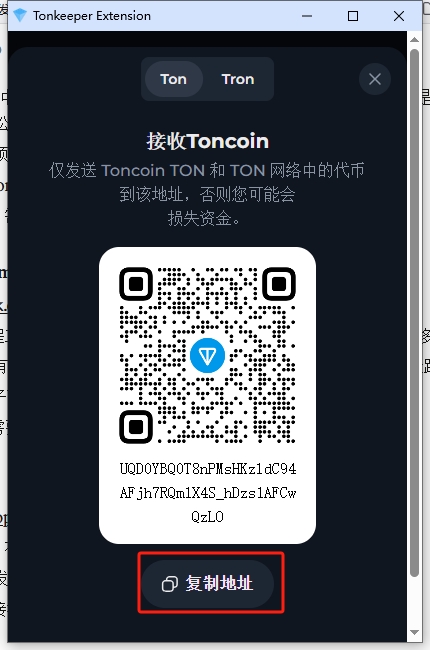
6. Withdraw the coin to the wallet address of TonKeeper, click Receive, and view the address. as shown in Figure 6
7. Use the copied address to withdraw coins in Ouyi, select the ton network, and the withdrawal is successful. as shown in Figure 7
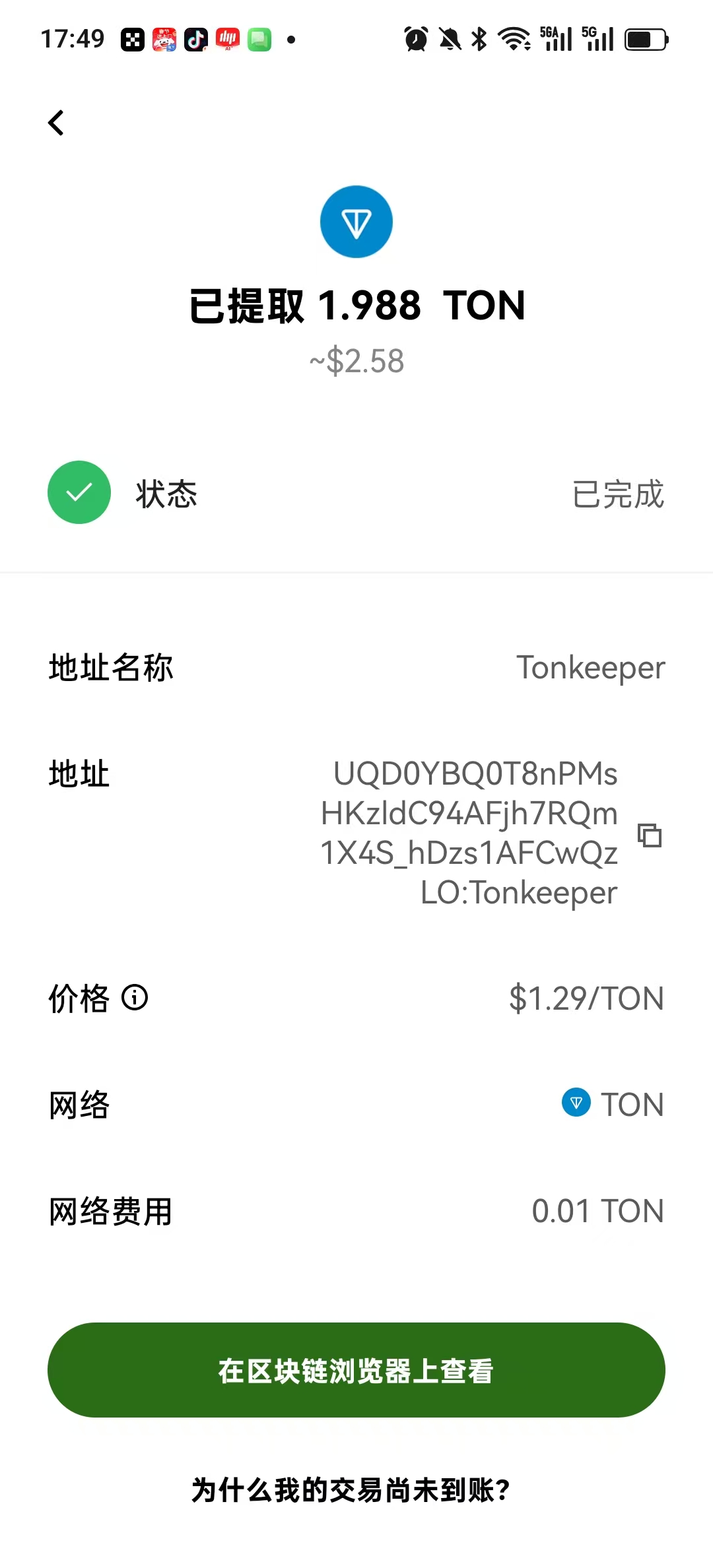
8. Check the wallet of TonKeeper, the balance is 1.98 ton.
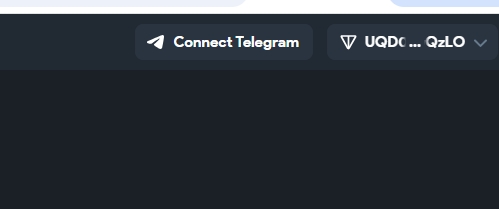
9. Now you can buy a member of Telegram. Open https://fragment.com, click ‘Connect Ton’ in the upper right corner, select TonKeeper, the browser extension will pop up a confirmation, click Connect. The connection was successful. as shown in Figure 8
10. Click Premium in the navigation bar and select Telegram Premium . Use your cryptowallet to acquire telegram premium subscription for yourself or your friends. as shown in Figure 9
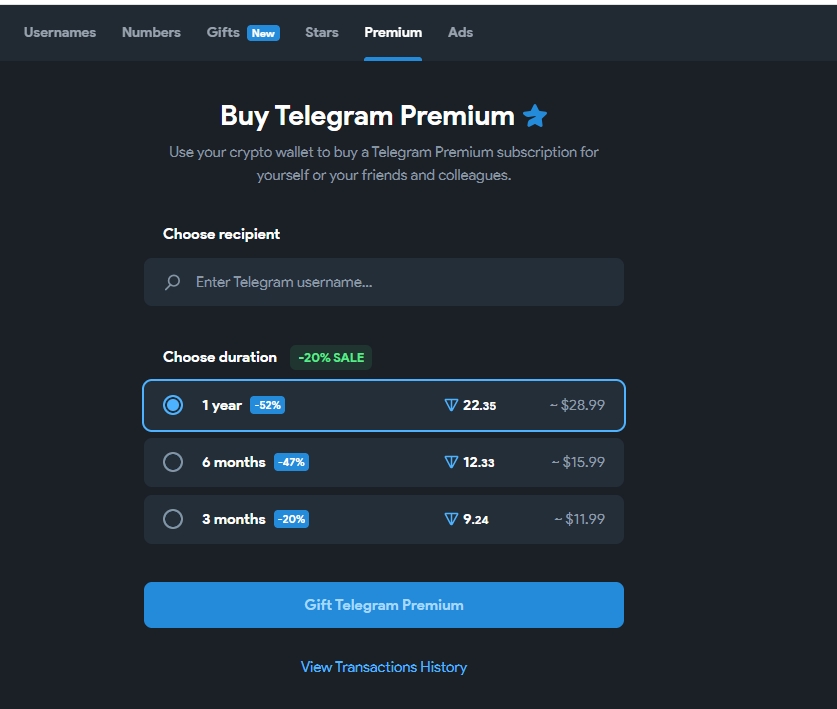
11. I had to buy another 7.5 tons and withdraw coins to the wallet of TonKeeper. The balance is now 9.47 ton. It takes 9.25 ton to buy a member of 3 months. As shown in Figure 10
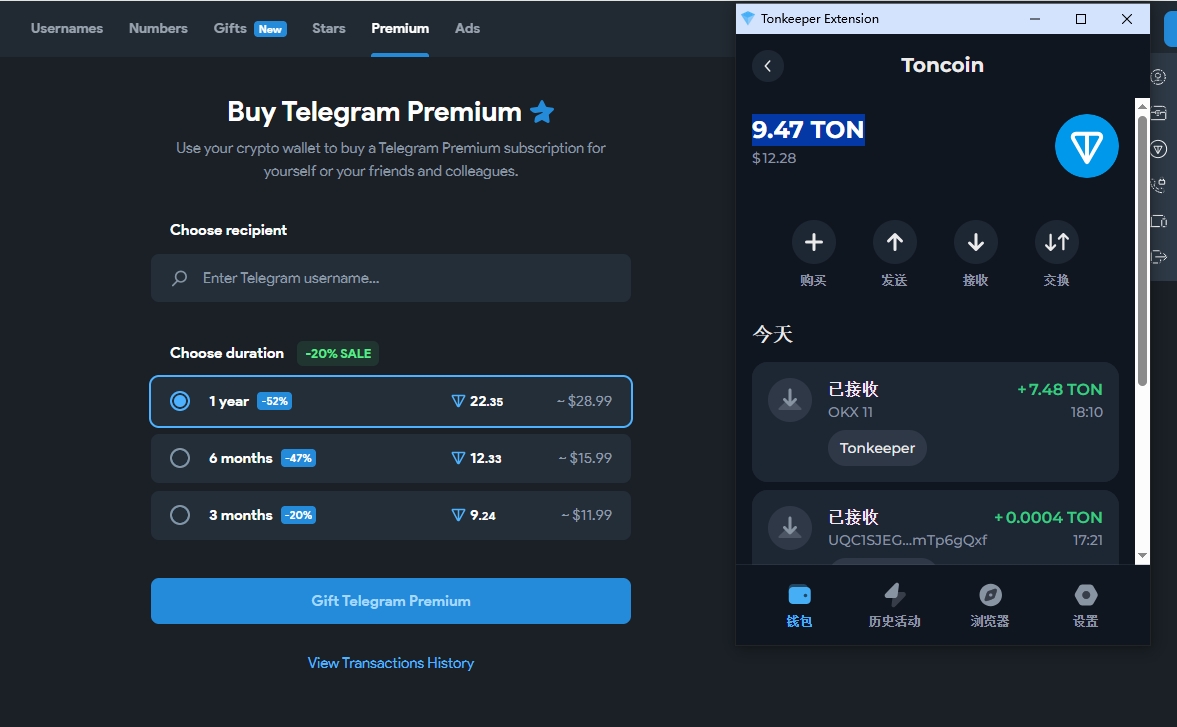
12. Try to enter the mobile phone number or mailbox in the text box, which prompts that the user does not exist. Fortunately, I have manually set the username before, I finally tried to enter shuijingwan, and found that my name is displayed Wang Qiang, I feel that the username should be correct. as shown in Figure 11
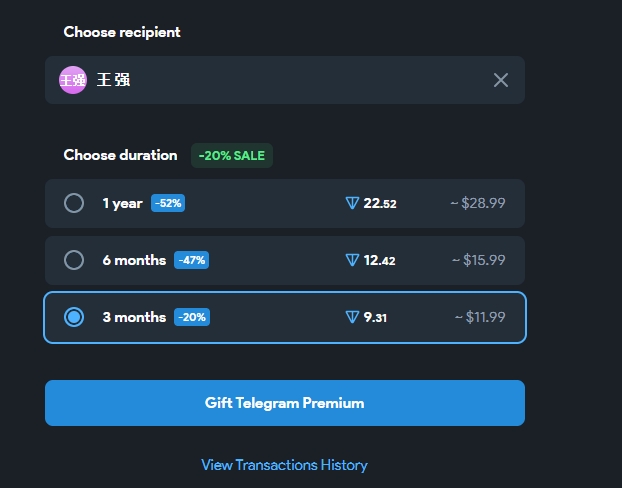
13. During the operation, prompt: You need an account. Before continuing, you need to log in to your account. Isn’t this an infinite loop? Fragment requires me to log in to Telegram before I can buy it, but I need premium to log in to Telegram. Decided to try to log in to the web page. Discovery requested Telegram to log in.
14. I found a feasible solution. Buying members do not necessarily need my account to log in. After I log in with another account, I will buy a member and give it to shuijingwan. Seems to be possible too.
15. Open https://hero-sms.com/cn, register an account, recharge 3 usd, select the Telegram service, buy an overseas number of colombia +57, and find that SMS is still required Fee, and finally decided to choose the number in the United States. The default is to enter a verification code that has been bound to the mailbox that has been bound, or to receive SMS verification code, which still requires Telegram Premium membership.
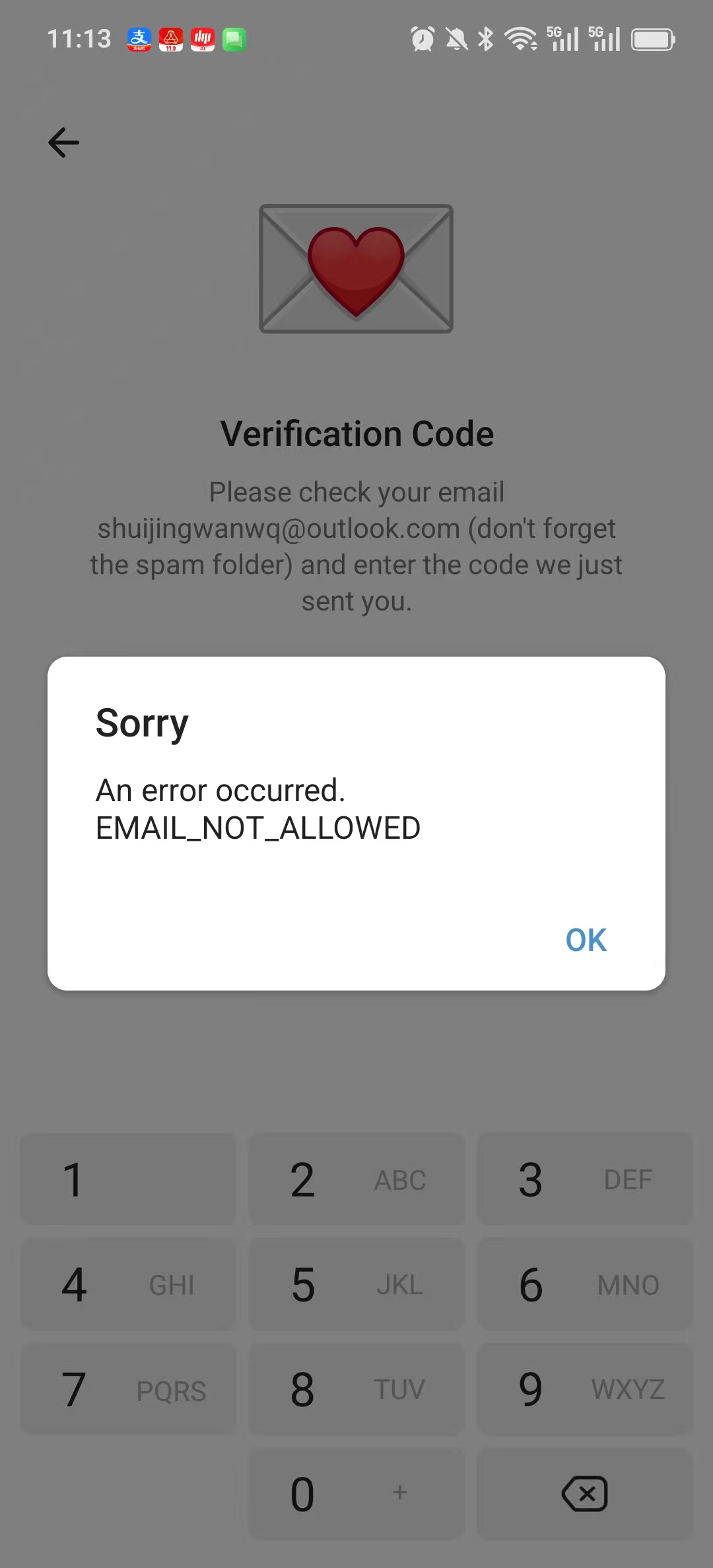
16. Decided to try the UK. If you find a mobile phone number, you can enter a new email address, the suffix is @163.com, and after entering the email verification code, you will be prompted: An Error Occurred.Email Not _Allowed. Changed to a mailbox with the @outlook.com suffix, and still prompts: an ERROR OCURRED.EMAIL NOT _ALLOWED. as shown in Figure 15
17. Finally, I bought a ready-made foreign mobile phone number on Xianyu (it has successfully registered Telegram), and found that the mailbox has been bound, and then switched to receive the SMS verification code, still prompting a Telegram Premium membership. Finally, the merchant asked me to download the old version of Telegram in the shared link. After downloading the browser, it prompts that there is a virus. File name: Nagram X_12.3.1-D662051.apk. Nagram itself is a real third-party Telegram client (open source project), I decided to download and download from the official channel (https://github.com/nextalone/nagram/releases) Nagram-v12.3.1.1229-arm64-v8a.apk
. Then you need to check the verification code in another logged-in device, and finally get it from the merchant. as shown in Figure 16
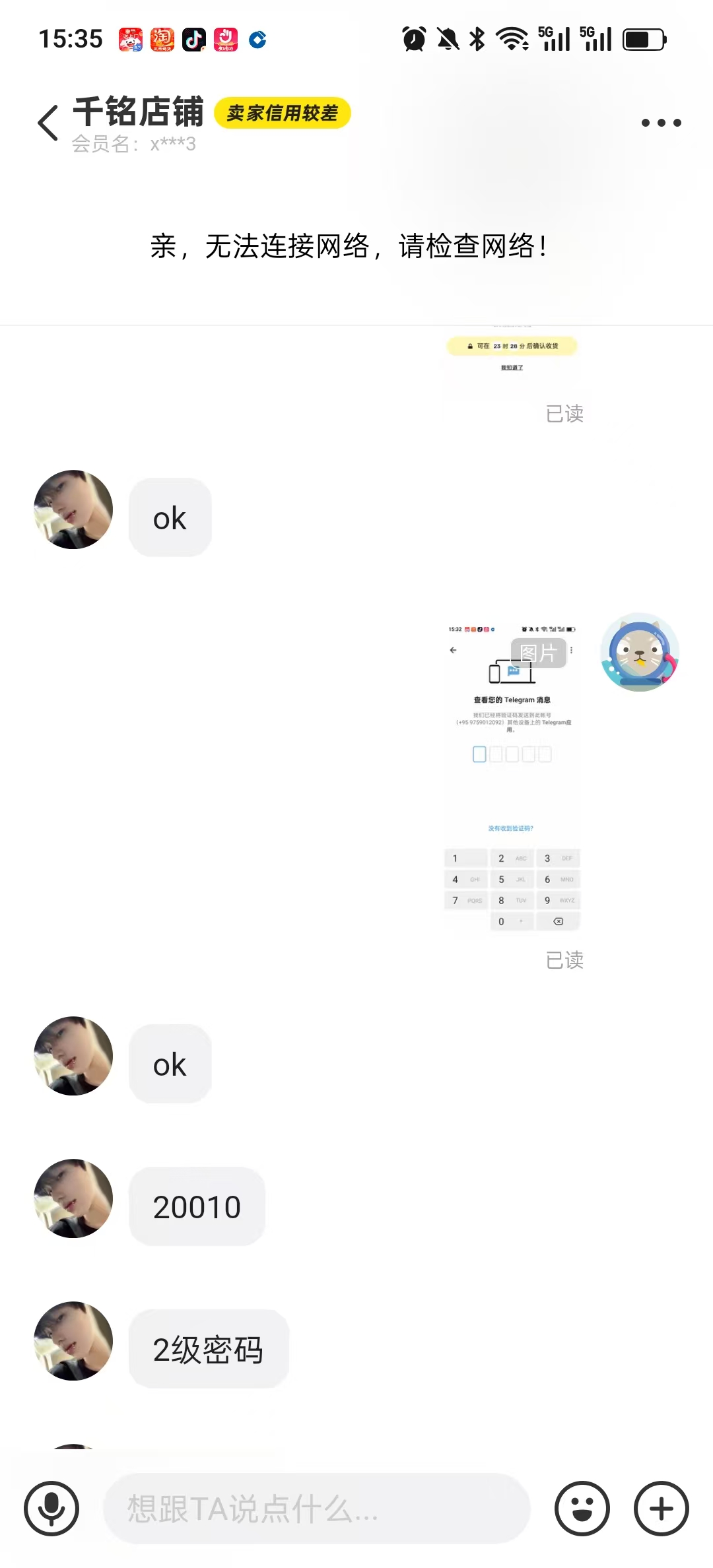
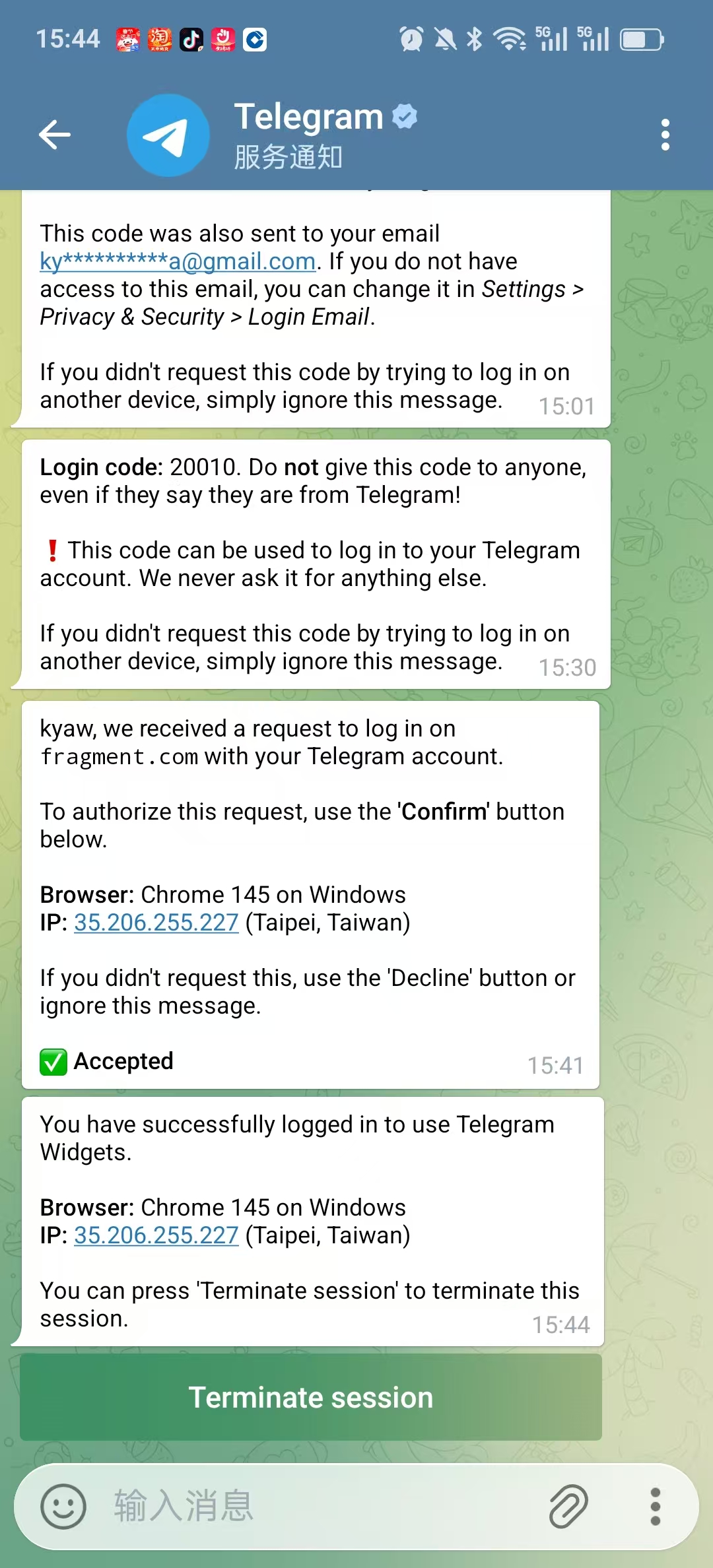
18. Now I am going to continue to buy members for shuijingwan on https://fragment.com. When logging in with Xianyu’s mobile phone number, you need to click to confirm in Nagram. as shown in Figure 17
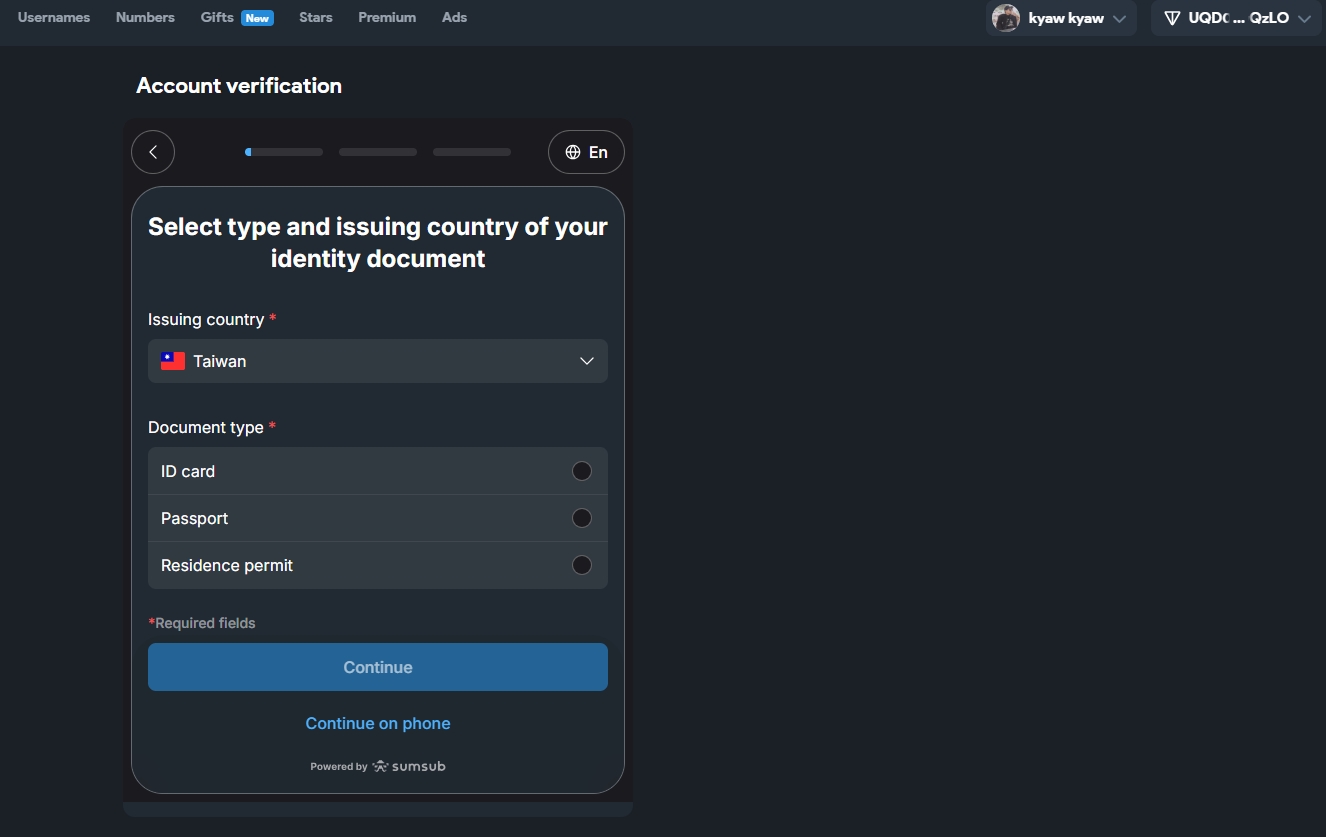
19. In the end, it is still found that it cannot be purchased. The reason is that the identity authentication is required before the purchase, and the identity authentication cannot be carried out. as shown in Figure 18
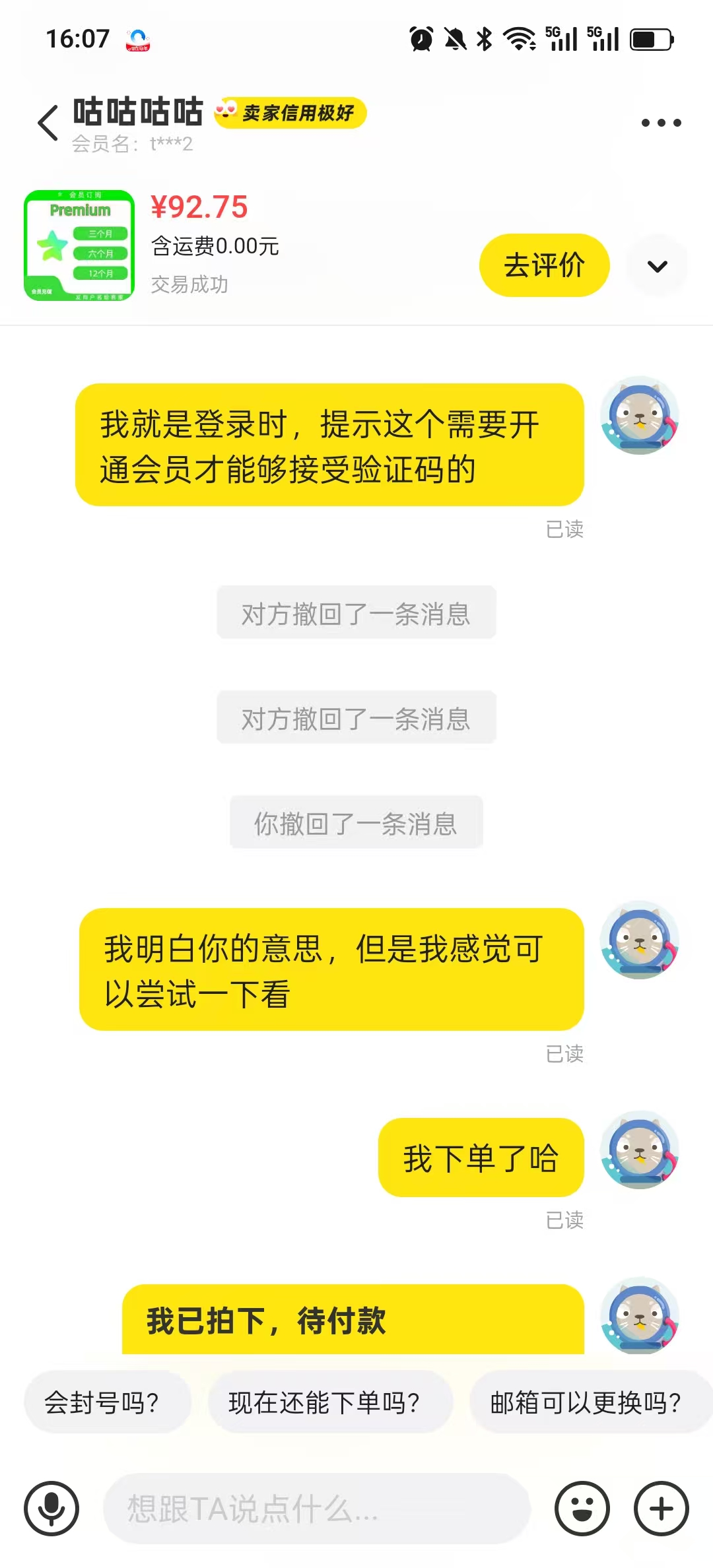
20. In the end, I decided to still buy services on Xianyu. I provided the user name shuijingwan, and then let the merchants recharge members. The cost is 93 yuan. I feel that the profit of this is quite high. Because the member price of 3 months is $12 on https://fragment.com, which is equivalent to 84 yuan. There is 10% of the profits, and it is not sure whether the merchant has other more cost-effective channels. as shown in Figure 19
21. Finally, I can receive my mobile phone SMS verification code in mainland China in the mobile app. After entering the mobile phone number, the next page will prompt: We have sent a text message containing the activation code to your mobile phone number +86139-8007-4657. As shown in Figure 20
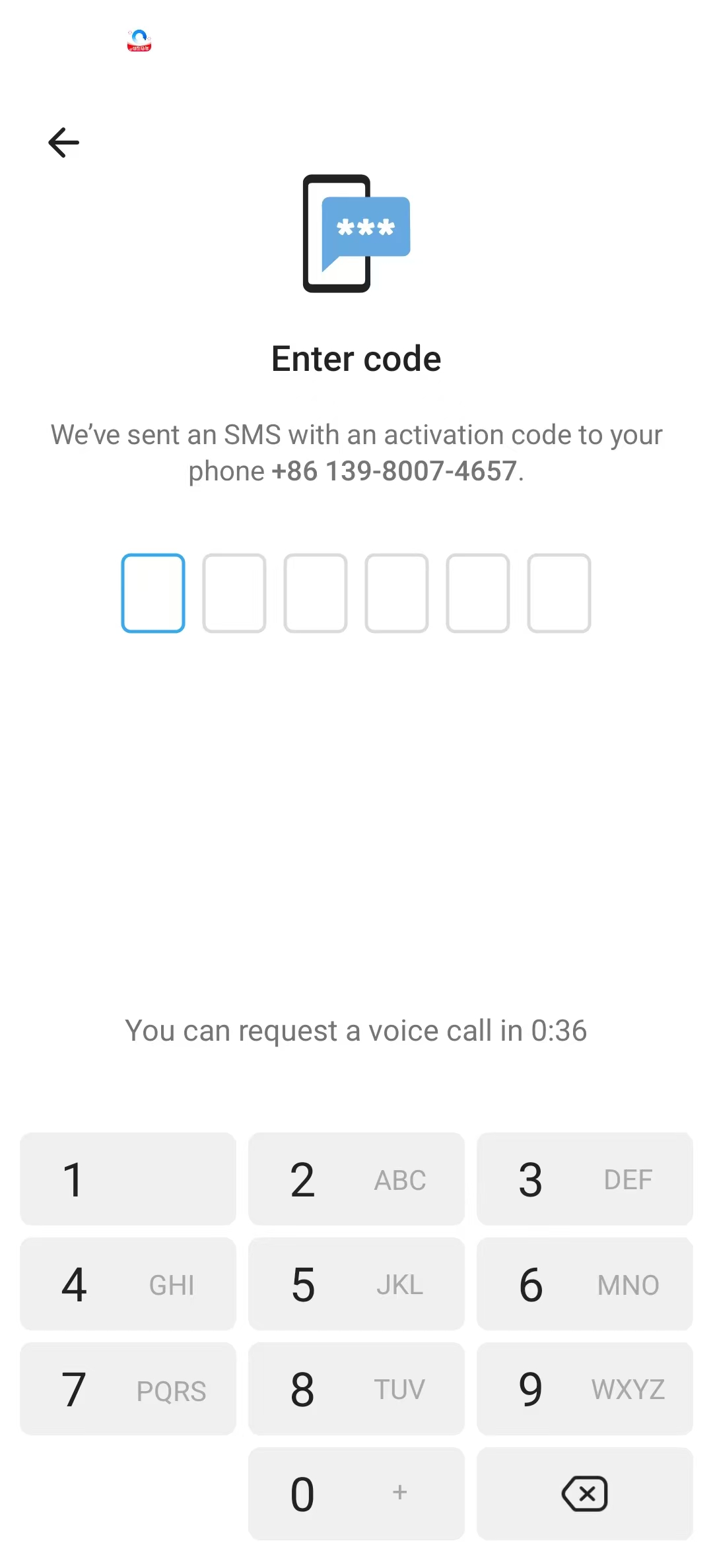
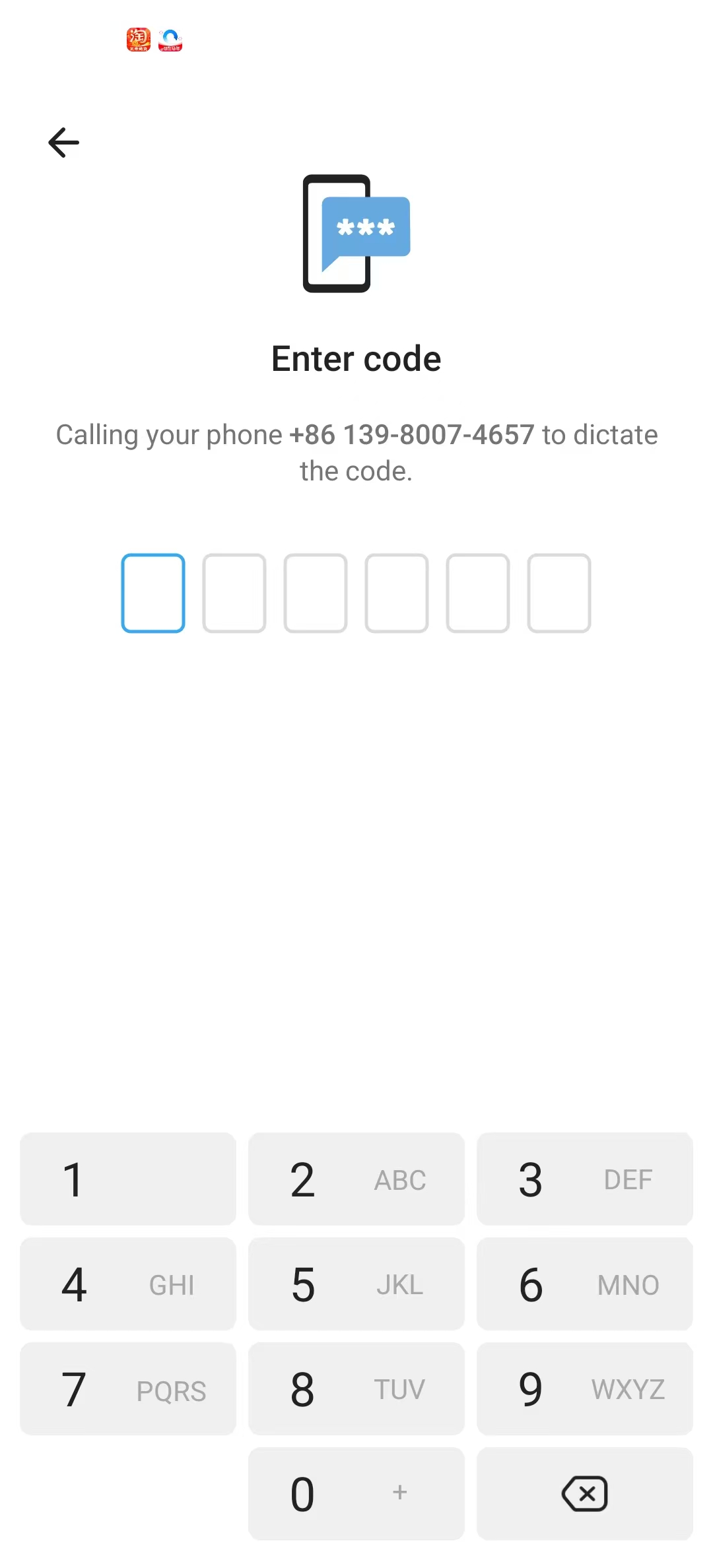
22. But I haven’t received any text messages, and then try to call your +86 139-8007-4657 to dictate the code. No voice verification code was received either. as shown in Figure 21
23. I found that it may be that my mobile phone number did not activate the international SMS reception function, so I decided to try to call customer service to confirm that it was not activated, and then let the customer service help to open it, and then turn on the answering international call. Figure 22
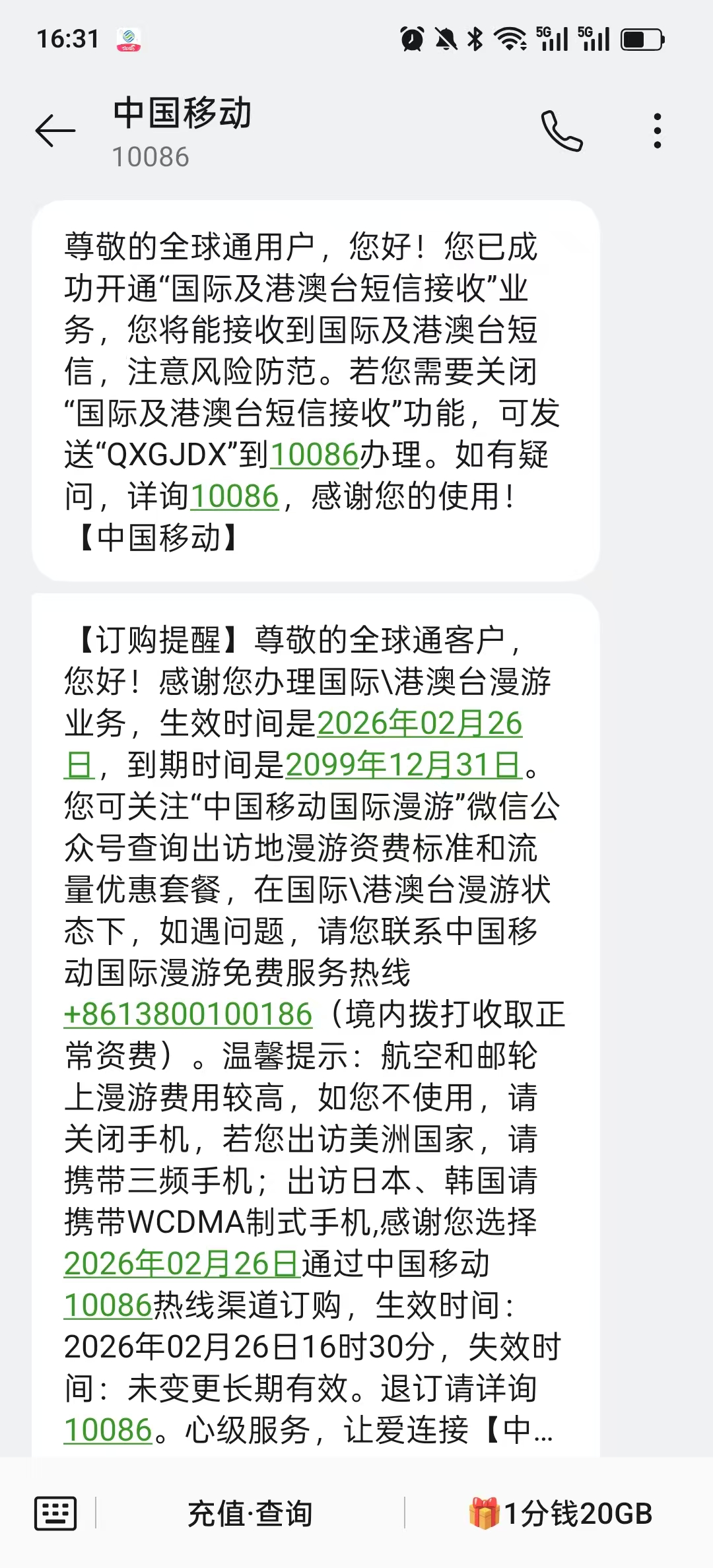
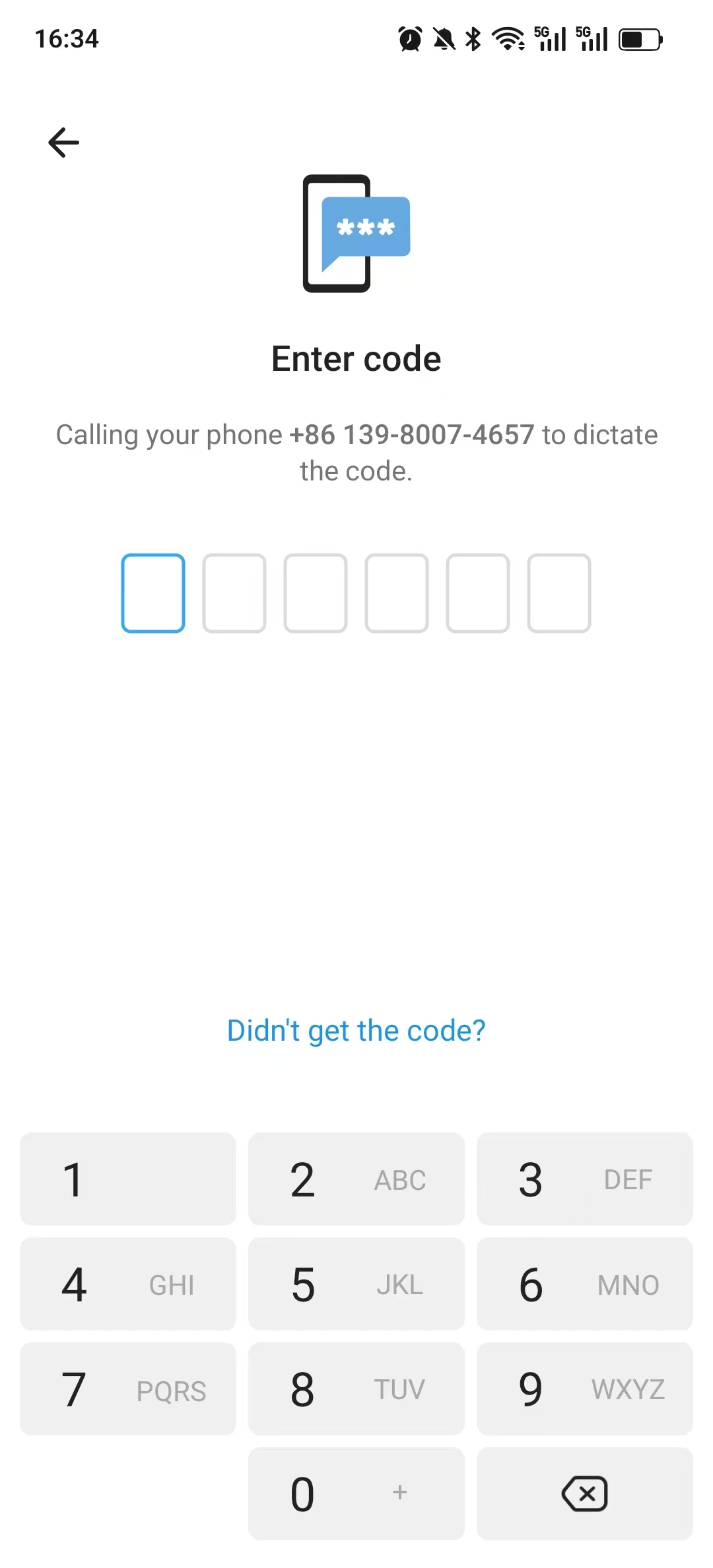
24. After discovering that China Mobile’s roaming has been opened, the international voice verification code is still not answered. The problem now is, let me see if it is possible to let Telegram send me a SMS verification code. However, the corresponding options have not been found, all voice verification codes. Figure 23
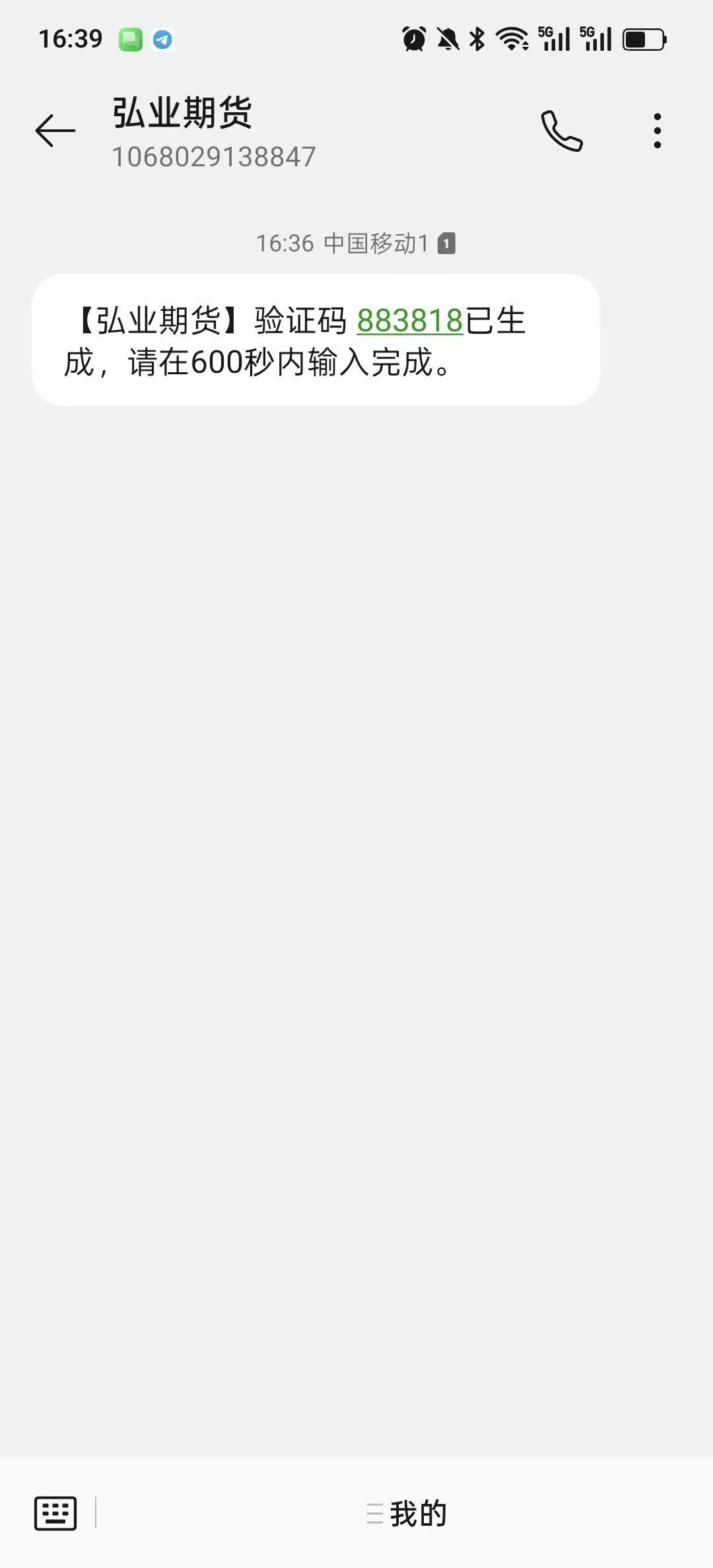
25. Decided to uninstall Telegram, and then reinstall. Finally, I was reminded again that the SMS verification code has been sent. Received the SMS verification code, the login was successful. Figure 24
26. The success process of Telegram China mobile phone number login is summarized as follows:
Step 1: Buy Telegram Premium
Give Premium members to your old account shuijingwan through the idle fish recharge service
Release SMS Fee restrictions on Chinese mobile phone numbers
Step 2: Open China Mobile International Communication Function
Dial 10086 to open international SMS reception (free)
Open international roaming/international call answering
Step 3: Uninstall and reinstall Telegram
When the voice verification code has been displayed and cannot be received, uninstall Telegram and reinstall it
Automatically switch to SMS verification code after reinstallation
Successfully received a text message, the login of the old account is completed

Leave a Reply