Google webpage cannot be indexed? I solved it like this
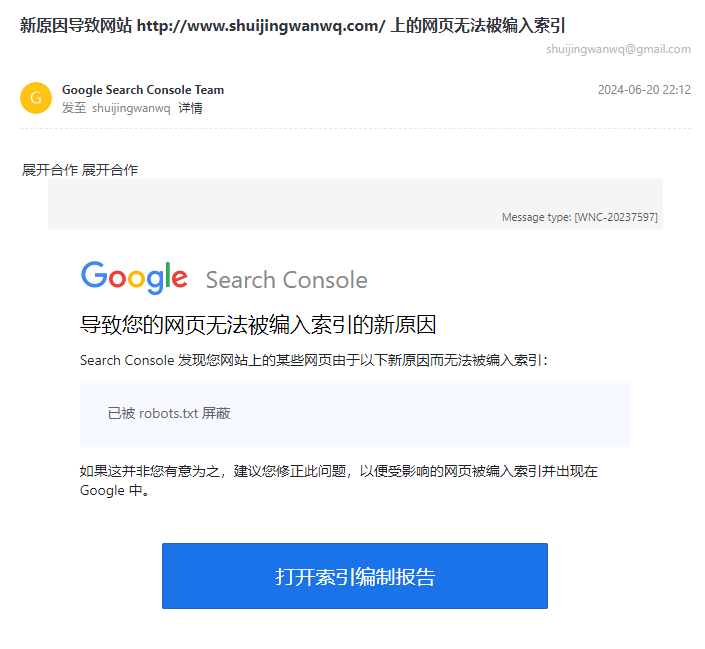
1. Receive an email from Google Search Console: the new reason causes the websitehttp://www.shuijingwanwq.com/Web pages on the page cannot be indexed. as shown in Figure 1
2. Open the index preparation report, there are 863 web pages that are not indexed. The reason is that there are 793 web pages that the webpage will automatically redirect. Decided to solve this problem. as shown in Figure 2
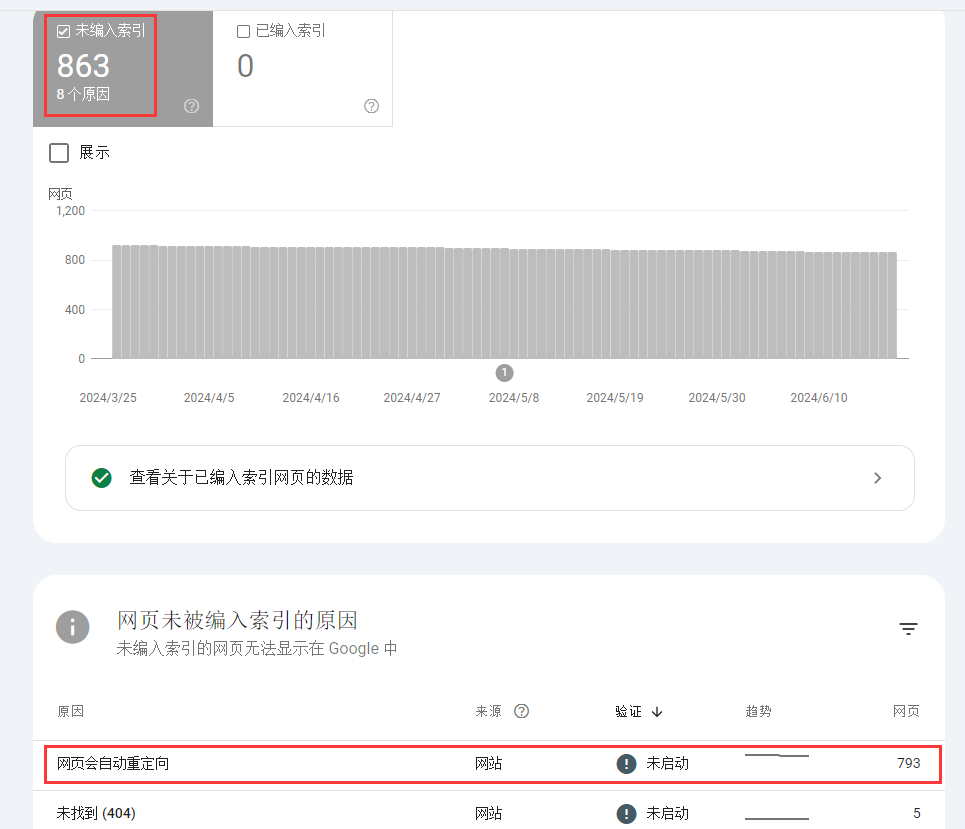
3. Clicking the page will automatically redirect, such pages are not indexed or will not be displayed in Google search results. Click the check URL for a sample URL. as shown in Figure 3
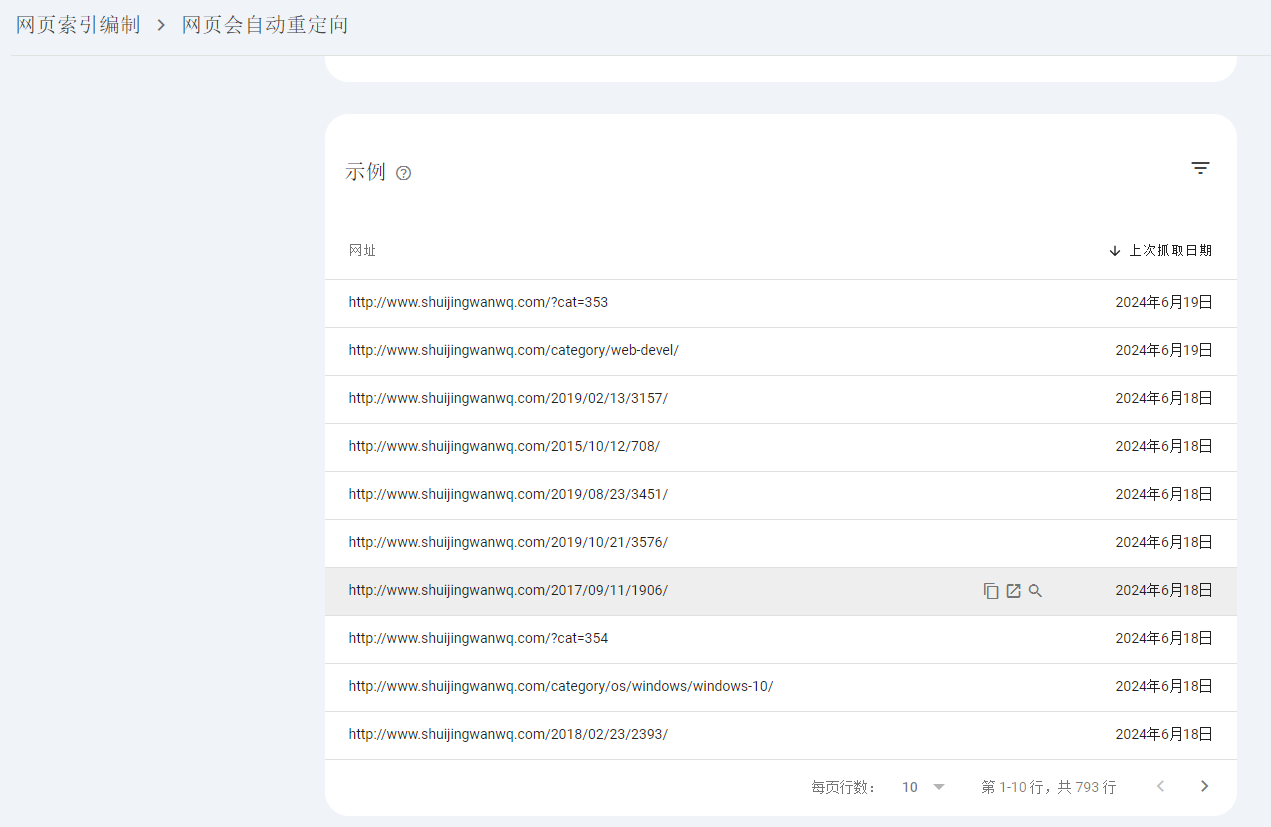
4. The URL has not been included in Google. This page is not indexed. Web pages that are not indexed cannot be displayed in Google search results. Check out the details below to find out why the index is not indexed. The user agent GoogleBot smartphone used at the time. Based on the user agent, I probably understand the reason. The reason ishttps://www.shuijingwanwq.com/2017/09/11/1906/Open it in the phone, it will automatically jump tohttps://www.shuijingwanwq.com/en/category/web-devel-en/web-component-framework-en/amp-en/. as shown in Figure 4
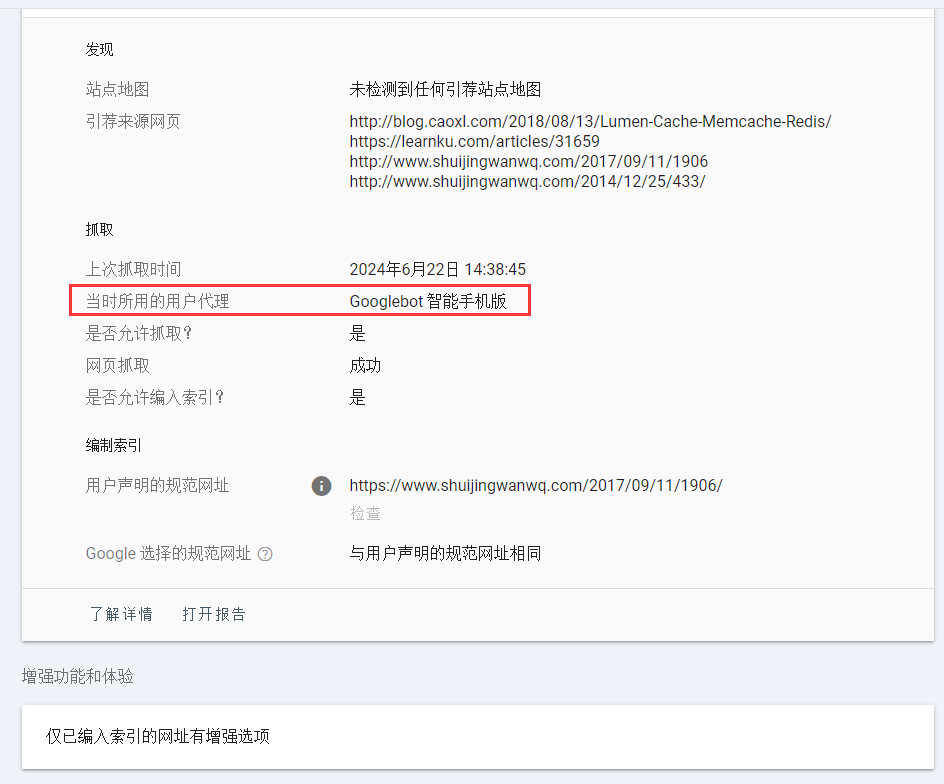
5. The root cause is the AMP for WP – Accelerated Mobile Pages for WordPress plugin is enabled. Originally, I hoped to increase Google’s advertising revenue by enabling this plugin, but later found that it was not as good as expected. Finally decided to disable this plugin. as shown in Figure 5
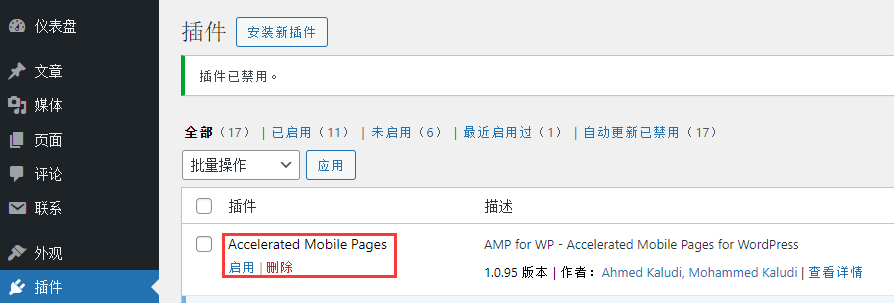
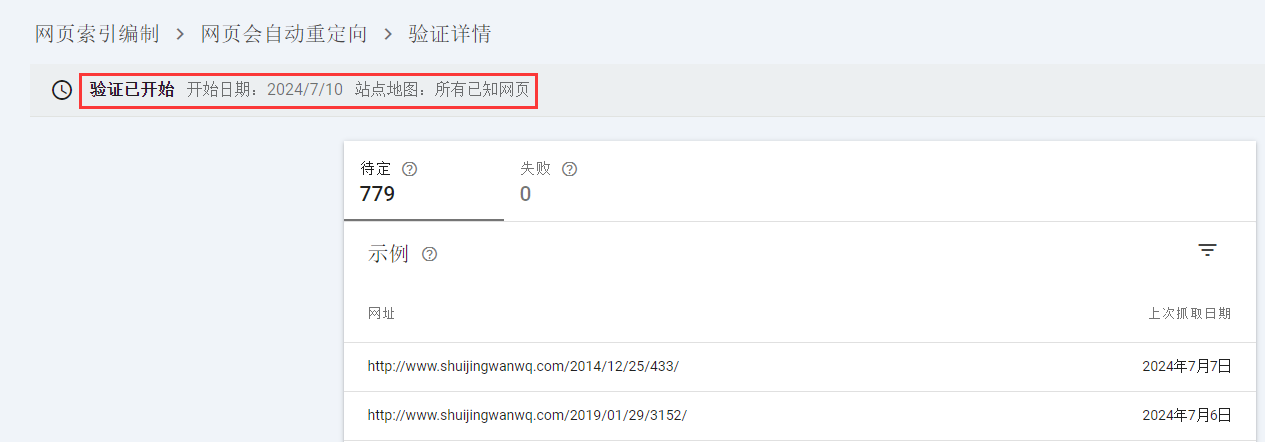
6. Then wait for a period of time to observe the index effect of the web page. It was found that the wait until July 10 still has no effect. The web page will automatically redirect, click the verification and correction situation, and view the verification details. as shown in Figure 6
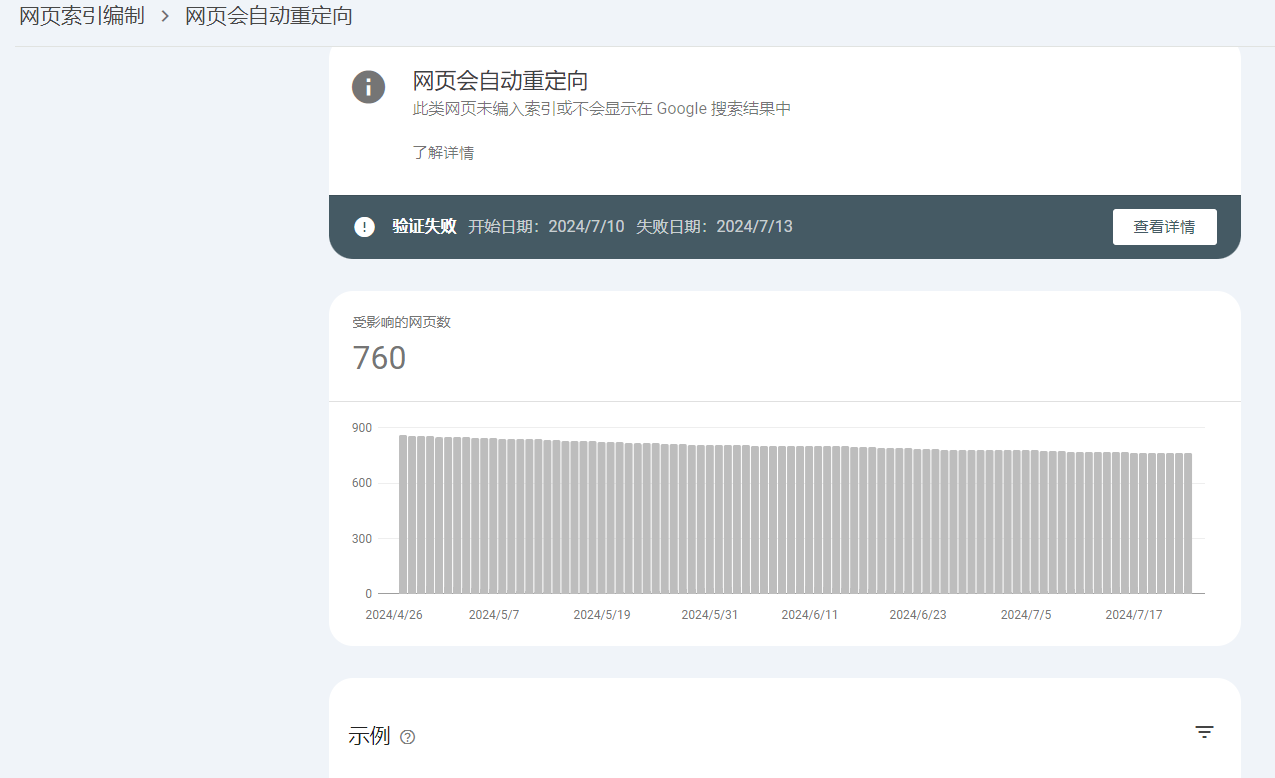
7. When it comes to 2024/07/25, the prompt verification failure Start date: 2024/7/10 Failure date: 2024/7/13. as shown in Figure 7
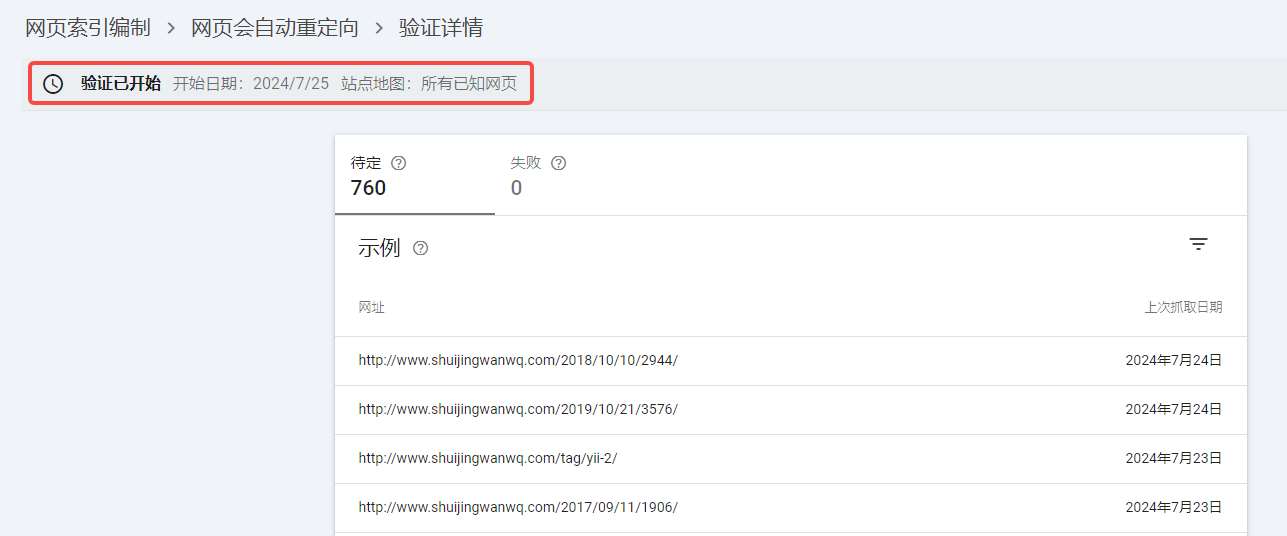
8. Check the details, but try to open the URL on the mobile phone, and it is determined that it will not automatically redirect. Decided to verify again, validation has started Start date: 2024/7/25 Sitemap: All known pages. as shown in Figure 8
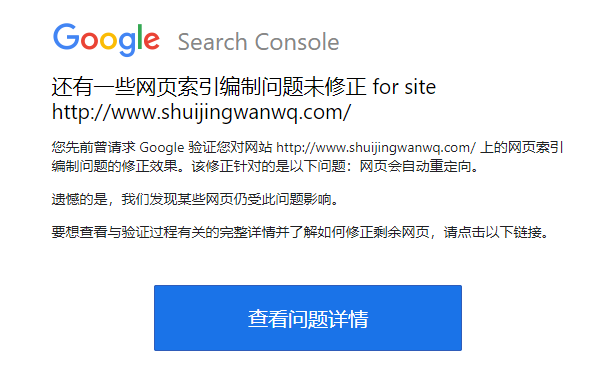
9. After a few days, I received an email: about the websitehttp://www.shuijingwanwq.com/There are also some page indexing problems that have not been fixed. as shown in Figure 9
10. View the problem details, failure: 241. As shown in Figure 10
11. Finally, I finally found the problem. The reason is that my website already fully supports HTTPS. All HTTP pages will automatically jump to HTTPS. Finally, I decided to delete ithttp://www.shuijingwanwq.com/. onlyhttps://www.shuijingwanwq.com/, but the embarrassment is that after deletion, it will automatically increase. as shown in Figure 11
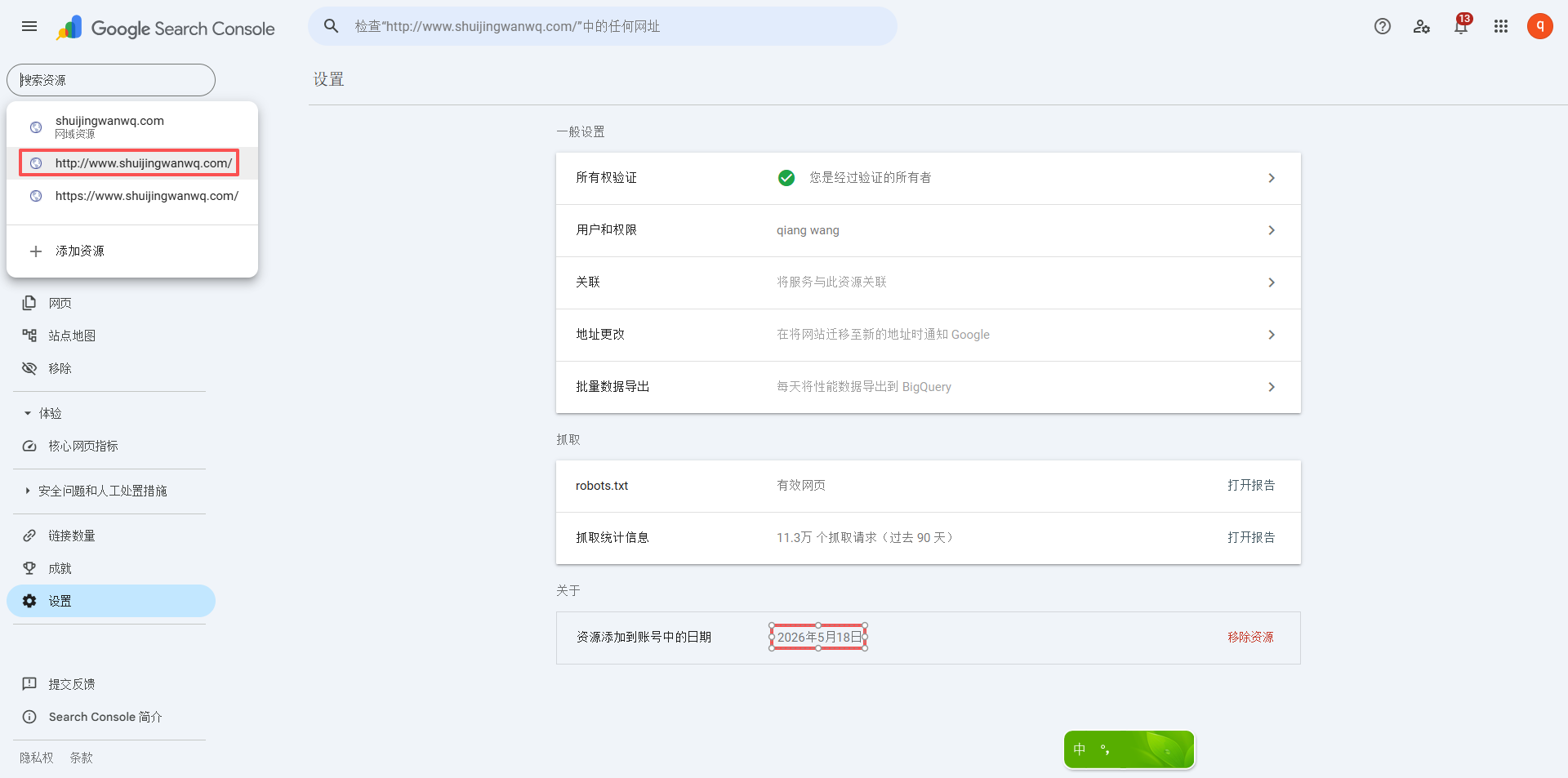
12. I suspect that it was automatically addedhttp://www.shuijingwanwq.com. Is it because there are links inside my website to point tohttp://www.shuijingwanwq.comout? GSC will automatically add corresponding resources to the URLs that Googlebot can find. If Googlebot is crawlinghttps://www.shuijingwanwq.comWhen you find any links to the http:// version in the website, it will follow the vine to find the http page, and automatically add a corresponding resource for you in GSC.
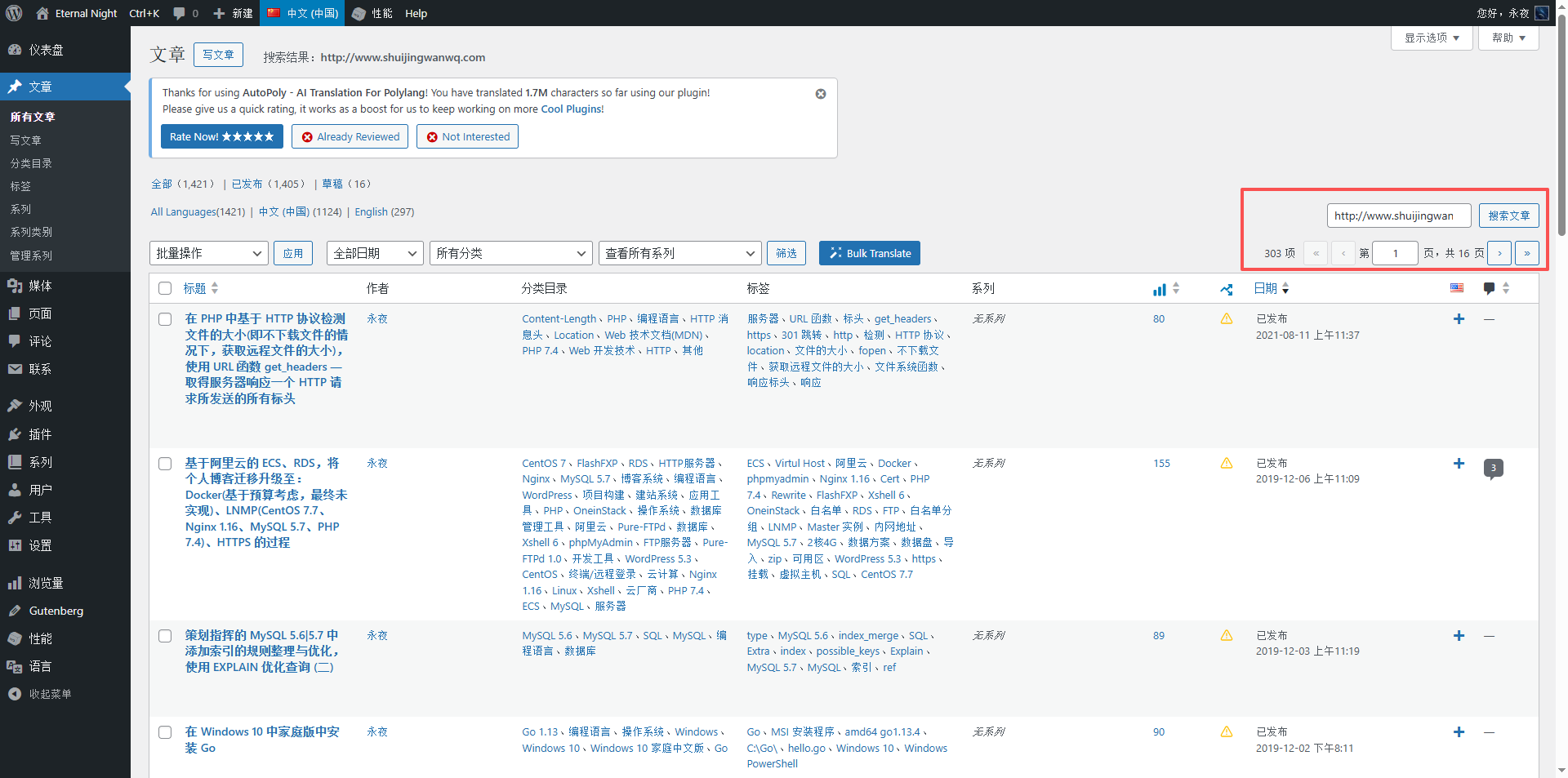
13. I decided to search in all articles in the backgroundhttp://www.shuijingwanwq.com. and then replace all withhttps://www.shuijingwanwq.com. I searched all the articles in the background, and there are more than 300 articles includedhttp://www.shuijingwanwq.com. This number is too many. Decided to use the plugin Better Search Replace. Replaced in batches. as shown in Figure 12
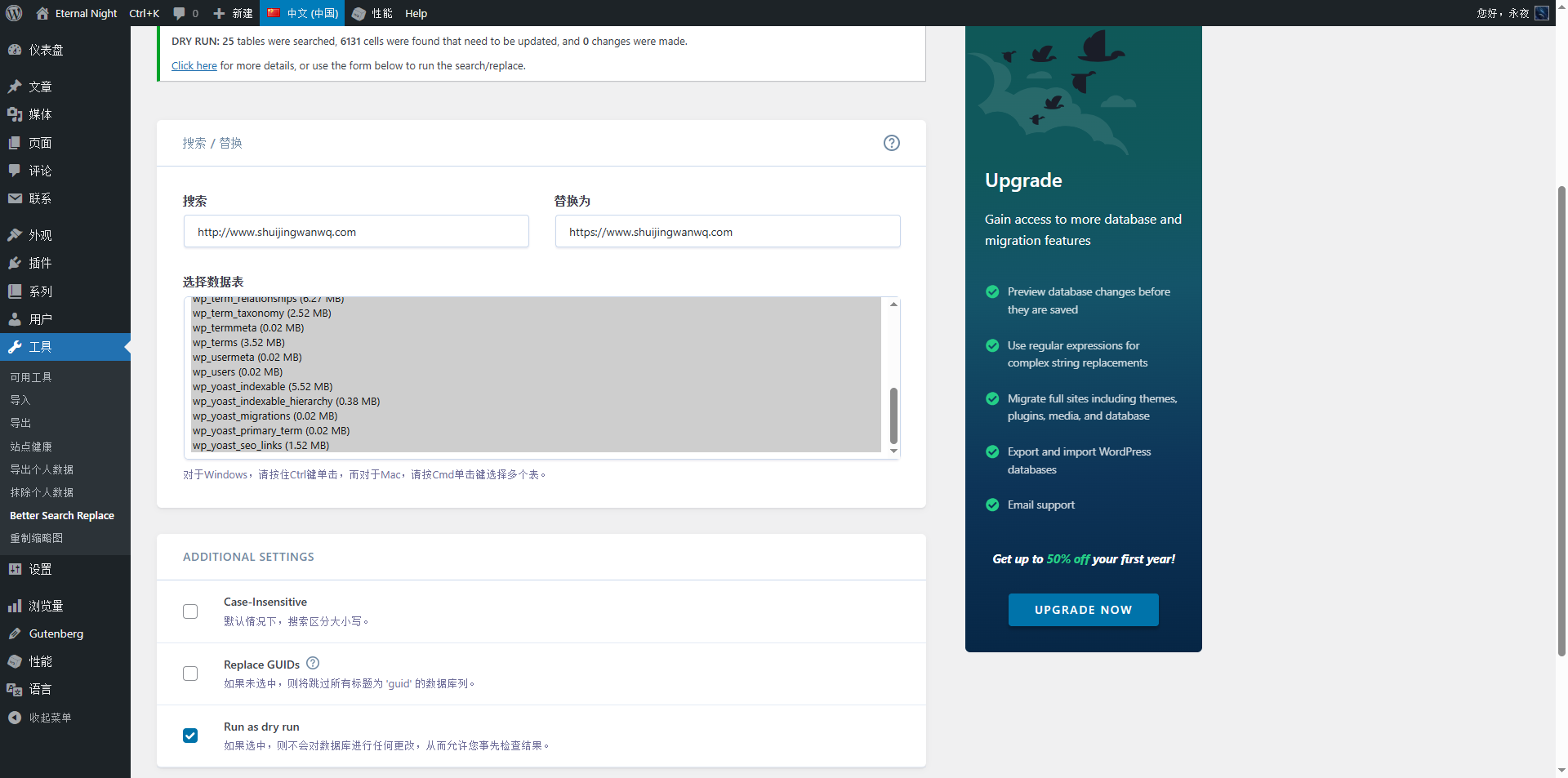
14. Simulation operation: a total of 25 tables were scanned, and 6131 cells were found to be updated without any changes. Click here to see more details, or use the form below to perform a search/replace action. as shown in Figure 13
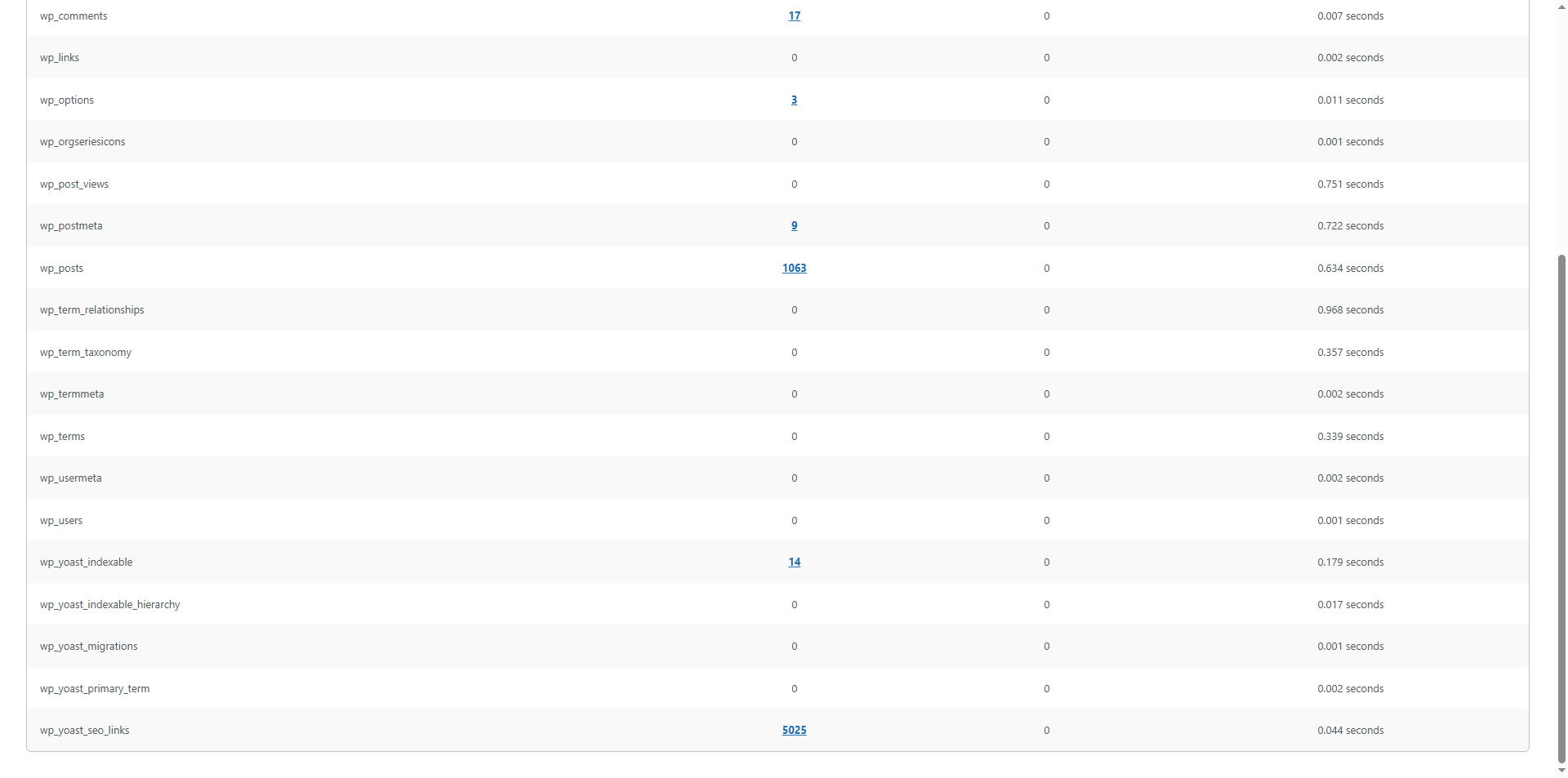
15. Click Click HERE, mainly found in the following tables: wp_comments(17), wp_options(3), wp_postmeta(9), wp _posts(1063), WP_YOAST_INDEXABLE(14), WP_YOAST_SEO_LINKS (5025). Figure 14
16. After performing the database backup, in the Better Search Replace plugin page, uncheck Run as Dry Run.
Keep other options unchanged (search/replace strings, check all tables).
Click ‘Run Search/Replace’.
Wait for the page to finish. You will see a success prompt similar to ‘Changed 6131 cells in total’. as shown in Figure 15
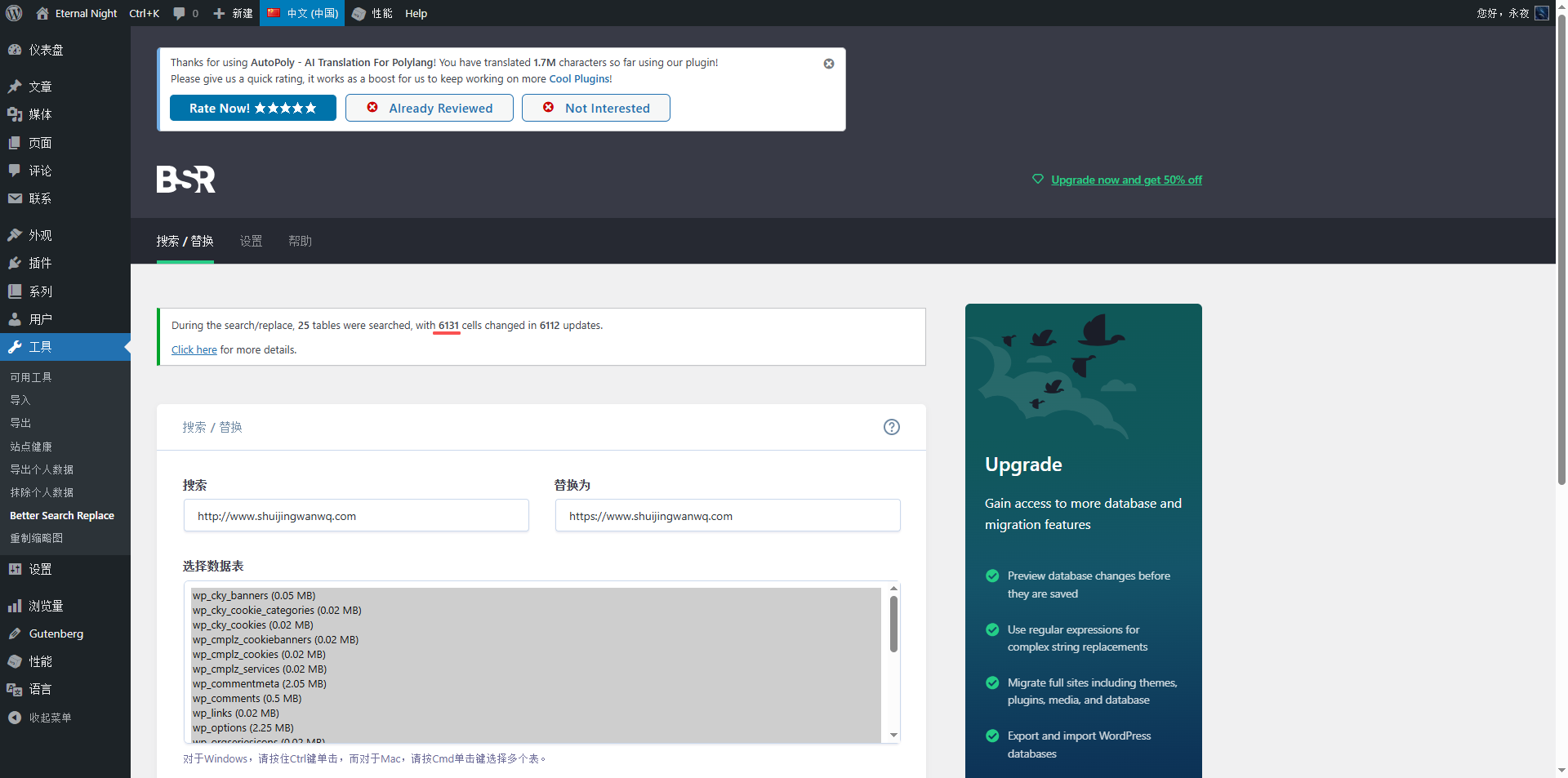
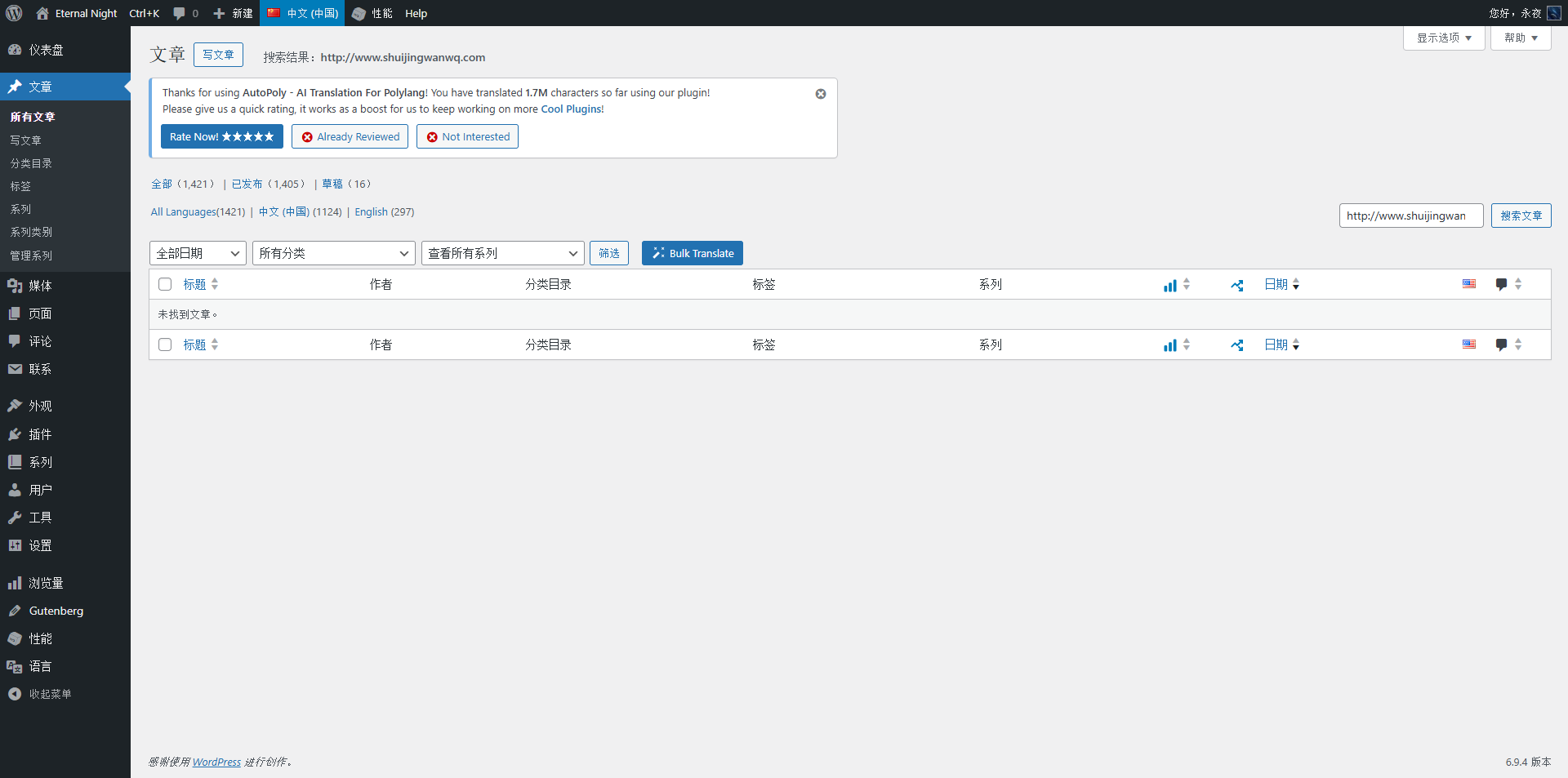
17. Search in all articles in the backgroundhttp://www.shuijingwanwq.com. Search results are empty. as shown in Figure 16
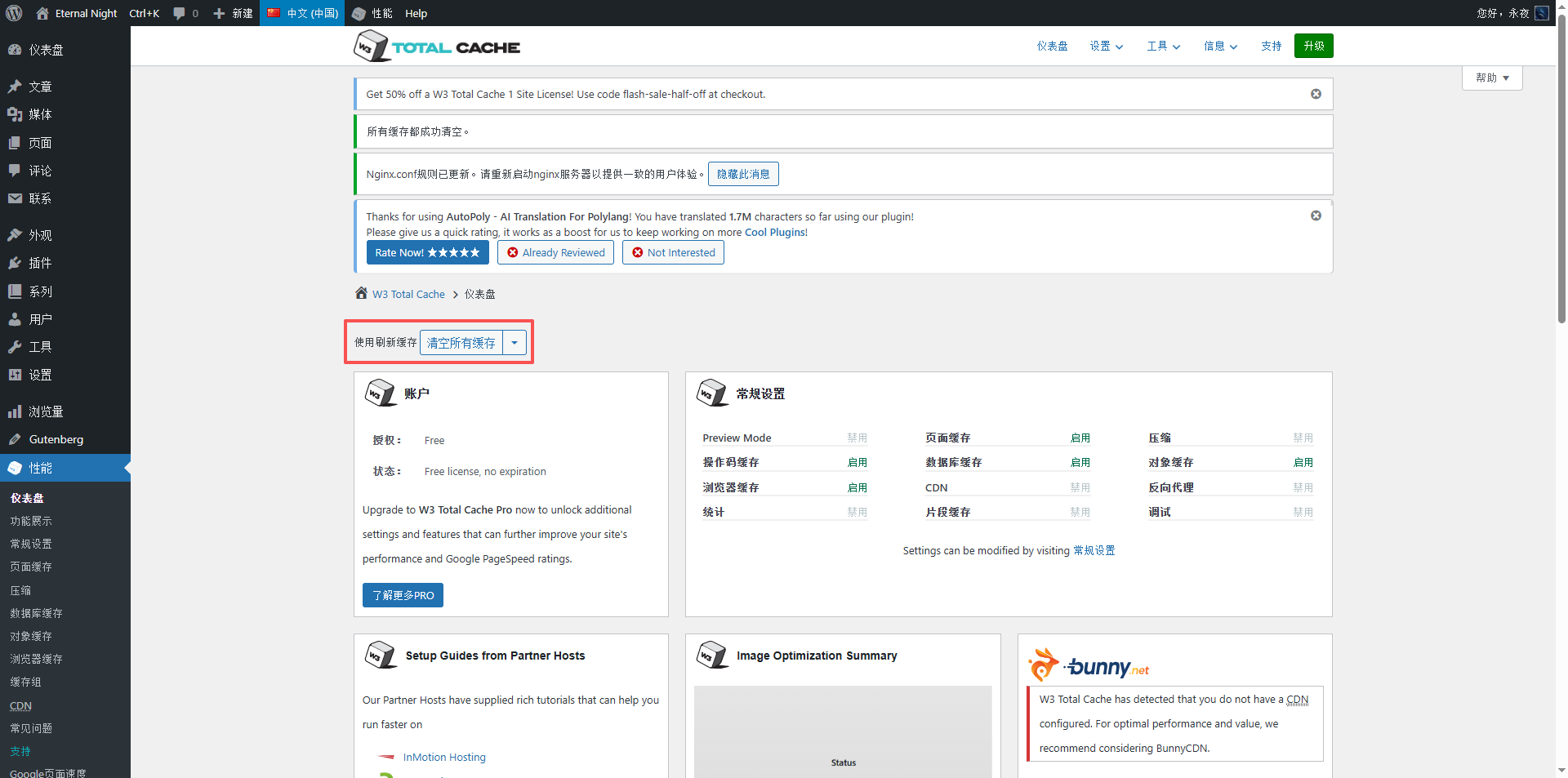
18. Clear all caches. as shown in Figure 17
19. Settings – About – Remove Resourceshttp://www.shuijingwanwq.com. as shown in Figure 18
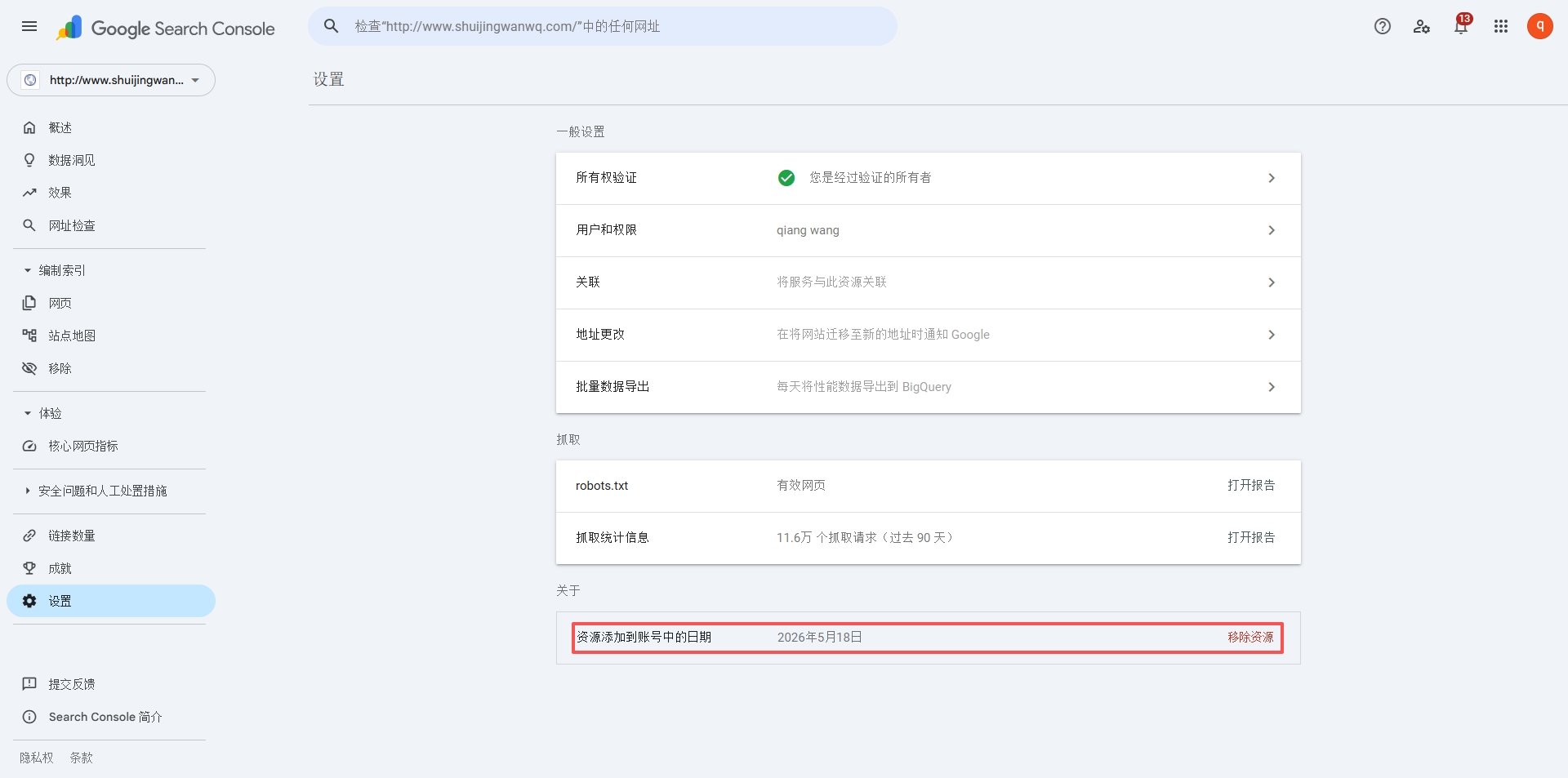
20. After a few days, confirmhttp://www.shuijingwanwq.com/Does not increase automatically, in line with expectations.