Solve the problem that “folder is empty” when DeepSeek uploads pictures
Recently, I had a somewhat strange problem with DeepSeek, and after a tossing, I finally found the reason. Here is a record of my investigation process and solution, hoping to help friends who encounter the same situation.
problem
I saved a picture from WeChat (Linux version) and planned to upload it to the DeepSeek dialog box. At first I habitually CTRL+V Paste, the result DeepSeek prompt:
The uploaded file contains the file format that is not yet supported, please convert the file format and try again. Support PDF, DOC, XLSX, PPT, pictures, text, code, etc.
Obviously it is a JPEG picture, how can the format not be supported? I checked the image properties and confirmed that it is a standard JPEG format (as shown in Figure 2).
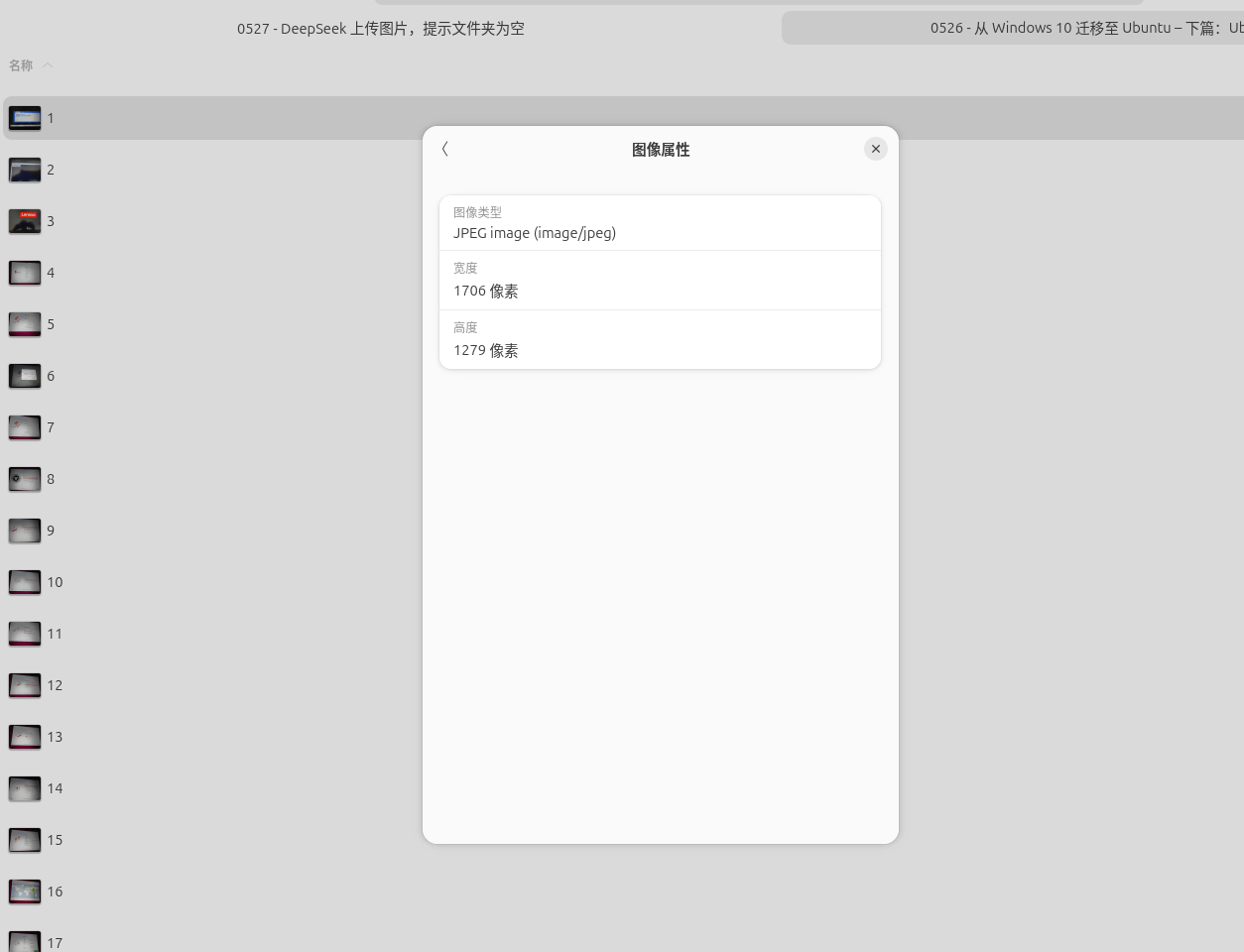
as shown in Figure 2: The image properties show ‘JPEG image (image/jpeg)’, with a width of 1706 pixels and a height of 1279 pixels.
So I switched to click the ‘+’ button next to the input box instead, and select ‘Upload file’. As a result, in the file selection dialog box that pops up,Folder is empty– Can’t see anything (as shown in Figure 1).
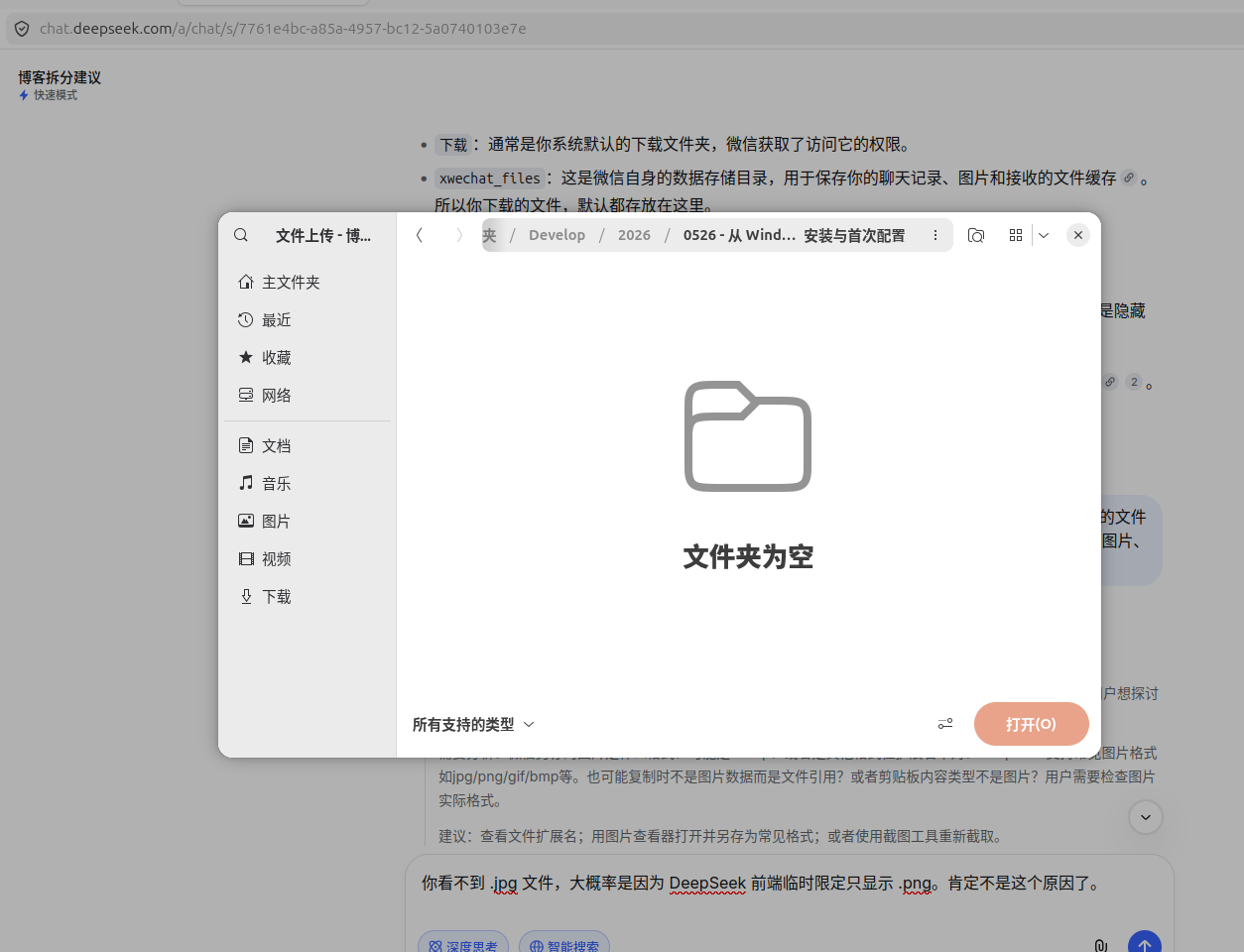
as shown in Figure 1: In the file upload dialog box of DeepSeek, the directory list is empty, and there is no file displayed.
Preliminary check
I first wonder if there is a bug in the front end of DeepSeek, or there is a problem with the permissions of my Ubuntu system file. But then I tested the media upload function of the WordPress background and found that it was completely normal – the pictures in the same folder can be displayed and selected normally (as shown in Figure 3).
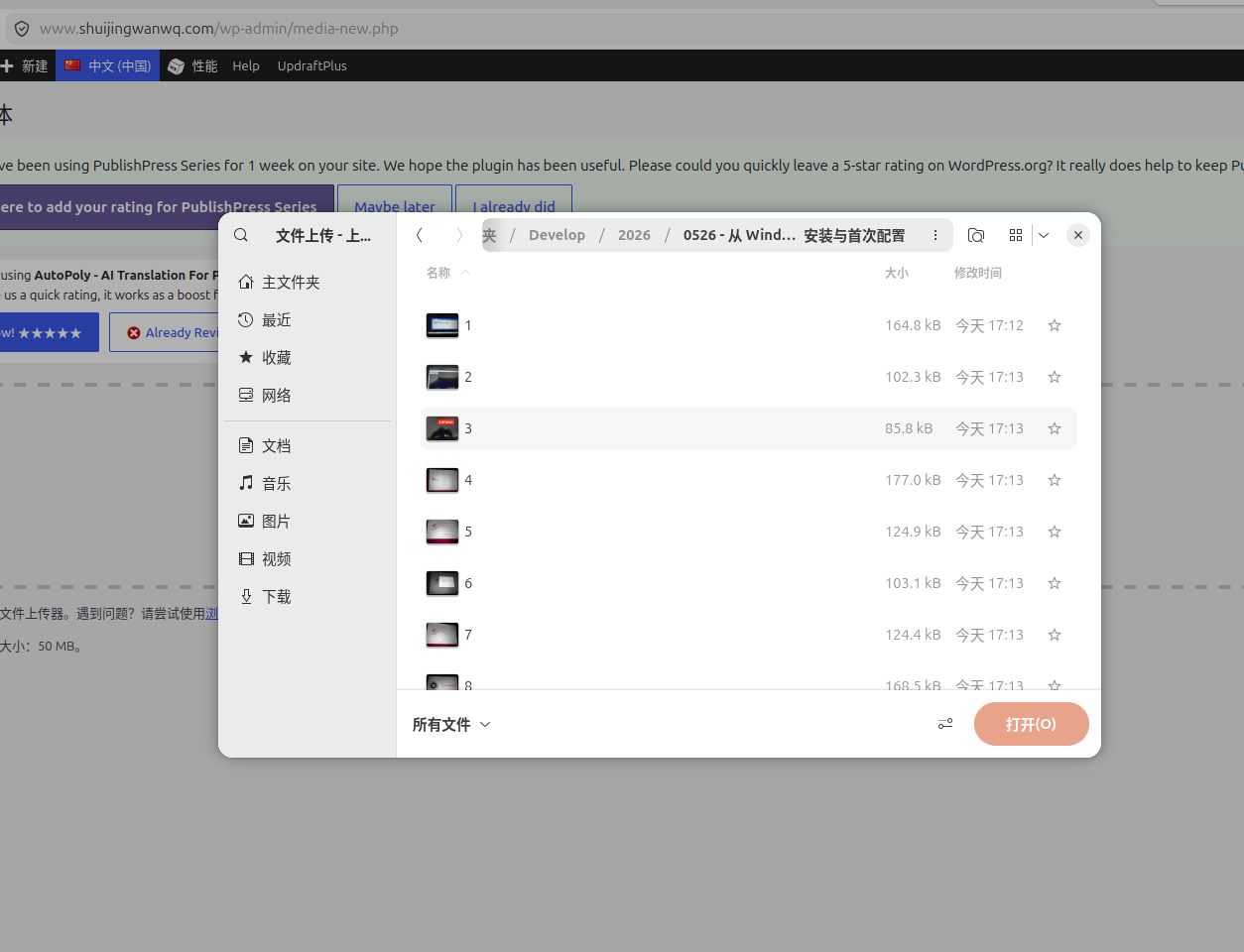
as shown in Figure 3: In the WordPress background media upload interface, multiple image files in the same directory are displayed normally, including size and modification time.
This means that the problem is not in the system, nor in the file manager, but the file selector itself of the deepseek.
Key discovery
I carefully compared the folders displayed in the DeepSeek file selector, and the folder where I actually saved the picture. Suddenly noticed a detail:The file name I saved, the file name is 1, without any extension(such as .jpg Or .png).
To verify, I renamed this image to 1.jpg. Open DeepSeek’s upload dialog again, something magical happened – the file appeared (as shown in Figure 4)!
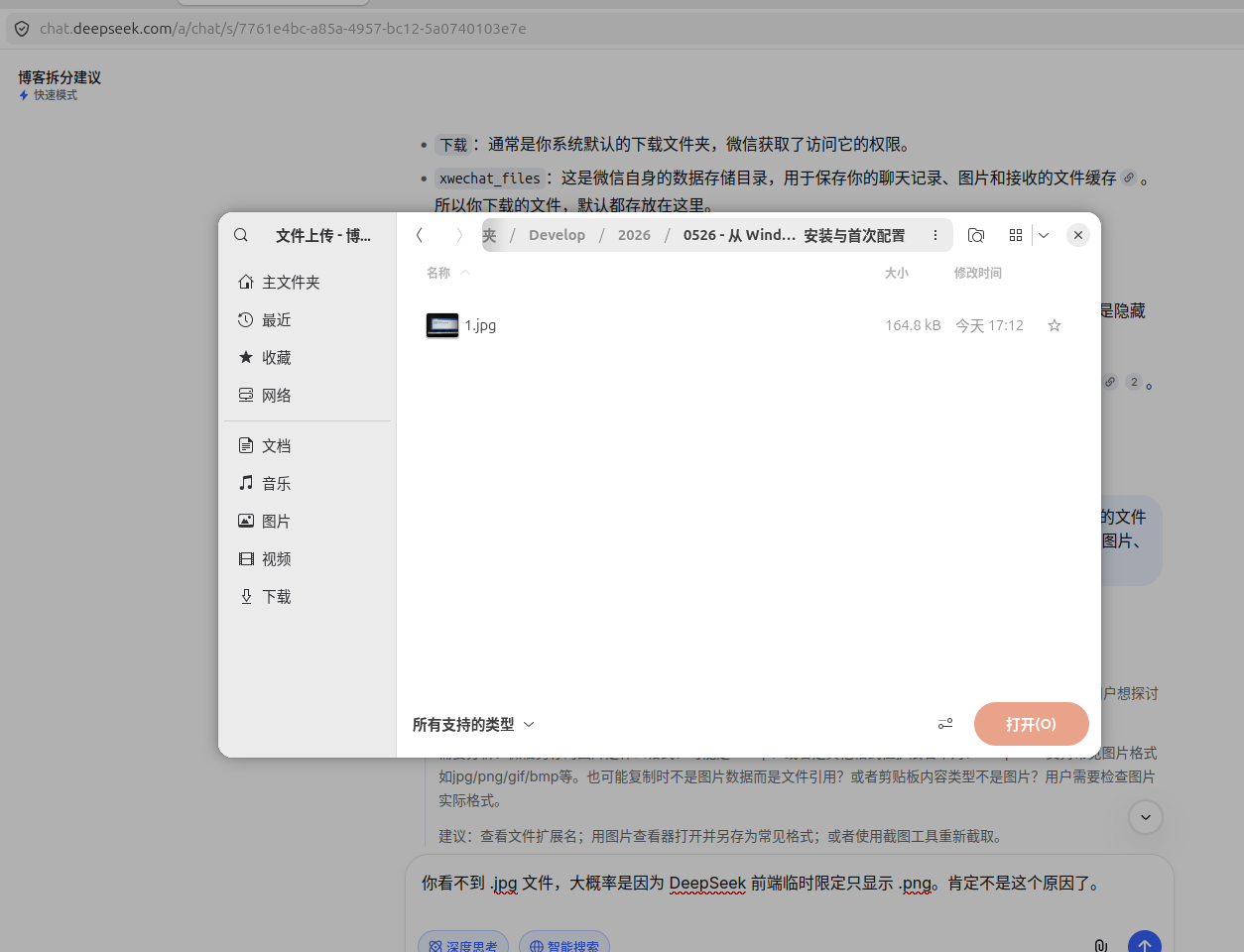
as shown in Figure 4: After renaming, the DeepSeek file selector displays normally
1.jpgfile.
Cause analysis
Later I understood: when the DeepSeek front-end call file selector, it is usually added accept='image/*' limits. The file selector of the browser or system will befile extensionto determine whether it is a picture type. A file with no extension (even if the content itself is JPEG) is considered not a picture file, so it is filtered out directly in the selector and not displayed.
And why directly CTRL+V Paste will also fail? Because when copying pictures from WeChat, the clipboard may not be pure image data, but a file reference or special object, and deepseek cannot be parsed correctly, so the ‘format is not supported’ in the report.
Solution
In response to this problem, I have compiled two solutions:
Option 1: Manually add extensions
The easiest way: When saving pictures on WeChat, manually add them after the file name .jpg. Or after saving, right-click to rename and add an extension.
Option 2: Batch rename (recommended)
If you are like me, you have already saved a bunch of pictures without extensions (such as WeChat saved by default 1,2,3…), you can add it in batches with one command .jpg suffix.
Open the terminal, enter the directory where the picture is located, and execute:
cd /你的图片目录
for f in *; do
    [ -f "$f" ] && [[ "$f" != *.* ]] && mv -- "$f" "$f.jpg"
done
This command will only handleNo point number (that is, no extension) files, which will not affect the files with suffixes. After execution, all pictures can be recognized normally by DeepSeek.
About the temporary method of copying and pasting failure
If you don’t want to save the file, you just want to quickly send the picture to DeepSeek, you can use the screenshot tool to re-cut the image area (such as pressing SHIFT+PRTSC), and then paste directly into the dialog box. This method is replicated with pure image data, which is usually successful.
Summary
The small problem this time is actually very simple:file has no extension. Under Linux, the pictures saved by WeChat are sometimes not brought .jpg suffix, causing some web page file selectors not to recognize. Adding the correct extension to the file can be solved.
Recorded here, I hope it will be helpful to other friends who use Ubuntu + WeChat + DeepSeek. If you have also encountered a similar ‘Folder Empty’ or ‘Format Not Supported’ prompt, you might as well check whether the file has a extension.