CentOS 6.5 64-bit upgrade the implementation process of php5.3.3 to php5.4.42, based on yum installation!
1. You need to implement this URL first:https://www.shuijingwanwq.com/2014/12/26/439/
2. The current php version is php 5.3.3

The current php version is php 5.3.3
3. Edit /etc/yum.repos.d/remi.repo, set[remi]Enabled=1 below,[remi]Indicates php 5.4 version, there are 5.5 and 5.6 below, here use 5.4
![编辑/etc/yum.repos.d/remi.repo,设置[remi]下的enabled=1,[remi]表示php 5.4版本,下还有5.5与5.6,此处采用5.4](https://www.shuijingwanwq.com/wp-content/uploads/2015/06/24.png)
Edit /etc/yum.repos.d/remi.repo, set[remi]Enabled=1 below,[remi]Indicates php 5.4 version, there are 5.5 and 5.6 below, here use 5.4

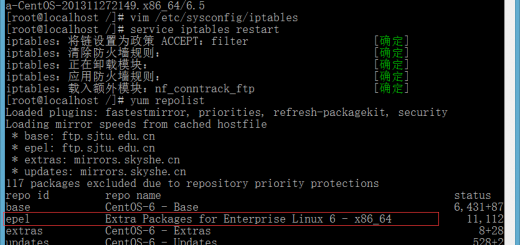
Execute the yum repolist command to see if the remi source was added successfully
5. Uninstall PHP 5.3.3 related programs

Uninstall PHP 5.3.3 related programs
6. Install the PHP 5.4 version program and execute the command:
yum install php-mysqlnd php-gd php-imap php-ldap php-odbc php-pear php-xml php-xmlrpc php-cli php-common php-devel php-mbstring php-mcrypt php-soap php-bcmath

Install the PHP 5.4 version program and execute the command
7. Failed to execute the command, because php-mcrypt is still installed based on epel source, and its latest version is 5.3.3, it is necessary to install version 5.4 based on remi source

Execute the command failed, because php-mcrypt is still installed based on epel source, and its latest version is 5.3.3, you need to install version 5.4 based on remi source
8. Modify the /etc/yum.repos.d/epel.repo file, and modify priority=11 to #priority=1

Modify the /etc/yum.repos.d/epel.repo file, change priority=11 to #priority=1
9. Install the PHP 5.4 version program again and execute the command:
yum install php-mysqlnd php-gd php-imap php-ldap php-odbc php-pear php-xml php-xmlrpc php-cli php-common php-devel php-mbstring php-mcrypt php-soap php-bcmath
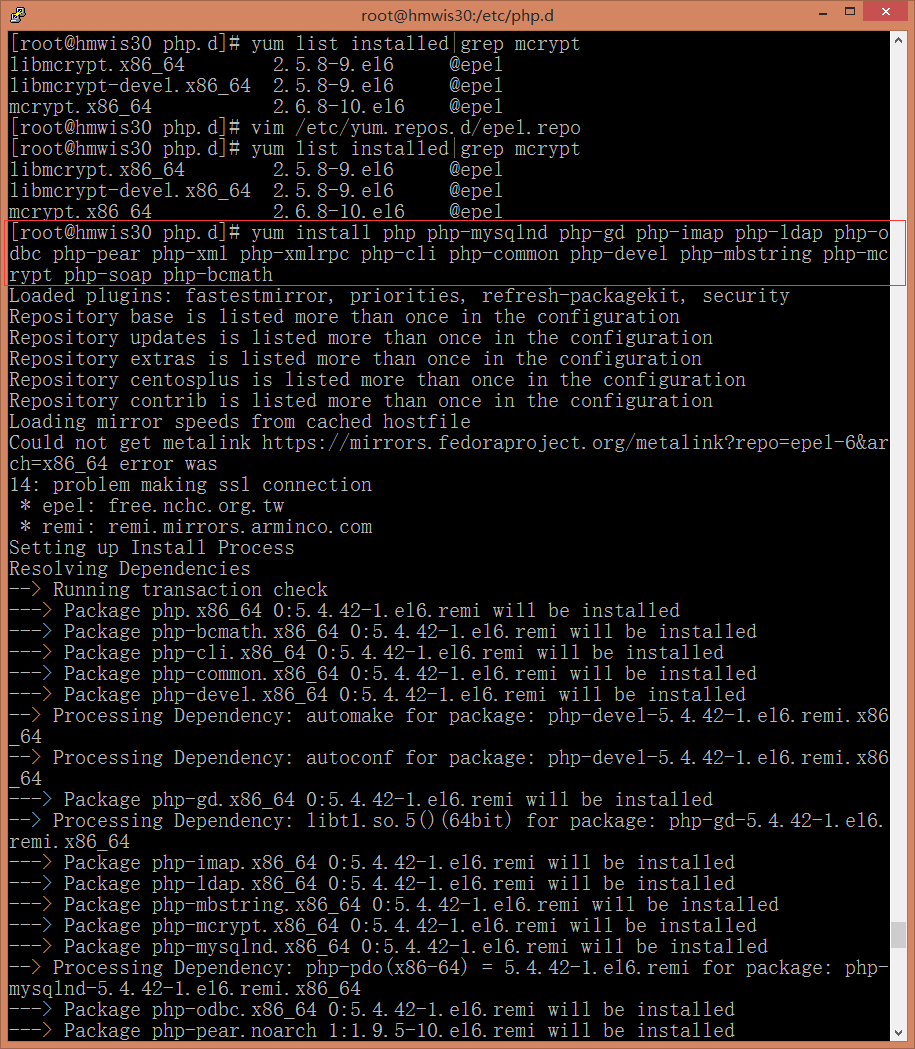
Install the PHP 5.4 version program again and execute the command
10. The installation is successful, check the current version is 5.4.42

The installation is successful, check the current version is 5.4.42
11. View phpinfo information, run normally

View phpinfo information, run normally