GII generation process when adding multiple DB application components to Yii 2.0
1. When multiple database connection components have been added in Yii 2.0
    'components' => [
        'db' => [
            'class' => 'yii\db\Connection',
            'dsn' => 'mysql:host=62.234.135.47;dbname=pcs_api',
            'username' => 'sq_pcs',
            'password' => '',
            'tablePrefix' => 'pa_',
            'charset' => 'utf8mb4',
            'enableSchemaCache' => false,
            'schemaCacheDuration' => 3600,
            'schemaCache' => 'redisCache',
        ],
        'statDb' => [
            'class' => 'yii\db\Connection',
            'dsn' => 'mysql:host=62.234.135.47;dbname=pcs_stat',
            'username' => 'sq_pcs',
            'password' => '',
            'tablePrefix' => 'ps_',
            'charset' => 'utf8mb4',
        ],
    ],
2. When statdb is selected for the database connection ID, only the data table under statdb will appear in the drop-down list of the table name, as shown in Figure 1
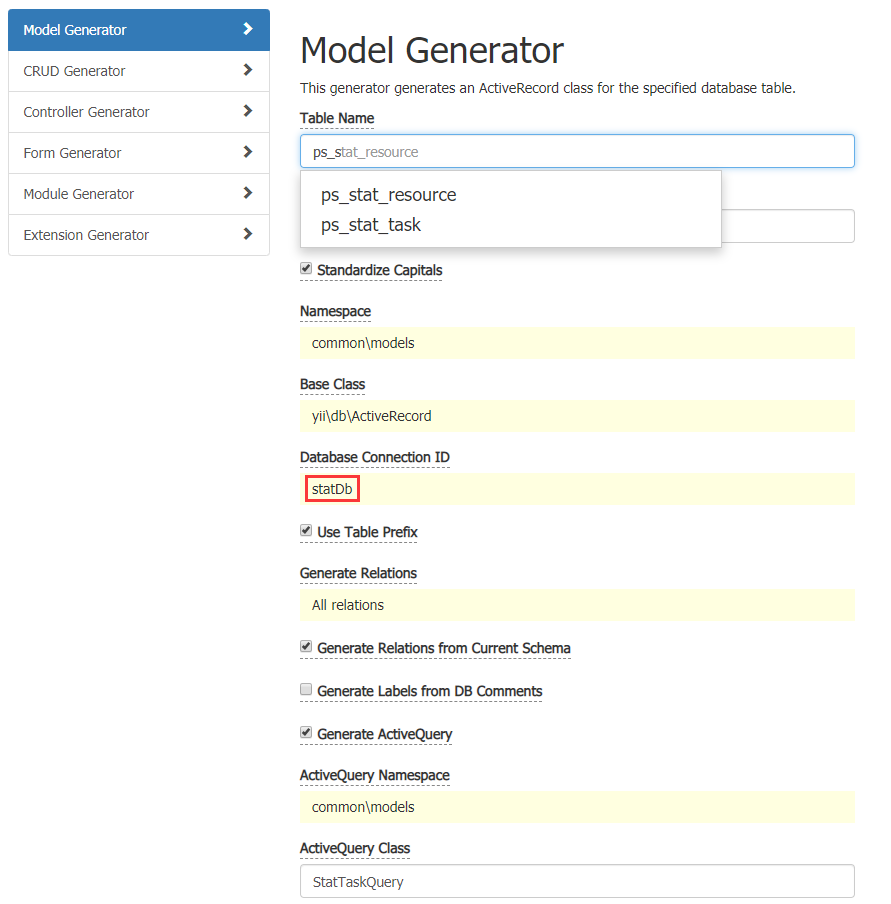
Figure 1
3. When the model file under statdb is generated, getdb() is additionally generated, as shown in Figure 2
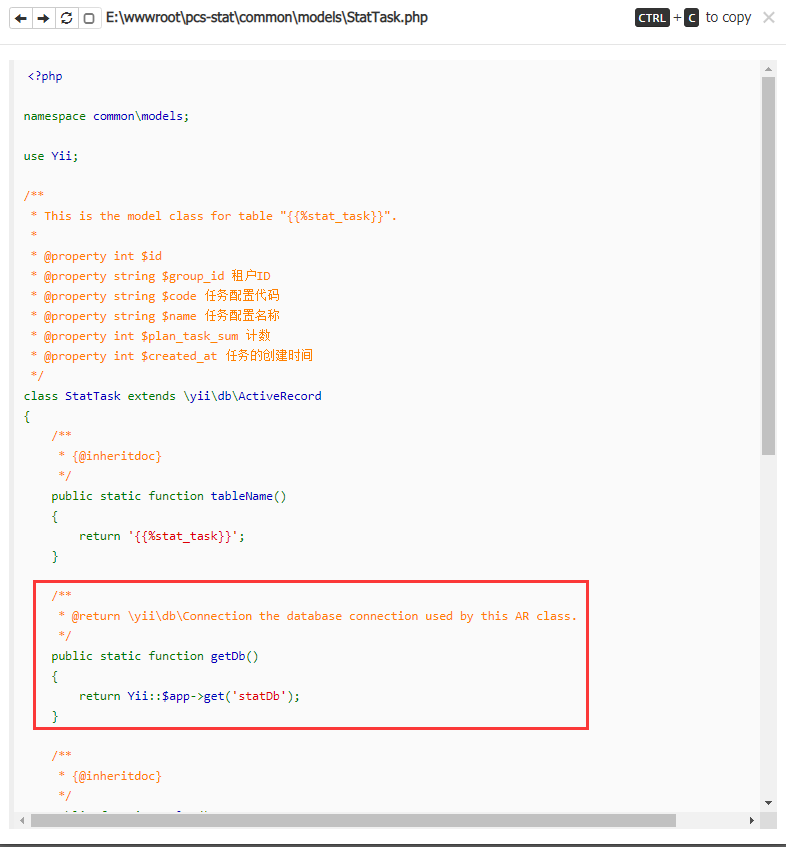
Figure 2
    /**
     * @return \yii\db\Connection the database connection used by this AR class.
     */
    public static function getDb()
    {
        return Yii::$app->get('statDb');
    }
4. When DB is selected for the database connection ID, the data table under dB does not appear in the drop-down list of the table name. Therefore, you need to fill in the corresponding information manually. as shown in Figure 3
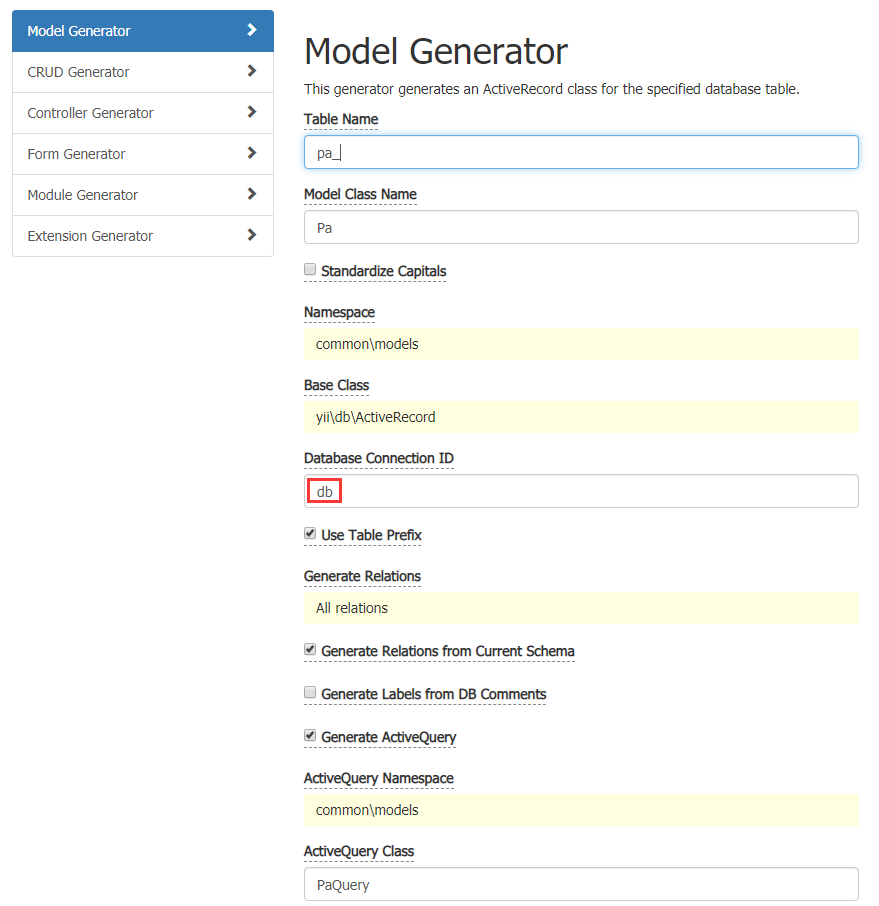
Figure 3
5. When the model file under db is generated, getdb() is not generated because db is the default. as shown in Figure 4
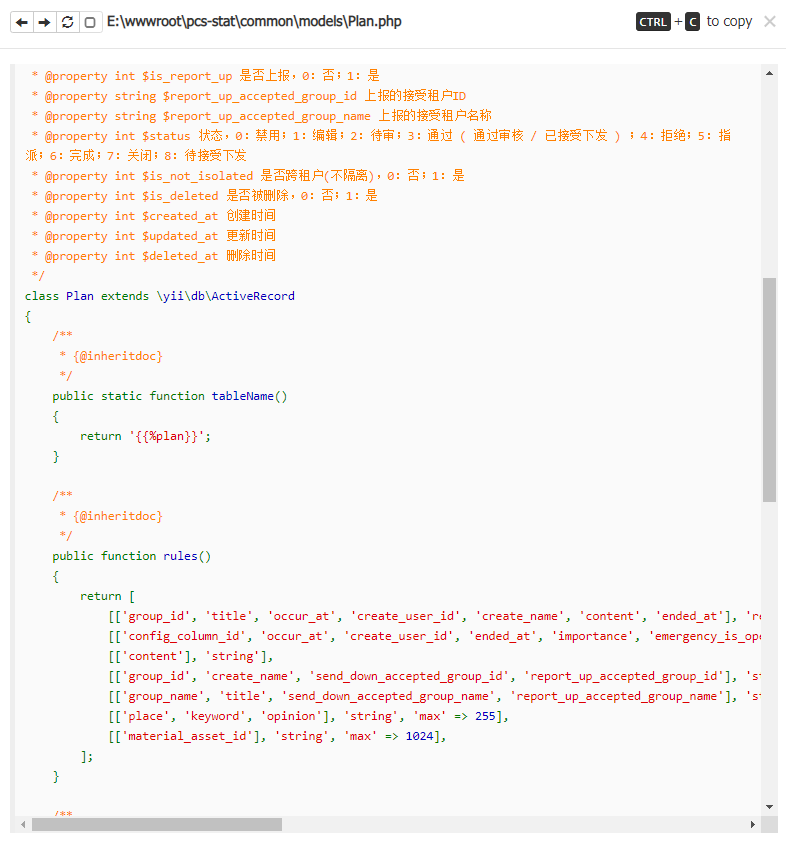
Figure 4
6. When preview or generate, when the database connection ID is selected for DB, only the data table under db will appear in the drop-down list of the table name. as shown in Figure 5
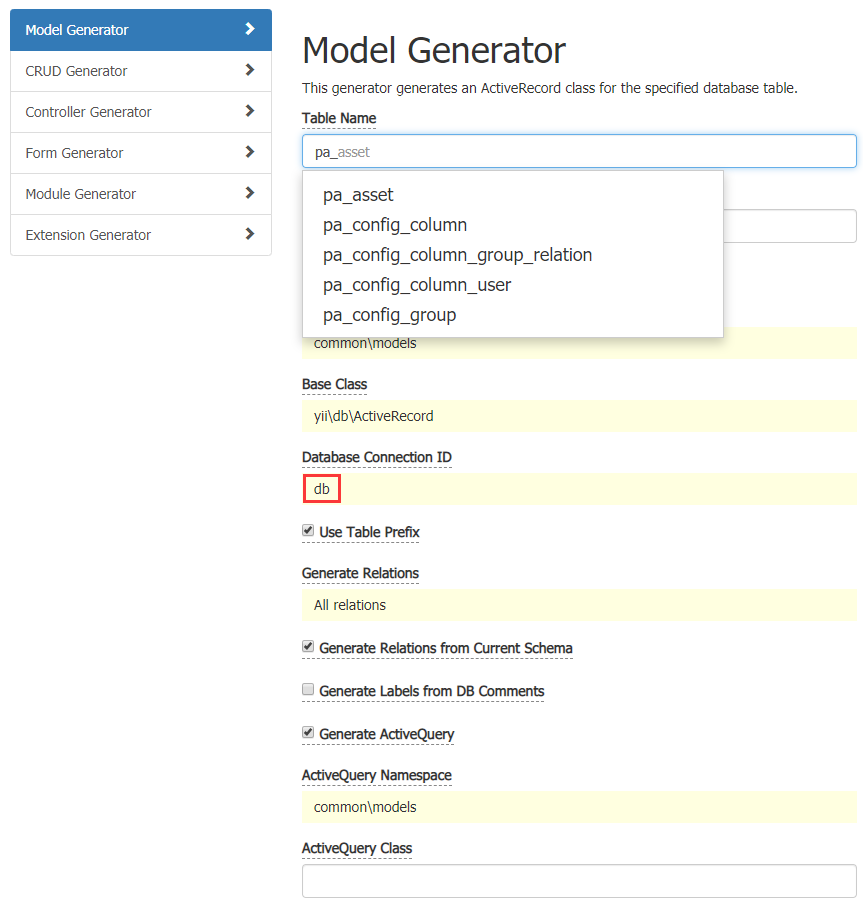
Figure 5