1. When publishing a video manuscript to Bilibili, it prompts: The manuscript partition is wrong. as shown in Figure 1

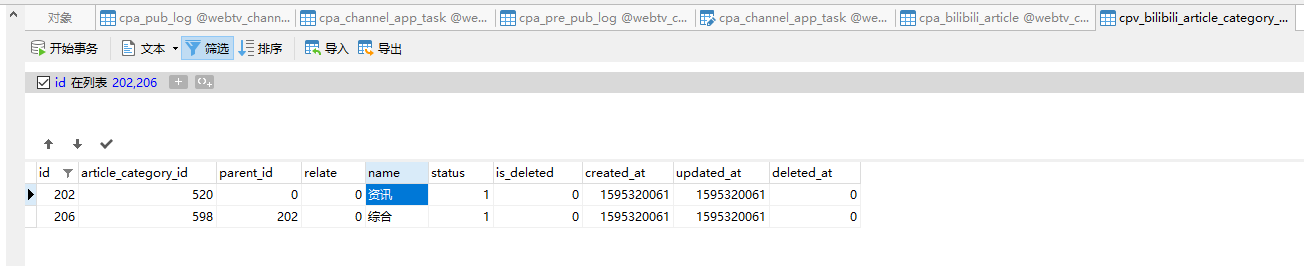
2. Analyze the articles that failed to publish this article. The selected categories are: Information – Comprehensive. as shown in Figure 2
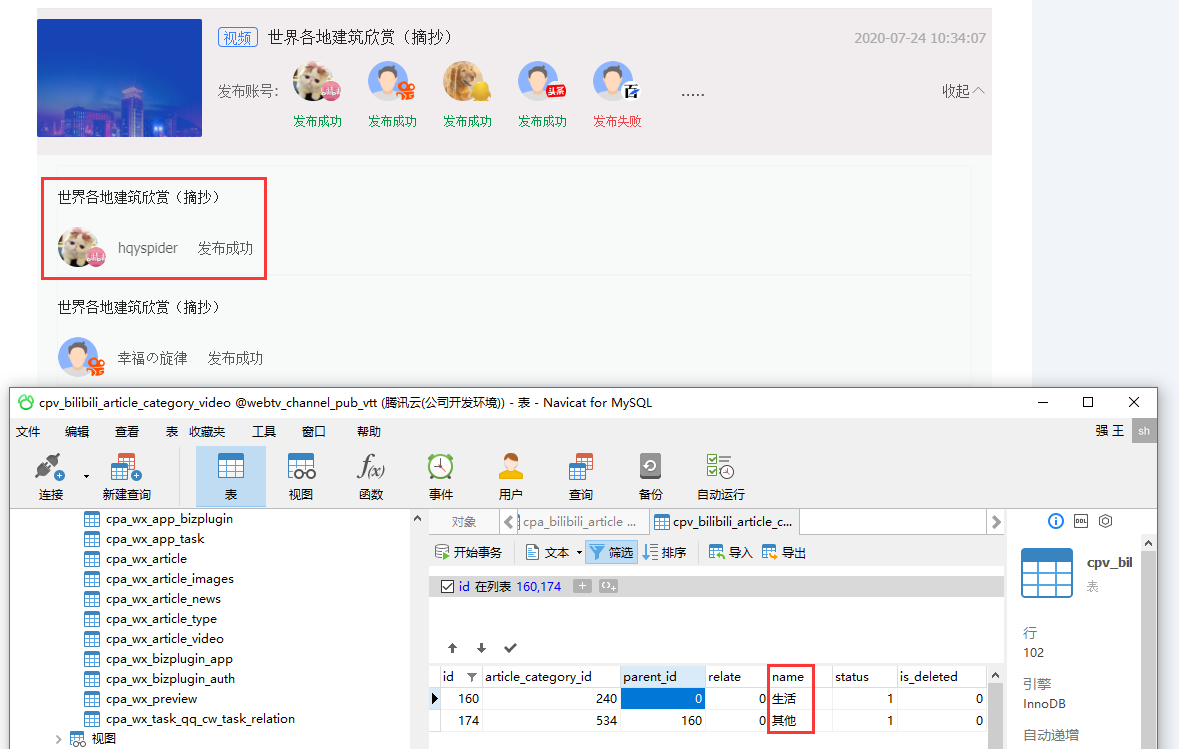
3. Publish successful manuscripts, the selected classification is: Life – Others. as shown in Figure 3
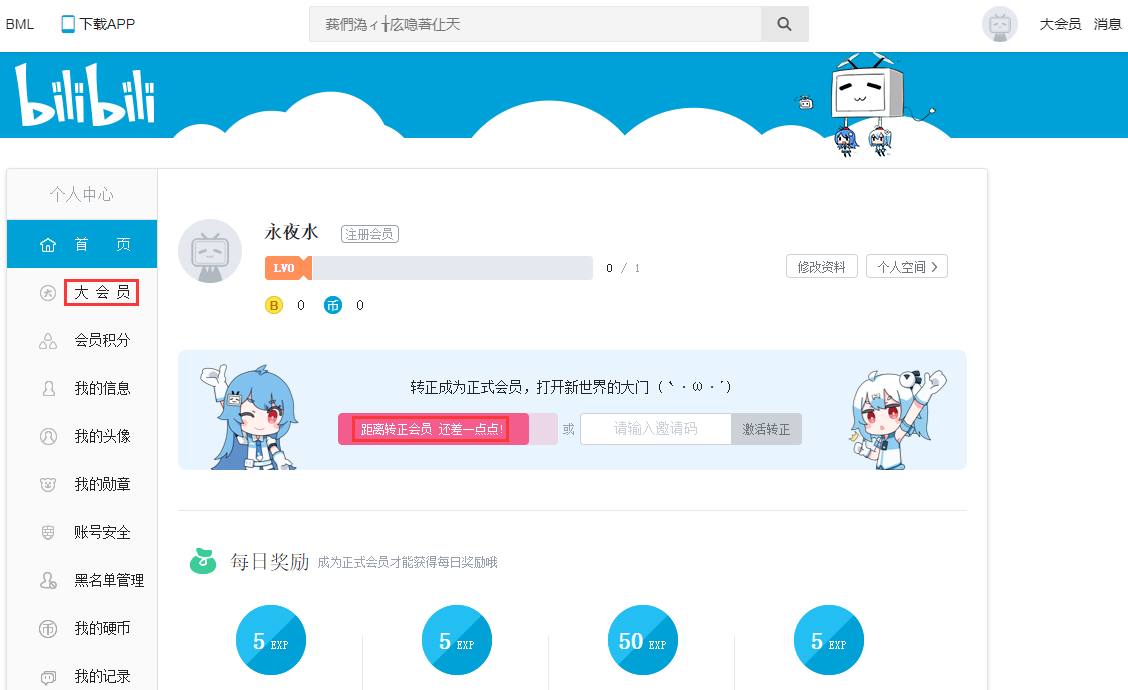
4. The account level of the current release of the manuscript: a large member. It’s a little bit less than a regular member!. as shown in Figure 4
5. In Bilibili Creation Center, when selecting partitions, there is: life – other. But it doesn’t exist: Information – Comprehensive. as shown in Figure 5

6. Analysis of the results, since the creation center’s partition cannot be selected: Information – Comprehensive. Then through the interface, it will naturally report an error: the manuscript partition is wrong. Changed an account to log in, it is the media account, and its partition is: Information – Comprehensive. as shown in Figure 6

7. In the follow-up, we will get instant article classification based on the member’s level, so as to avoid allowing users to choose fixed article classification data. This avoids the recurrence of the manuscript partition error.
Leave a Reply