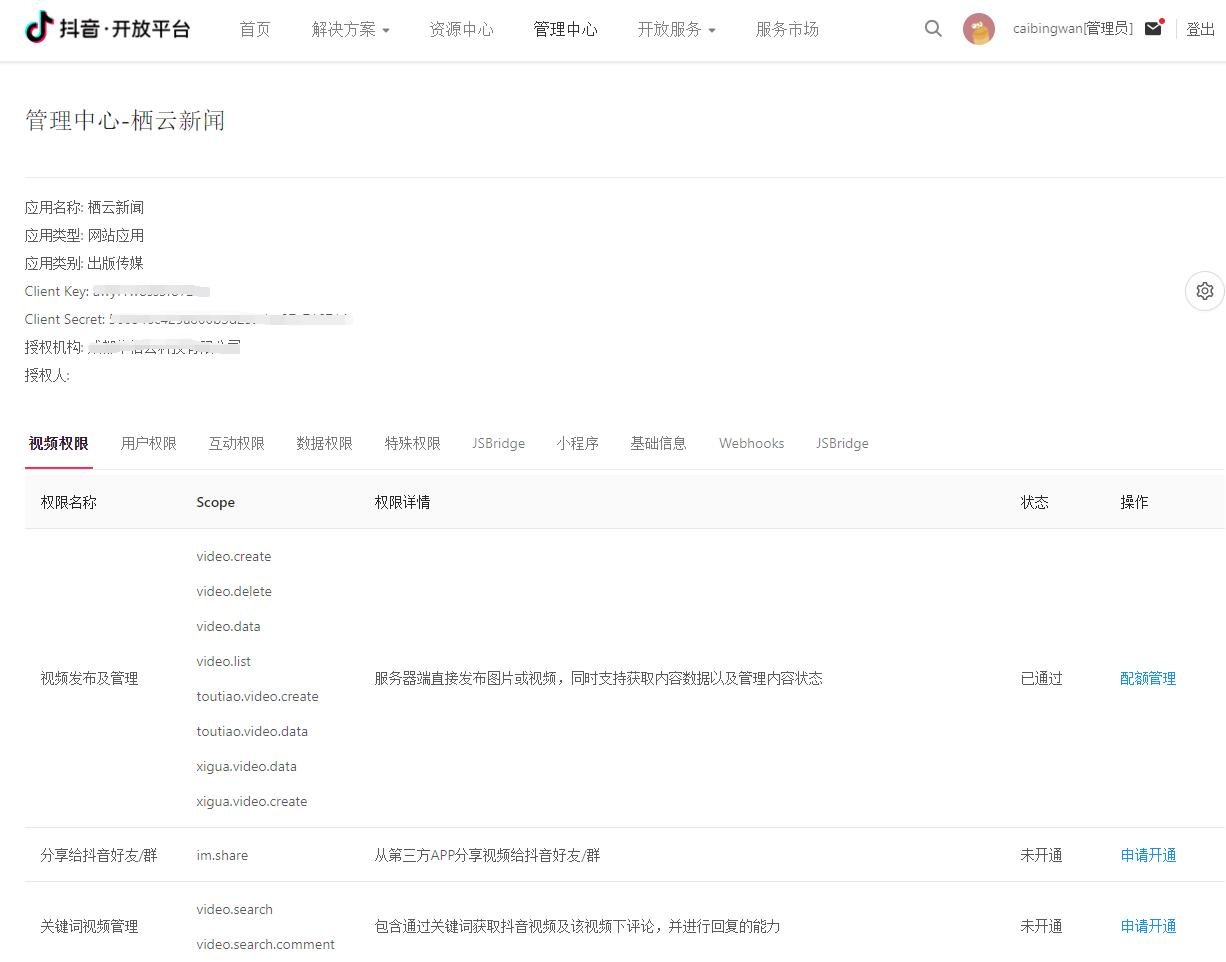
1. Developer identity: ordinary developer, application type: website application, status has passed. as shown in Figure 1
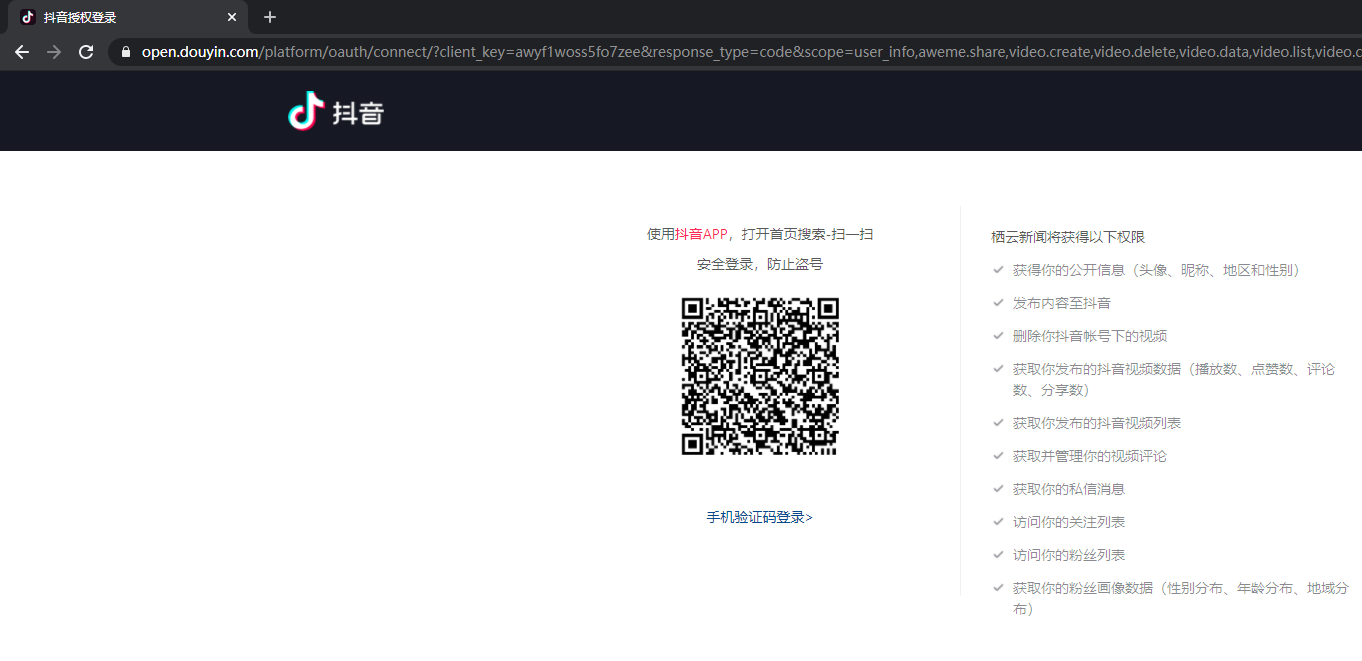
2. Open the OAuth API of Douyin. This URL is not for requesting. It needs to be displayed to the user for scanning the code. If it is opened in the version that wakes up in the Douyin APP support side, the client’s native authorization page will pop up. as shown in Figure 2
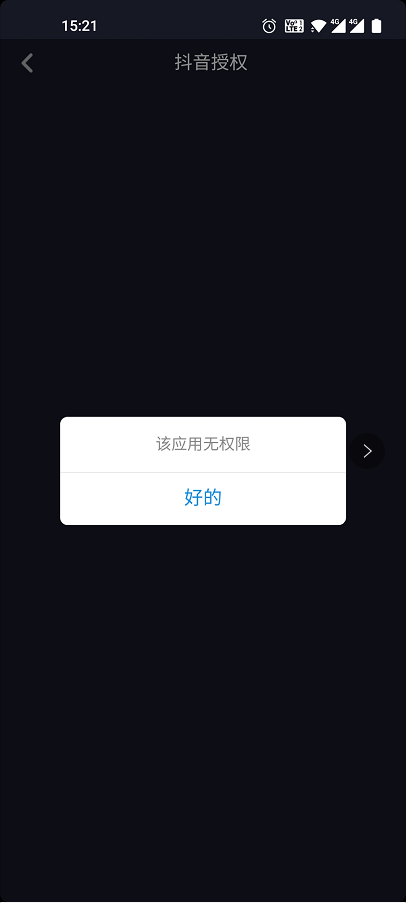
3. Open the APP: Douyin Super Speed Edition, prompts when Douyin is authorized: the app has no permission. The reason should be in the APP: Douyin Super Speed Edition does not support in-end wake-up. as shown in Figure 3
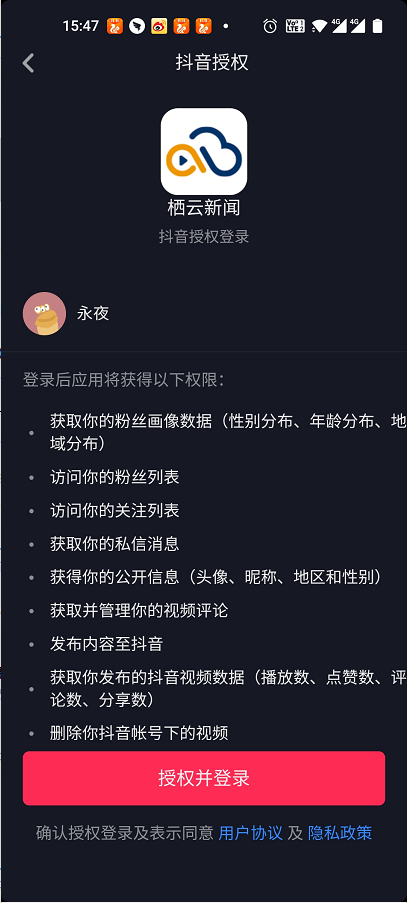
4. Open the APP: Douyin, after scanning the code, successfully open the client’s native authorization page. as shown in Figure 4
Leave a Reply