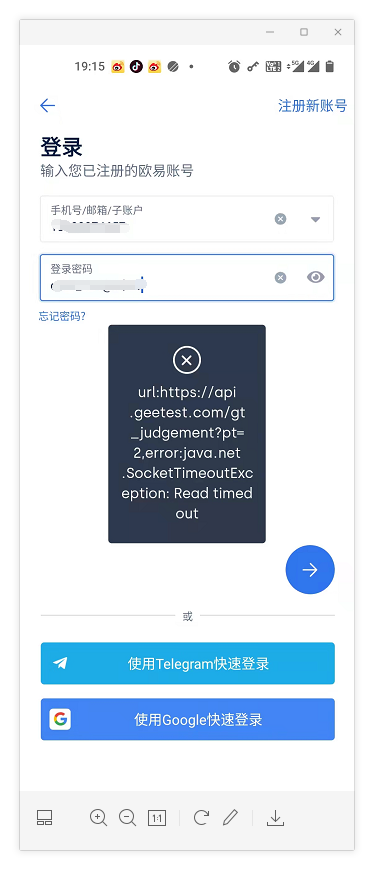
1. OKEx APP Error when logging in: https://api.geest.com/gt_judgement?pt=2,error:java.net.SocketTimeoutException:read timed out. as shown in Figure 1
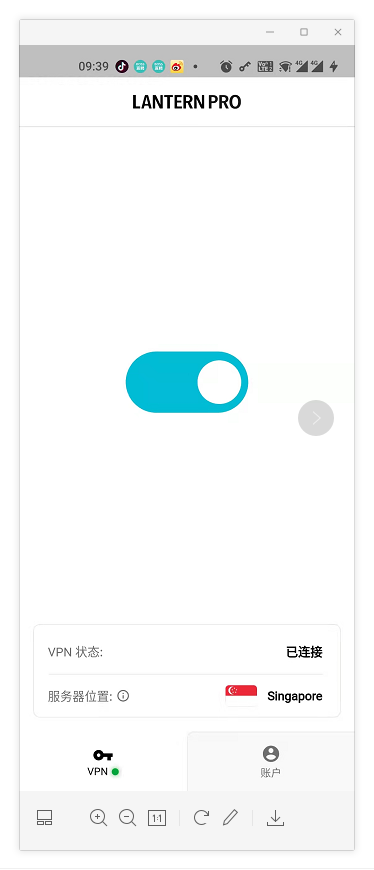
2. Turn on the blue light, connect the VPN, and the server location is located in Singapore. as shown in Figure 2
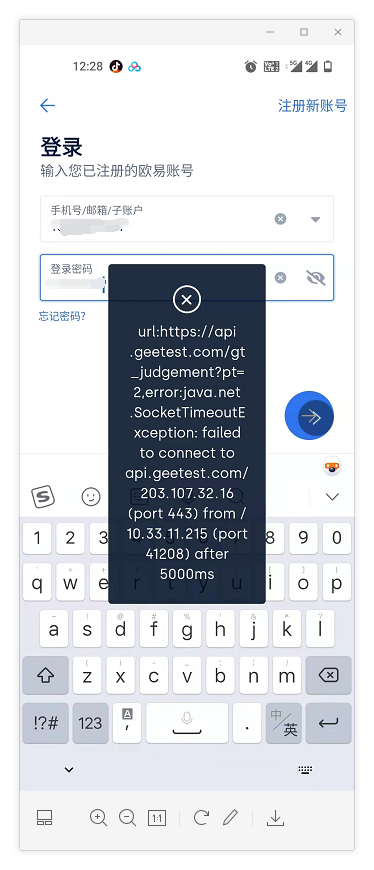
3. Log in again, and still report an error: url:https://api.getest.com/gt_judgemen t?pt=2,error:java.net.SocketTimeoutException:failed To connect to api.getest.com/203.107.32.16 (port 443) from / 10.33.11.215 (port 41208) after 5000ms. as shown in Figure 3
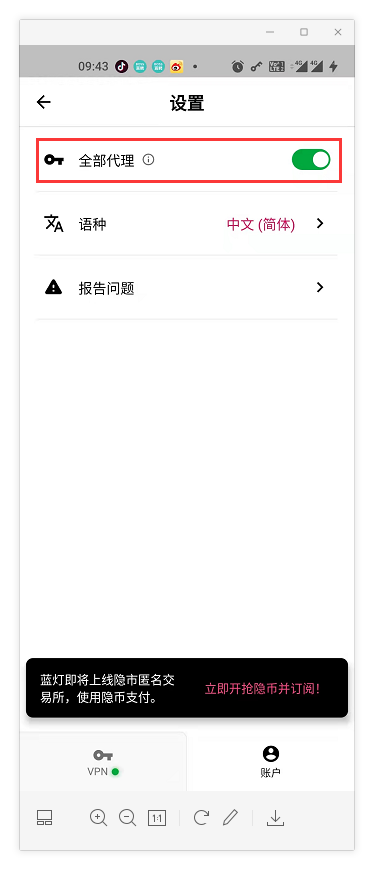
4. Turn on the blue light, account – settings – open all agents. as shown in Figure 4
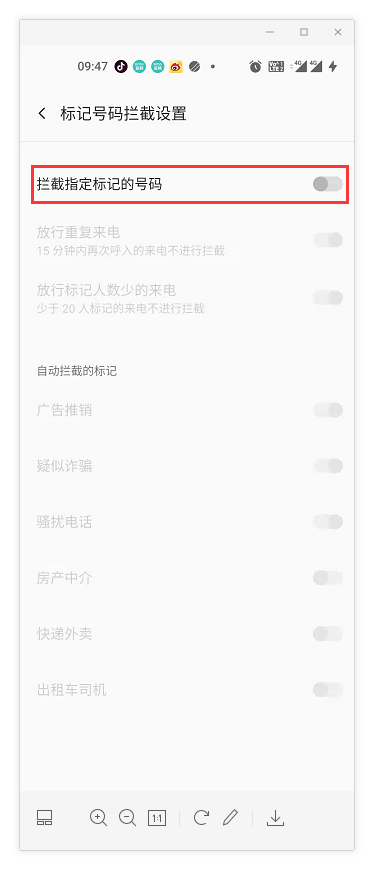
5. To log in again, you need to verify the other device or the current device’s phone call verification. Select the phone to answer the verification. The first time you didn’t hear it, the reason is that the call was blocked and marked as an advertisement sales call, and it was automatically blocked. In call logs – interception records – call block settings – incoming call interception – intercept the specified marked number – close. as shown in Figure 5
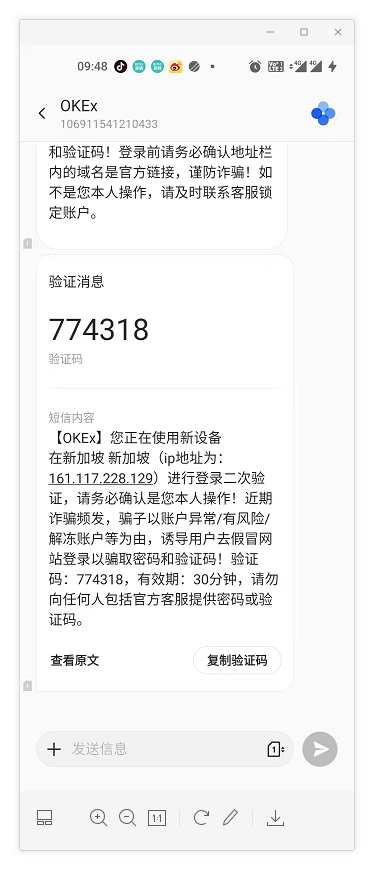
6. After the telephone answering verification is passed, the second verification is the SMS verification code verification. as shown in Figure 6
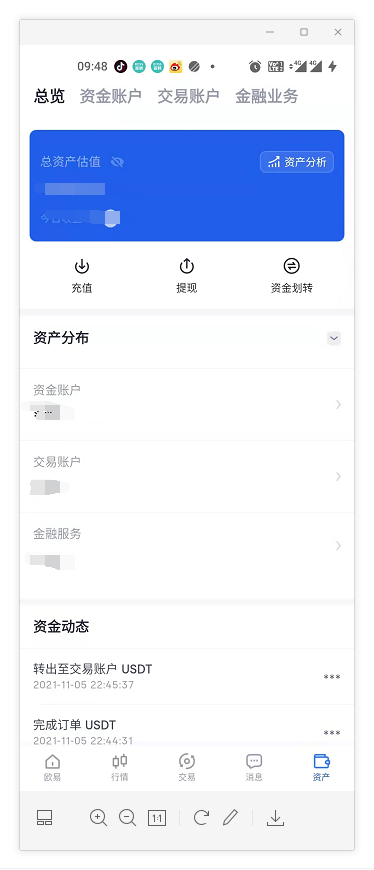
7. The login is successful. After successful login, you can turn off the blue light VPN connection. The subsequent default is fingerprint login, no need to proxy over the wall again. as shown in Figure 7
Leave a Reply