1. Laptop (ThinkPad T570) The headphones have sound, but there is no sound from the outside. There is sound before confirmation.
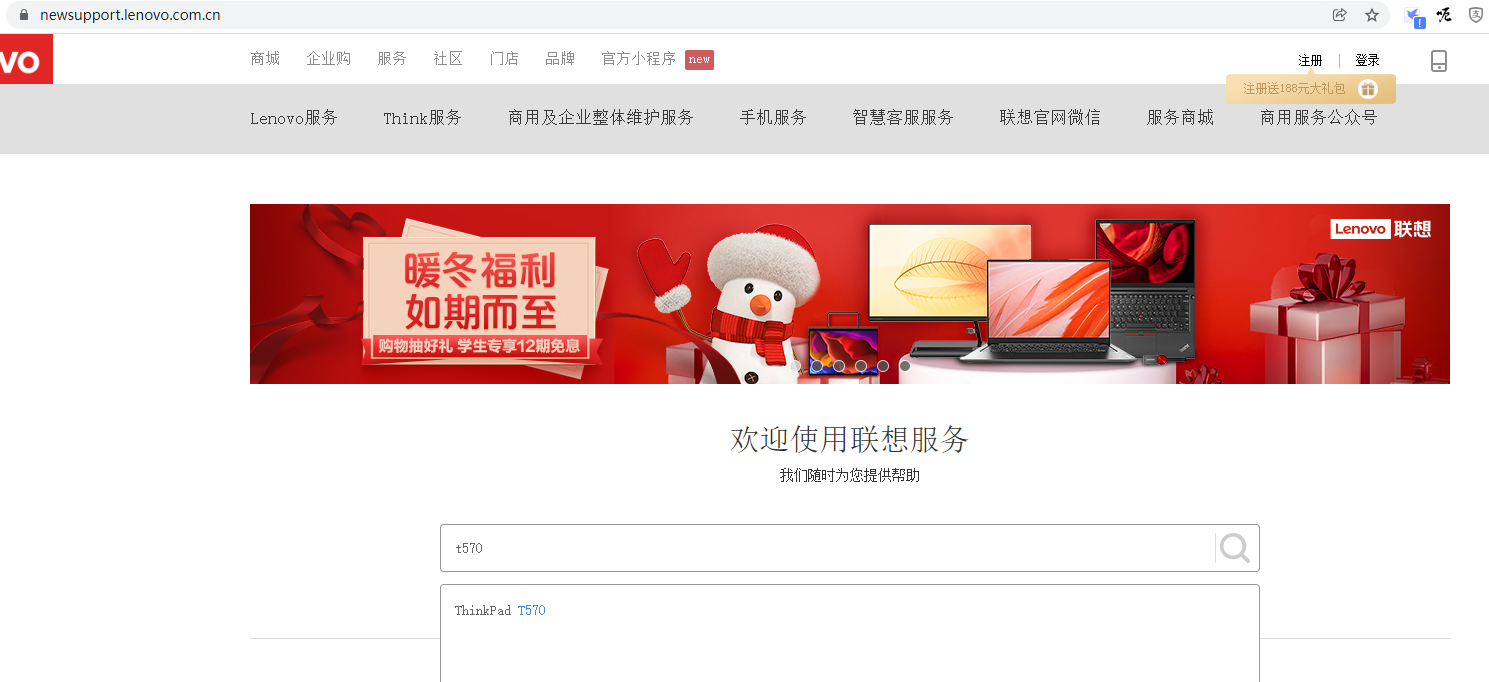
2. Open the Lenovo service website: https://newsupport.lenovo.com.cn/ . Search: T570, selection: ThinkPad T570. as shown in Figure 1
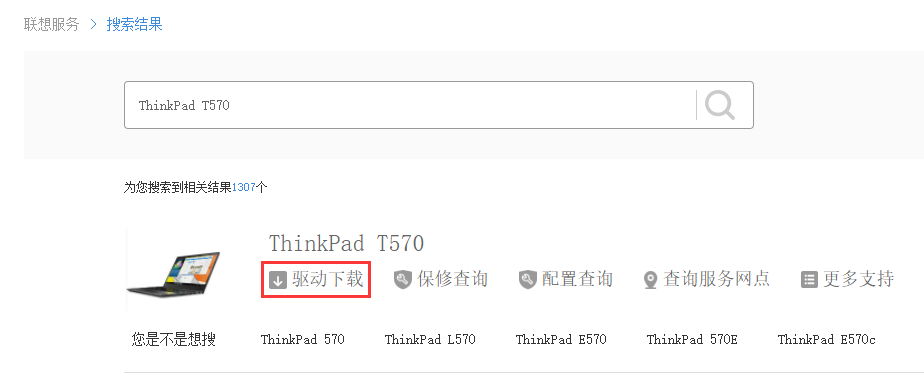
3. In the newly opened page, click: Driver Download. as shown in Figure 2
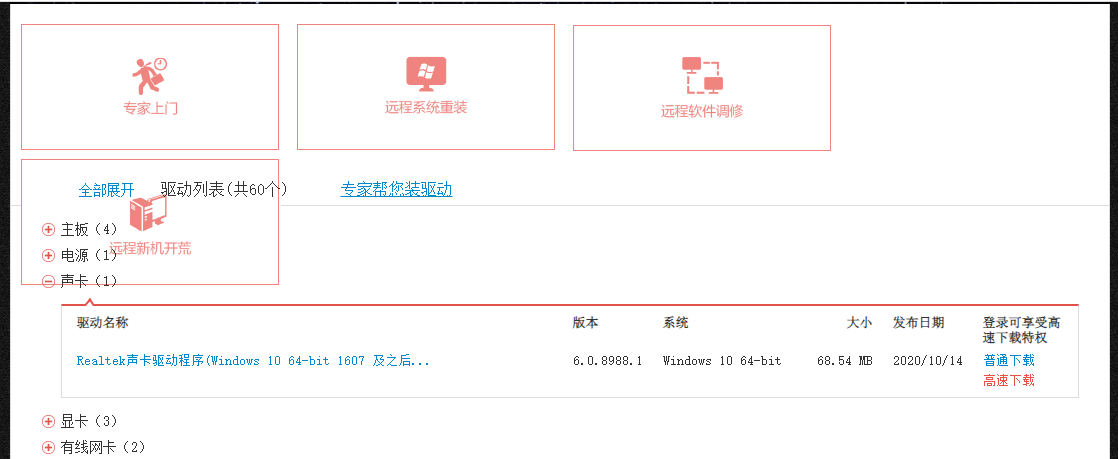
4. Expand the sound card, display: Realtek sound card driver (Windows 10 64-bit 1607 and later versions), download and install. File name: audio-n1va114w.exe. as shown in Figure 3
5. Expand the hotkey, display: hotkey hotkey driver (Windows 10 64-bit), download and install. File name: sihotkey-r0yvu35w.exe. as shown in Figure 4

6. After restarting the computer, there is sound in the headphones, and there is sound on the outside.
Leave a Reply