Upgrade OS: Windows 10 Home Edition 1903 Upgrade to Windows 10 Professional 2004
1. Current operating system: Windows 10 Home Edition, version number: 1903, operating system version: 18362.418. as shown in Figure 1
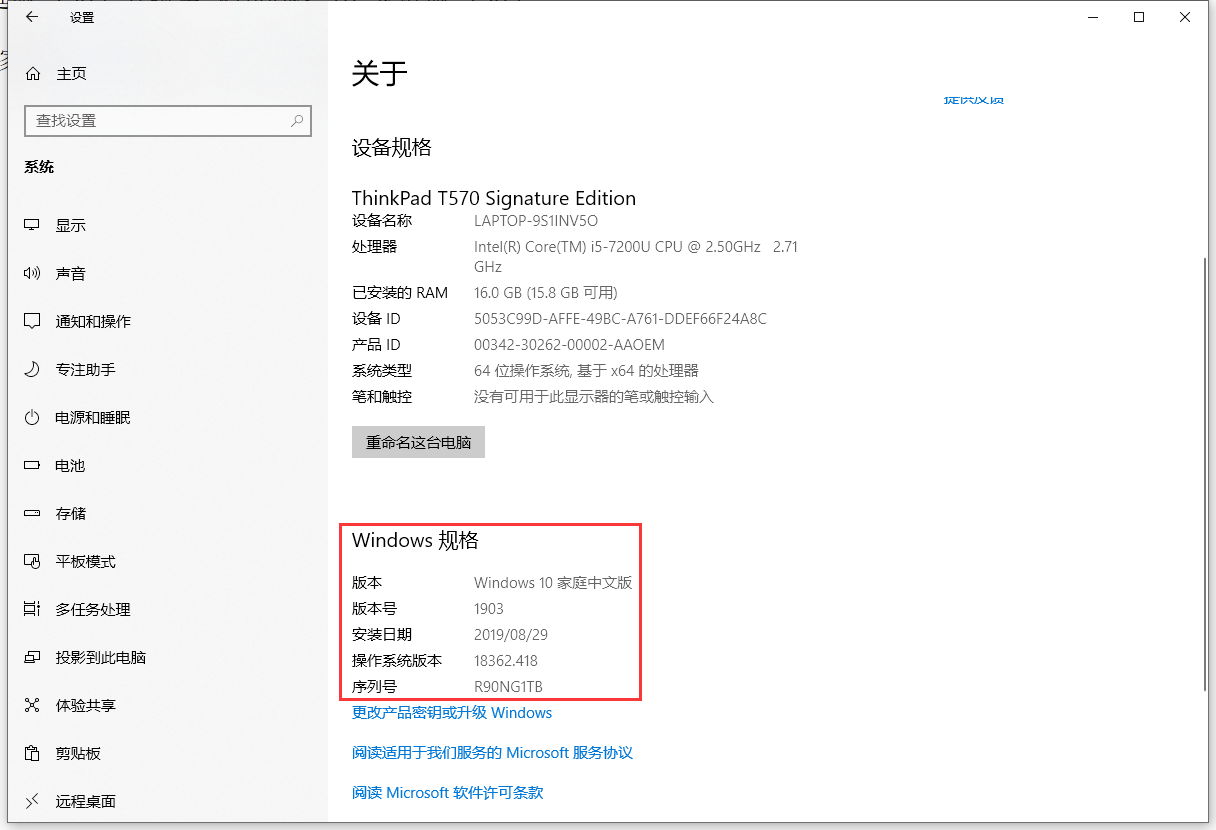
Figure 1
2. Go to the Microsoft Store to buy an upgraded version. as shown in Figure 2
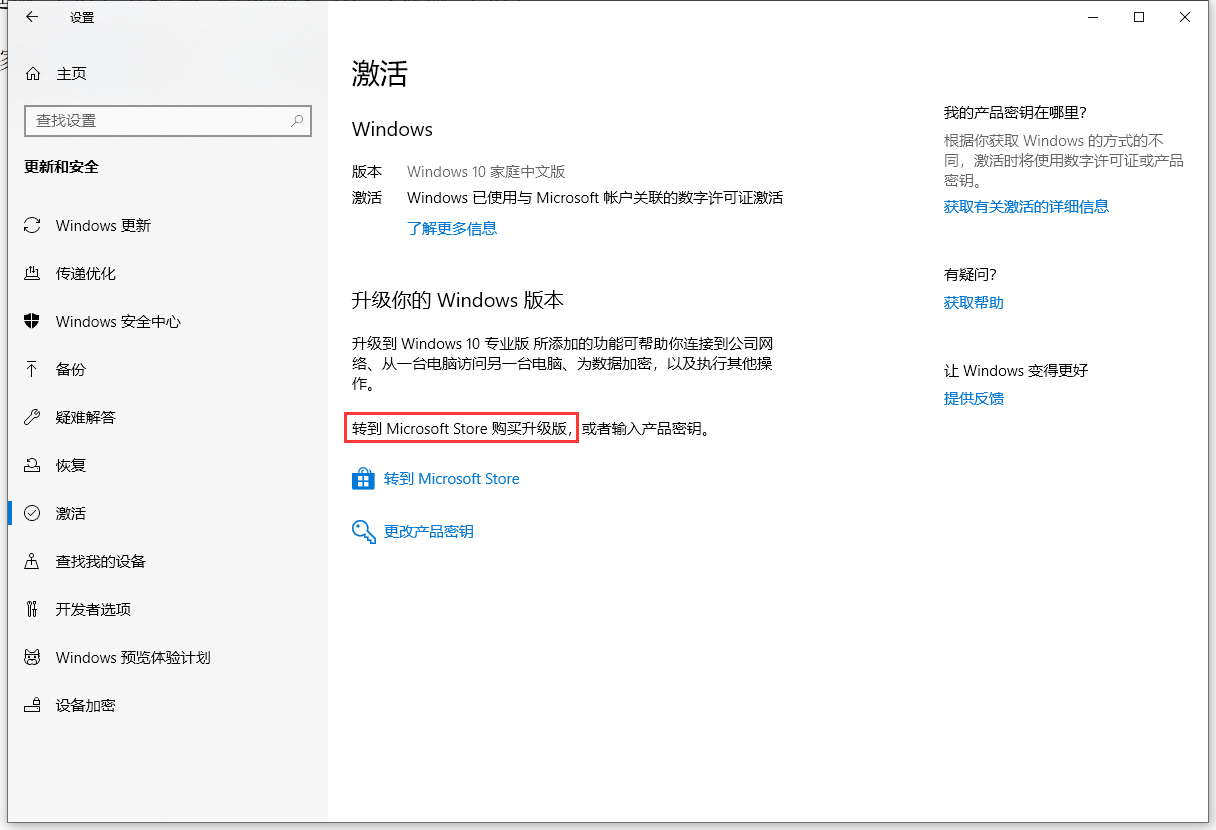
Figure 2
3. Upgrade to Windows 10/11 Pro Professional Edition. buy. as shown in Figure 3
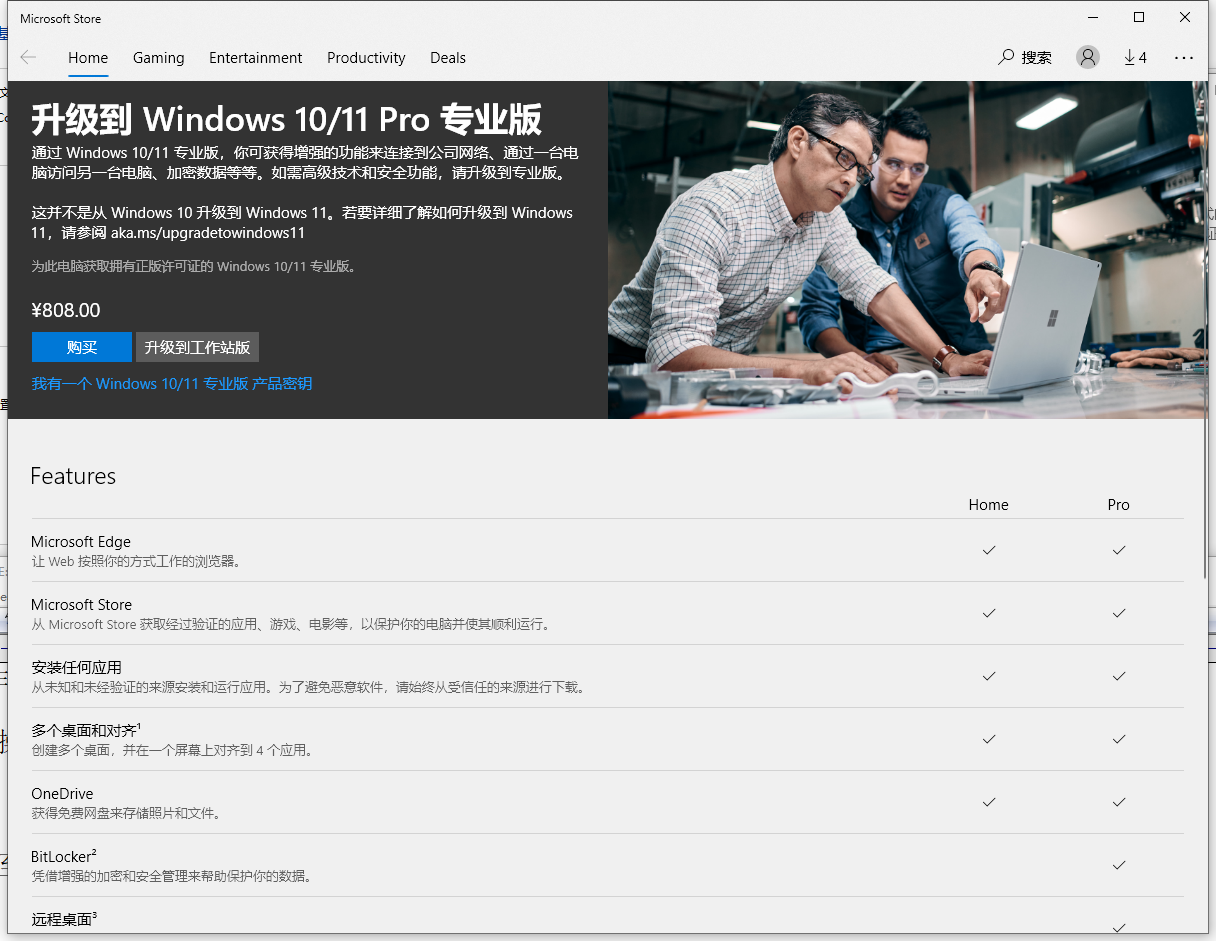
Figure 3
4. Name of the seller: Hangzhou NetEase Zengying Technology Co., Ltd. as shown in Figure 4
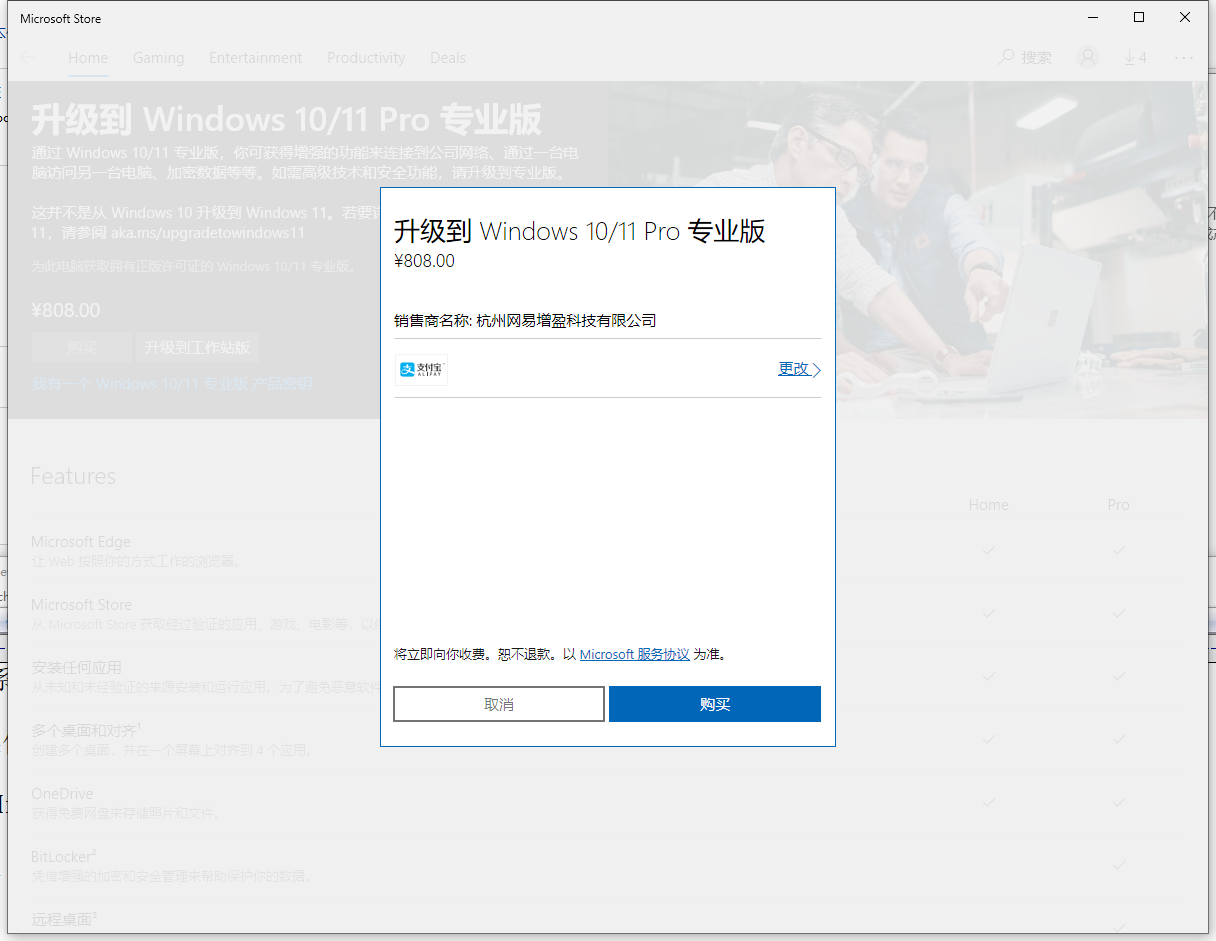
Figure 4
5. Microsoft’s authorized dealer automatic deduction: 808.00 is successful. as shown in Figure 5
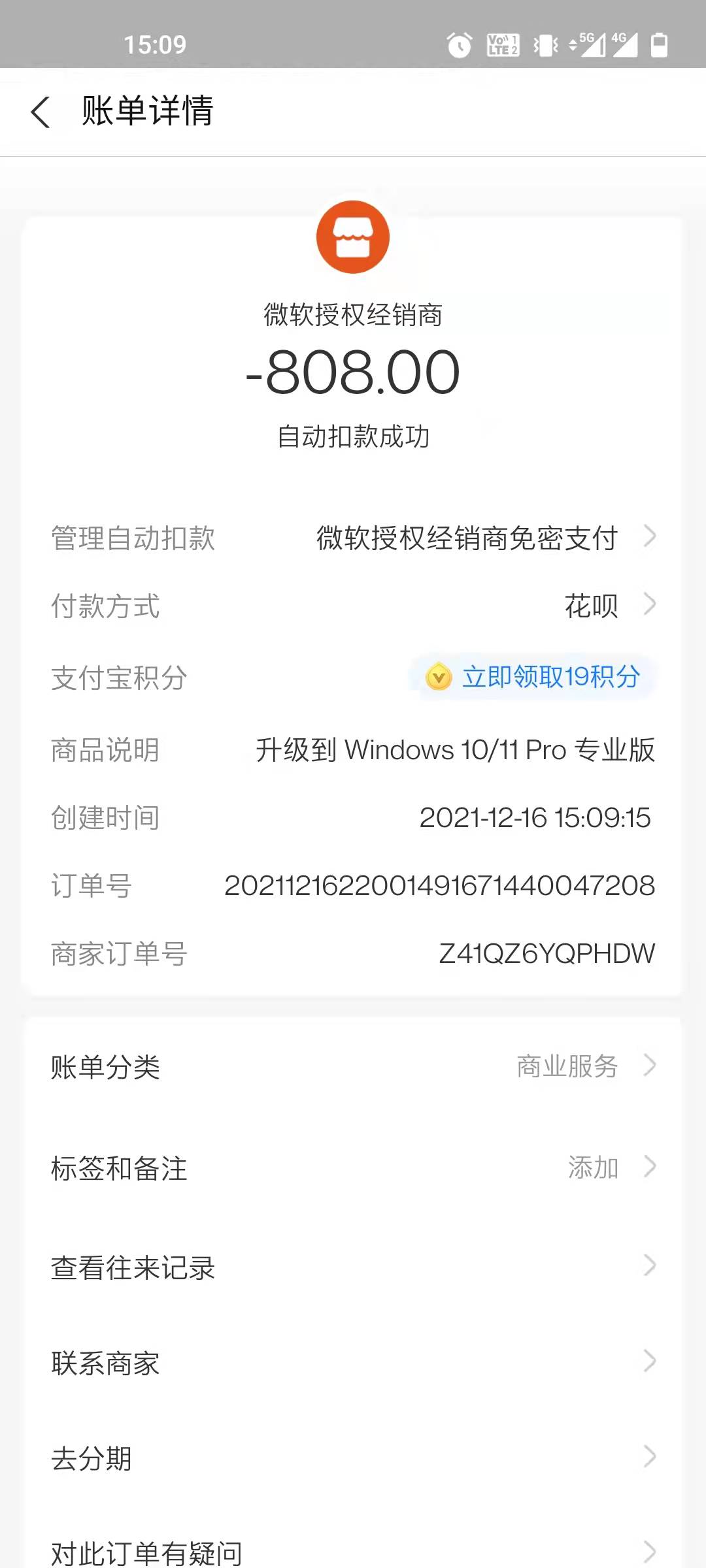
Figure 5
6. Upgrade to Windows 10/11 Pro Professional Edition. install. as shown in Figure 6
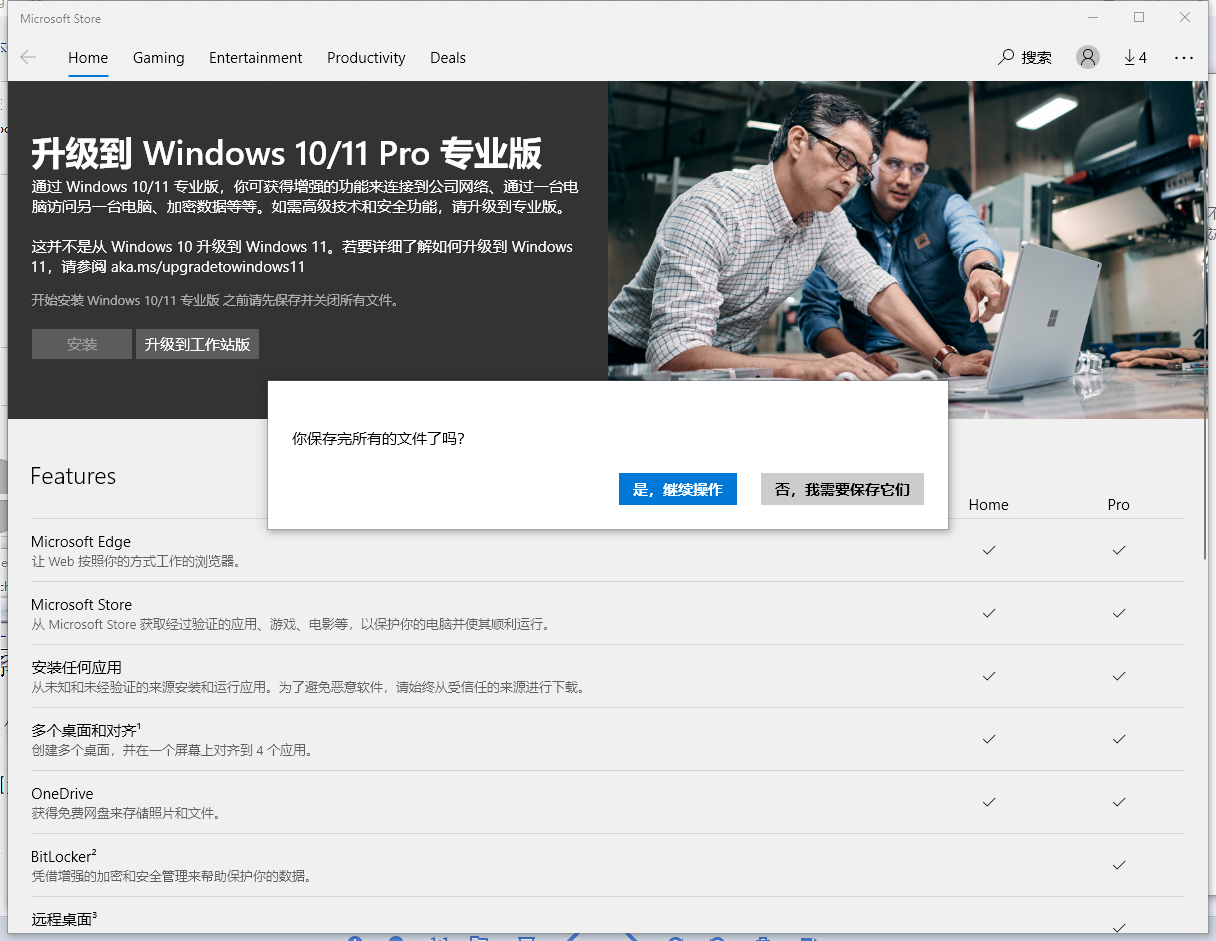
Figure 6
7. Tip: Coming soon. . . The time has lasted for most of the day from 9:20, and I have tried at least 3 times, and finally decided to give up this plan. as shown in Figure 7
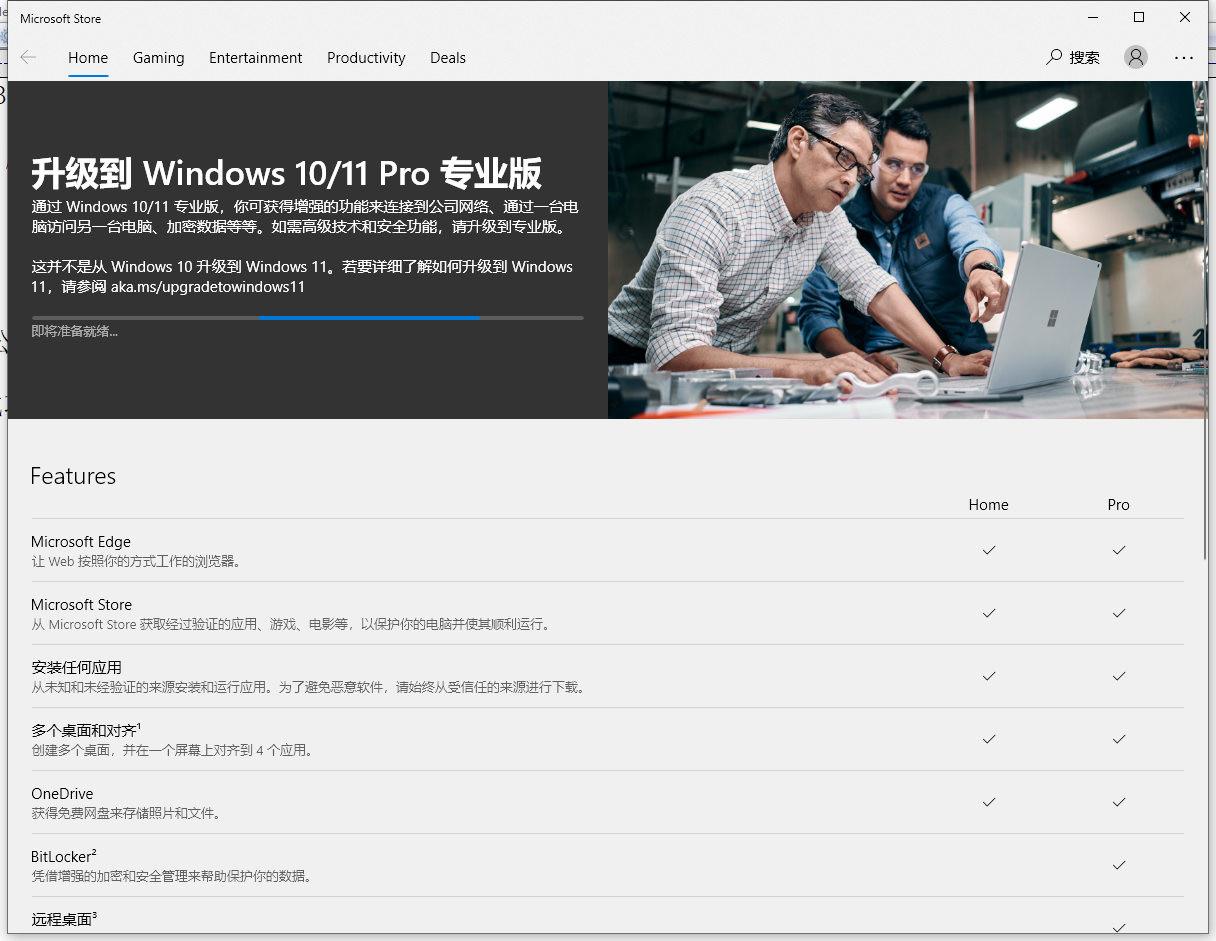
Figure 7
8. Reference URL:https://answers.microsoft.com/zh-hans/windows/forum/all/%E5%9C%A8microsoft/9ac0a3f0-01dc-4907-aacd-cd9258483b93. Someone has encountered a similar problem. Jump to:https://weibo.com/p/1001603908836913244355. Open URL:https://www.microsoft.com/zh-cn/software-download/windows10. Download the media creation tool. as shown in Figure 8
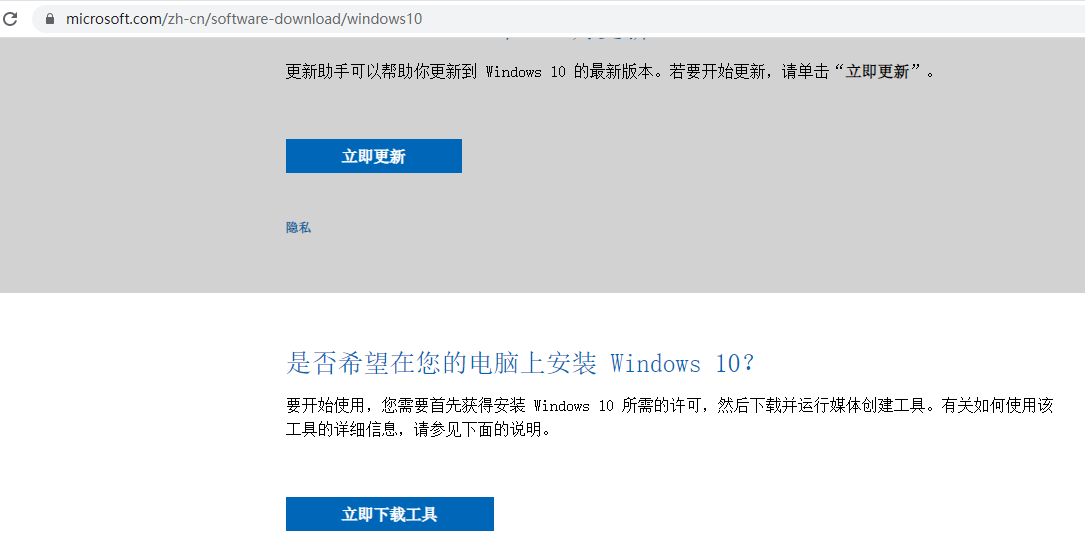
8
9. Run: MediaCreationTool21h2.exe. Ready to install. However, installing the Windows 10 Home Chinese version is not the expected pro version. This scheme is not feasible. as shown in Figure 9
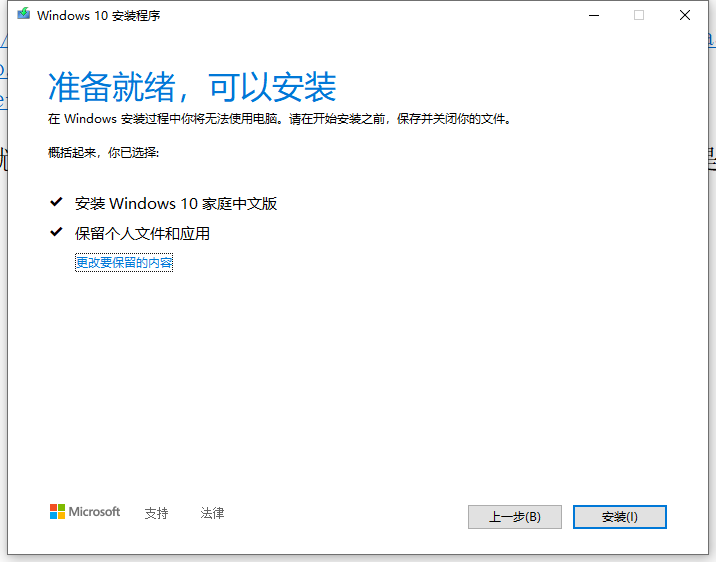
Figure 9
10. My computer is ThinkPad, reference URL:https://jingyan.baidu.com/article/a3761b2beb4b9f1576f9aae7.html. Copy this string of code (get-wmiobject -queryselect * from softwareLicensingService).OA3XOriginalProductKey. In the PowerShell window, right-click to paste it, and then press Enter. After a few seconds, the product key will be displayed and the key will be recorded. As shown in Figure 10
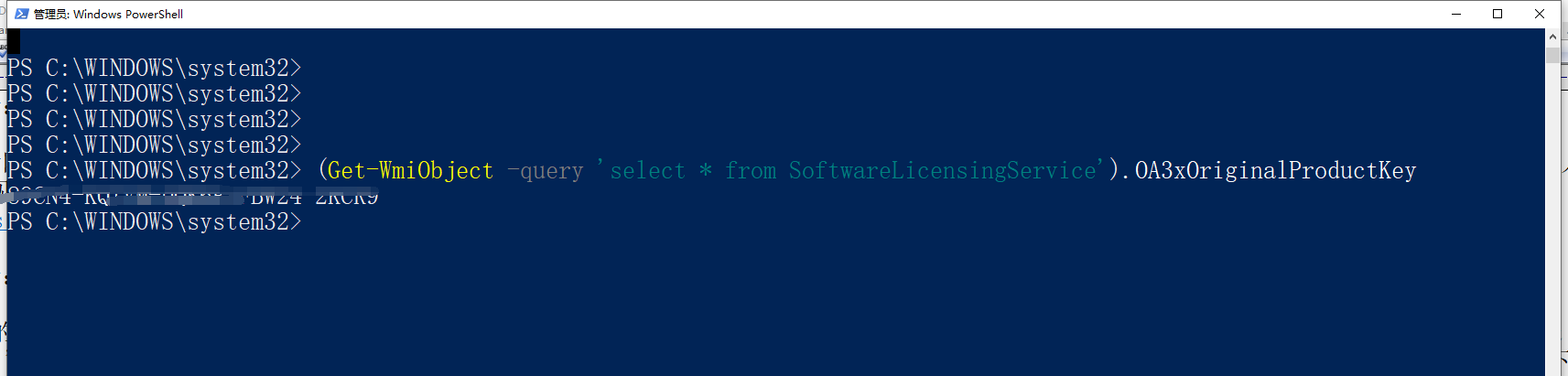
Figure 10
PS C:\WINDOWS\system32> (Get-WmiObject -query 'select * from SoftwareLicensingService').OA3xOriginalProductKey
11. In Settings – Activate – Change the product key – enter the product key. as shown in Figure 11
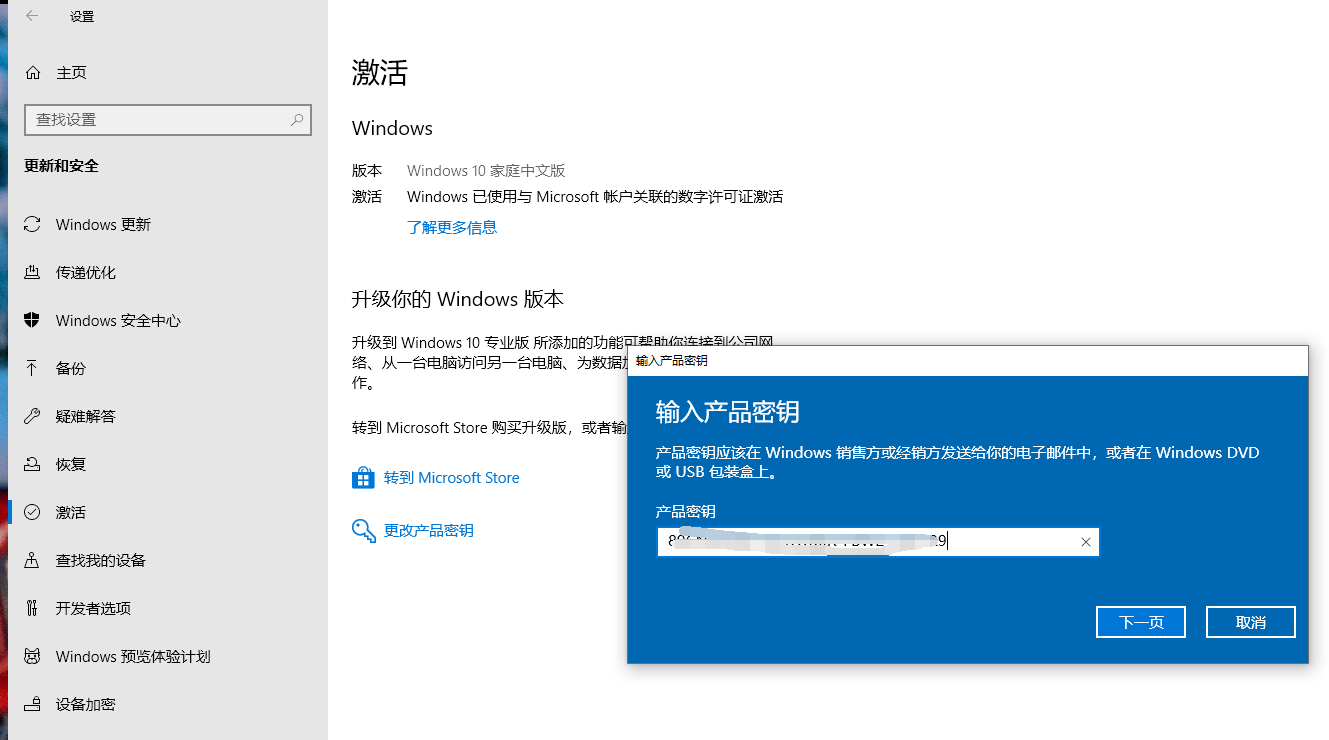
Figure 11
12. Activate Windows. as shown in Figure 12
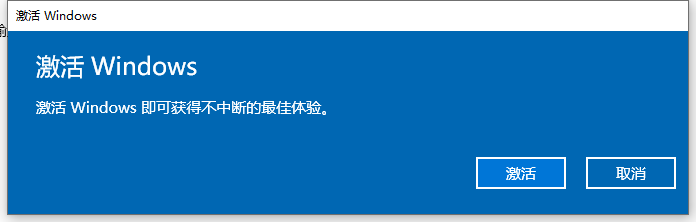
Figure 12
13. The final decision is to reinstall the system. The cost of buying an upgraded version is wasted. By the way, upgrade the solid-state drive of the C drive to 256 GB. The final version number is: Windows 10 Professional Edition 2004. Then reinstall all required software. as shown in Figure 13
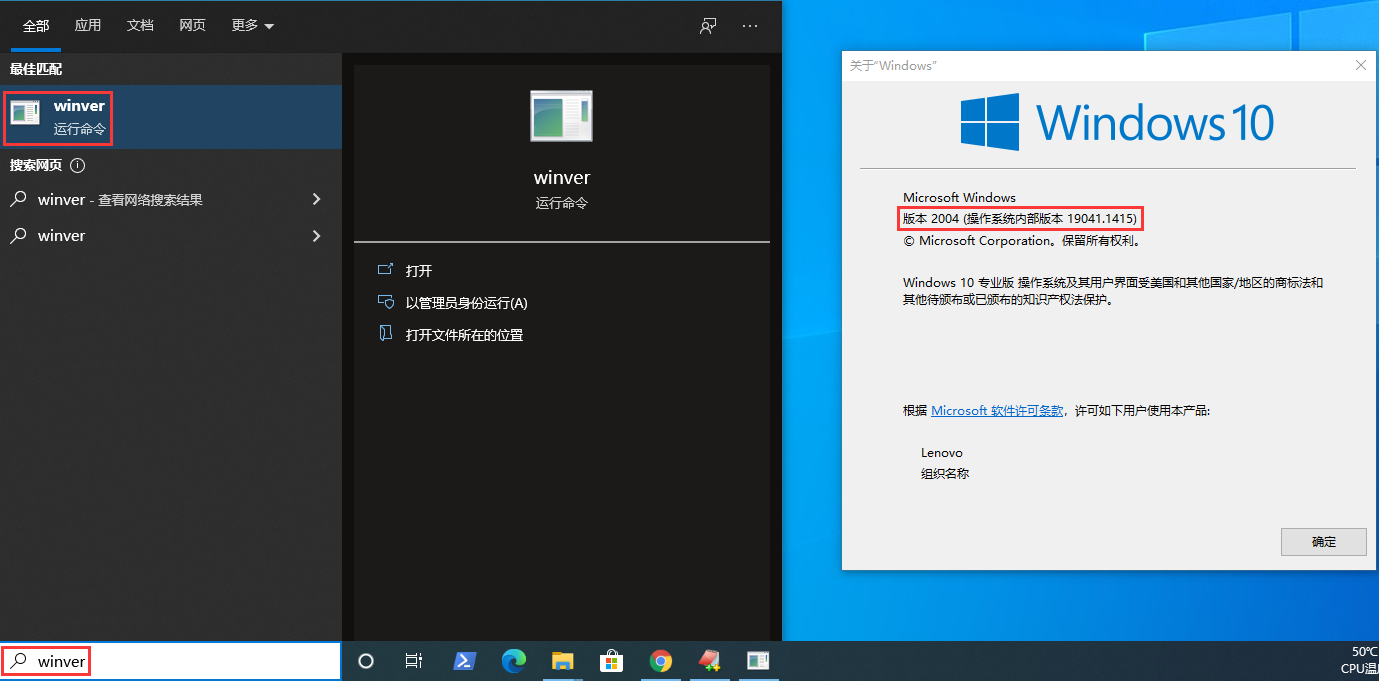
Figure 13