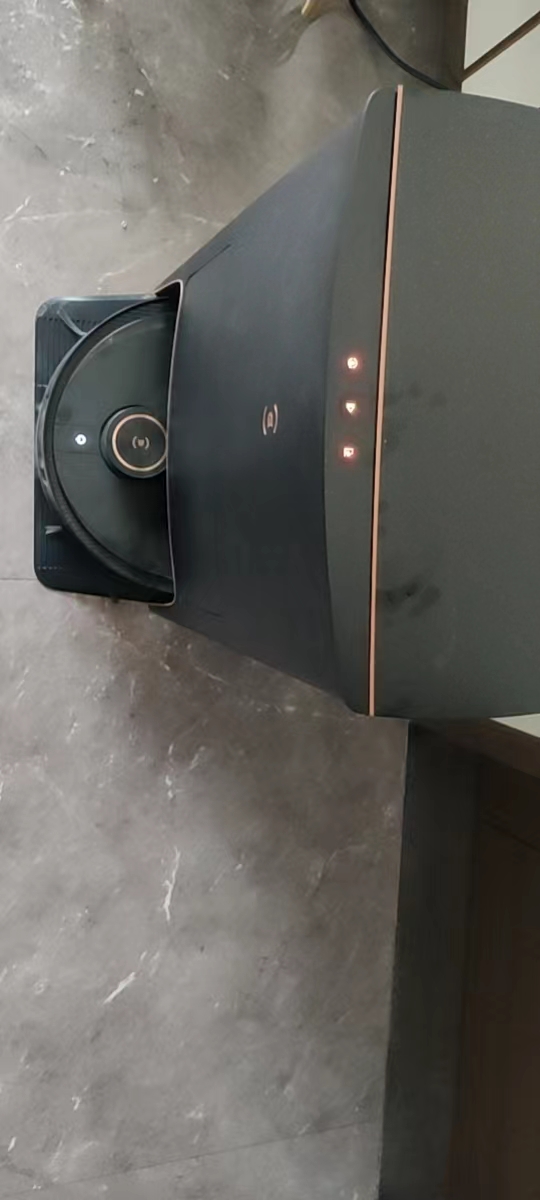
1. When using the Ecovacs sweeping robot, the voice prompts: The cleaning tank is full, please clean it. The three buttons on the base station are then all displayed in red. as shown in Figure 1
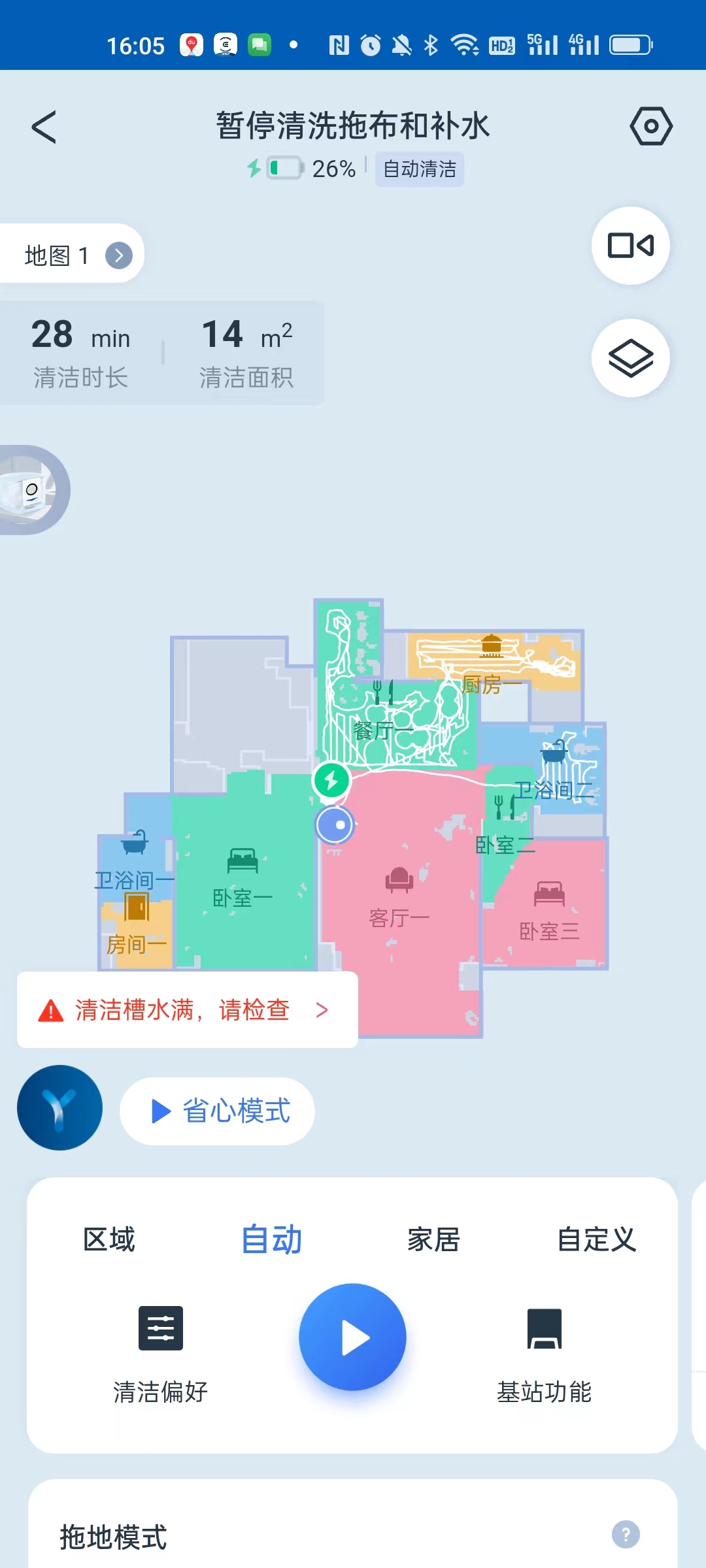
2. Then you also receive a push message in the mobile App EcoVacs Home: clean the water is full, please check. as shown in Figure 2
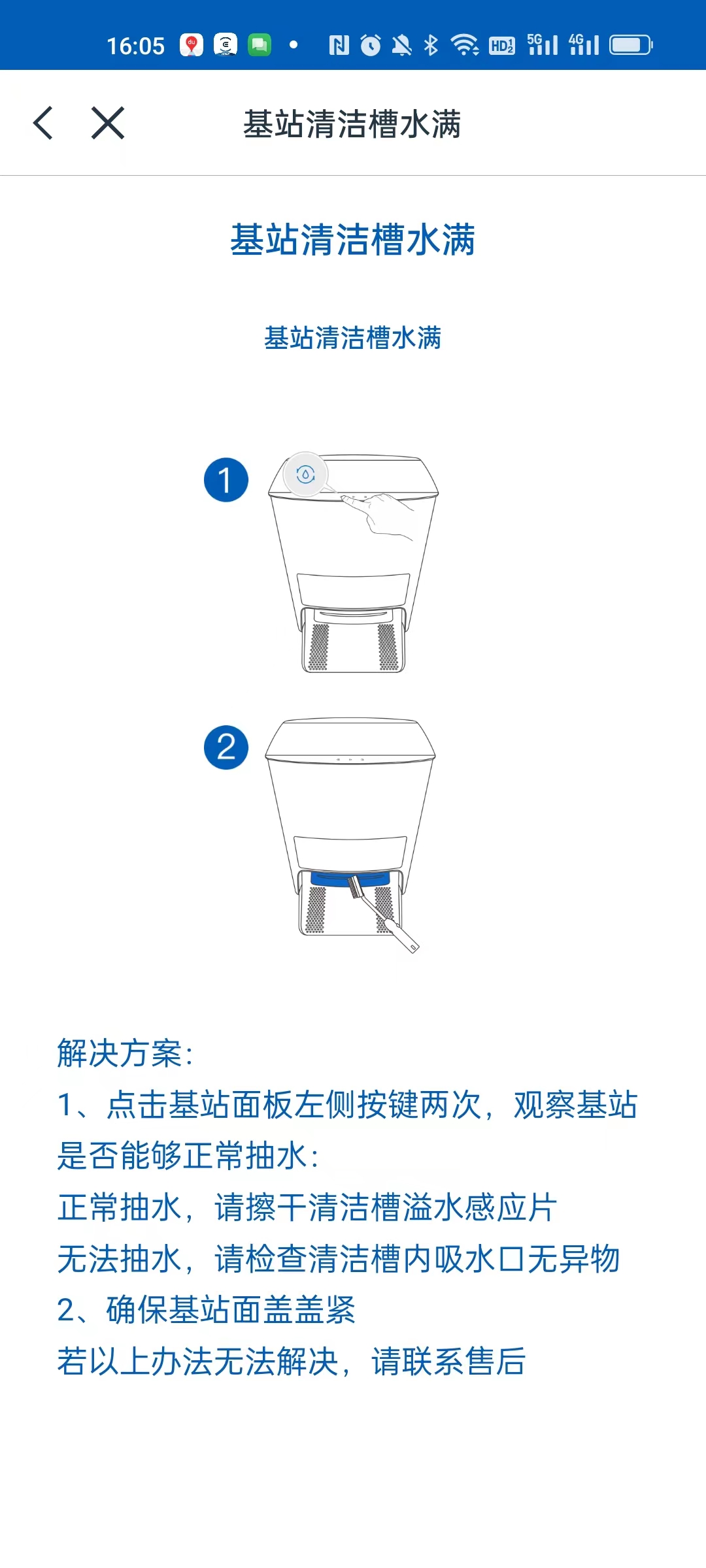
3. Click to enter to view the details, the base station cleaning tank is full. Click the button on the left side of the base station panel twice, then the voice prompt, and then click the start button in the middle of the panel. as shown in Figure 3
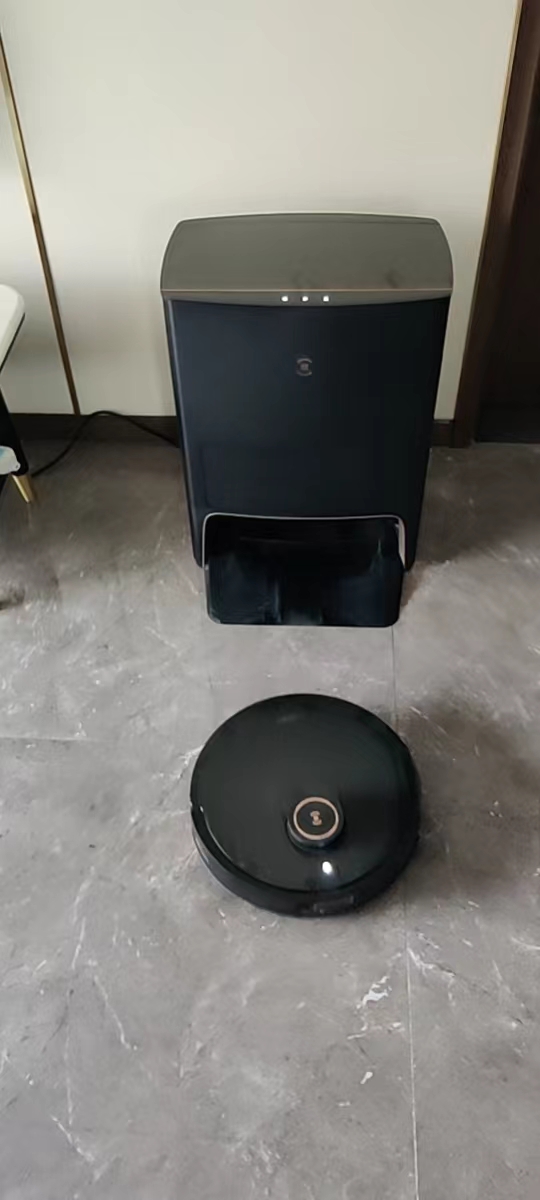
4. The sweeping robot can be requested to continue to work. Troubleshooting. as shown in Figure 4
Leave a Reply