
1. When requesting the S3 bucket, you have encountered a current limit problem: Please reduce your request rate, which leads to the failure of the request. as shown in Figure 1

2. The final implementation code is as follows
$name = $themeId . '/assets.zip';

$zip = new ZipStream($name);

$zip->addFile('apps/internal/back-top/assets/app.9ce8af2.js', '0000000000000');

$res = Storage::disk(config('theme_asset.filesystem.disk'))->put(
	$name,
	$zip->finish(),
	config('theme_asset.filesystem.options')
);
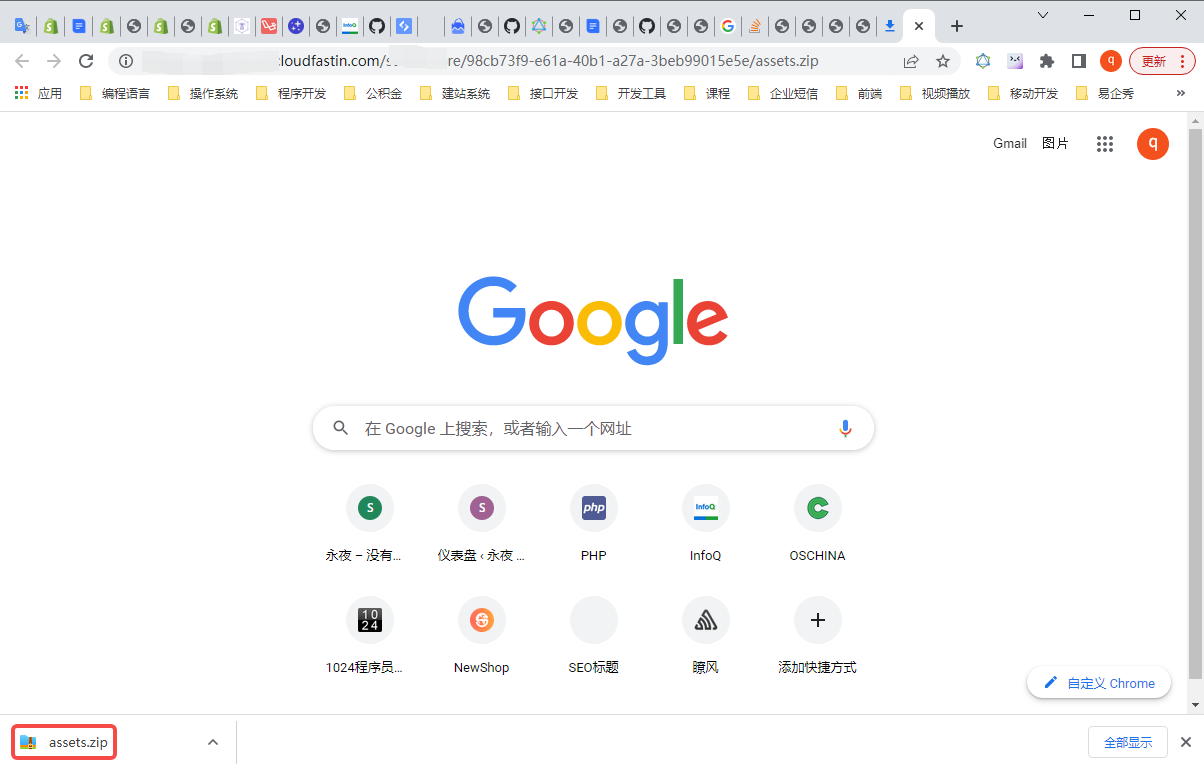
3. Open the CDN address corresponding to S3 in the browser:https://xxx.cloudfastin.com/static/xxx/98cb73f9-e61a-40b1-a27a-3beb99015e5e/assets.zip. The file can be downloaded, and confirm that the file is uploaded to S3 successfully. as shown in Figure 2
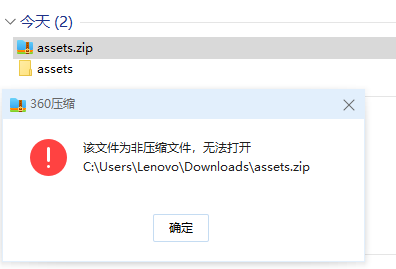
3. Unzip the downloaded file, it fails, prompt: This file is an uncompressed file and cannot be opened. as shown in Figure 3
4. Use the PutStream method, and set the option to set the ZipStream object, output the stream. After downloading, the decompression is successful. as shown in Figure 4

$name = $themeId . '/assets.zip';

$tmp = tempnam(sys_get_temp_dir(), 'zip_stream');
$stream = fopen($tmp, 'w+');

$options = new Archive();
//$options->setContentType('application/x-zip-compressed');
$options->setOutputStream($stream);
$zip = new ZipStream($name, $options);

$zip = new ZipStream($name);

$zip->addFile('apps/internal/back-top/assets/app.9ce8af2.js', '0000000000000');

$zip->finish();

$res = Storage::disk(config('theme_asset.filesystem.disk'))->putStream(
	$name,
	$stream,
	config('theme_asset.filesystem.options')
);


fclose($stream);
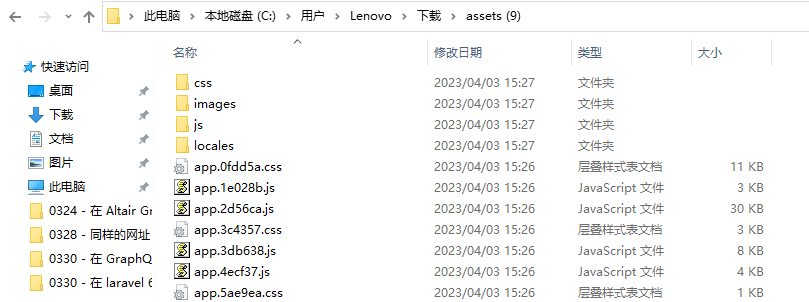
5. However, if the path contains a backslash, for example, the path is: css\app.6156ec.css, its path has changed to: css_app.6156ec.css. as shown in Figure 5

6. You need to replace the file with the path: css\app.6156ec.css and replace it with: css/app.6156ec.css. Upload to S3, unzip it after downloading, and the directory structure is normal. as shown in Figure 6
$zip->addFile(str_replace('\\', '/', 'css\\app.6156ec.css'), $file->getContents());
PHP / Laravel / Yii2 Legacy Project Maintenance & Long-Term Technical Support
If your PHP / Laravel / Yii2 project is already in production but needs bug fixing, API troubleshooting, performance optimization, developer handover support, or long-term maintenance, feel free to contact me for remote technical support.
Ideal For:
✅ PHP legacy systems without active maintenance
✅ Laravel / Yii2 project bug fixes
✅ Admin panel feature iterations
✅ RESTful API troubleshooting
✅ MySQL / Redis / Nginx performance issues
✅ Long-term remote part-time maintenance
We can start with a small task:
✅ Production error troubleshooting
✅ API issue analysis
✅ Slow query and performance bottleneck diagnosis
✅ Initial code structure review
✅ Deployment environment and log inspection
If you would like to discuss your project, please contact me and mention: PHP Maintenance Consultation.
Contact Me:
Telegram: @shuijingwan
WeChat: 13980074657
Email: shuijingwanwq@gmail.com
Leave a Reply