Error in WordPress 6: Error: cookies are blocked or not supported by your browser. You must enable cookies to use WordPress.
1. When logging in in WordPress 6, an error is reported: Error: cookies are blocked or not supported by your browser. You must enable cookies to use wordpress.. as shown in Figure 1
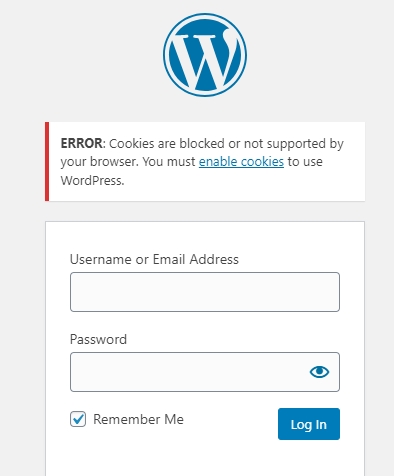
Figure 1
2. Click Enable Cookies to open:https://wordpress.org/documentation/article/cookies/#enable-cookies-in-your-browser. But in fact, my browser has not made any special settings, and in theory, it is impossible to have a situation that has been blocked or not supported.
3. The browser is Google Chrome, refer to:https://support.google.com/chrome/answer/95647. First delete the cookie from a website and remove the object-wp.local. as shown in Figure 2
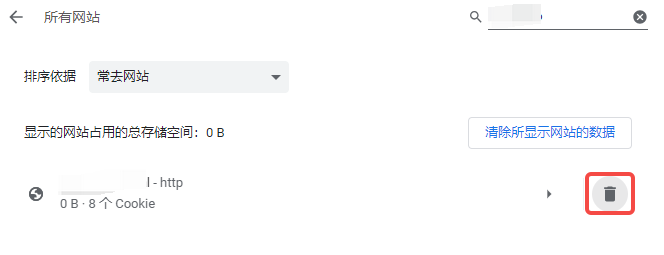
Figure 2
4. Allow or block cookies, the default is to choose to block third-party cookies in seamless mode. as shown in Figure 3

Figure 3
5. When logging in again, no errors are reported, and the login is successful.