1. In the flying book document, the numbers in the ordered list do not start from 1. as shown in Figure 1

2. When the mouse cursor is placed in front of the ordered list, no suitable operation items are found in the prompt operation. as shown in Figure 2

3. When a correct ordered list item is selected, it is found that there are two operation items of the second-level title and the ordered list. as shown in Figure 3

4. When an incorrect ordered list item is selected, it is found that only the second-level title exists 1 operation item. as shown in Figure 4
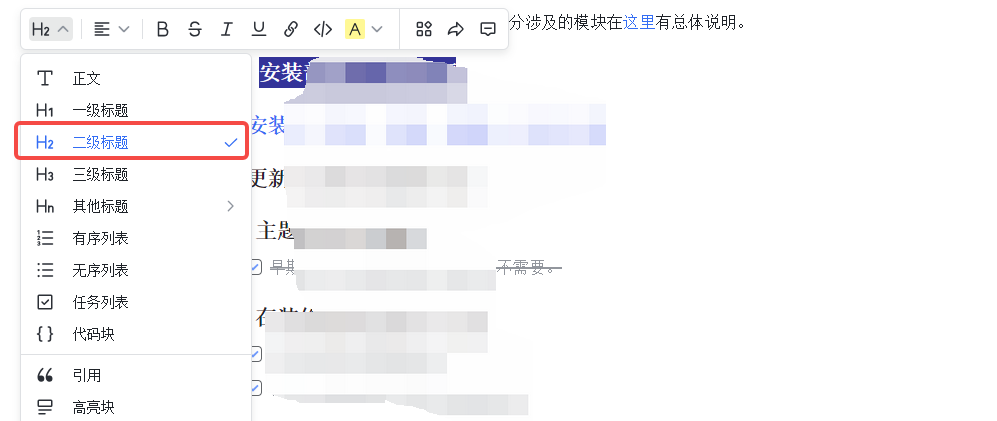
5. After checking the ordered list, the prefix of 1. will be automatically added. as shown in Figure 5
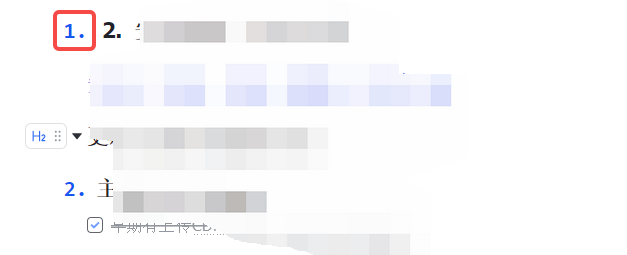
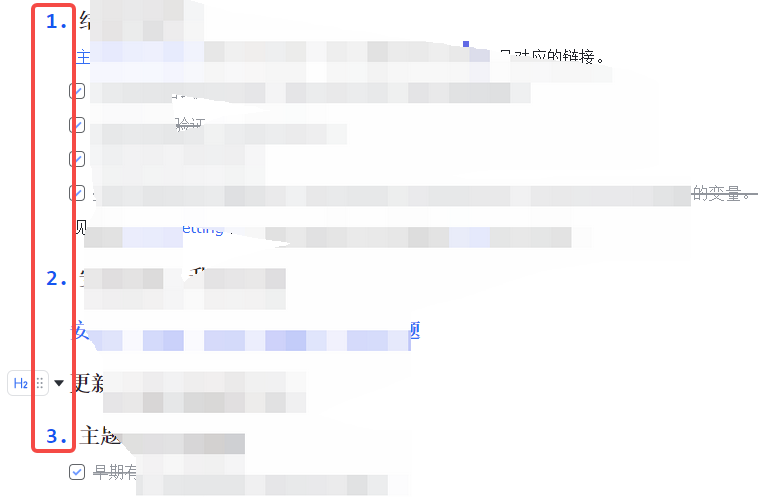
6. Finally, do this one by one, and the final result is as expected. as shown in Figure 6
Leave a Reply