
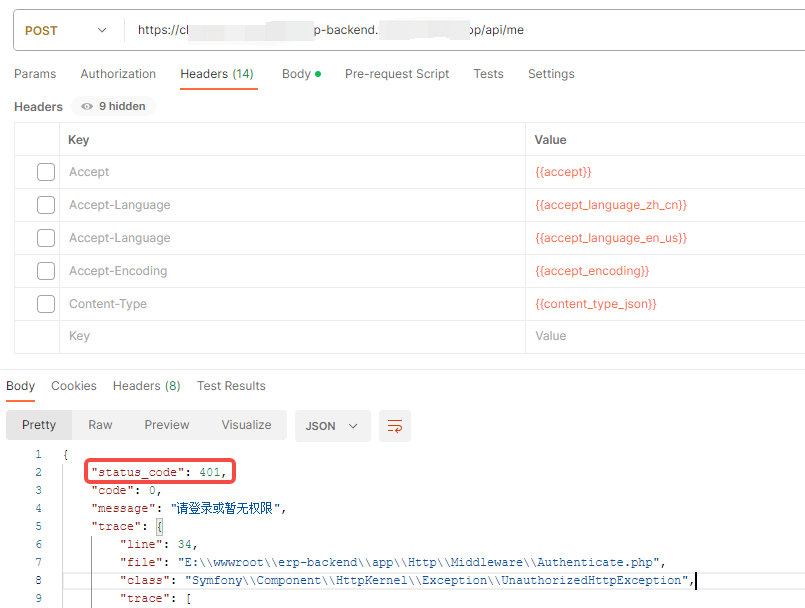
1. Request the backend interface directly in Postman, response 401. in line with expectations. as shown in Figure 1
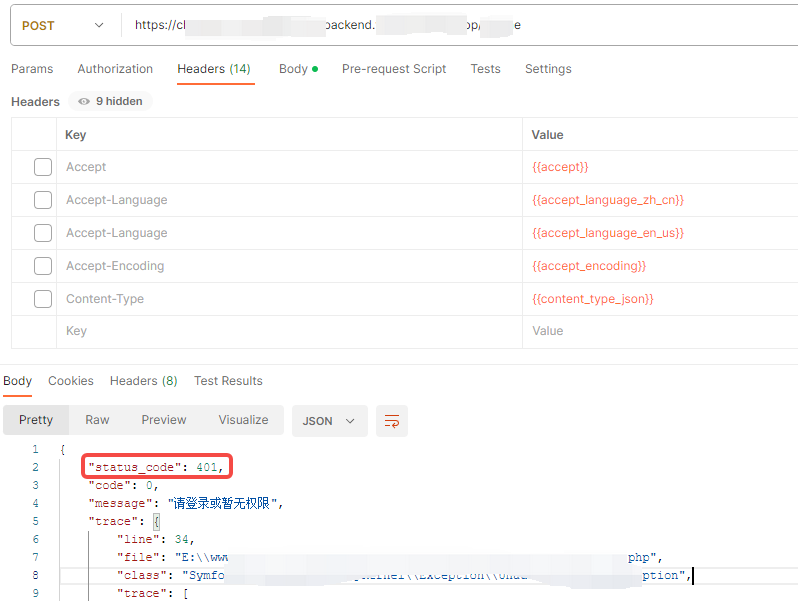
2. Request the front-end interface directly in Postman to respond to 504 Gateway time-out. Not as expected. as shown in Figure 2
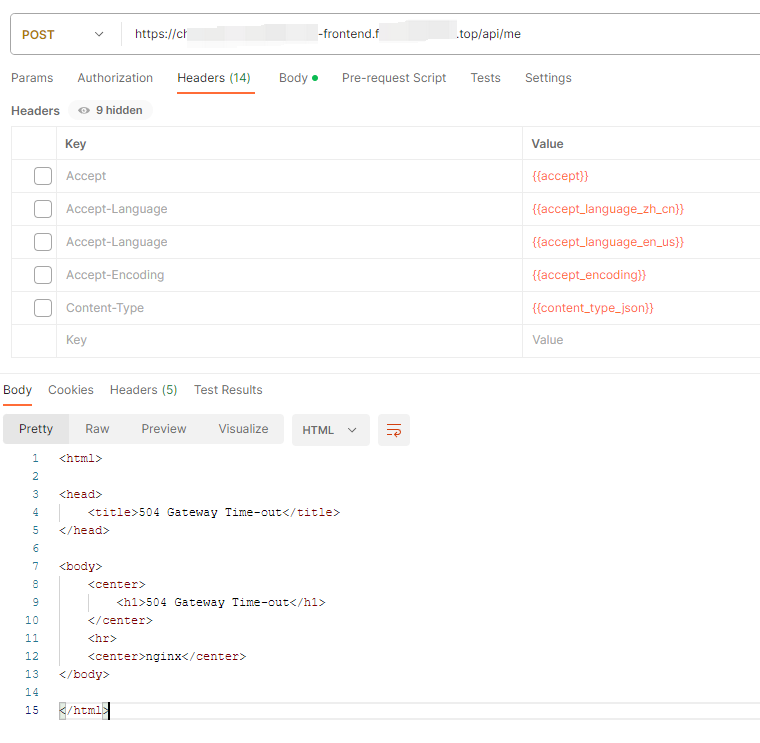
<html>

<head>
    <title>504 Gateway Time-out</title>
</head>

<body>
    <center>
        <h1>504 Gateway Time-out</h1>
    </center>
    <hr>
    <center>nginx</center>
</body>

</html>
3. The front-end configuration file in Nginx is as follows
server {
	listen 80;
    listen 443 ssl;
    server_name xxx-frontend.com;
    root E:/wwwroot/xxx-frontend/dist/apps/admin;

	access_log  logs/frontend.access.log;
    error_log   logs/frontend.error.log;

    # add_header X-Frame-Options "SAMEORIGIN";
    # add_header X-Content-Type-Options "nosniff";

	# client_max_body_size 1024M;

    ssl_certificate vhosts/xxx-frontend.com.pem;
    ssl_certificate_key vhosts/xxx-frontend.com-key.pem;

    index index.html;

    charset utf-8;

	location /api {
		proxy_pass https://xxx-backend.com/api;
	}

    location = /favicon.ico { access_log off; log_not_found off; }
    location = /robots.txt  { access_log off; log_not_found off; }

    location ~ /\.(?!well-known).* {
        deny all;
    }
}
4. Check the request log of the back-end interface, and confirm that when the front-end is requesting, there is no new request log, indicating that the request has not reached the back-end. Check the front-end request error log, the details are as follows. as shown in Figure 3
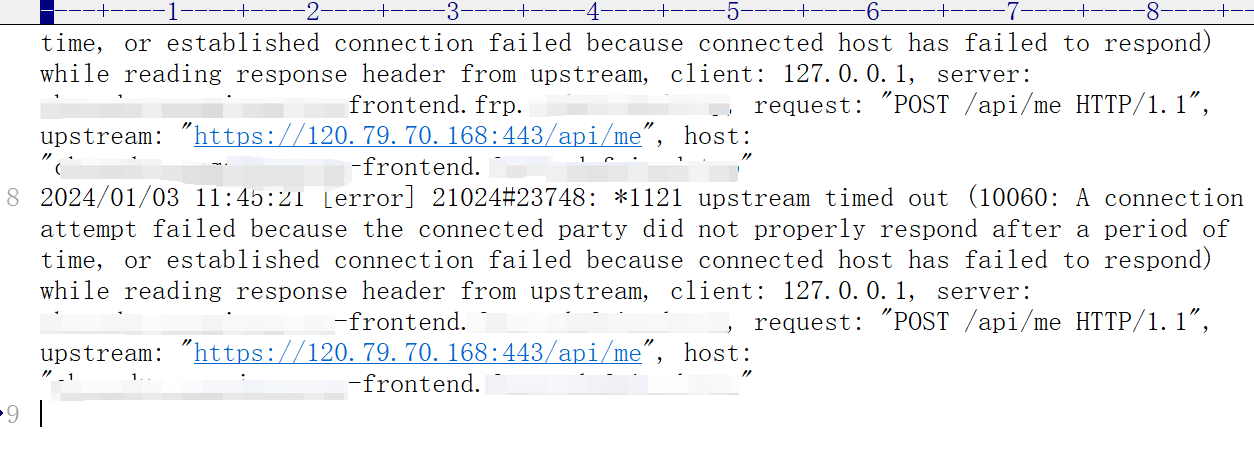
2024/01/03 11:45:21 [error] 21024#23748: *1121 upstream timed out (10060: A connection attempt failed because the connected party did not properly respond after a period of time, or established connection failed because connected host has failed to respond) while reading response header from upstream, client: 127.0.0.1, server: xxx-frontend.com, request: "POST /api/me HTTP/1.1", upstream: "https://120.79.70.168:443/api/me", host: "xxx-frontend.com"
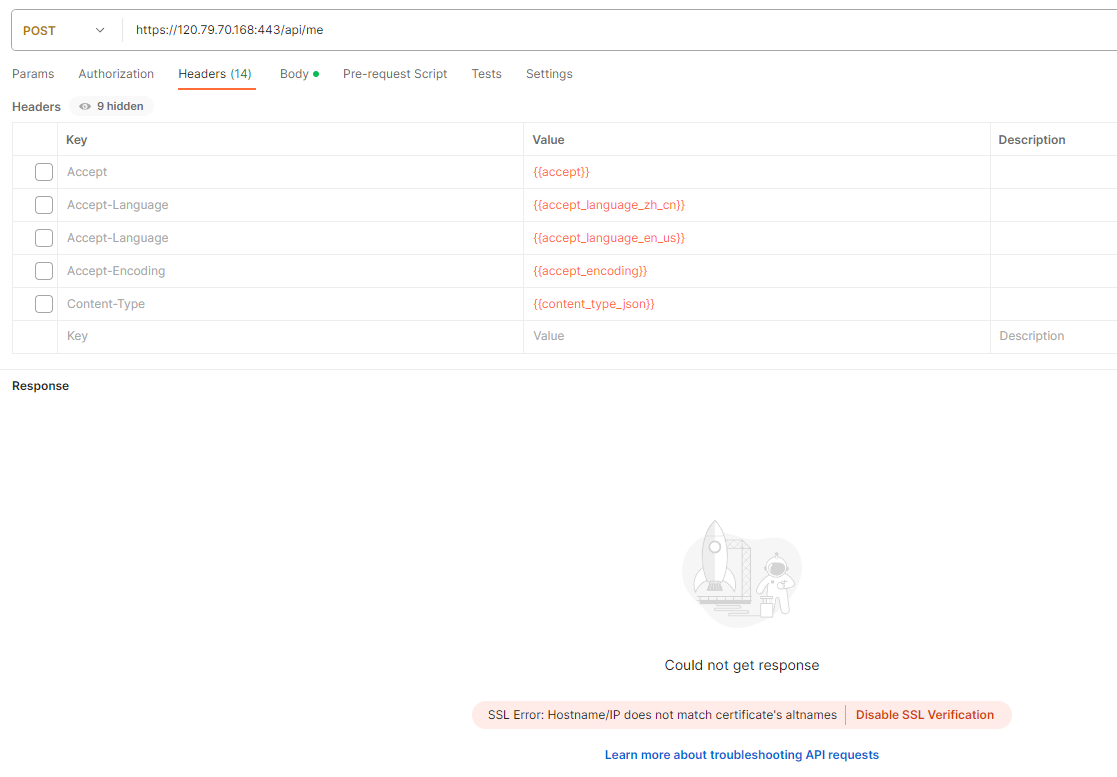
5. Direct POST requesthttps://120.79.70.168:443/api/me, confirm that there is no response. Click Disable SSL Verification . as shown in Figure 4
6. It is suspected that the agent’s URL itself is an intranet penetration URL based on FRP. Decide to directly proxy to the backend URL of the local environment 127.0.0.1, do not go to FRP. Edit hosts files
127.0.0.1 xxx-frontend.com
127.0.0.1 xxx-backend.com
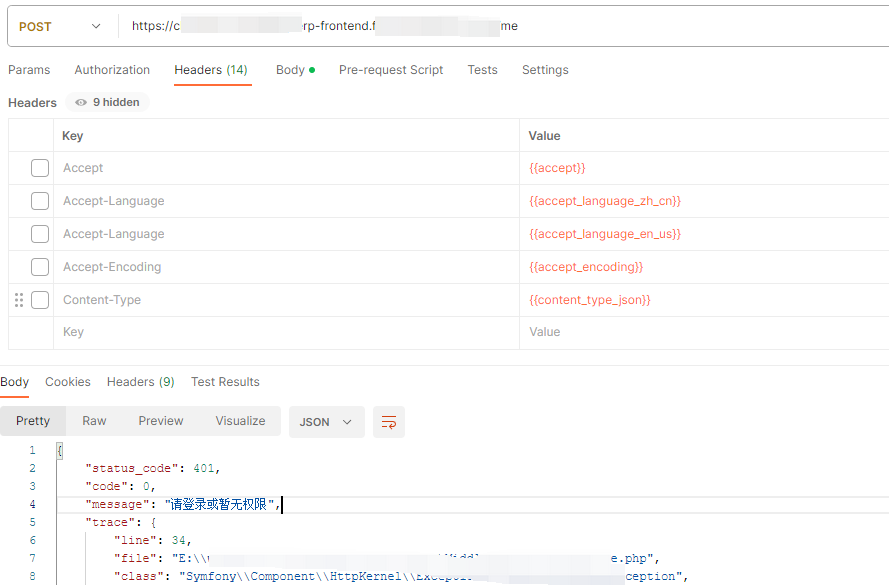
7. Again, the front-end interface is directly requested in Postman, and the response is 401, which is consistent with the response of the direct request backend interface. in line with expectations. as shown in Figure 5
8. However, after this processing, in the Chrome browser, it prompts that the website is not safe. Finally, I have to restore the modification of the hosts file.
9. Edit the configuration of the front-end nginx. The Nginx configuration of the backend needs to listen to port 8000.
	location /api {
		proxy_pass http://localhost:8000/api;
	}
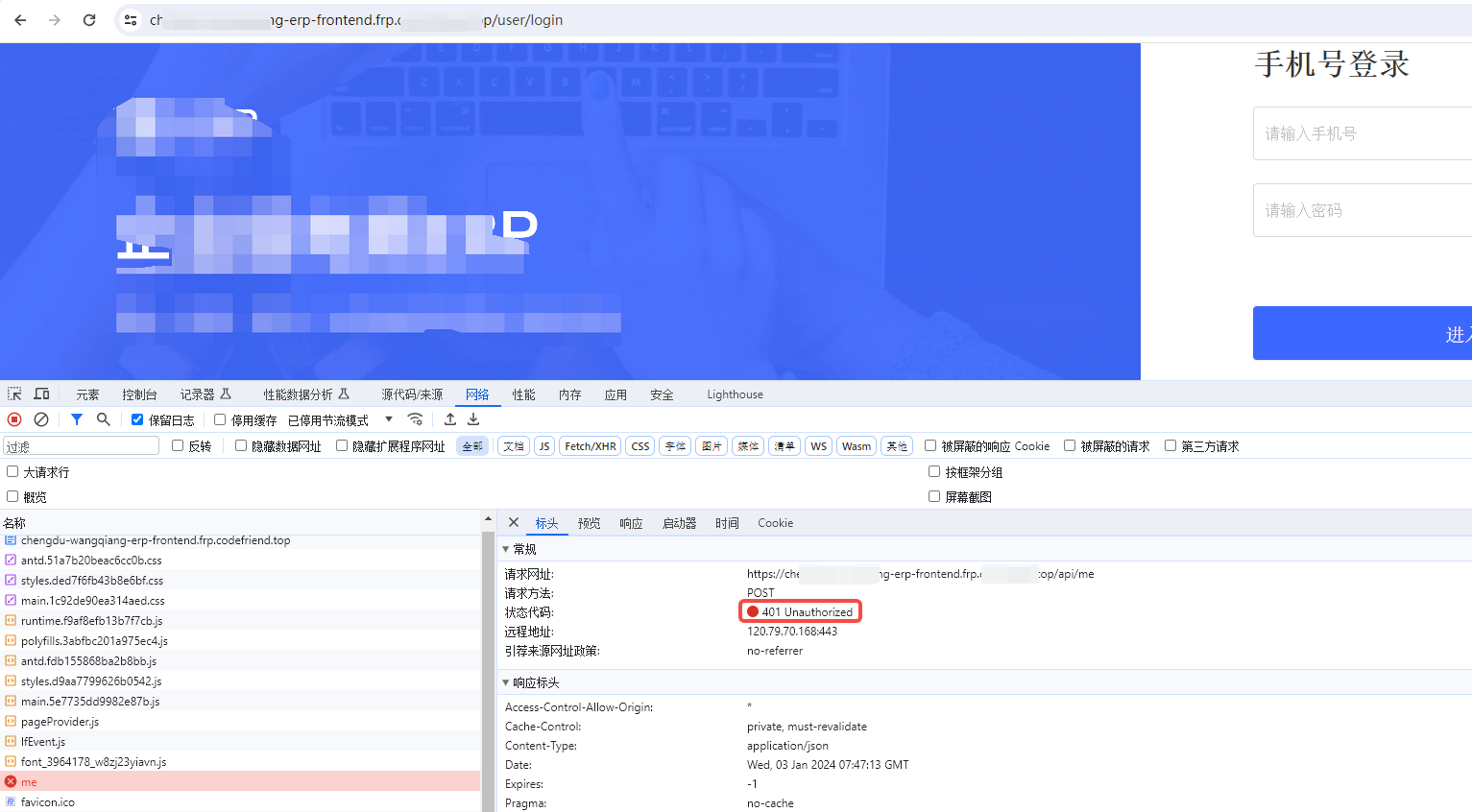
10. Again, the front-end interface is directly requested in Postman, and the response is 401, which is consistent with the response of the direct request backend interface. And the front-end page can also be opened normally in the browser. as shown in Figure 6
Need long-term technical maintenance or remote troubleshooting?
I am a PHP / Go backend engineer with 15+ years of experience, focused on existing system maintenance, bug fixing, performance optimization, server troubleshooting, WordPress maintenance, and small feature iterations.
If your project is facing any of the following issues, we can start with a small troubleshooting task first:
- ✅ PHP / Laravel / Yii2 legacy systems without active maintenance
- ✅ Go / Gin backend APIs that need troubleshooting or optimization
- ✅ Slow, broken, or unstable WordPress websites
- ✅ Nginx / MySQL / Redis / Linux server issues
- ✅ CDN / Cloudflare / DNS / HTTPS configuration problems
- ✅ Long-term remote technical support or part-time maintenance
More details: About Me & Collaboration
WeChat: 13980074657
Email: shuijingwanwq@gmail.com
Telegram: @shuijingwan
GitHub: https://github.com/shuijingwan
Leave a Reply