
In my previous post, I shared my core motivation for making my blog multilingual: breaking down language barriers so my content can reach a wider audience. Today, I’ll move on to the practical steps: plugin selection and configuration. This step directly determines subsequent translation efficiency, website loading speed, and the reading experience for overseas users. Falling into the wrong trap wastes a lot of time and hurts the effectiveness of your sharing, so I conducted detailed hands-on comparisons and ultimately selected the best solution for regular sharing-focused bloggers.
Before selecting a plugin, I clarified my core requirements, which also serves as a reference for bloggers like me who share content long-term (to avoid blind choices):
- Prioritize free plugins: I simply share content and don’t want to invest extra costs into plugins; meeting basic translation needs is enough;
- Simple operation: No complex code required; beginners should be able to get started quickly without spending a lot of time figuring out how to use it;
- Stable translation: Supports full-scenario translation including posts, categories, tags, and menus, ensuring overseas users can fully view all shared content;
- No impact on website speed: Avoid slow page loading caused by plugins, which would affect the reading experience of overseas users;
- No extra server network configuration required: My server is located in Hangzhou on Alibaba Cloud, and the network environment has certain restrictions. I cannot add extra network proxy capabilities on the server side, which is an important constraint for my selection.
Based on the above requirements, I filtered through three mainstream solutions. After hands-on comparisons, I finally determined the optimal choice. I also stumbled into a pitfall with PolyTranslate AI for Polylang, which I will share with you today:
1. Hands-on Comparison of 3 Multilingual Solutions (Pros & Cons + Pitfall Experiences)
Solution 1: Browser-side translation plugins (e.g., Google Translate plugin, Youdao Translate plugin)
Principle: Uses browser plugins to translate Chinese content into English in real time, requiring no configuration in the website backend.
Pros: Completely free, zero configuration, and requires no time investment;
Cons: Low translation accuracy; many technical terms are translated incorrectly, which can mislead overseas users; poor user experience, as users must manually click the plugin to translate, raising the barrier to reading; cannot be indexed by search engines (search engines cannot crawl the translated content), making it hard for overseas users to find my content via search, which defeats the original purpose of “reaching a wider audience.”
Conclusion: Abandoned outright. Suitable for temporarily viewing foreign-language content, but not for the multilingualization of a long-term sharing blog.
Solution 2: Server-side translation plugin (Free version) — Polylang + AutoPoly
Principle: Install the plugin in the website backend to achieve content translation on the server side. The translated content is stored in the database, allowing search engines to index it normally. It supports multilingual switching, so overseas users can directly find and view the translated content via search. AutoPoly supports multiple translation solutions, among which the Chrome AI solution requires no extra server network configuration and can be used relying on the local browser environment.
Pros: Free and easy to operate; supports full-scenario translation for posts, categories, tags, etc., ensuring the completeness of shared content; AutoPoly enables one-click automatic post translation, saving time and allowing me to focus on content creation and sharing without spending a lot of time on manual translation; the core advantage is supporting the free Chrome AI translation solution, which requires no extra server network configuration (fitting my Alibaba Cloud server’s limitations)—combined with my local browser’s available network environment, Chrome AI works normally; supports language prefixes (like /en/) with a standardized URL structure, making it easier for overseas users to search and find content.
Cons: The free version of AutoPoly does not support automatic translation for categories and tags, requiring manual input; translation accuracy is moderate, and technical terms need manual correction to avoid misleading users; some advanced features in the AutoPoly free version (like batch translation) require a paid upgrade, but for a blogger like me who simply shares content, the free features are sufficient.
Conclusion: Top consideration. It meets my core needs, ensuring sharing effectiveness while circumventing server network environment limitations. I can upgrade to the paid version later if needed.
Solution 3: Server-side translation plugin (Abandoned after trial) — PolyTranslate AI for Polylang
Principle: A translation plugin compatible with Polylang that supports multiple translation engines (DeepL, OpenAI, Google, OpenRouter). It can automatically translate posts, categories, and other content, falling into the server-side translation category.
Pros: Wide selection of translation engines; DeepL offers high translation accuracy and has relatively low network usage barriers, so I initially prioritized the DeepL engine; easy to operate, adapts well to Polylang, and has high translation efficiency.
Cons: Limited free quota; the DeepL engine only has a one-time free quota of 1 million characters, which is completely insufficient for long-term sharing; even for the free quota, binding a credit card is required, raising the operational barrier; the core issue is that once the free quota is exhausted, payment is required, so I abandoned it after comprehensive consideration.
Conclusion: Abandoned after trial. Although it has an advantage in translation accuracy, the insufficient free quota and credit card requirement do not fit my needs for long-term free sharing.
2. Final Selection: Polylang + AutoPoly (Free Version)
After a comprehensive comparison, I ultimately chose the combination of Polylang (responsible for multilingual switching, category/tag association) + AutoPoly (responsible for one-click post translation). The core reason is that AutoPoly perfectly fits my main constraint: it supports the free Chrome AI translation solution, requires no extra server network configuration, and works normally combined with my local browser’s available network environment. At the same time, it is completely free, easy to operate, and meets my needs for long-term sharing without extra investment, making it suitable for a blogger like me who shares consistently without deliberate commercial operation.
3. Detailed Plugin Configuration Steps (with Screenshots)
Plugin installation: Dashboard → Plugins → Add New, search for “Polylang” and “AutoPoly” respectively, then install and activate them.
Polylang basic configuration (core steps):
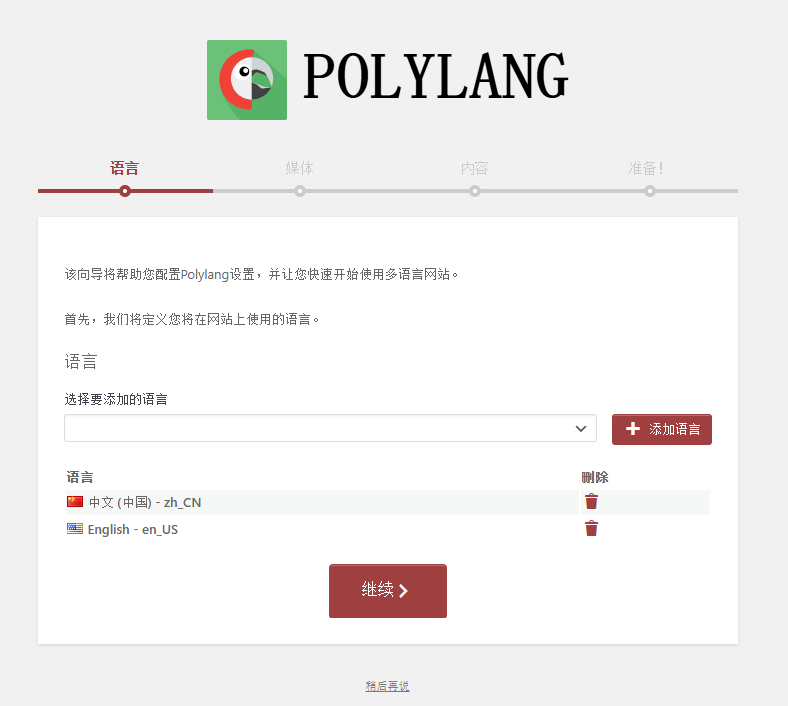
① Upon activation, a configuration wizard will pop up. Select the languages you want to add (I only added English; Chinese is the default language), and click Next (see Figure 1);
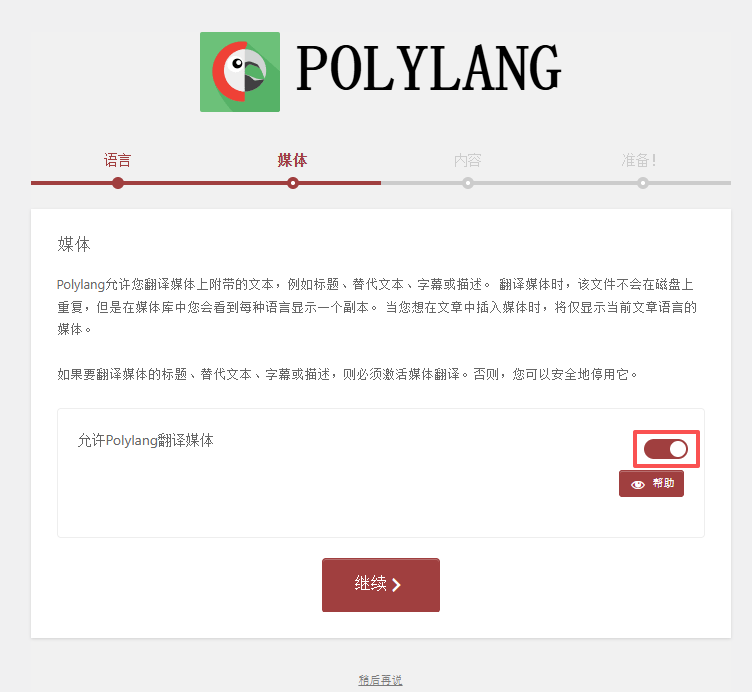
② Allow Polylang to translate media, enable it, and click Next (see Figure 2);
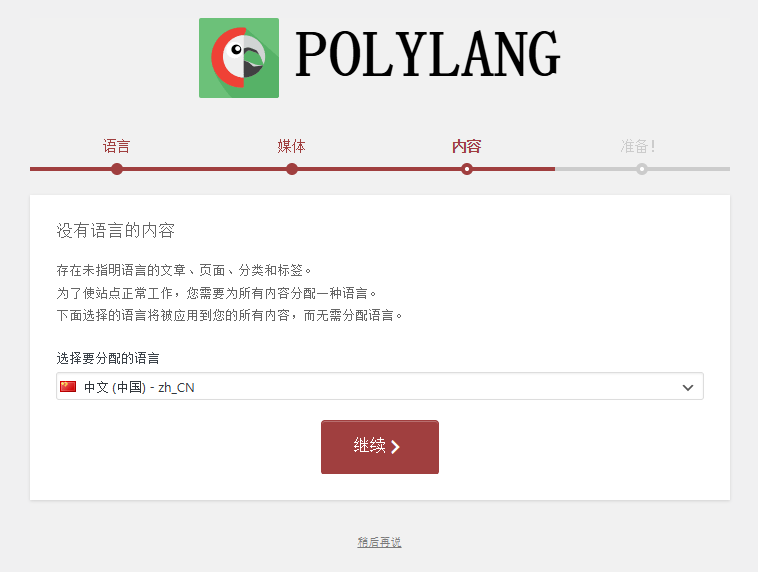
③ For content without a language, select the default language, Chinese (see Figure 3);
④ Language prefix settings: Select “URL prefix”. Chinese requires no prefix, and the English prefix is set to “en”. This way, the URL for English content will appear as https://www.shuijingwanwq.com/en/ , which is beneficial for overseas users searching via search engines (see Figure 4);
AutoPoly basic configuration (focus on setting up Chrome AI translation):
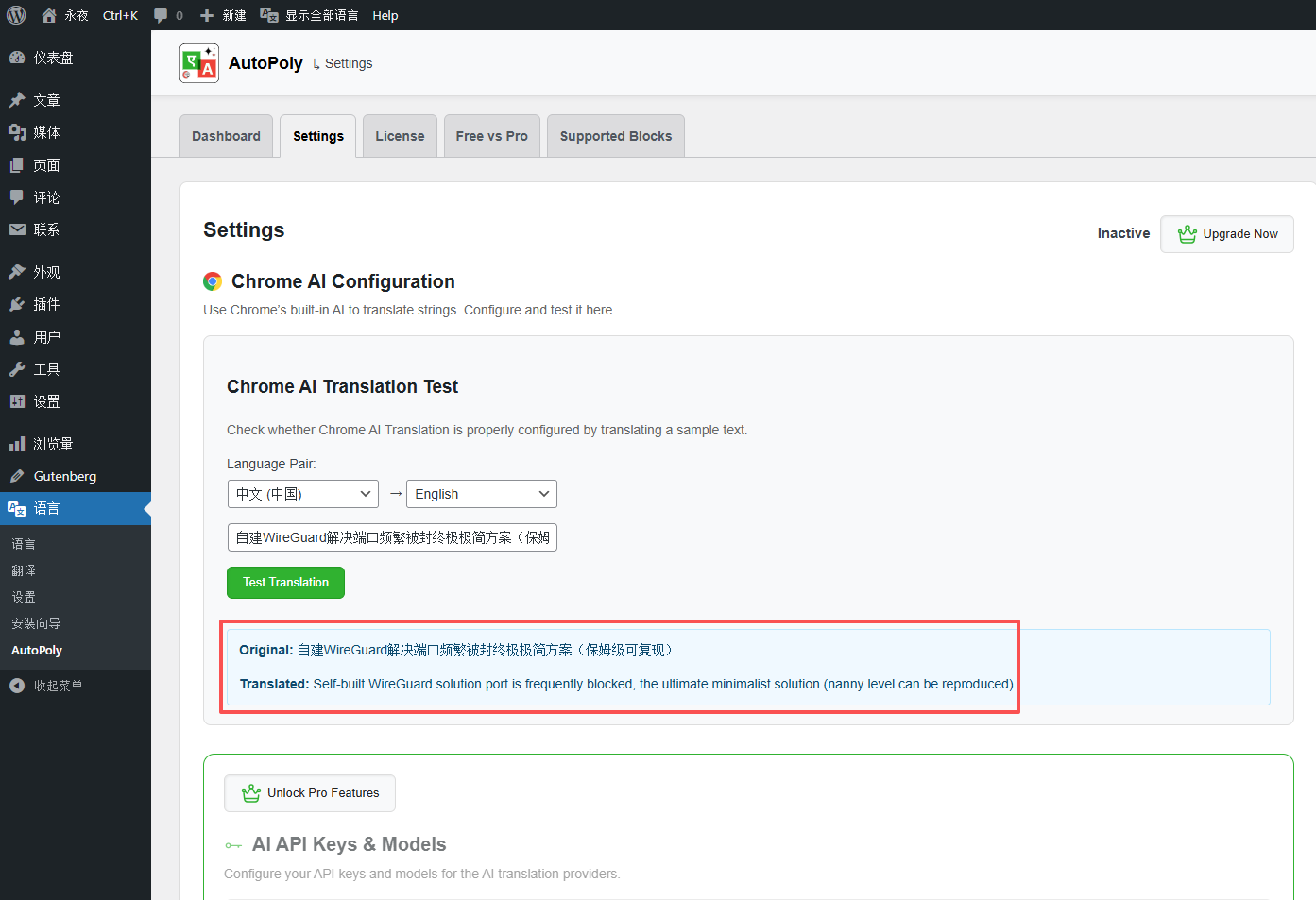
① After activation, go to the AutoPoly settings page, select the translation language (Chinese → English), and test the translation. I found the translation results acceptable (see Figure 5);
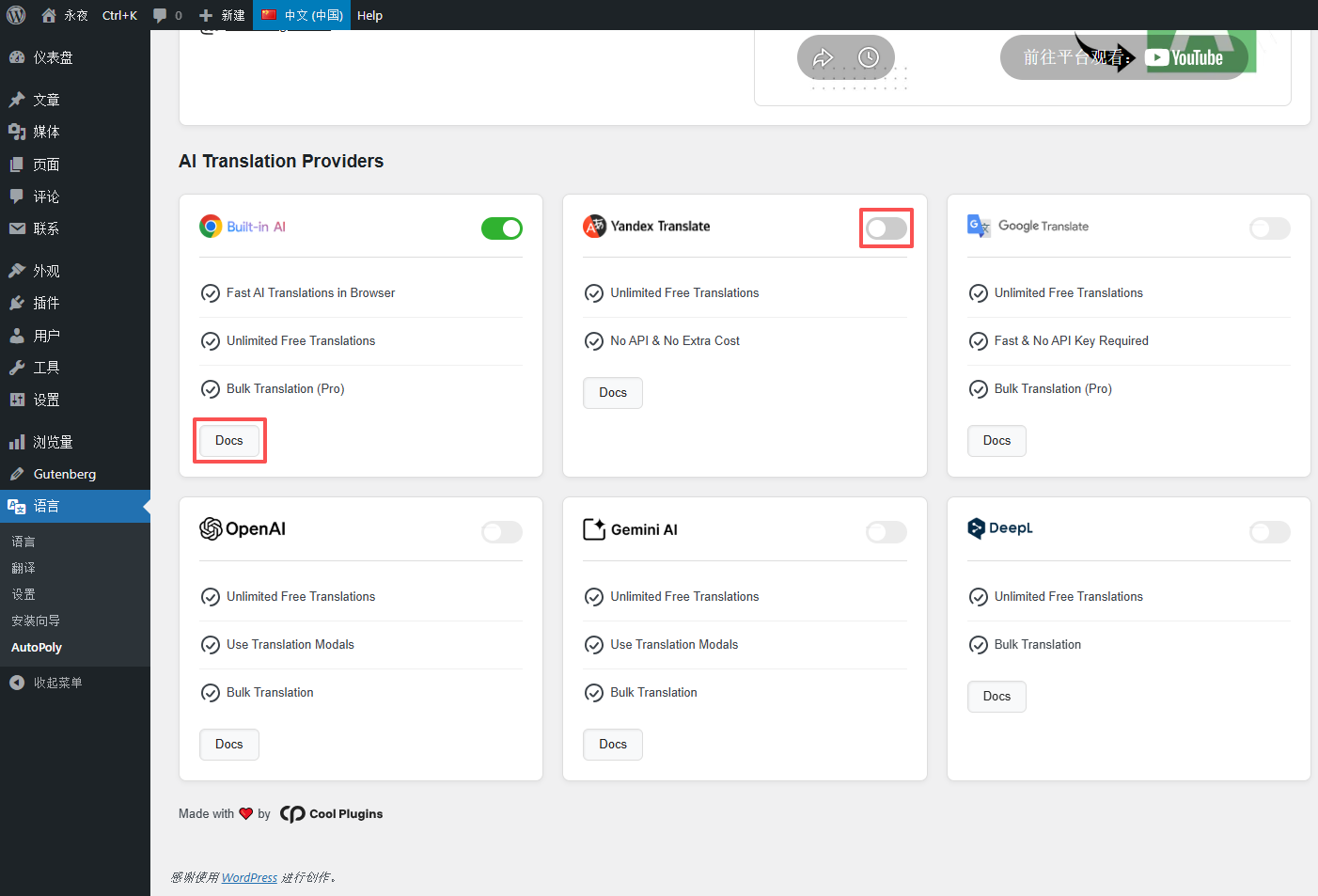
② Enable “Chrome AI” in the translation engines and disable “Yandex Translate”. No extra server network configuration is required; it works normally combined with the local browser’s available network environment. For specific usage methods, you can click Docs to view (see Figure 6);
Once configured, you can achieve one-click post translation and multilingual switching, allowing my content to successfully reach overseas users. Next comes the translation work for categories and tags. Only by fully translating categories and tags can overseas users more clearly find the content they need. In my next post, I will detail the complete process of translating categories, as well as the pitfalls I encountered.