MySQL Server Instance Configuration Wizard (not responding) solution
Screenshot of problem:
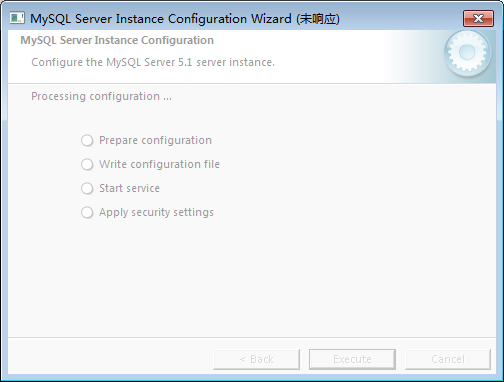
MySQL Server instance configuration wizard (not responding)
Since on the first installation, install TO did not select the default drive letter, but chose the D drive, which caused this problem to occur the first time, and later even if it was completely deleted through the 360 software housekeeper, and the registry was cleared, and even all the files and folders related to MySQL were deleted, it was still not possible. Later, after restarting the computer, the installation was basically successful according to the default settings. Therefore, it is recommended that when installing mysql, it is best to be able to use the default settings, especially the address of the drive letter installed!