In CakePHP 2.10.3, print the already executed SQL statement flow in the controller
1. Edit \app\config\core.php, configure::write(debug, 2), as shown in Figure 1

Figure 1
2. Edit \App\View\Layouts\Base.ctp, <?php echo $this->element(sql_dump); ?>, as shown in Figure 2

Figure 2
3. After the GET request, print out the SQL statement that has been executed in the view, as shown in Figure 3

Figure 3
4. If it is a POST request, after the final execution is successful, it will jump directly, and you need to print the already executed SQL statement in the controller, as shown in Figure 4

Figure 4
5. After the execution is successful, before jumping, print the SQL statements that the product model has already executed, as shown in Figure 5
$log = $this->product->getDataSource()->getlog(false, false);
debug($log);
exit;

Figure 5
6. A total of 10 records, as shown in Figure 6
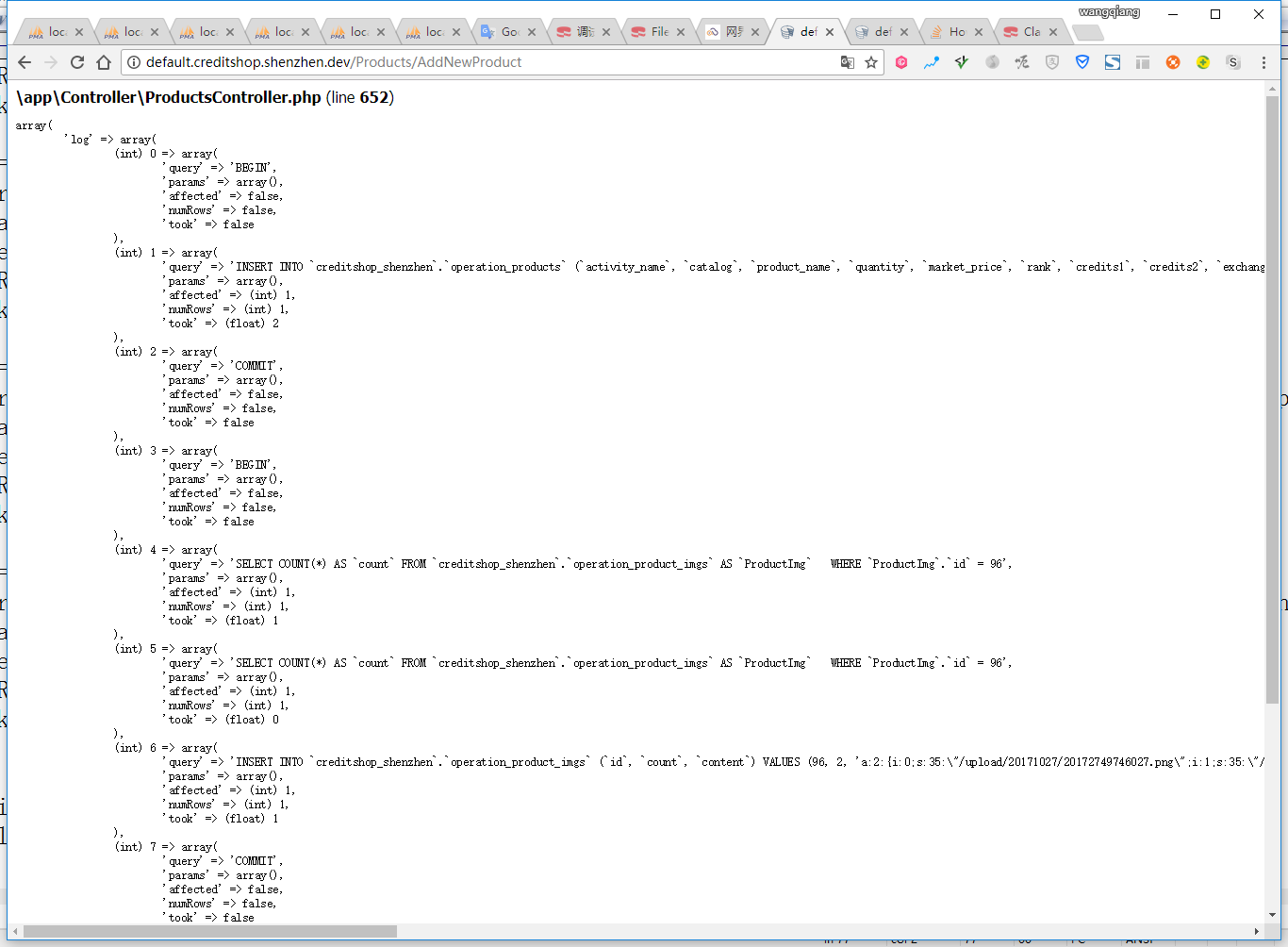
Figure 6
7. After the execution is successful, before jumping, print all the SQL statements that have been executed, as shown in Figure 7
$db =& ConnectionManager::GetDataSource(tmp);
$db->showlog();
exit;

Figure 7
8. A total of 10 records, as shown in Figure 8

8