When using the Windows Photo Viewer, it prompts: Windows Photo Viewer cannot display this picture because the available memory on the computer may be insufficient. Please close some programs that are not currently in use or release some hard disk space (if the hard disk is full), and try again. The solution of
1. When using the Windows Photo Viewer, it prompts: Windows Photo Viewer cannot display this picture because the available memory on the computer may be insufficient. Please close some programs that are not currently in use or release some hard disk space (if the hard disk is full), and try again. as shown in Figure 1
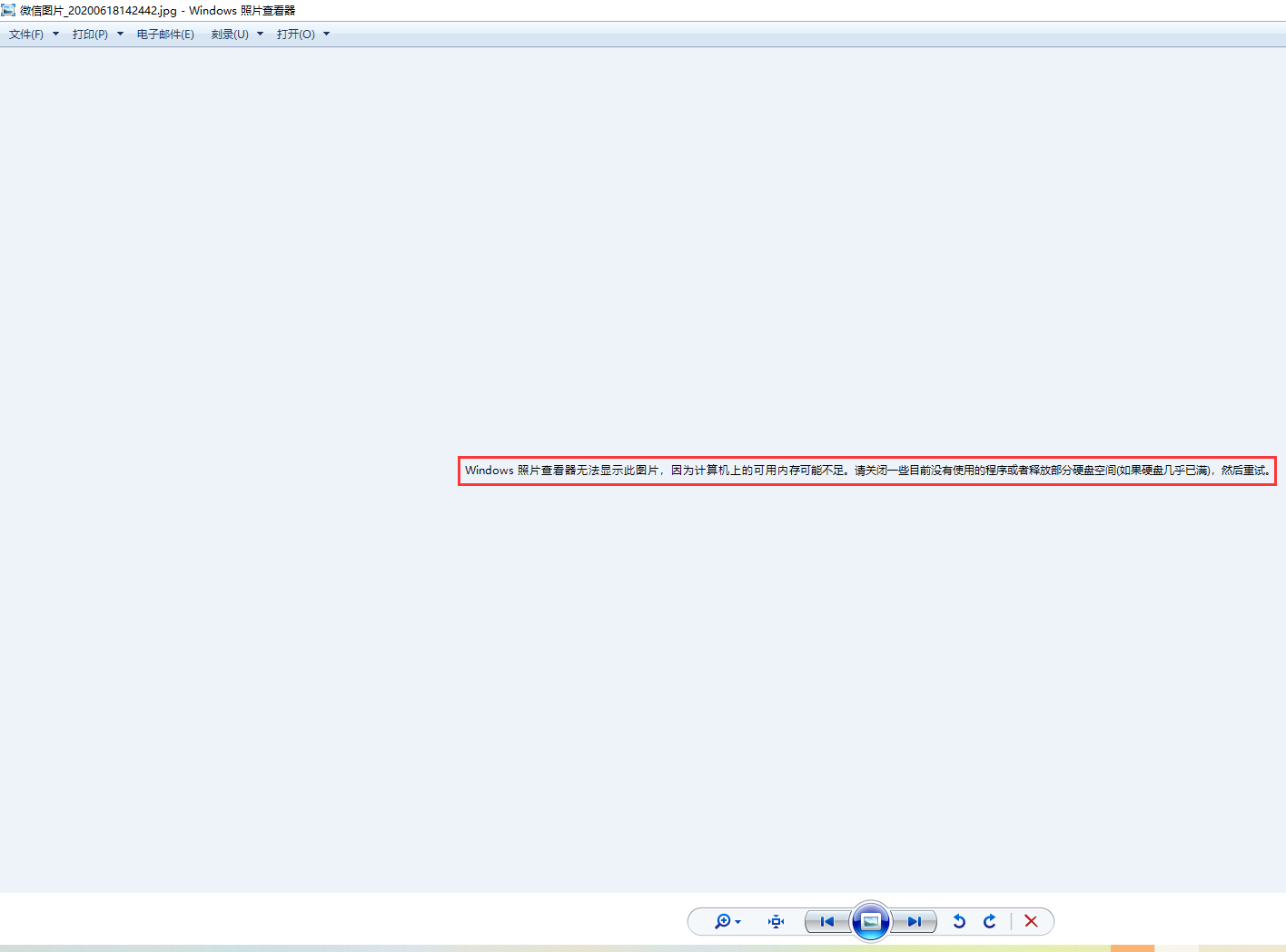
Figure 1
2. When viewing the large icon, it can be displayed normally, as shown in Figure 2
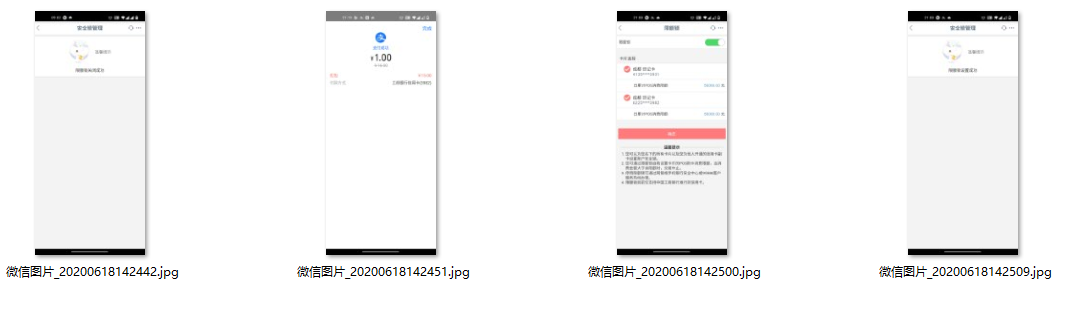
Figure 2
3. Check the file size: 88.0 KB, the file is not large. as shown in Figure 3
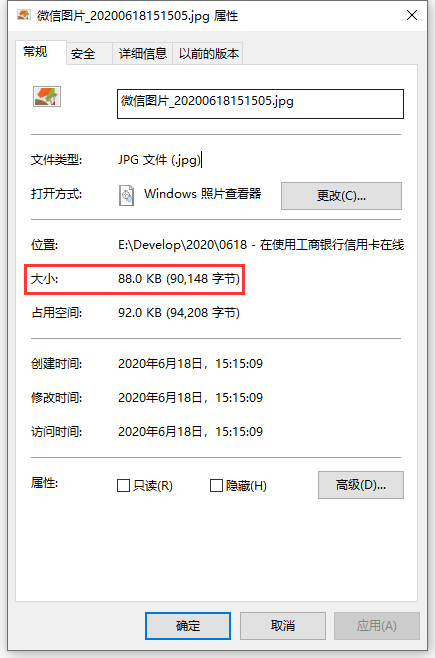
Figure 3
4. Check the available memory on the computer: 7.7 GB, so eliminate the situation that the available memory may be insufficient. as shown in Figure 4
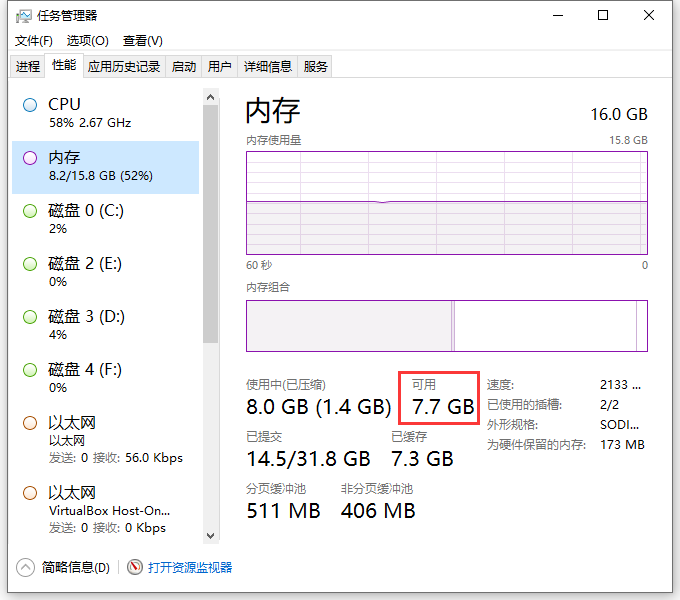
Figure 4
5. Check the hard disk space on the computer, free space: 144 GB, so eliminate the situation that the hard disk is full. as shown in Figure 5
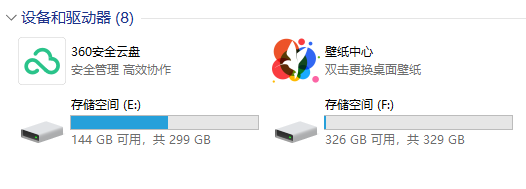
Figure 5
6. Open the picture in Adobe Photoshop CC 2015, File – Export – Quick Export to PNG. as shown in Figure 6
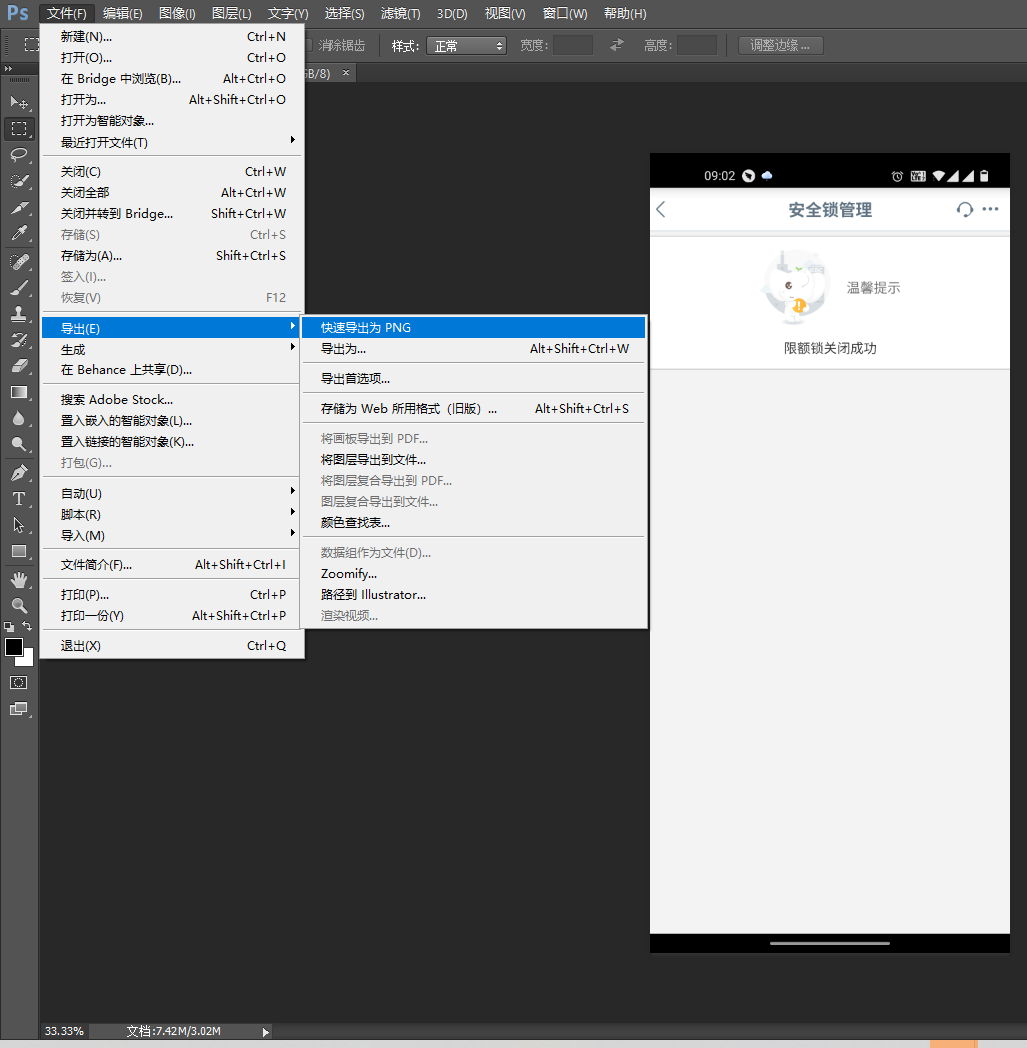
Figure 6
7. Use the Windows Photo Viewer again to display this picture. as shown in Figure 7
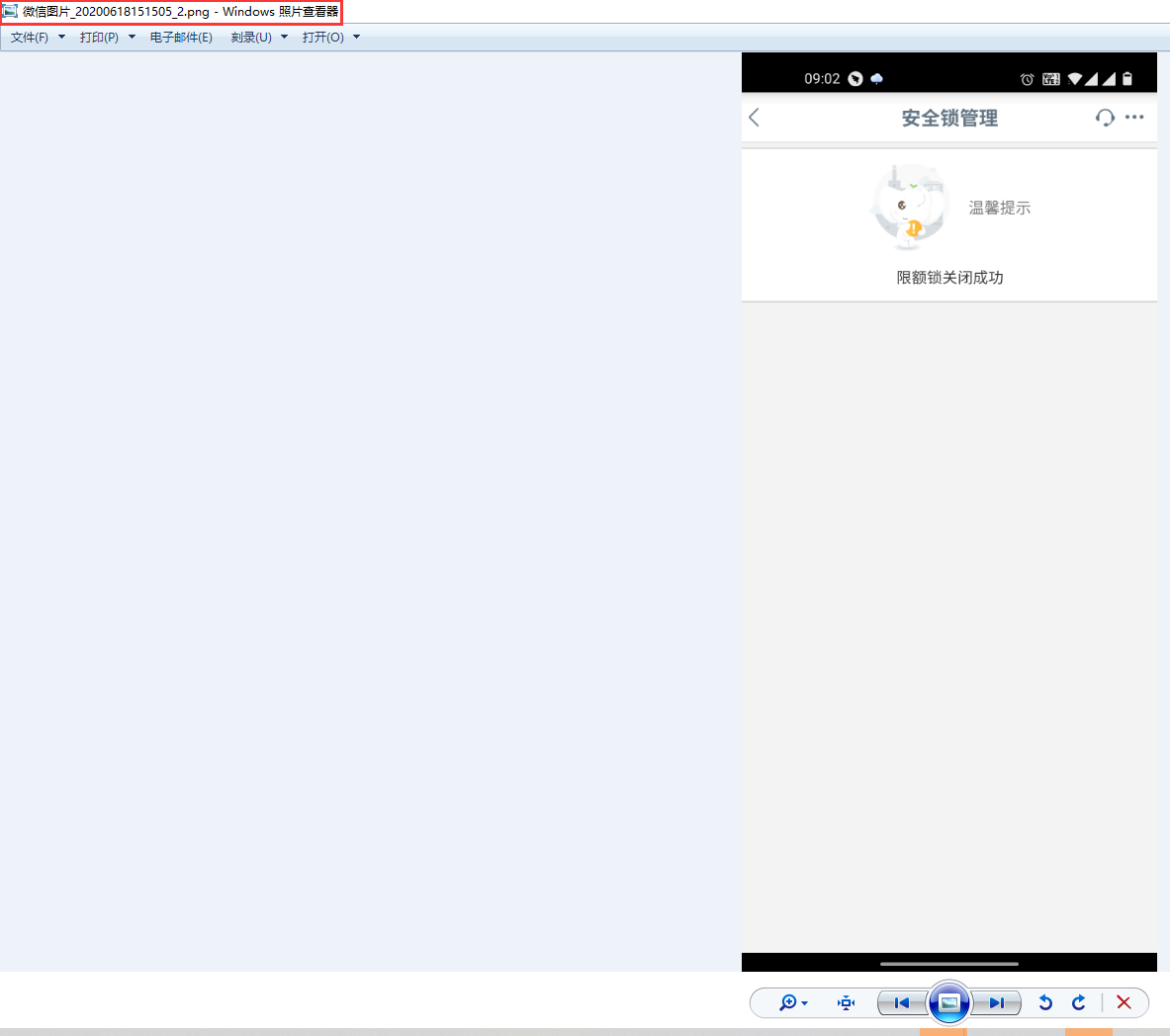
Figure 7