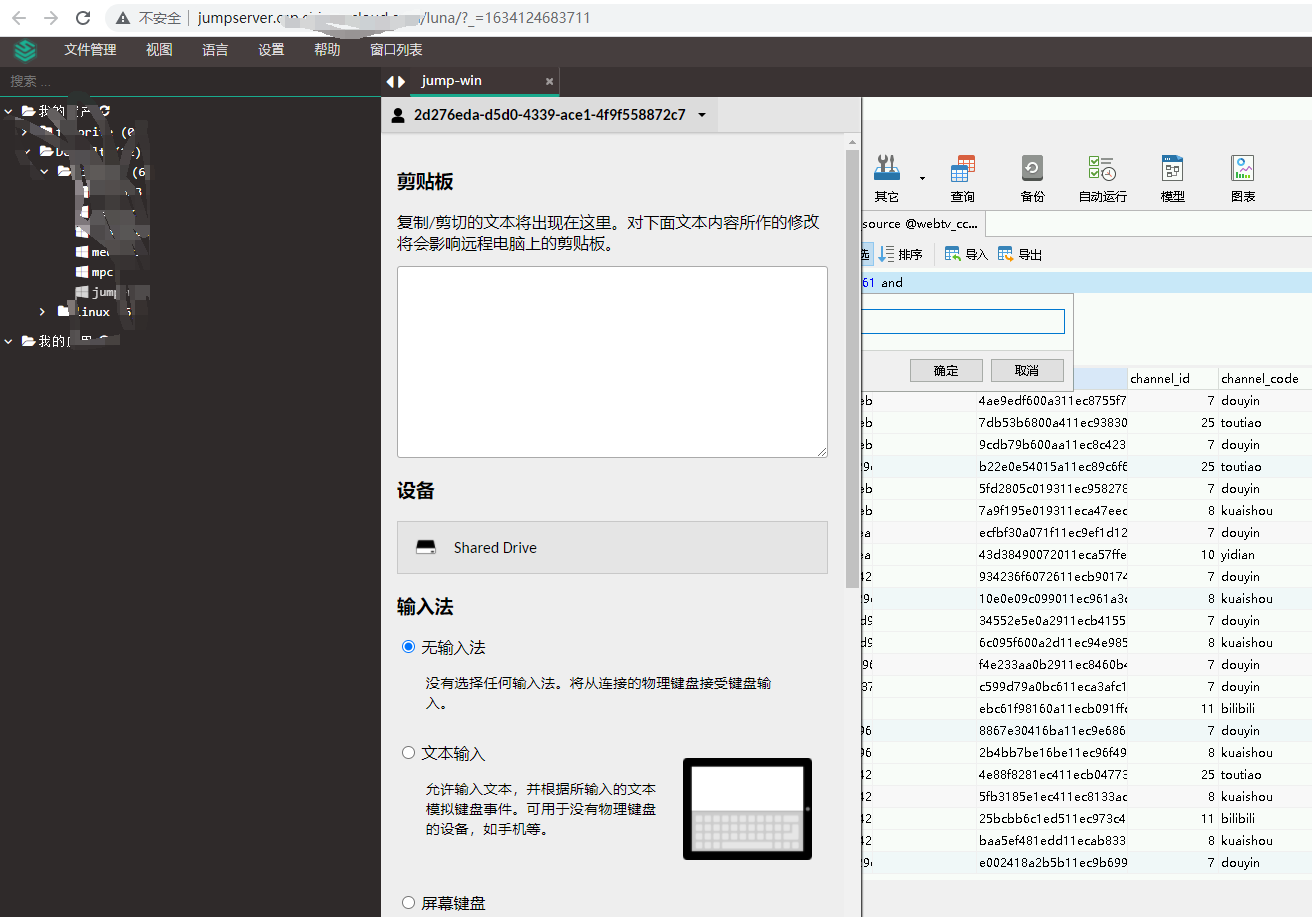
1. Enter the JumpServer’s web terminal. as shown in Figure 1

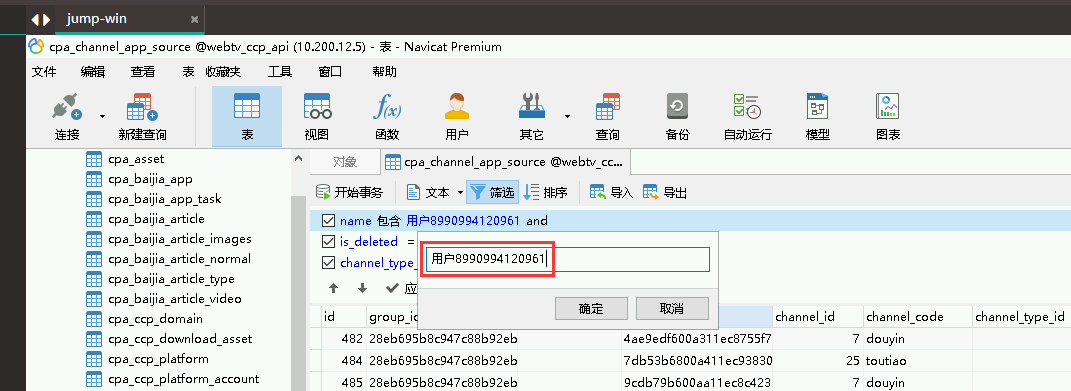
2. Copy the text content of the local computer: user 8990994120961, if you want to paste it into the JumpServer’s web terminal, directly Ctrl C, and then Ctrl v is not responding. Use the shortcut key: shitf ctrl alt. Pop up the clipboard. as shown in Figure 2
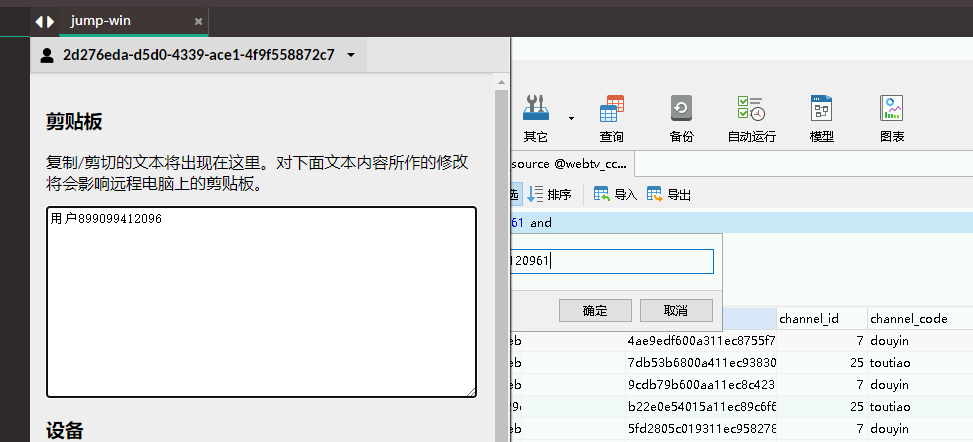
3. Ctrl V in the clipboard, paste the text content: user 8990994120961 into the clipboard. Then Ctrl A, after selecting the content, then Ctrl C, use the shortcut key: Shitf Ctrl Alt. Exit the clipboard. Then Ctrl v to where it needs to be used. as shown in Figure 3
4. If you need to copy the contents of JumpServer’s web terminal to the local computer, the steps are basically reversed. In the web terminal Ctrl C, use the shortcut key: shitf ctrl alt. Pop up the clipboard. The copied content will be automatically displayed in the clipboard, and Ctrl V is omitted. as shown in Figure 4
Leave a Reply