The process of changing the filing information in Alibaba Cloud (can be claimed for filing)
1. Receive an email: Alibaba Cloud filing information verification notice. There is a problem: the name of the filed website is inconsistent with the actual website name. as shown in Figure 1
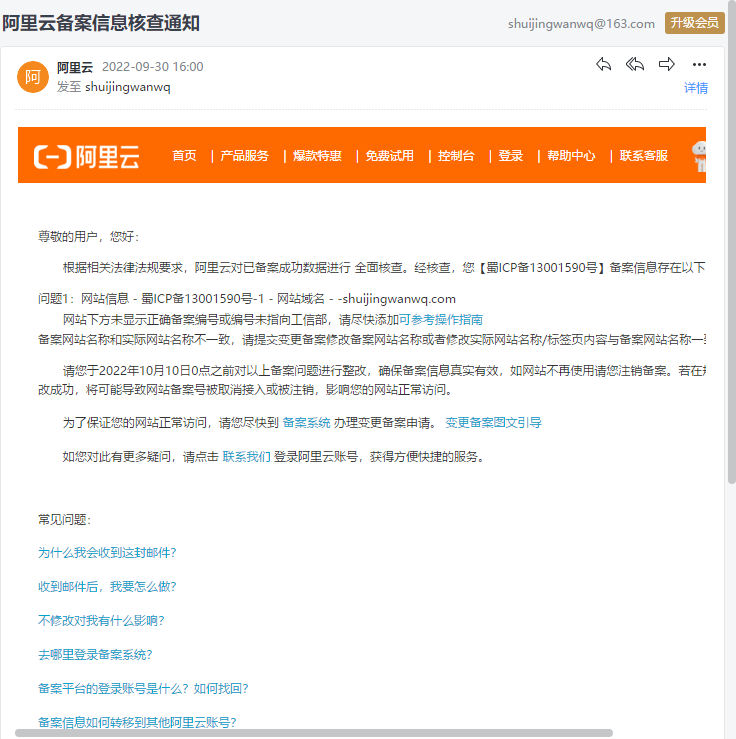
Figure 1
2. Begin the filing under the filing website of the ICP filing. as shown in Figure 2
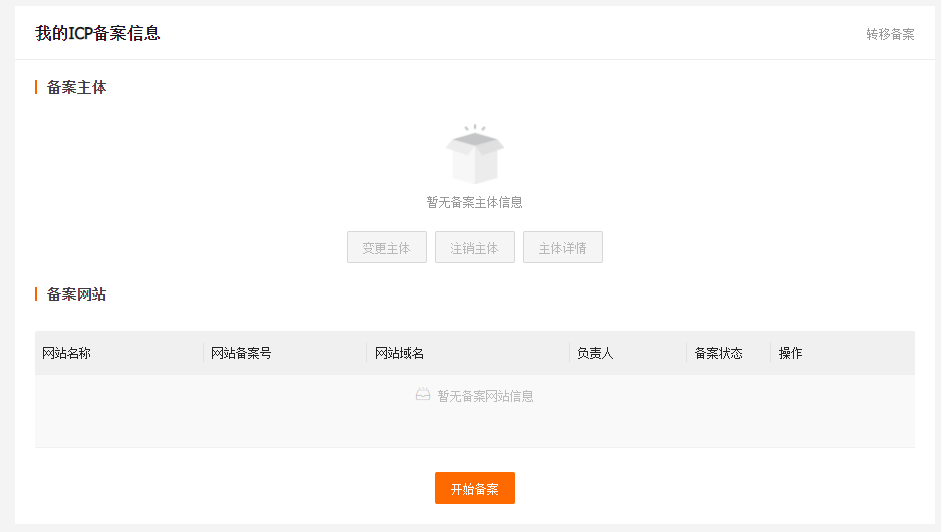
Figure 2
3. After filling in the relevant information verification, you can claim the record. If it is detected that your filing information already exists, please upload the “Organizer Document” through “Classing the record” to complete the account link. After the association, the subsequent filing operation can be performed. as shown in Figure 3
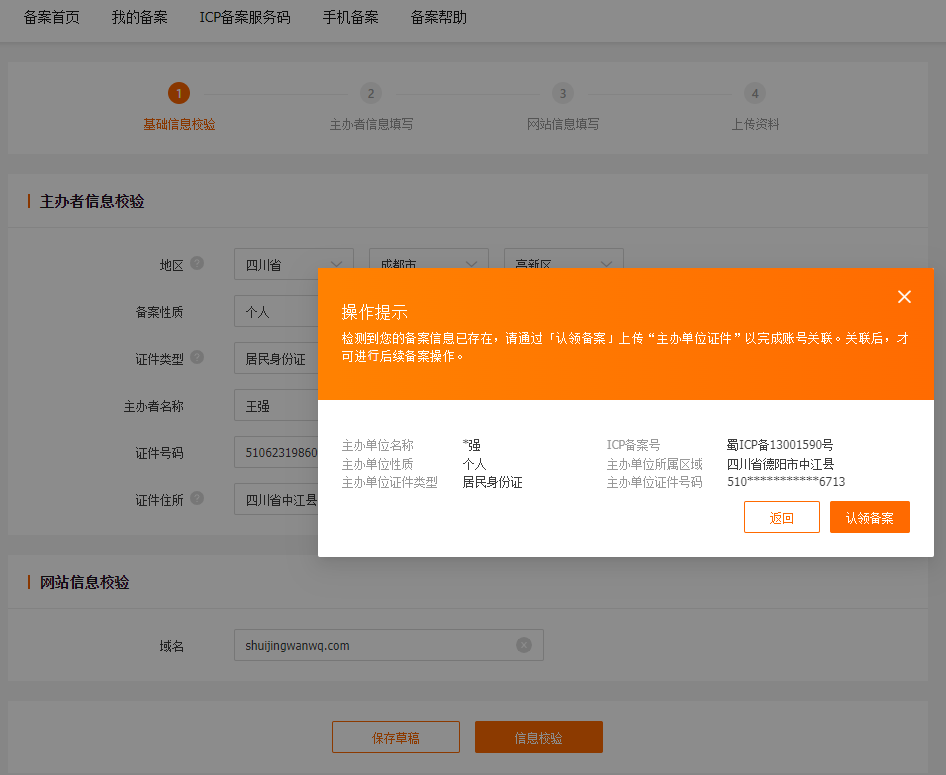
Figure 3
4. After uploading the front and back of the resident ID card, submit it for claim. as shown in Figure 4
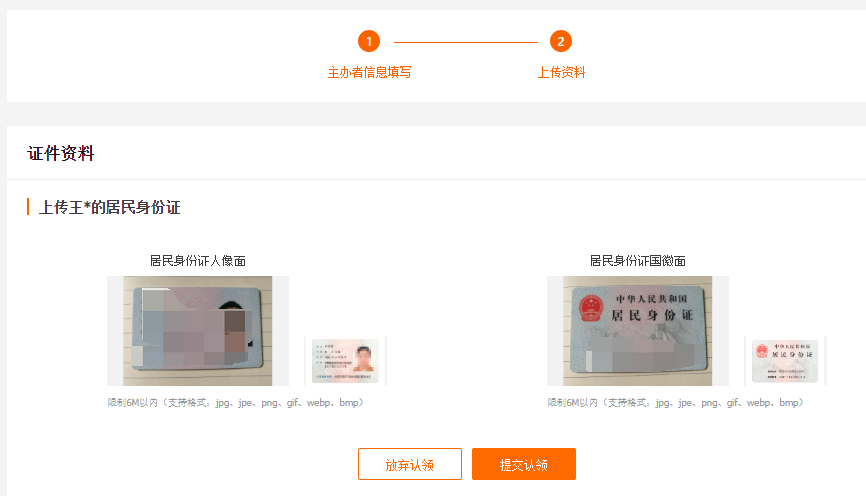
Figure 4
5. Review progress – Alibaba Cloud review: The review will be completed within about 1 working days. as shown in Figure 5
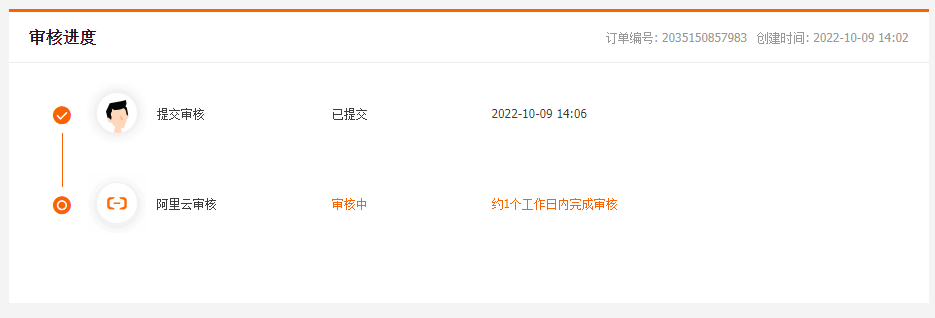
Figure 5
6. After Alibaba Cloud filed the “Acceptance and Approval”, the website name will be changed. as shown in Figure 6
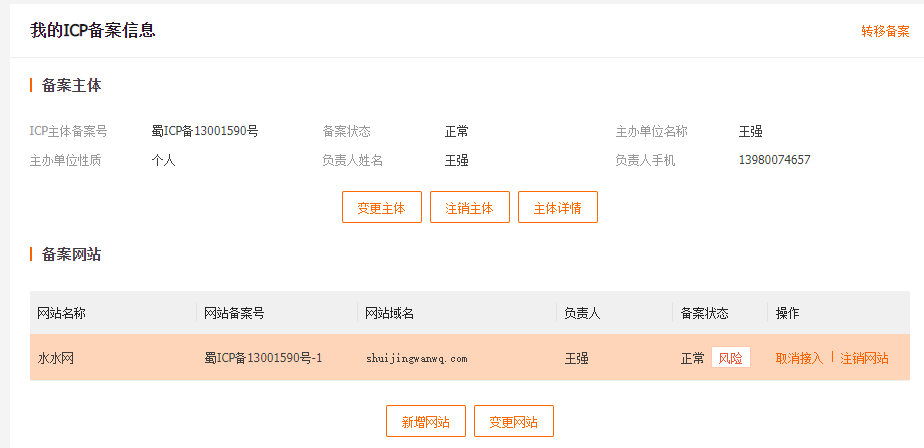
Figure 6
7. Complete the data upload on the Alibaba Cloud APP, and under the preliminary review. as shown in Figure 7
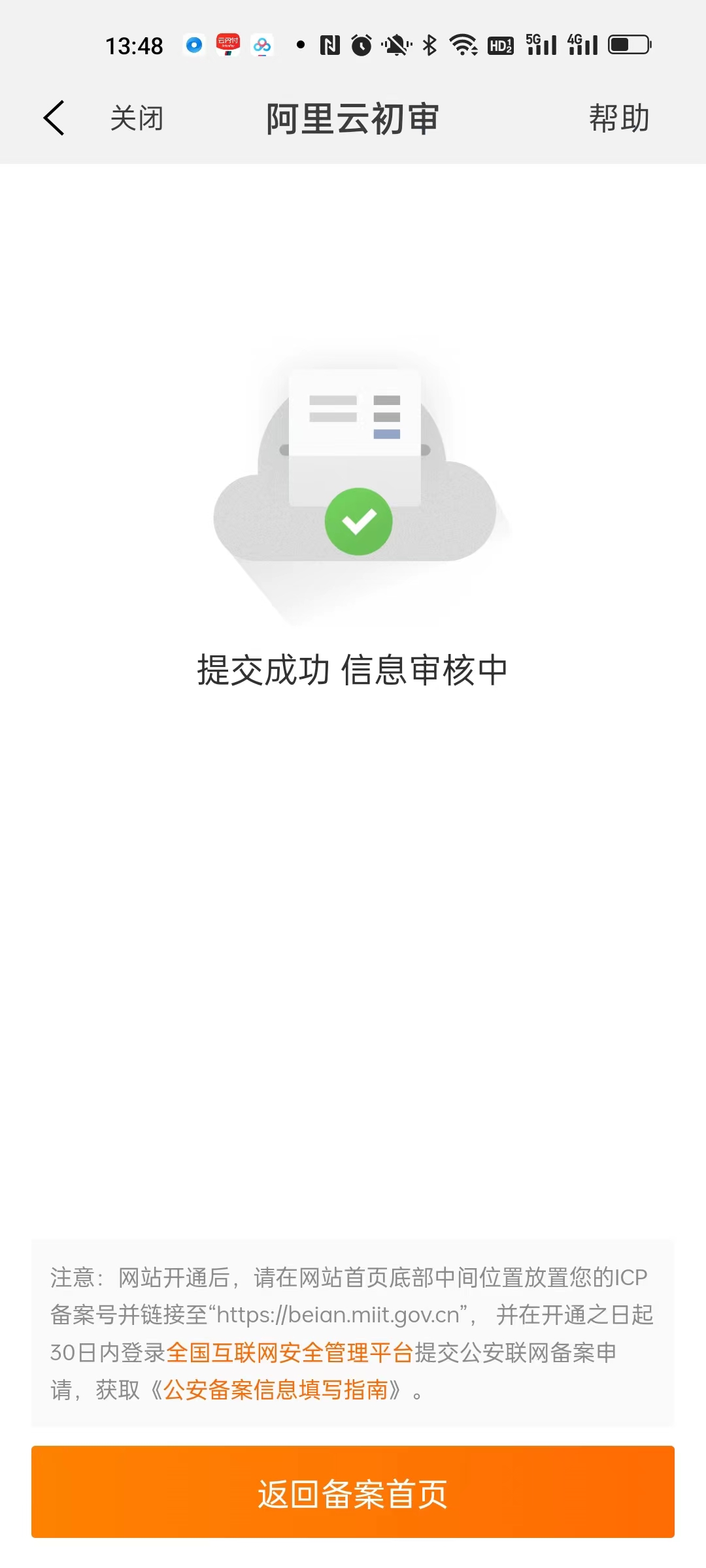
Figure 7
8. Check the review progress, Alibaba Cloud is under the preliminary review. as shown in Figure 8
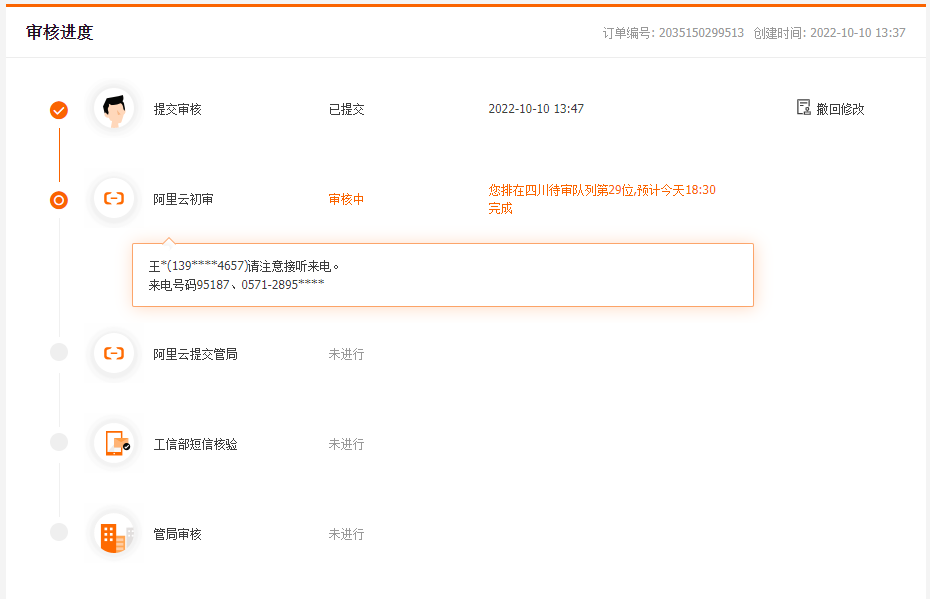
8
9. After the first review of Alibaba Cloud is passed, it will be submitted to the management bureau for review, and then the SMS verification code will be received. as shown in Figure 9
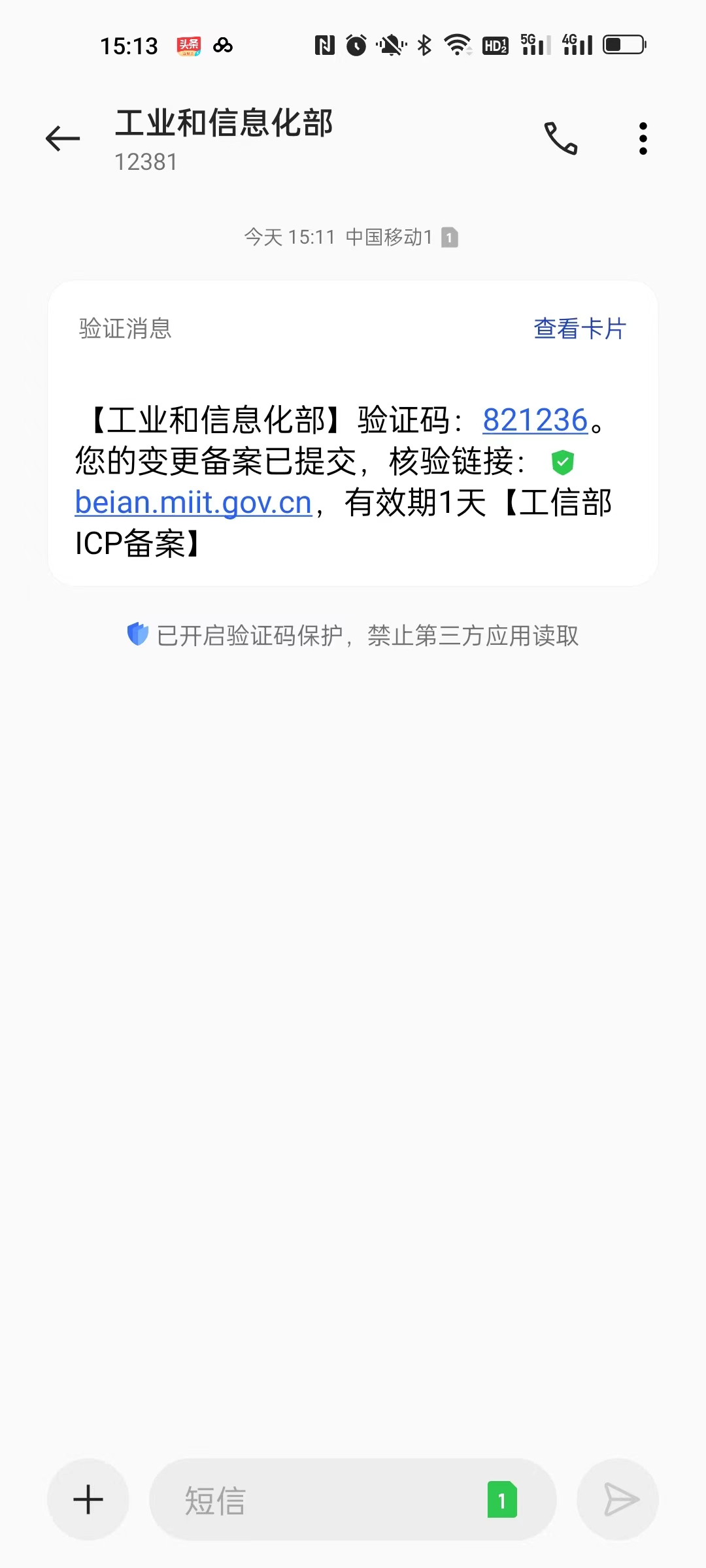
Figure 9
10. Open the verification link and submit the verification code and other related information. Dear ICP users: Your SMS verification has been completed, and the request will be submitted to the Authority for review. As shown in Figure 10
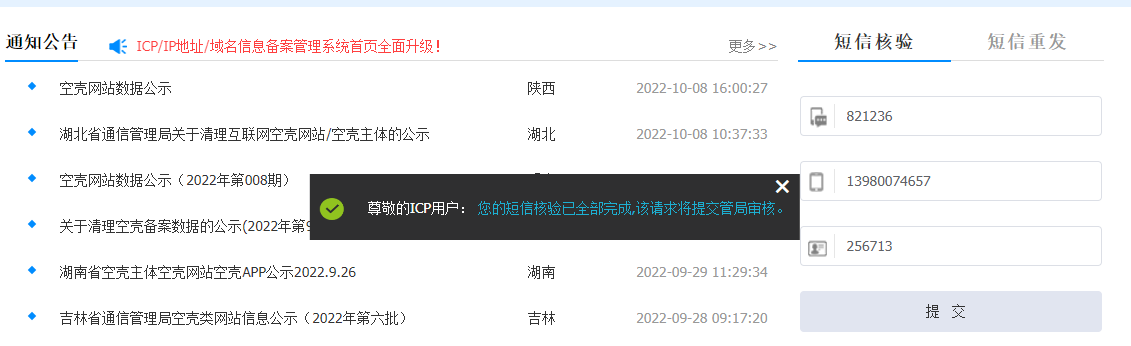
Figure 10
11. About 10 days later, I received an email notification from the website filing system of the Ministry of Industry and Information Technology, and your filing information has been changed. as shown in Figure 11
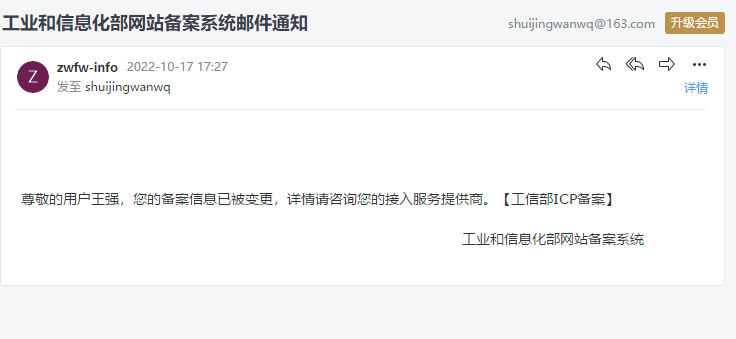
Figure 11