

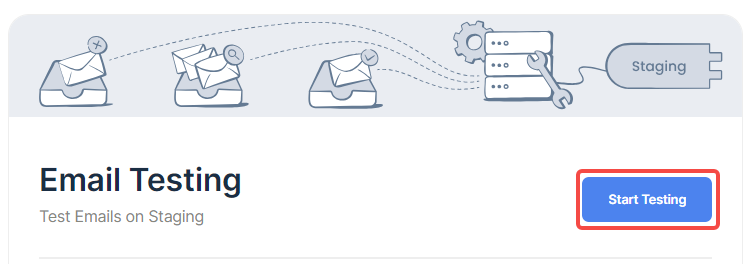
1. Email testing test emails on staging. Click Start Testing. as shown in Figure 1
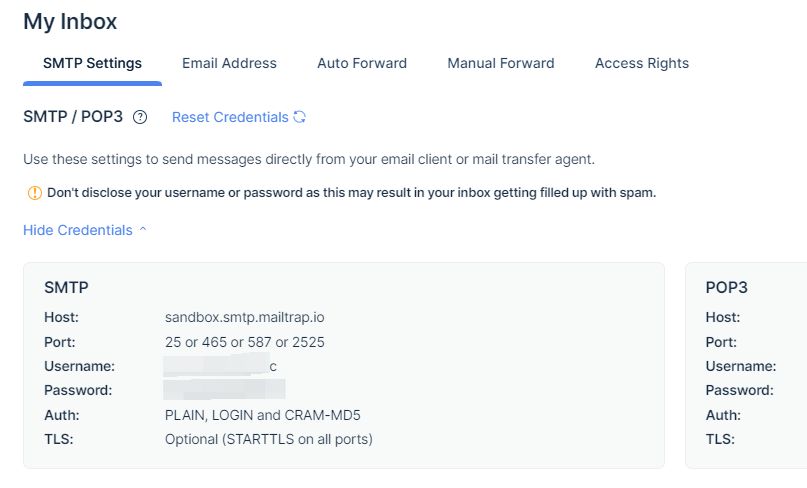
2. Click Show Credentials to display the corresponding vouchers. The corresponding credentials can then be copied to the configuration of the development environment. as shown in Figure 2
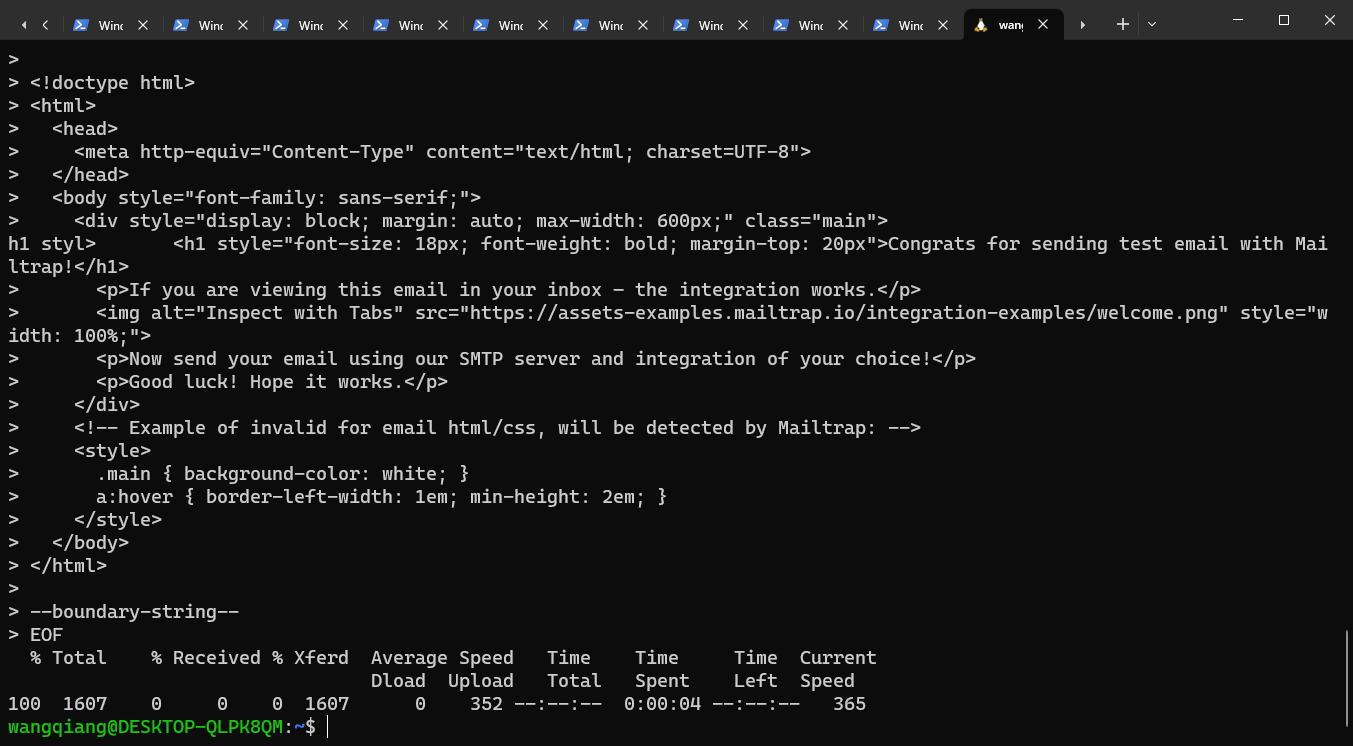
3. Copy the sample code in the curl, and then paste it in the Linux terminal to test the sending of the email. as shown in Figure 3
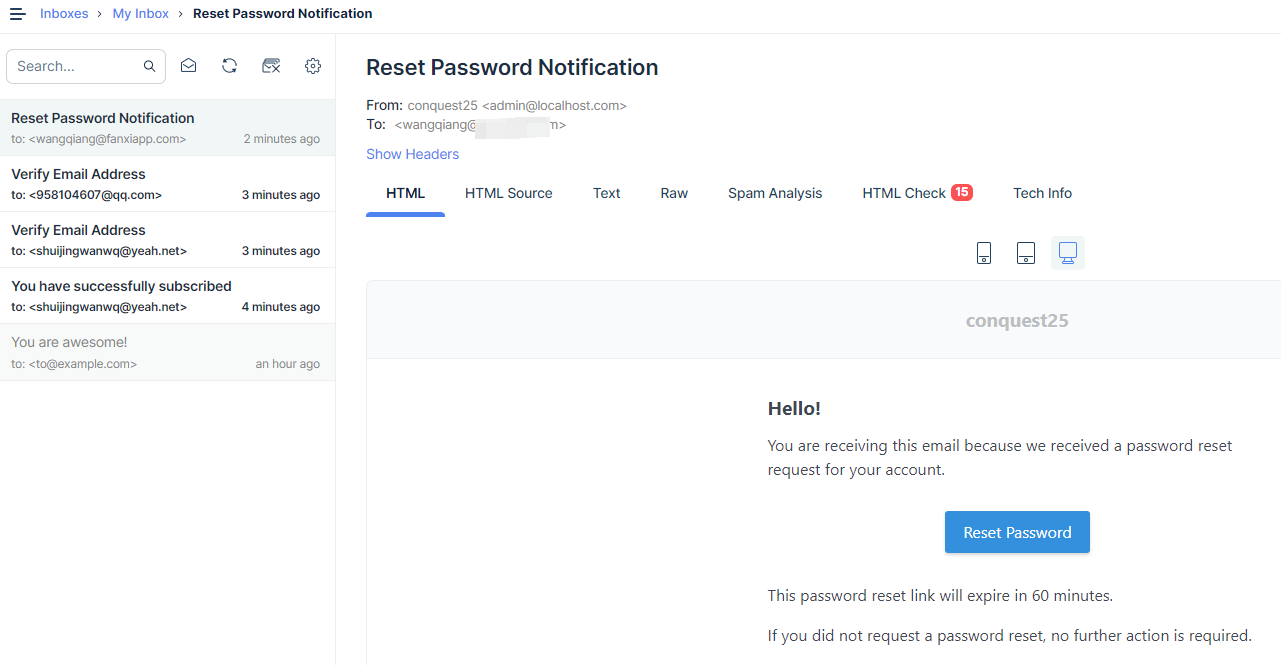
4. Then you can see in the outbox that you have received an email. as shown in Figure 4
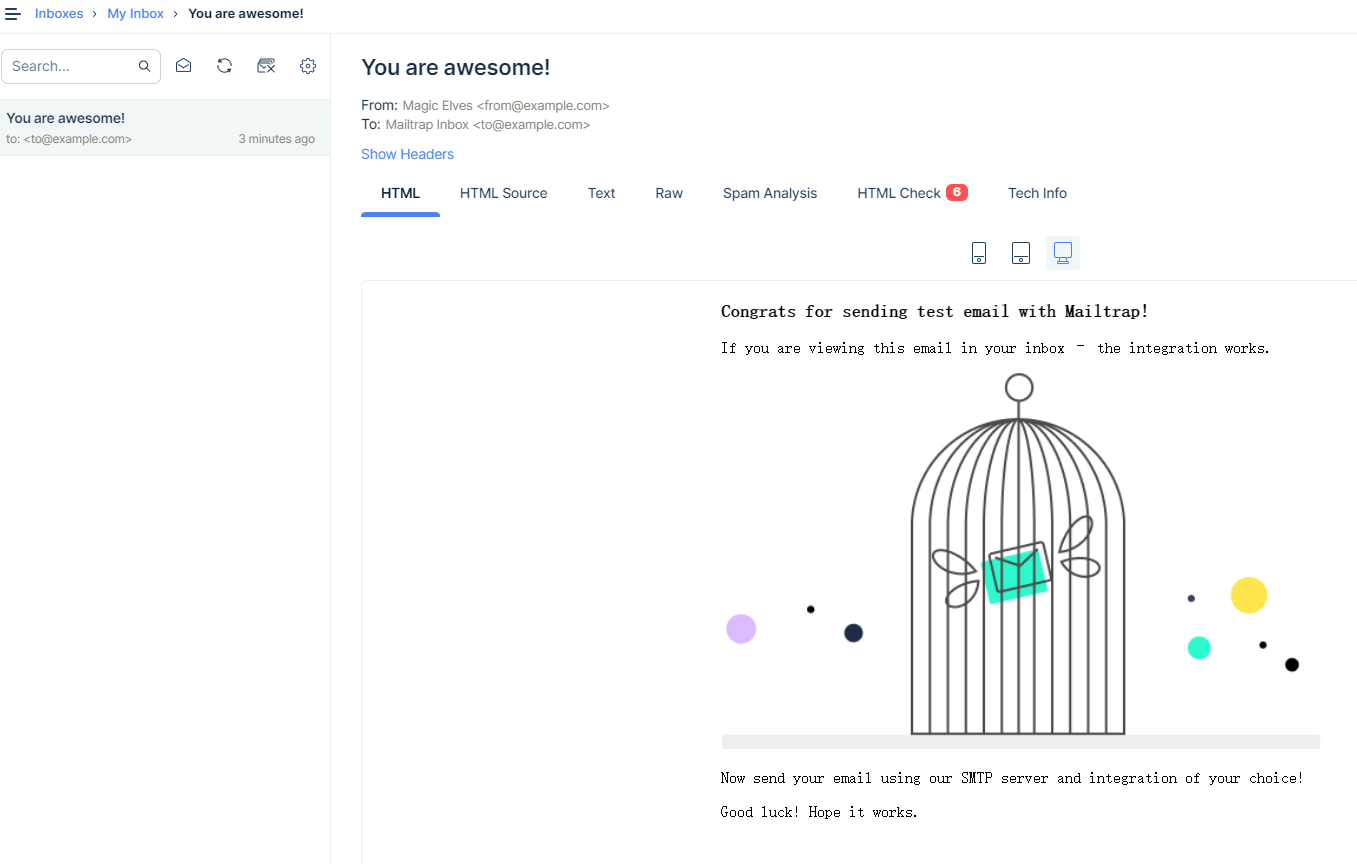
5. Use mail to send in the development environment. Finally, in the Outbox, you can view the content of the emails that have been sent. as shown in Figure 5
Need long-term technical maintenance or remote troubleshooting?
I am a PHP / Go backend engineer with 15+ years of experience, focused on existing system maintenance, bug fixing, performance optimization, server troubleshooting, WordPress maintenance, and small feature iterations.
If your project is facing any of the following issues, we can start with a small troubleshooting task first:
- ✅ PHP / Laravel / Yii2 legacy systems without active maintenance
- ✅ Go / Gin backend APIs that need troubleshooting or optimization
- ✅ Slow, broken, or unstable WordPress websites
- ✅ Nginx / MySQL / Redis / Linux server issues
- ✅ CDN / Cloudflare / DNS / HTTPS configuration problems
- ✅ Long-term remote technical support or part-time maintenance
More details: About Me & Collaboration
WeChat: 13980074657
Email: shuijingwanwq@gmail.com
Telegram: @shuijingwan
GitHub: https://github.com/shuijingwan
Leave a Reply