![[截图 5:Clash 规则片段,突出显示新增的两行 DST-PORT 规则]](https://www.shuijingwanwq.com/wp-content/uploads/2026/06/5-8.png)
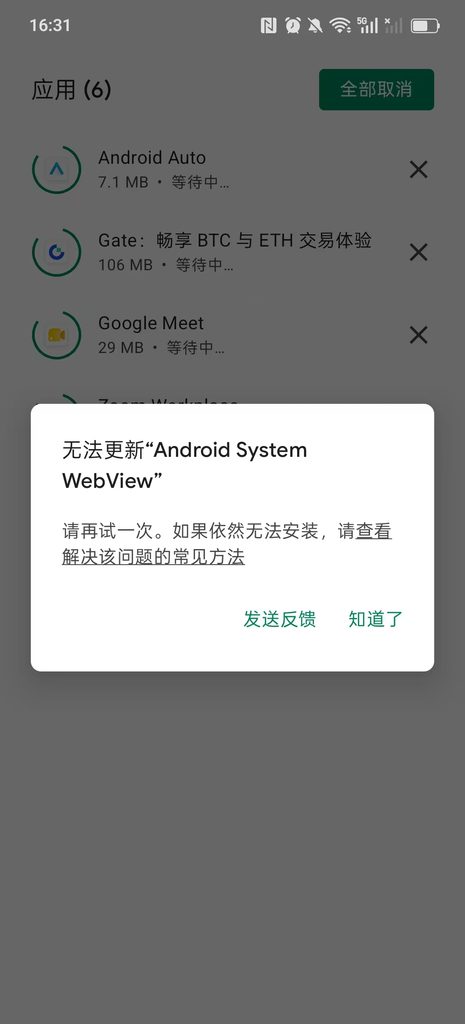
![[截图 2:Play 商店更新界面,显示两个应用正常下载]](https://www.shuijingwanwq.com/wp-content/uploads/2026/06/2-2-465x1024.jpg)

As a user who often needs to visit overseas websites (ChatGPT, Youtube, Google Translate, etc.), I have always wanted to achieve Wireguard’s ‘Domestic Website Direct, Foreign Website Tunneling’ function——Not only ensure the native speed of domestic web pages, but also stable access to overseas services, and at the same time avoid unnecessary traffic consumption caused by global agents. In the process, I stepped on a very typical routing configuration pit, and after some tossing, I solved it perfectly, and sorted it into this blog to avoid the pit for friends who have the same needs.
1. Demand background
The WireGuard client was initially configured, but encountered a strange problem:
- Google Translate (https://translate.google.com/) can be opened normally
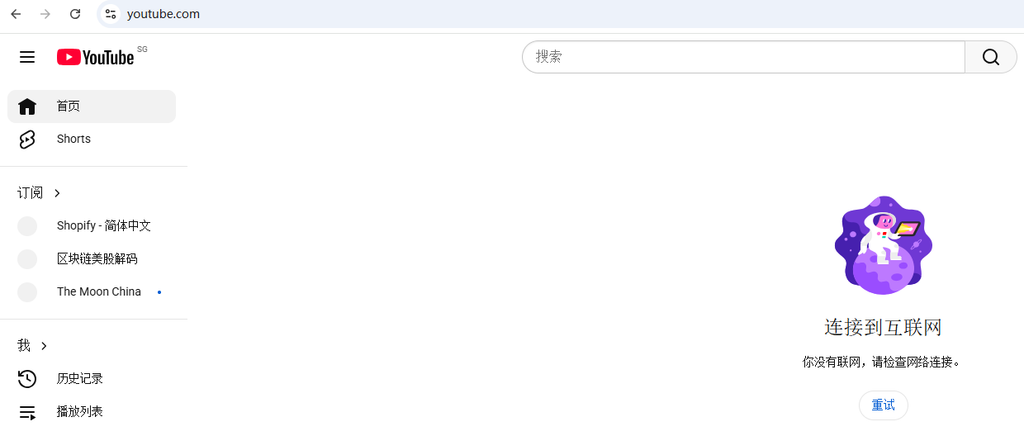
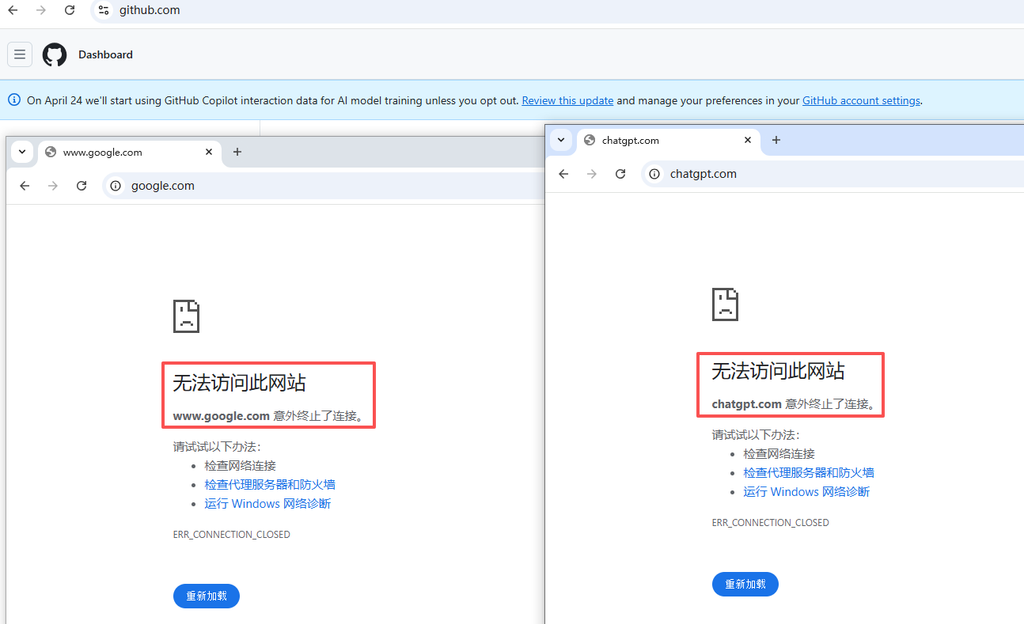
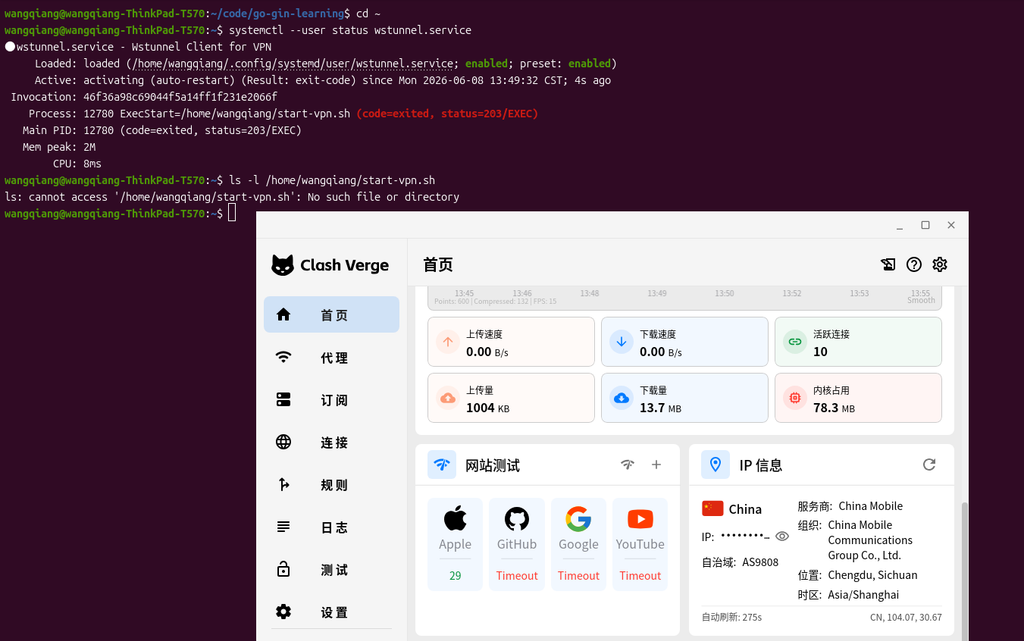
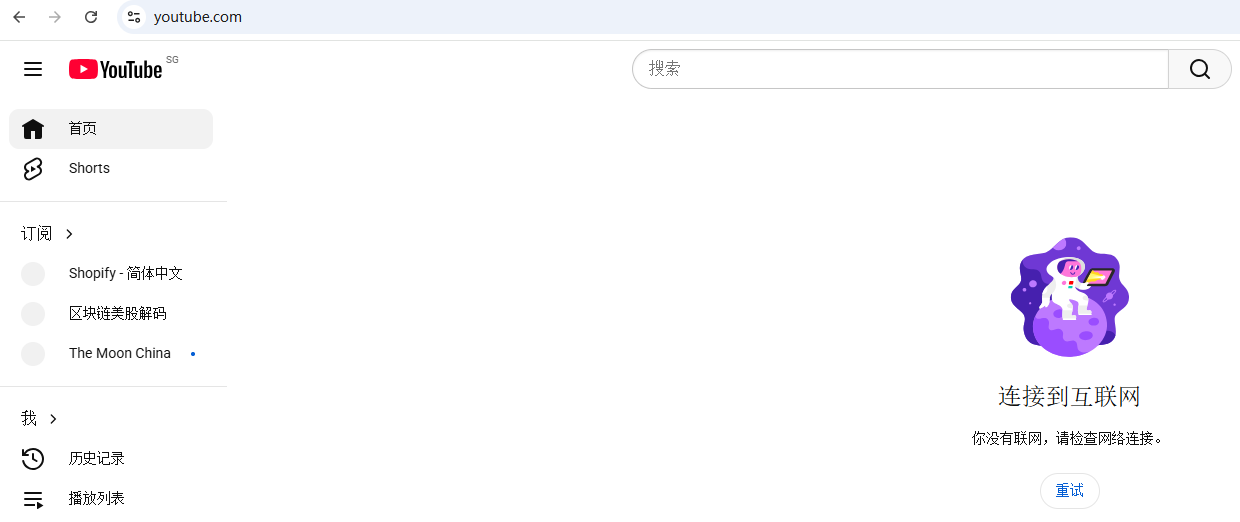
- chatgpt (https://chatgpt.com/), youtube (https://www.youtube.com/), v2ex (https://v2ex.com/) can’t be opened at all times, and it prompts that it cannot be accessed. as shown in Figure 1
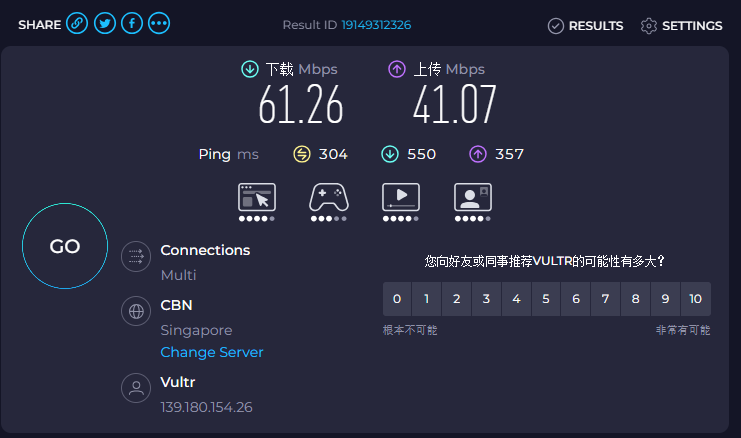
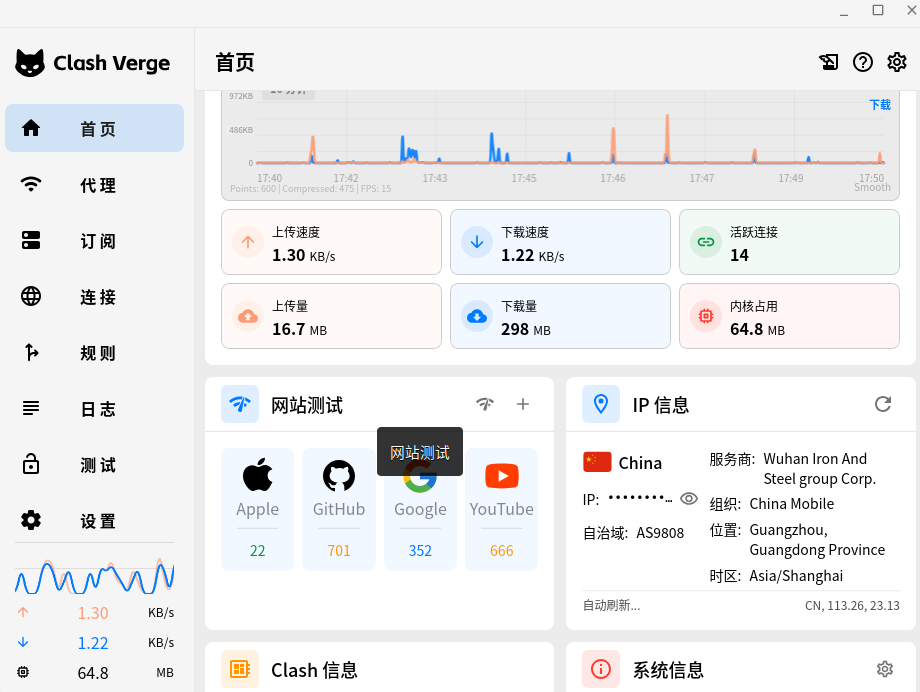
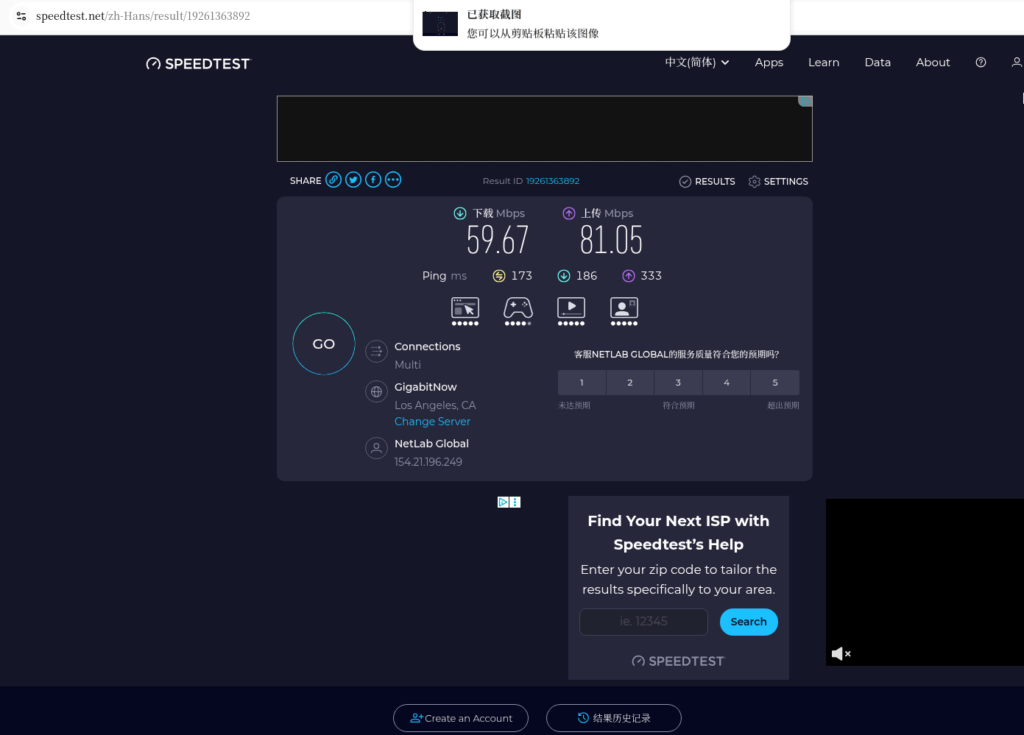
- It is suspected that the server bandwidth is insufficient, but the test basic bandwidth is sufficient to eliminate the bandwidth problem
Core requirements: retain the diversion logic of direct domestic connection and foreign tunnels, and solve the problem that some overseas websites cannot be accessed, and there is no need to increase the server configuration.
2. Initial configuration (step on the pit version)
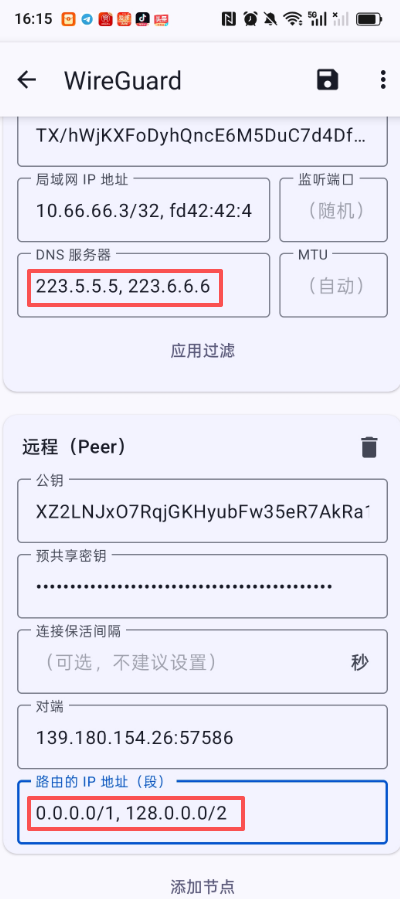
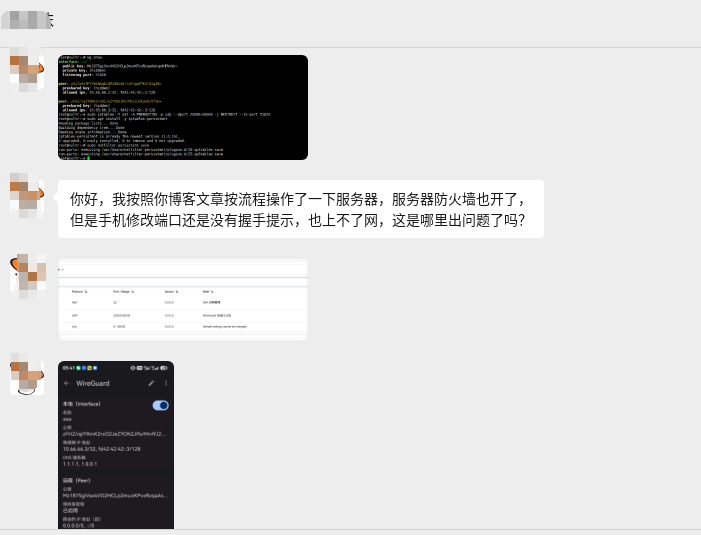
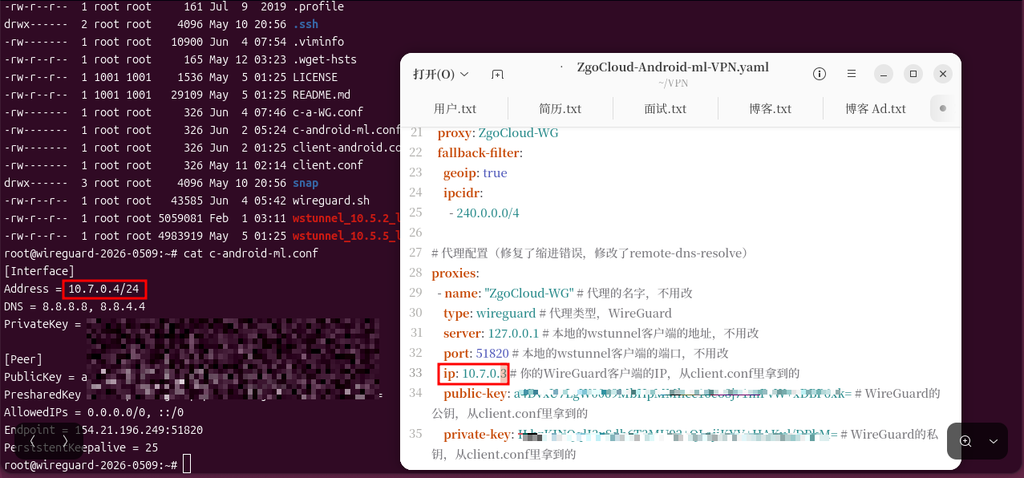
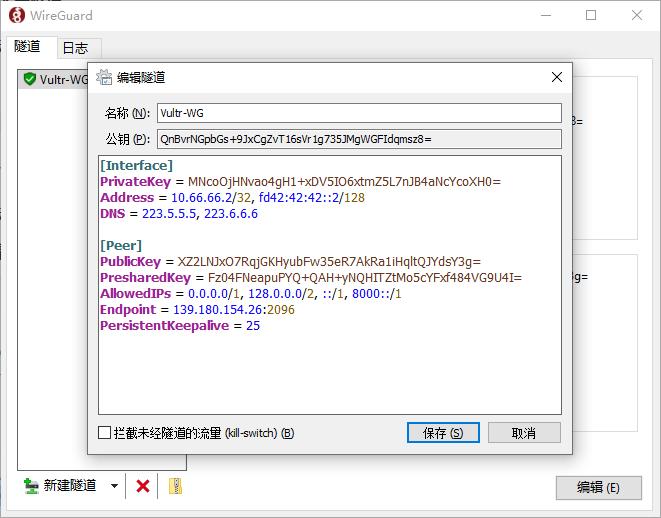
The original WireGuard client configuration is as follows, and the problem is in the allowedips line: For reference:Wireguard VPN configuration optimization: domestic website direct connection, foreign traffic go to VPN (actual measurement is effective), has not completely solved the problem before. as shown in Figure 2
[Interface]
PrivateKey = MNcoOjHNvao4gH1...
Address = 10.66.66.2/32, fd42:42:42::2/128
DNS = 223.5.5.5, 223.6.6.6

[Peer]
PublicKey = XZ2LNJxO7RqjGKHyubFw35eR7AkRa1iHqltQJYdsY3g=
PresharedKey = Fz04FNeapuPYQ+QAH+...
AllowedIPs = 0.0.0.0/1, 128.0.0.0/2, ::/1, 8000::/1
Endpoint = 139.180.154.26:2096
PersistentKeepalive = 25
3. Troubleshooting: Allowedips network segments are incomplete
At first, I mistakenly thought that the bandwidth was not enough. Later, the investigation found that the root cause is that the IPv4 segment of Allowedips is not configured completely, resulting in a large number of overseas IPs that have not been included in the tunnel route and cannot be accessed.
- First understand: 0.0.0.0/1, 128.0.0.0/2 coverage
- 0.0.0.0/1: Override the first half of IPv4 address, i.e. 0.0.0.0 ~ 127.255.255.255
- 128.0.0.0/2: only cover the first 1/4 of the last half of IPv4, that is, 128.0.0.0 ~ 191.255.255.255
Key vulnerabilities: The two network segments are combined and missed 192.0.0.0 ~ 255.255.255.255. And many servers of major overseas manufacturers such as ChatGPT and Youtube are just in 192.x, 203.x, 204.x and other missing network segments, so they cannot be accessed through tunnels, and naturally cannot be opened.
- Supplementary note: IPv6 configuration is correct
The IPv6 section in the initial configuration::/1, 8000::/1 is exactly correct:
- ::/1: Override all addresses of IPv6 first half
- 8000::1: Overwrite all the addresses of the last half of IPv6
The combination of the two can fully cover all IPv6 addresses and ensure that all overseas IPv6 traffic goes through the tunnel, which is why there is no IPv6-related access problem.
Fourth, the perfect solution: complete diversion configuration (domestic direct connection + foreign tunnel)
The core of solving the problem is to replace the IPv4 part in Allowedips, and use a complete overseas IPv4 to summarize the network segments to cover all overseas IPs, and at the same time preserve the logic of domestic IP direct connection.
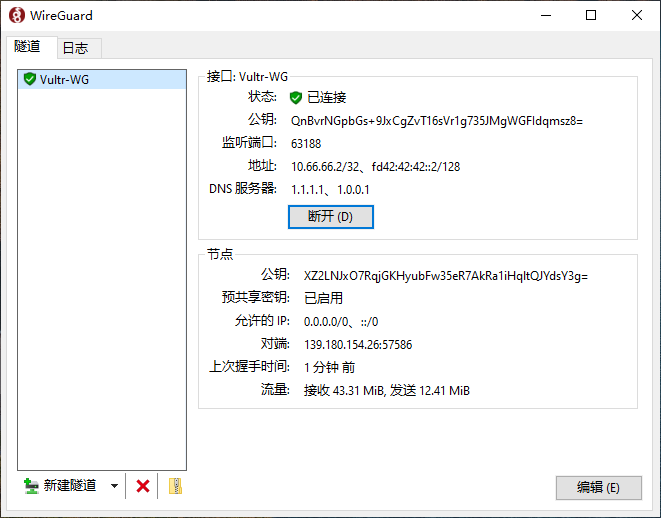
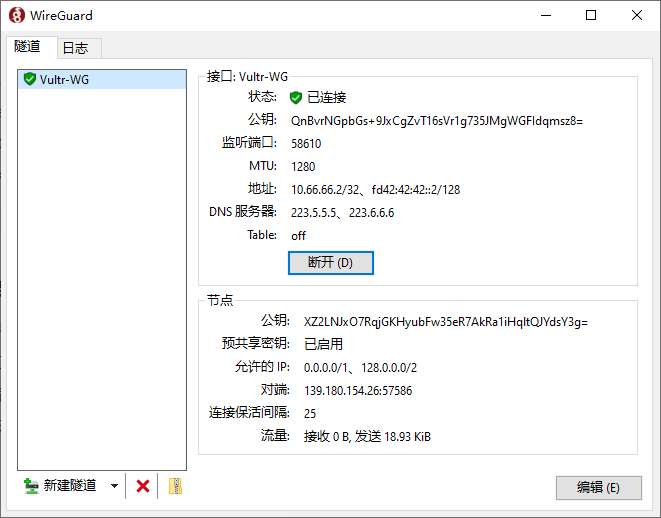
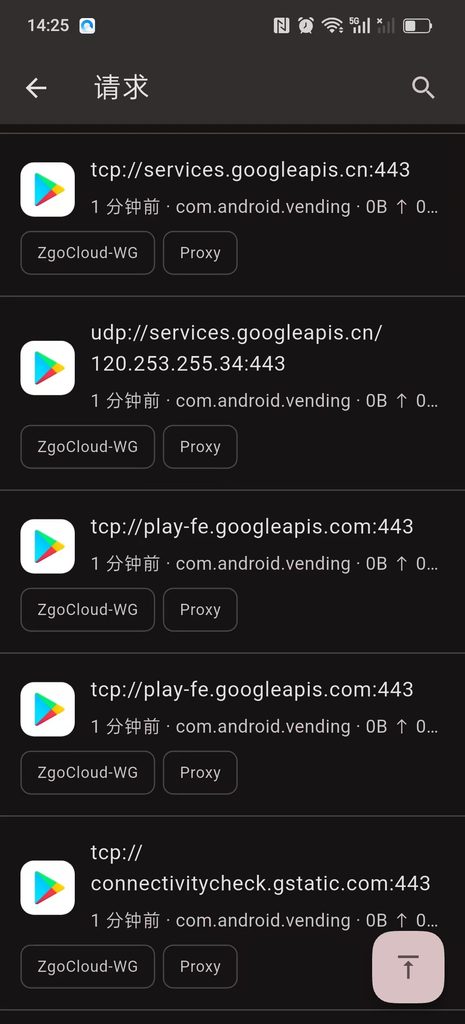
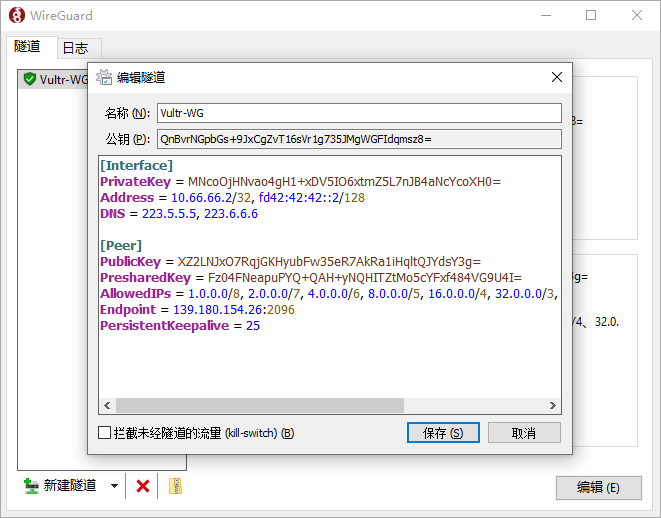
The final available configuration (direct copy use) is shown in Figure 3
[Interface]
PrivateKey = MNcoOjHNvao4gH1...
Address = 10.66.66.2/32, fd42:42:42::2/128
DNS = 223.5.5.5, 223.6.6.6

[Peer]
PublicKey = XZ2LNJxO7RqjGKHyubFw35eR7AkRa1iHqltQJYdsY3g=
PresharedKey = Fz04FNeapuPYQ+QAH+...
# 核心:完整海外IPv4+全覆盖IPv6,实现国内直连、国外走隧道
AllowedIPs = 1.0.0.0/8, 2.0.0.0/7, 4.0.0.0/6, 8.0.0.0/5, 16.0.0.0/4, 32.0.0.0/3, 64.0.0.0/2, 128.0.0.0/1, ::/1, 8000::/1
Endpoint = 139.180.154.26:2096
PersistentKeepalive = 25
Configuration instructions (use with confidence, no extra operations)
- IPv4 part: 1.0.0.0/8 ~ 128.0.0.0/1 This series of network segments completely covers all overseas IPv4 addresses, and at the same time avoids domestic IPv4 Network segment, realizing direct domestic connection and foreign tunnels.
- IPv6 part: keep the correct ::/1, 8000::/1, fully cover all IPv6 addresses, ensure that the overseas IPv6 traffic goes through the tunnel normally.
- Other parameters: no need to modify privatekey, endpoint, etc., just replace allowedips.
Steps (3 steps to get it) - Open the WireGuard client and edit the current configuration file;
- Delete the original allowedips line and copy the full allowedips replacement above;
- Save the configuration, disconnect the WireGuard connection and reactivate it, and test the access.
5. Test effect (test verification)
After the configuration is modified, reconnect to WireGuard, the test results are as follows:
- Domestic websites: Baidu, Taobao, B station, WeChat, etc., all directly connected, the speed is the same as when the agent is not opened;
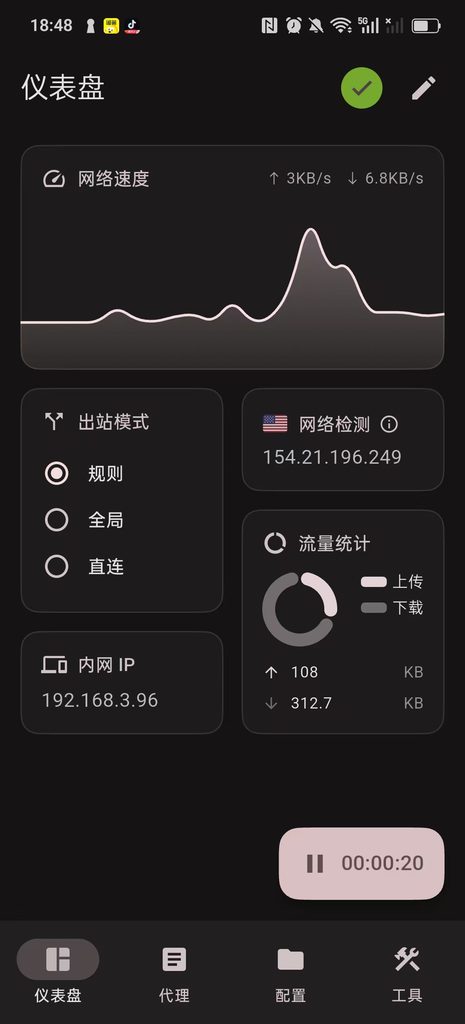
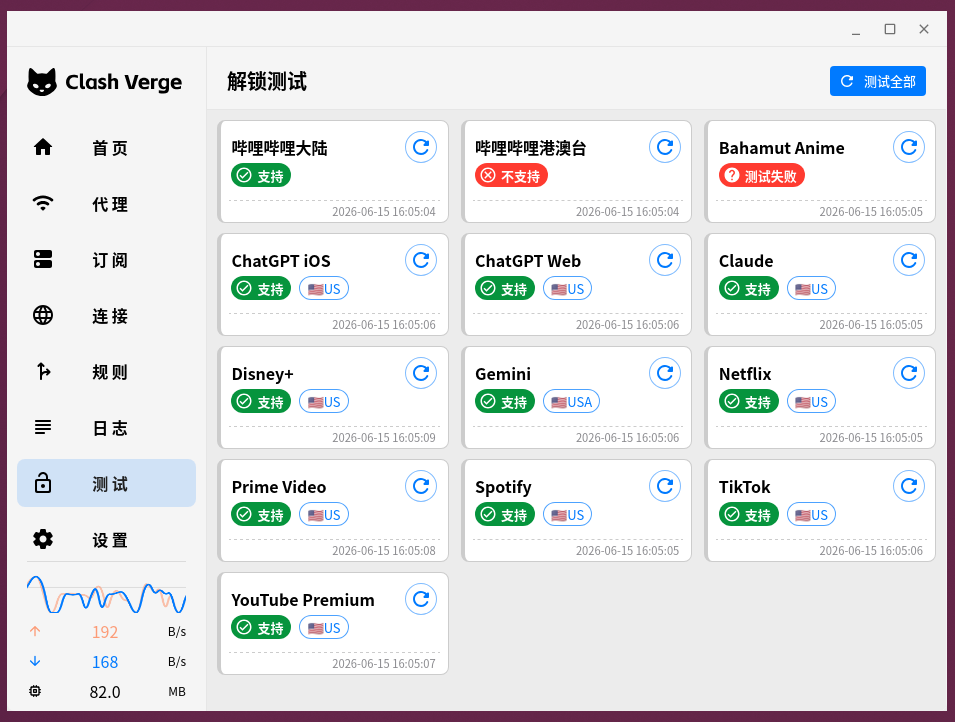
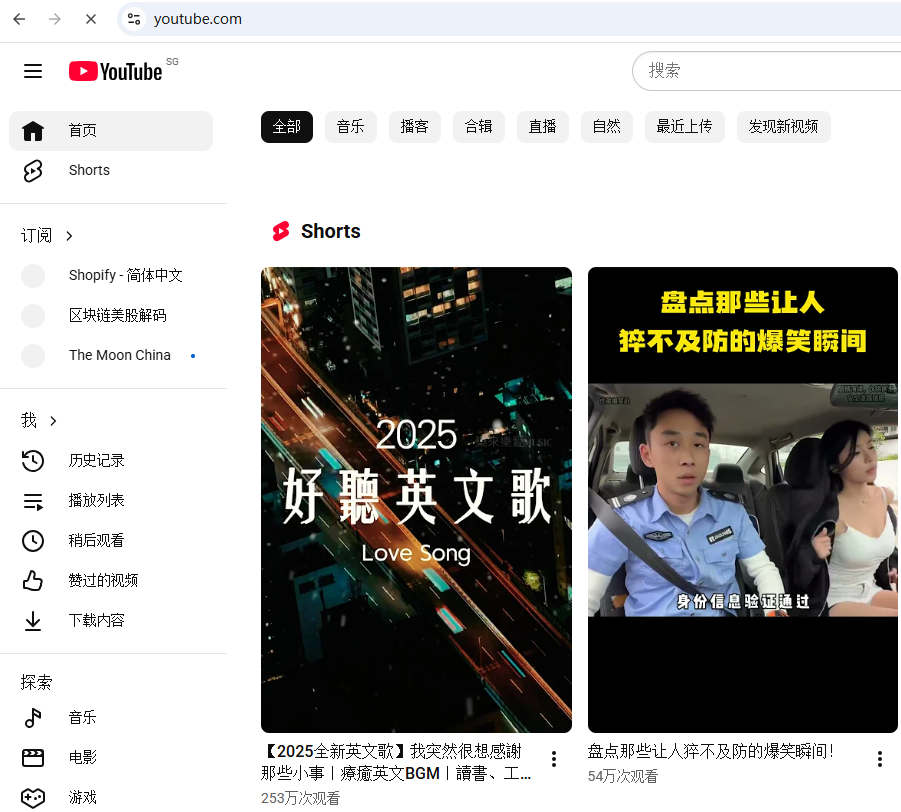
- Overseas websites: chatgpt, youtube, google translation, v2ex (Note: I thought this is a domestic website, but I didn’t expect the server to be abroad), etc., all opened normally, smooth without lag; as shown in Figure 4
- There is no need to increase the server bandwidth, the basic 1C1G server can meet daily use (suffice to brush youtube, and use ChatGPT is enough).
6. Summary of the pits (key notes)
- Do not use 0.0.0.0/1, 128.0.0.0/2 as an IPv4 shunting rule, which will miss a lot of overseas IP, which will cause some overseas websites to be inaccessible;
- IPv6 shunts ::/1, 8000::/1 can be fully covered without modification;
- Overseas websites cannot be opened, and priority is given to checking the allowedips network segment coverage, rather than server bandwidth (in most cases, it has nothing to do with bandwidth);
- If you want to connect directly to domestic + go abroad, you can directly use the complete allowedips provided by this article, without additional configuration, one-click to do it.
If there are still some overseas websites that cannot be accessed after the modification, the high probability is that the IP of the website is not in the summary network segment, you can leave a message to feedback, and add accurate routing rules. I hope this blog can help friends who are also tossing the diversion of Wireguard, step less on pits and take less detours!
Leave a Reply