Install the Yoast SEO plugin in WordPress to increase the index volume of personal blogs in search engines, thereby increasing the number of views brought by search engines
1. Search in Google: Site:www.shuijingwanwq.com,其索引量为1240. as shown in Figure 1
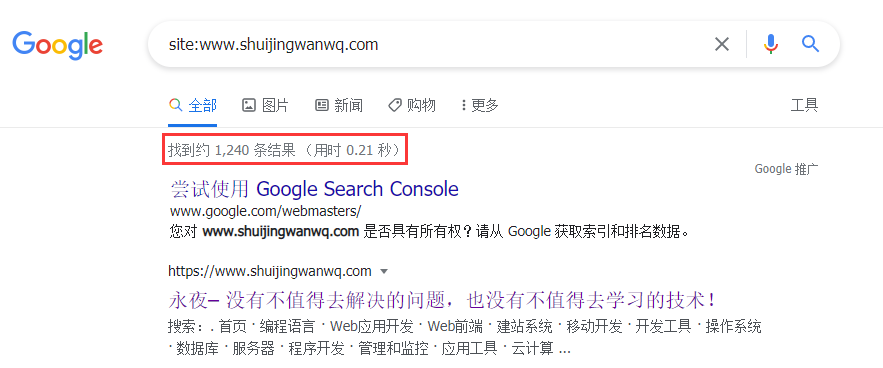
Figure 1
2. Search in Baidu: Site:www.shuijingwanwq.com,其索引量为7199. as shown in Figure 2
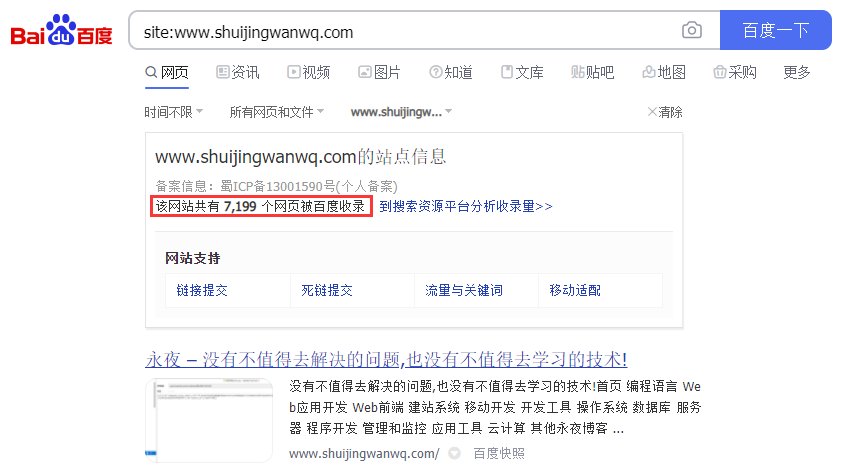
Figure 2
3. Search in Bing: site:www.shuijingwanwq.com,其索引量为3570. as shown in Figure 3
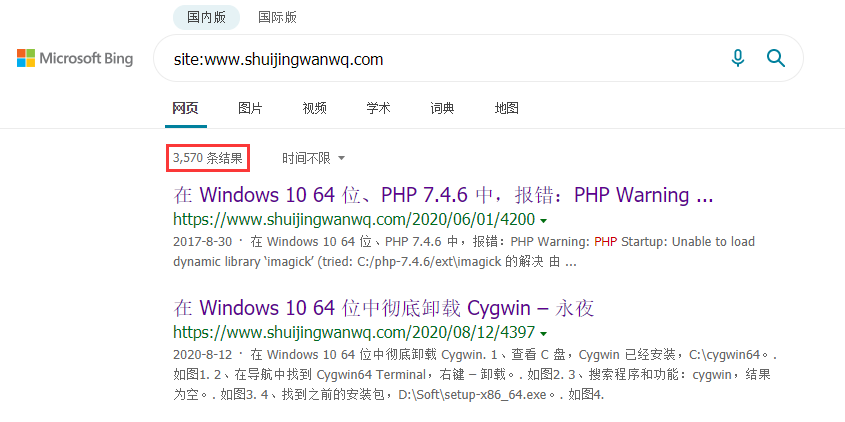
Figure 3
4. In Baidu statistics, Baidu accounted for 74.74% of the top 10 page views, Google accounted for 5.12%, and cn.bing.com accounted for 2.84%, and it is expected to pass SEO Increase the index volume, pageviews and ratio of the latter two. as shown in Figure 4
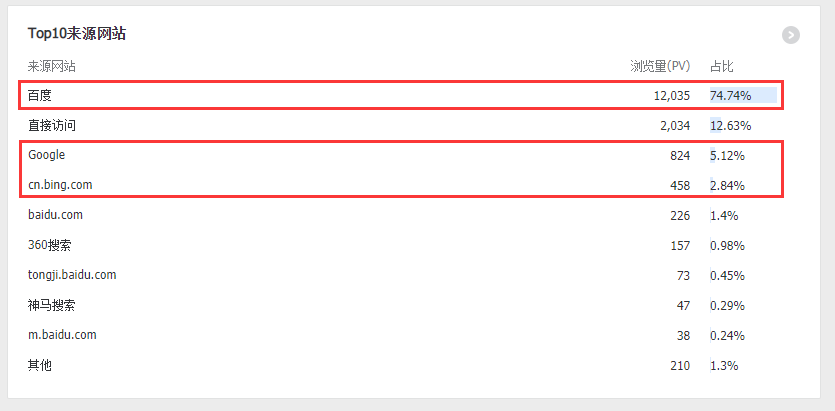
Figure 4
5. Search in the WordPress plugin: SEO, select Yoast SEO. Because it has the highest installation volume, it is more than 5 million installed installations. as shown in Figure 5
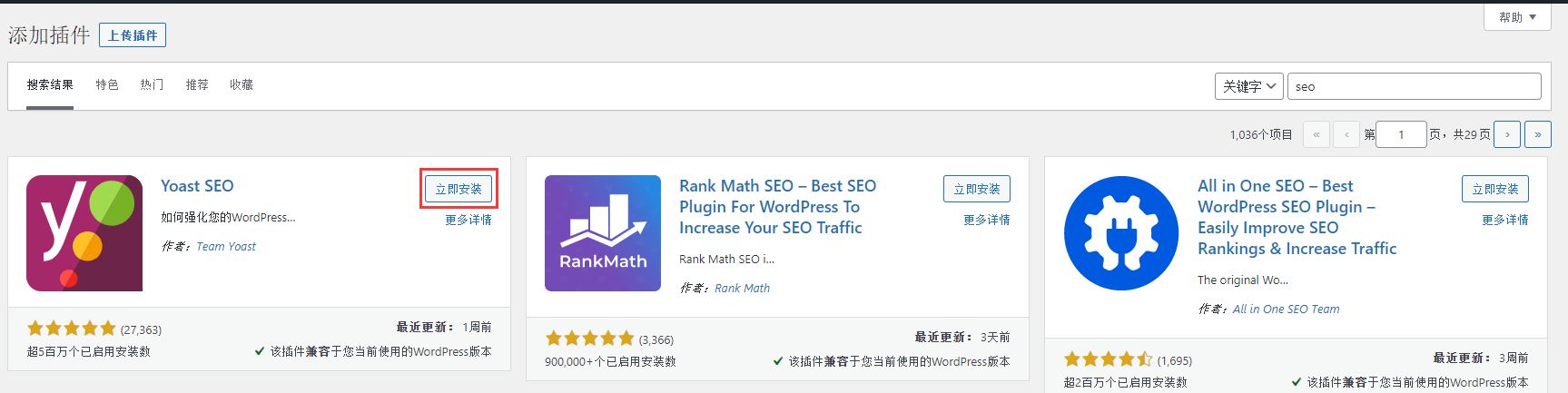
Figure 5
6. SEO – Use Yoast SEO to quickly start the configuration wizard!. as shown in Figure 6
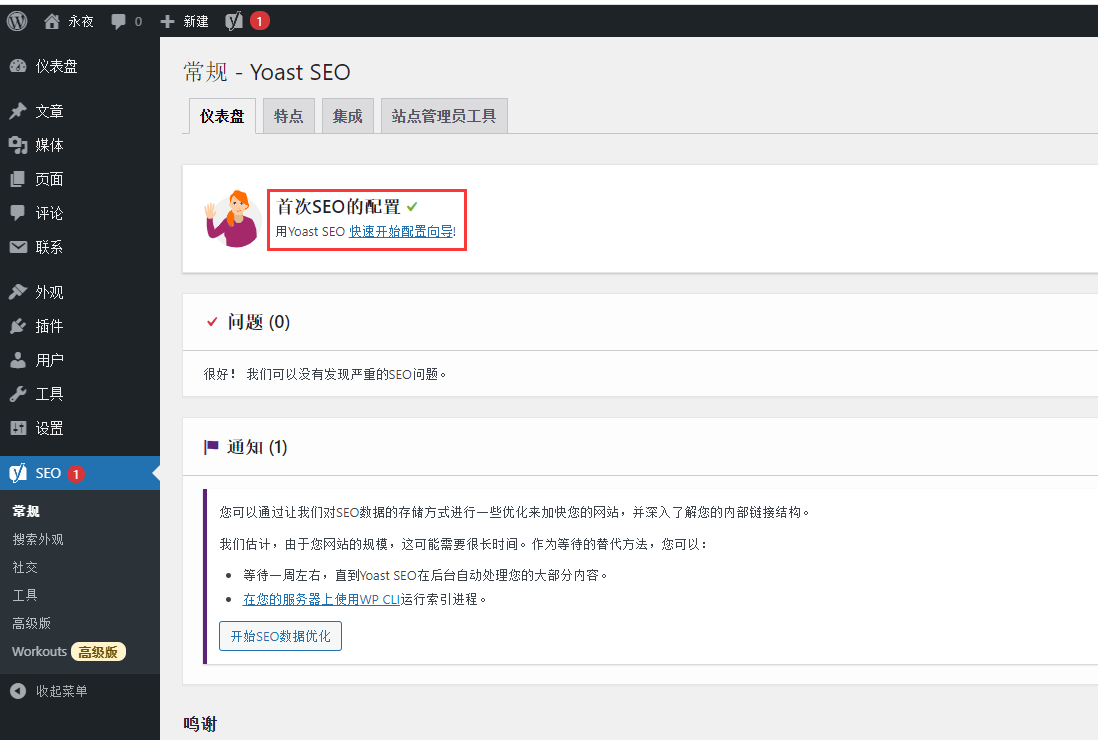
Figure 6
7. Yoast SEO for WordPress installation wizard. Option A: My site is running and ready to index. as shown in Figure 7
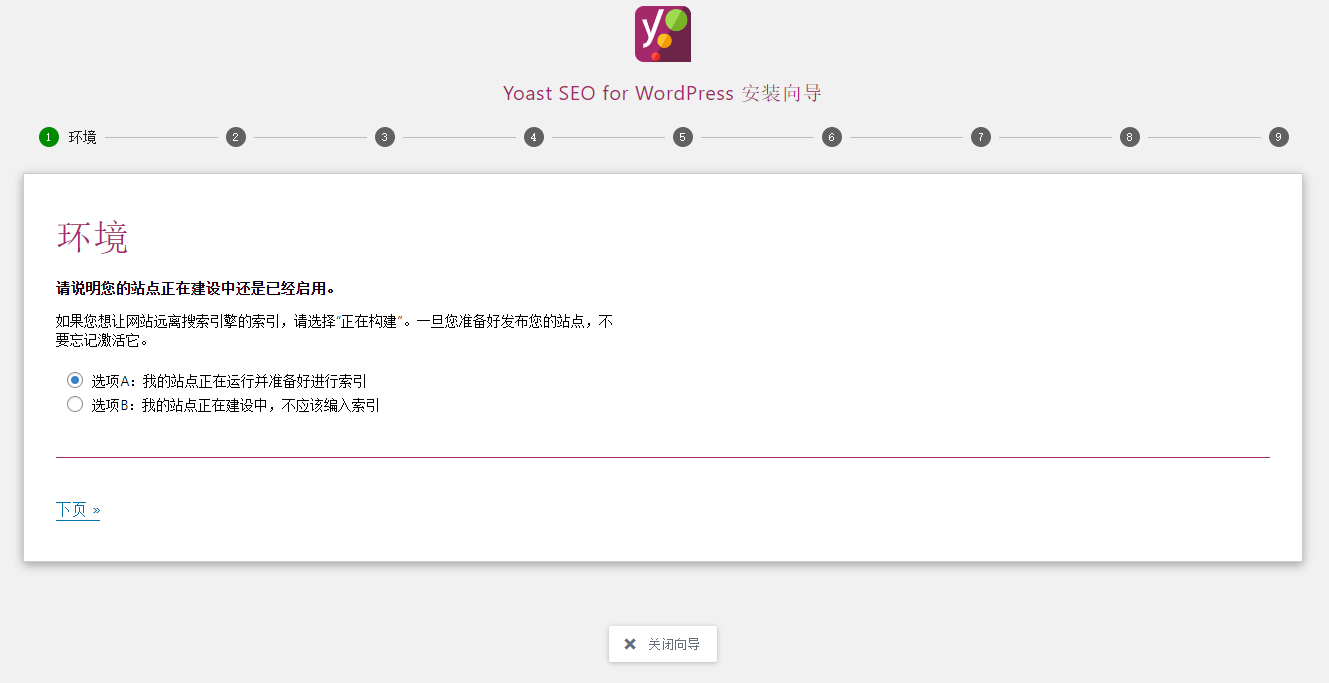
Figure 7
8. Site type. stationhttps://www.shuijingwanwq.com代表了什么?一个博客。如图8
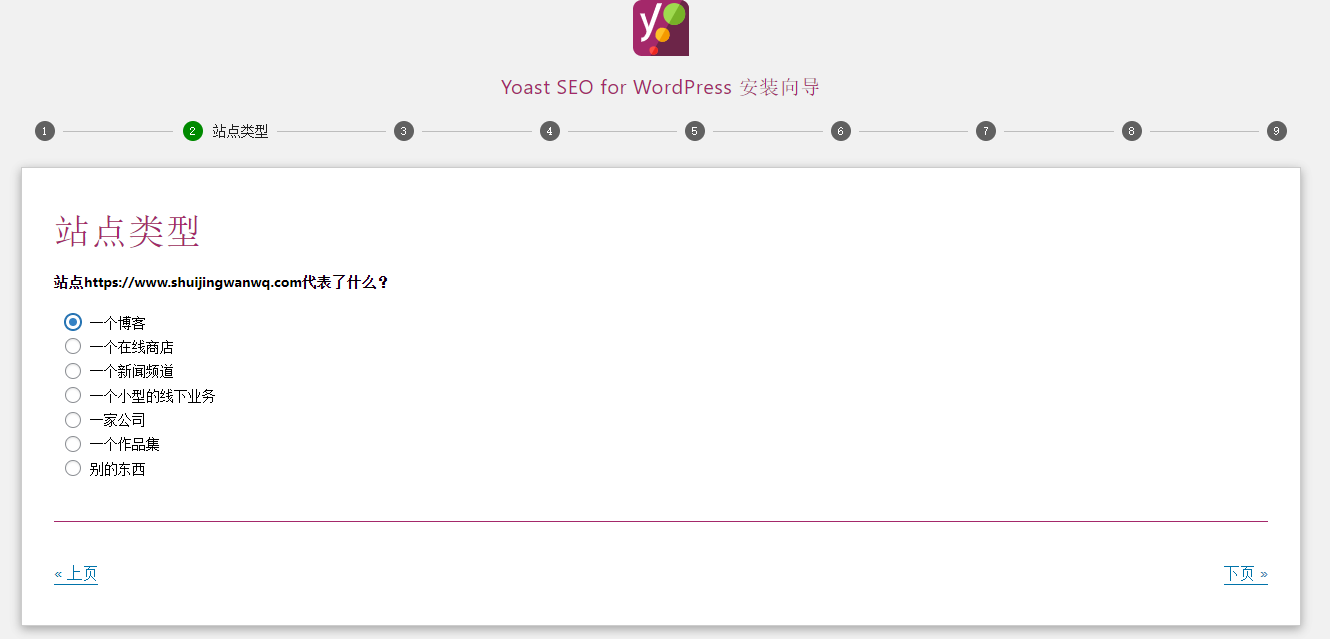
8
9. Organization or individual. Does your website represent individuals or organizations? individual. as shown in Figure 9
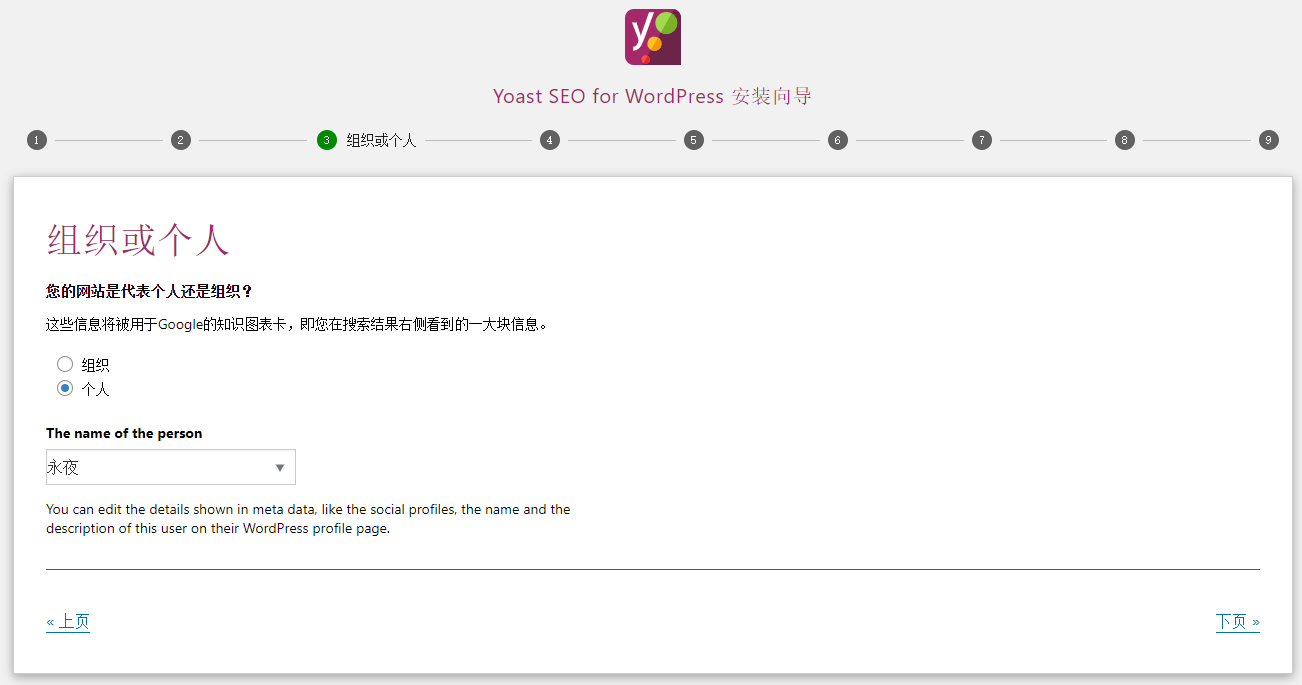
Figure 9
10. Search engine visibility. Specify the type of content to display in the search engine. If you don’t know the difference between these settings, it’s better to choose the default settings. Search engines should display “articles” in search results: yes. Search engines should display “pages” in search results: yes. As shown in Figure 10
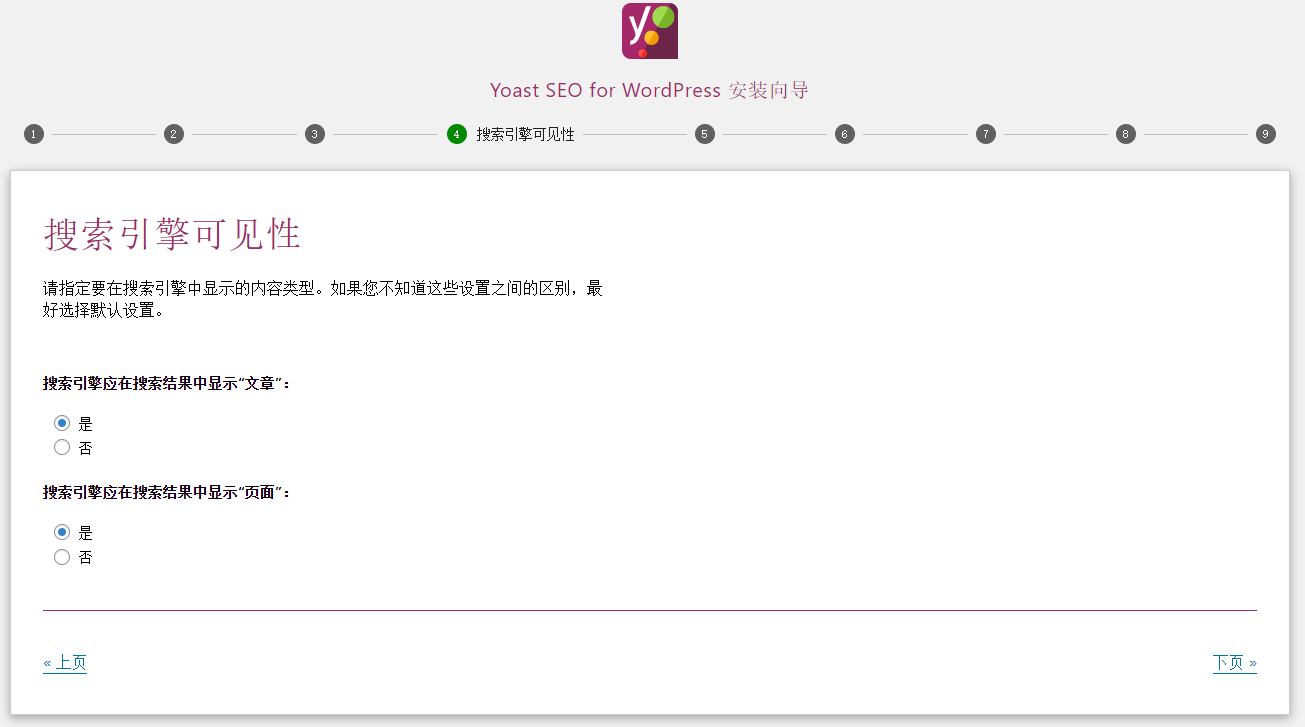
Figure 10
11. Multiple authors. Does your site have multiple authors? If “No” is selected, your author archive will be disabled to prevent duplicate content problems. no. as shown in Figure 11
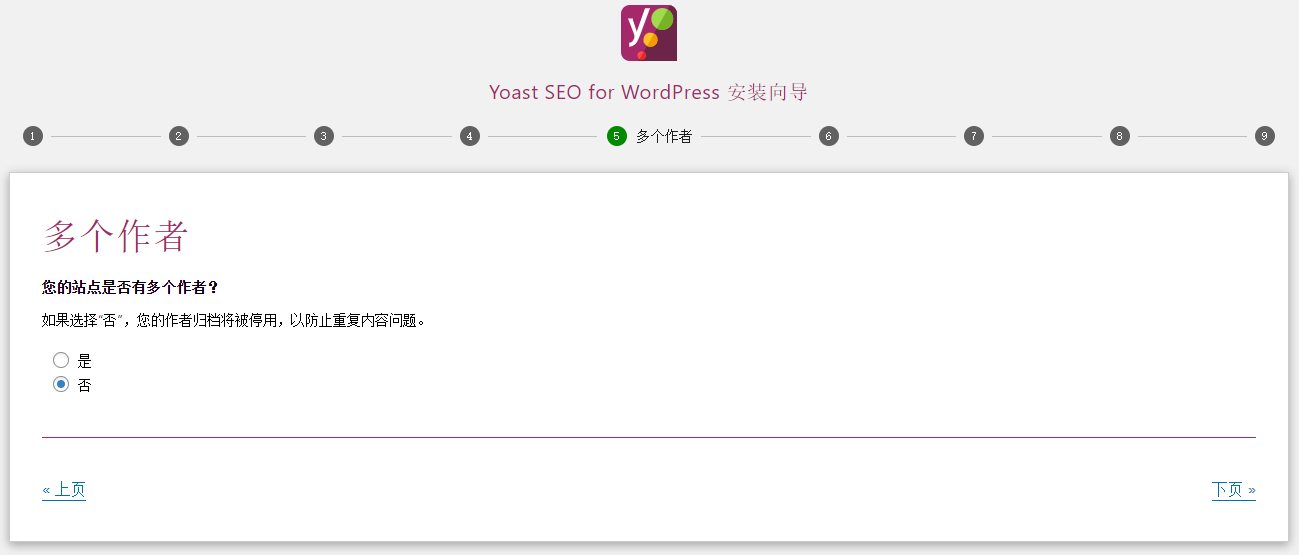
Figure 11
12. Title settings. On this page, you can change the site name and select the separator you want to use. For example, the separator will be displayed between your article title and website name. Symbols are displayed in the size they will display in search results. Choose the one that works best for you or take the least amount of space in the clip. -. as shown in Figure 12

Figure 12
13. Help us improve Yoast SEO. At Yoast, we are always keen to provide you with the best experience. For this, we want to collect some data about other plugins and themes you have installed and what features you use and don’t use. Rest assured, we will never resell this data. Of course, as always, we will not collect any personal data about you or your visitor! Learn more about our usage tracking. Can we collect anonymous information about your site and its usage? OK, you can track my site data! as shown in Figure 13
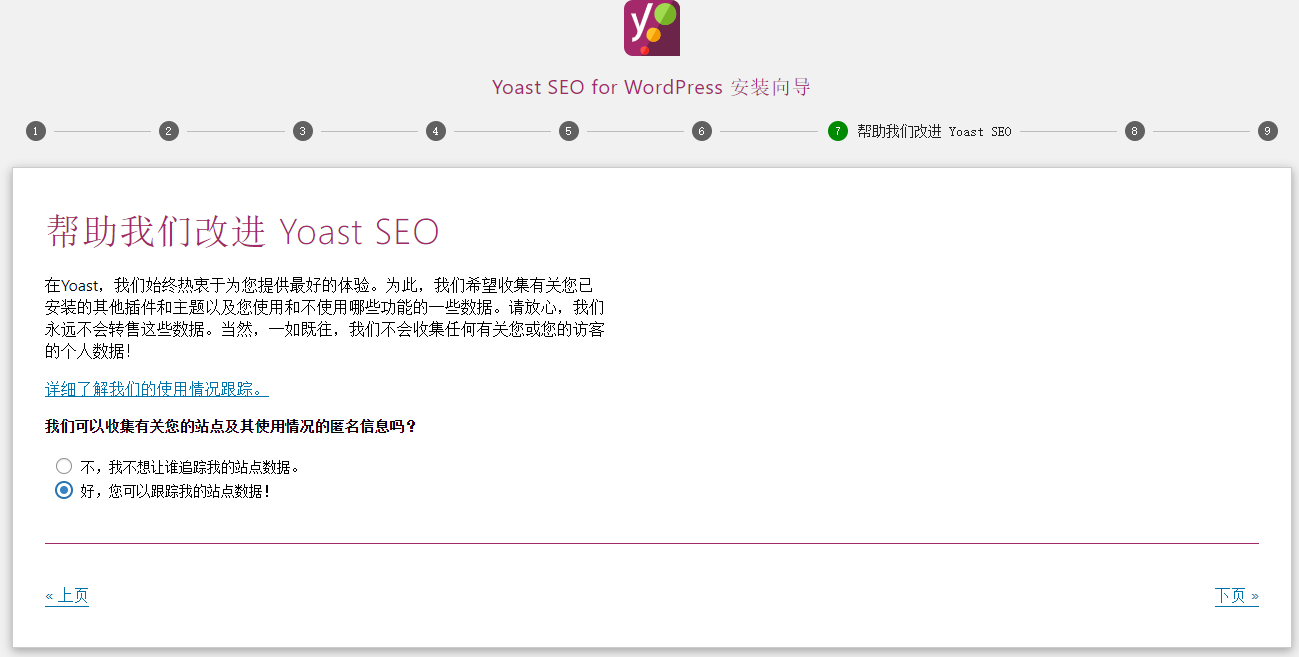
Figure 13
14. Continue to study. If you would like to keep the latest information about Yoast SEO for WordPress, please register our press release and update other cool plugins before Yoast, as well as interesting news and tips from the SEO world. Includes a free MyYOast account to give you access to our free SEO beginner course! Email. shuijingwanwq@163.com. Figure 14
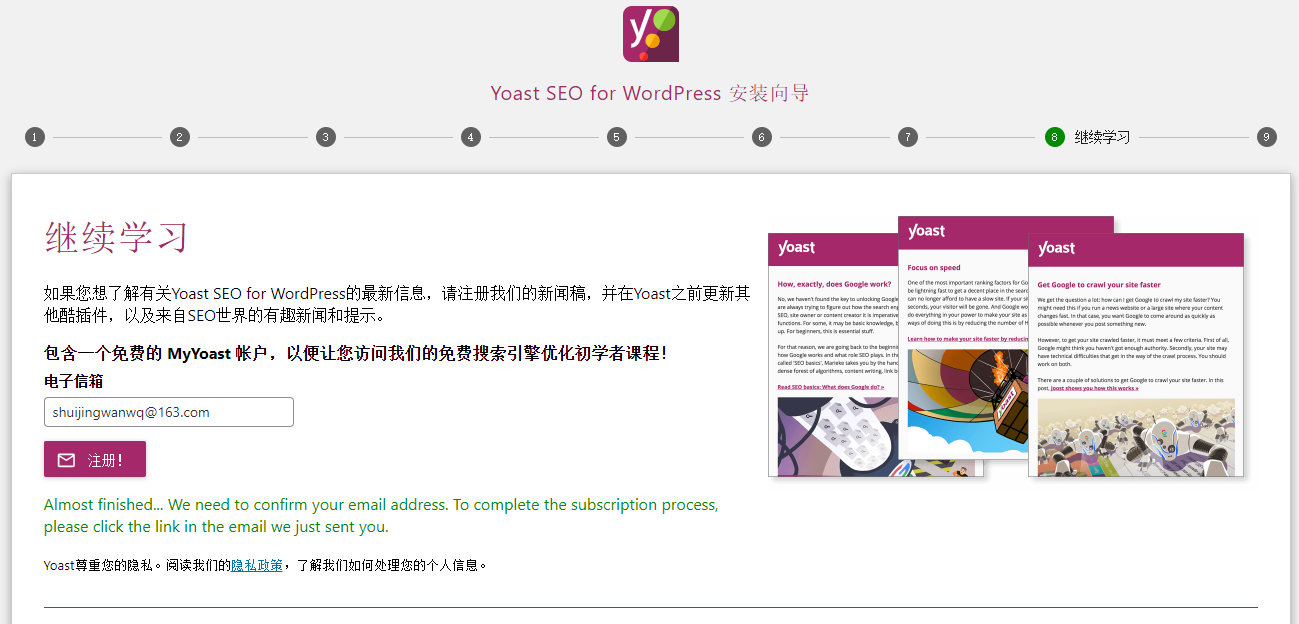
Figure 14
15. Success! You did it! Now, Yoast SEO will be responsible for all the necessary technical optimizations for your website. as shown in Figure 15
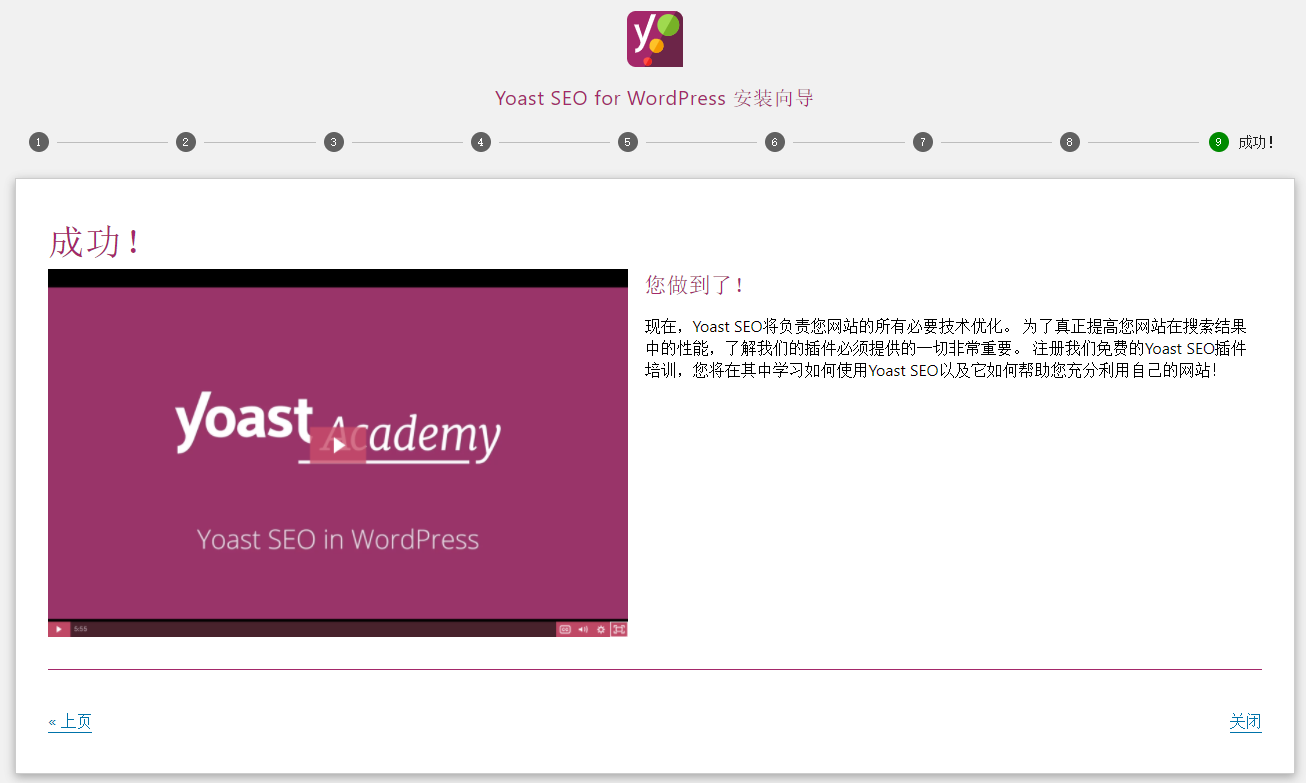
Figure 15
16. Notice (1). Some of your SEO data needs to be reprocessed as your permalink structure has changed. We estimate that this can take a long time due to the size of your website. As an alternative to waiting, you can: wait a week or so until Yoast SEO automatically processes most of your content in the background. Run the indexing process with WP CLI on your server. Start SEO data optimization. as shown in Figure 16
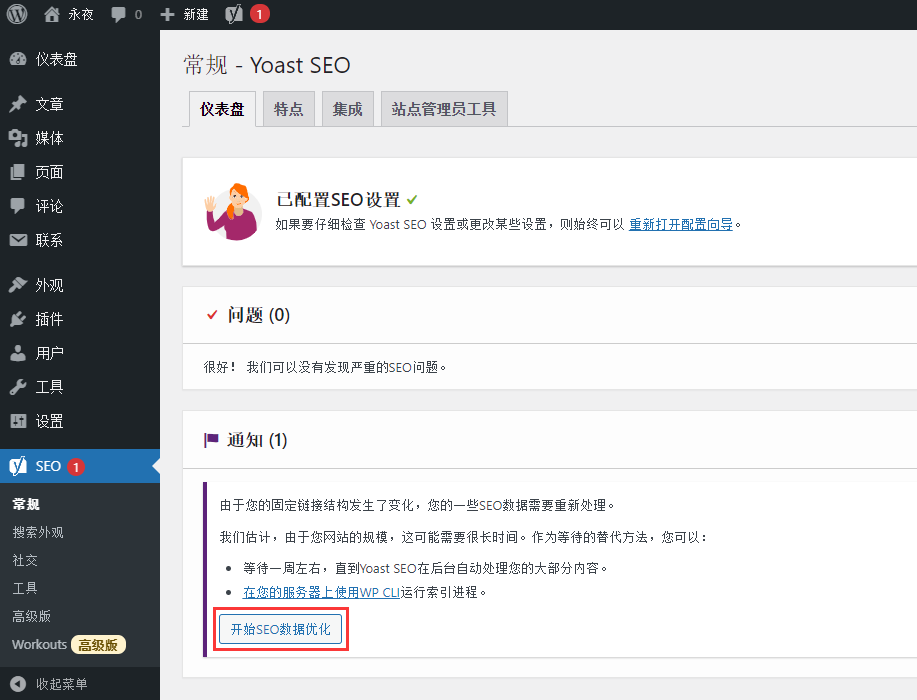
Figure 16
17. Optimize SEO data… This may take a while. SEO data optimization complete. SEO data optimization is completed. Total time spent: 6 minutes. Plan to wait 1 month to see the optimization effect. as shown in Figure 17
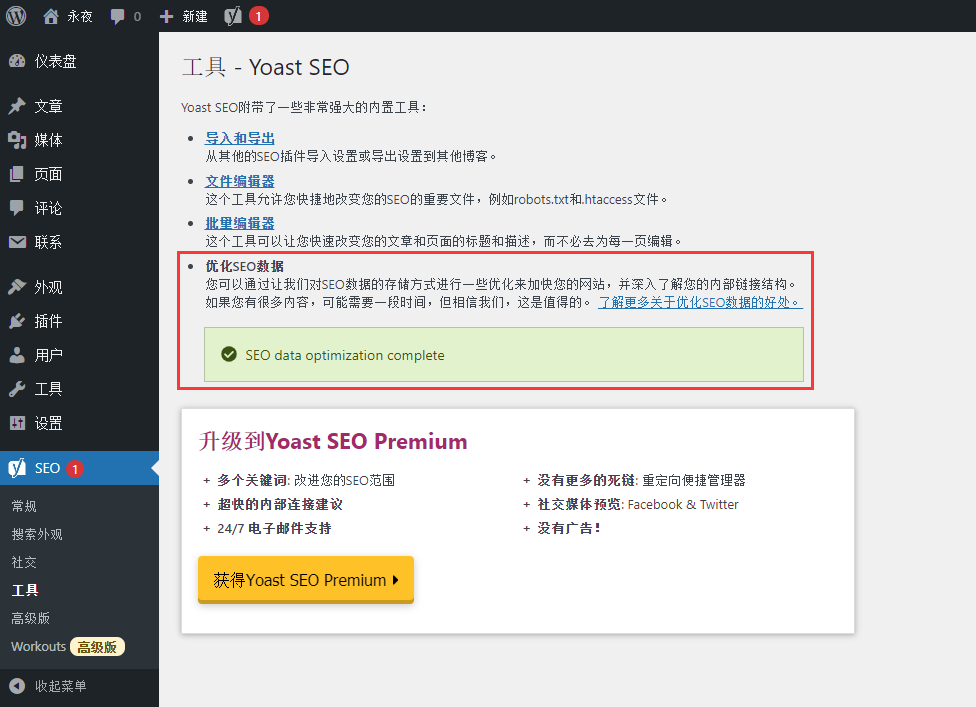
Figure 17