
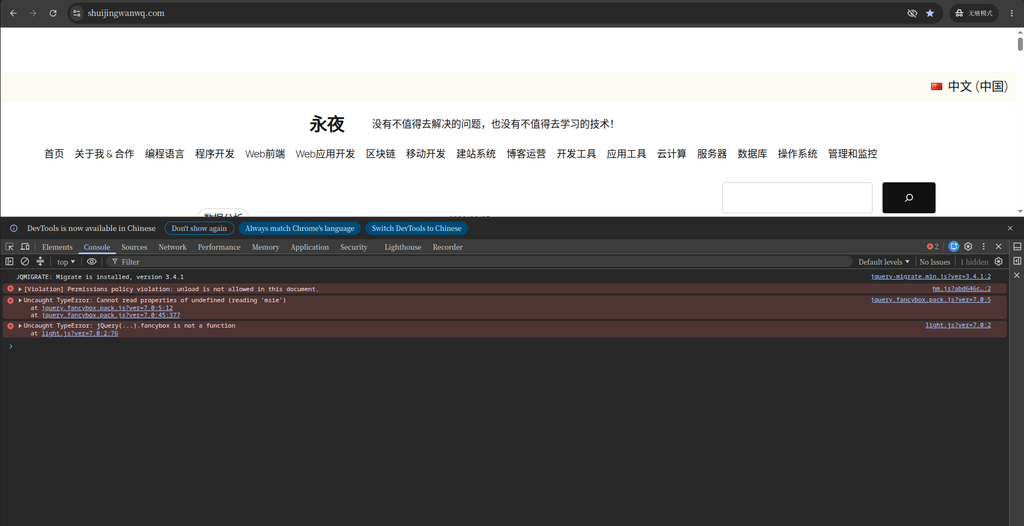
I’ve changed my new WordPress 2025 theme in the last few days, and I’m adjusting the details one by one template at a time. When I tossed to the search result page, I found a problem that looked awkward – it was too long.
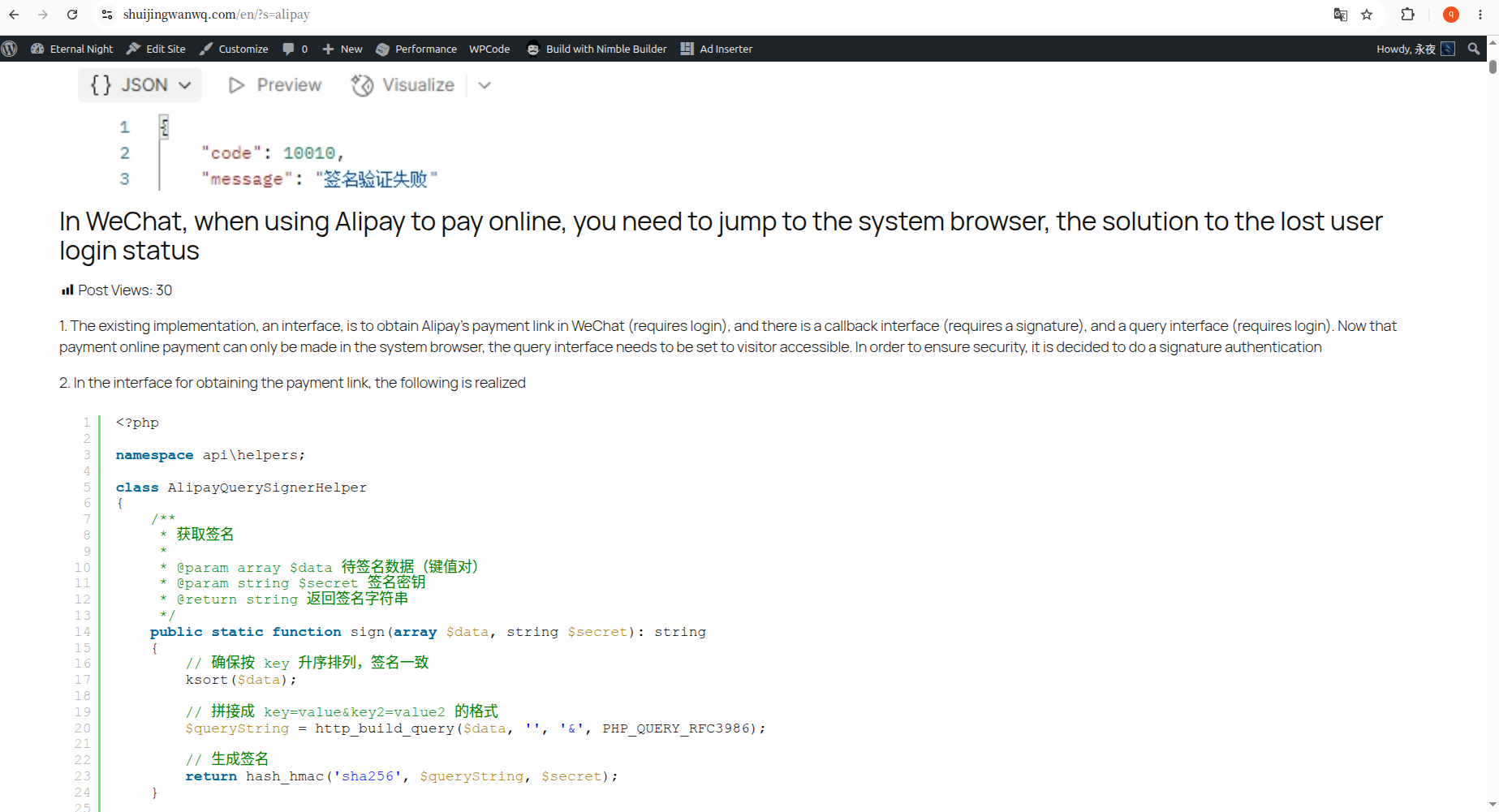
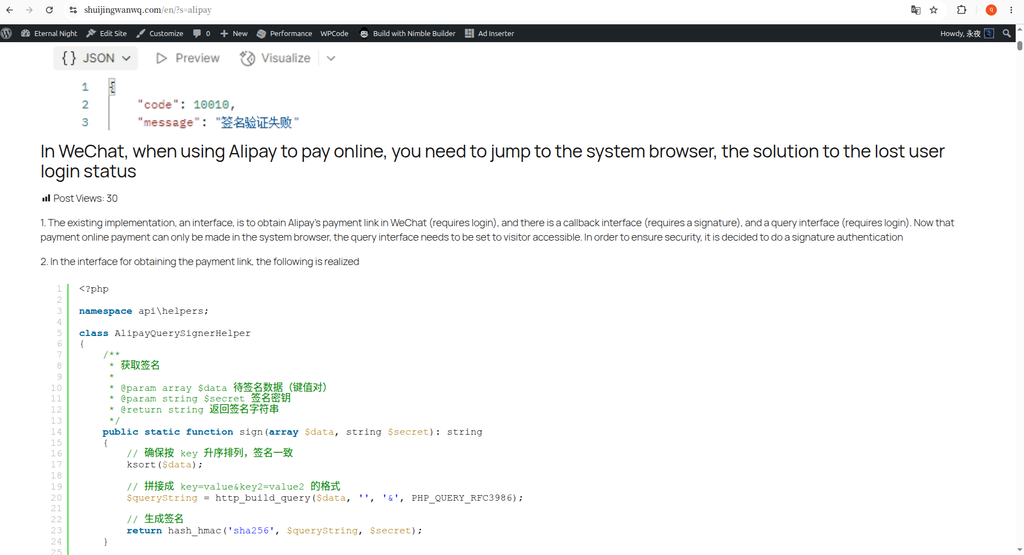
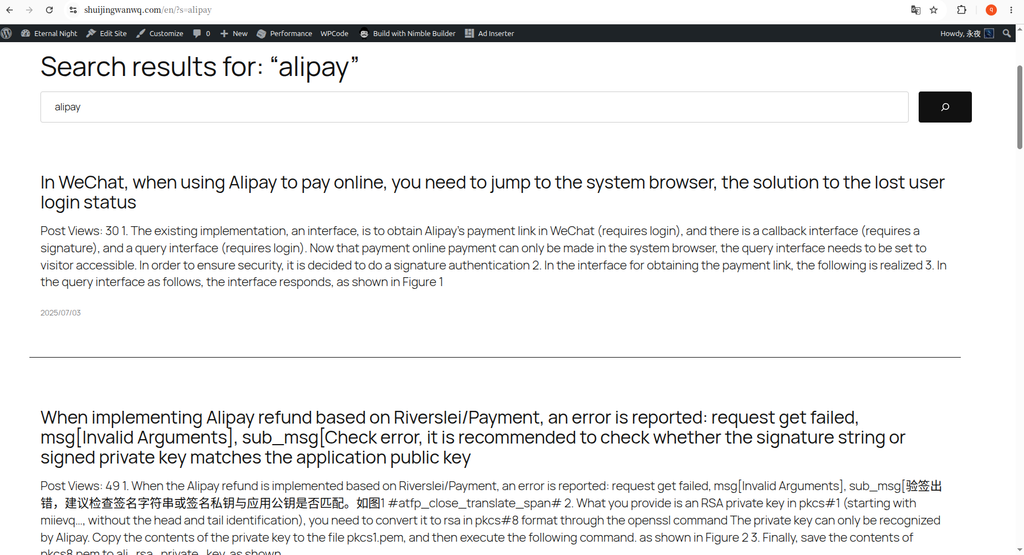
My blog often has large codes and configuration instructions. I searched for ‘alipay’ to see the effect. Good guy, the whole page was so long that the content of the pictures and the full article were so long, and it took a long time to see the next result. This is not a search result page, it is like directly hitting the entire article on the face.
So I decided to change it, and the goal is very simple:Let the search result pages return to the pure list form, only the title and summary are displayed, which is neat and neat.
Take a look at what it looks like before the transformation
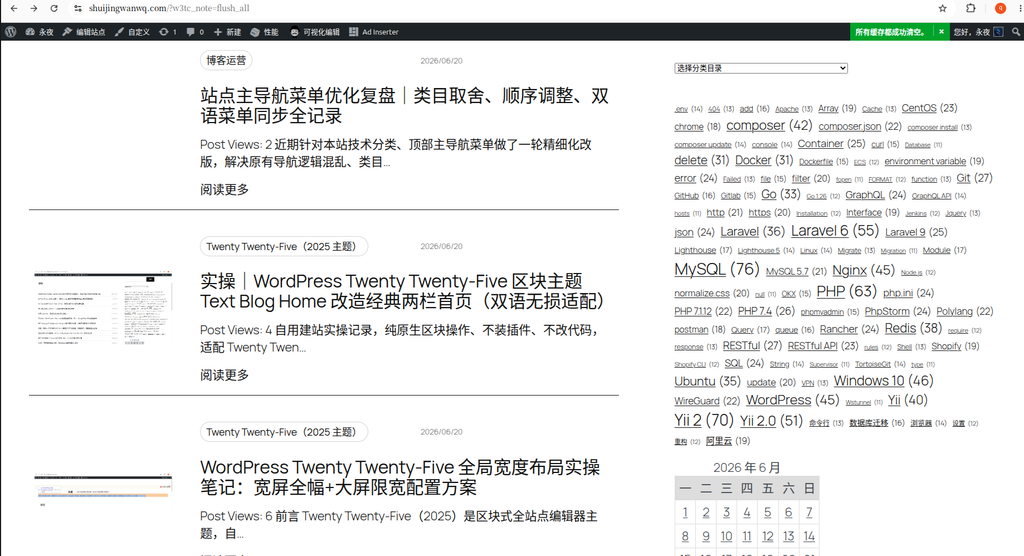
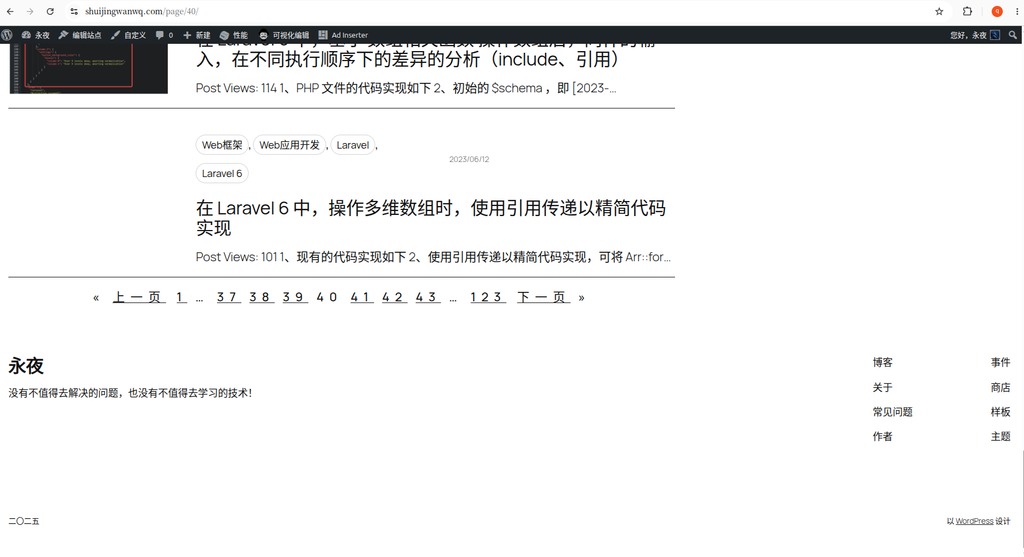
Searching for the results of ‘alipay’, each article brings a large-sized feature picture, followed by the complete body content. There are also code snippets in my article, all of which are pulled out and displayed in the list. The page is infinitely elongated, and the layout is also messy. as shown in Figure 1
My idea is: the user finds the result, just wants to quickly determine which article he needs, there is no need to read a whole article on the search page.
Start to change: delete the content block and put on the abstract block
Enter the background, the path is Appearance → Editor → Templates → Search Results.
In the query loop, I selected the ‘content’ block and prepared to delete it.
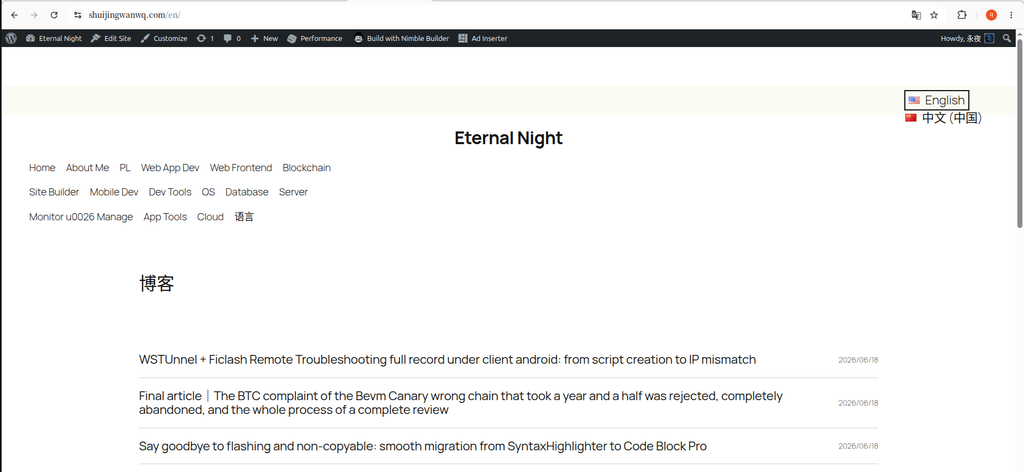
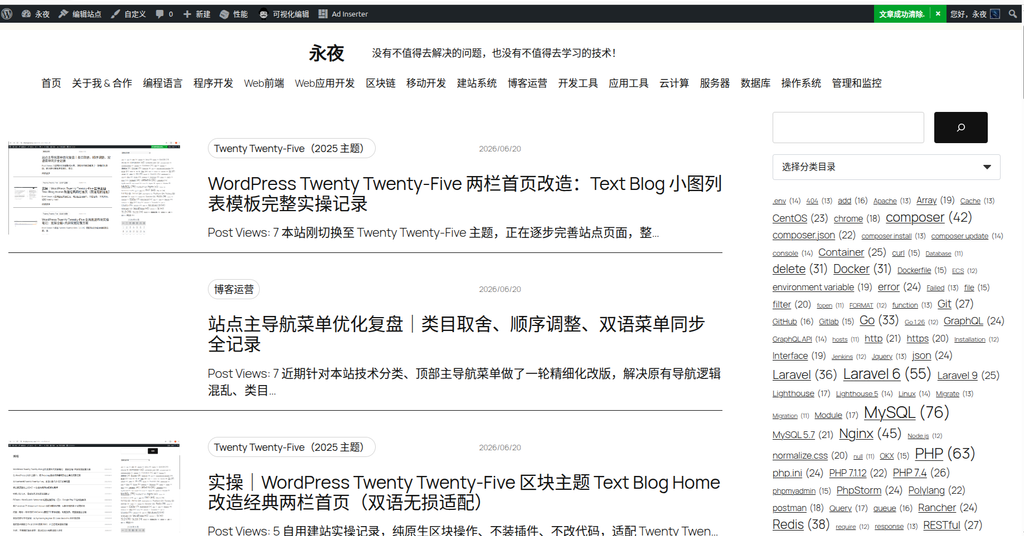
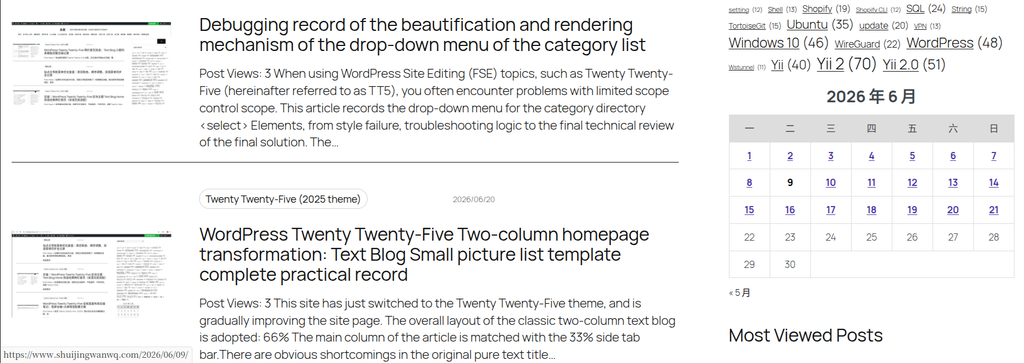
At this time, the system pops up a prompt box, to the effect that ‘delete this block, the page using the template will not display any content, and the visitor will see a blank page’, as shown in Figure 2.
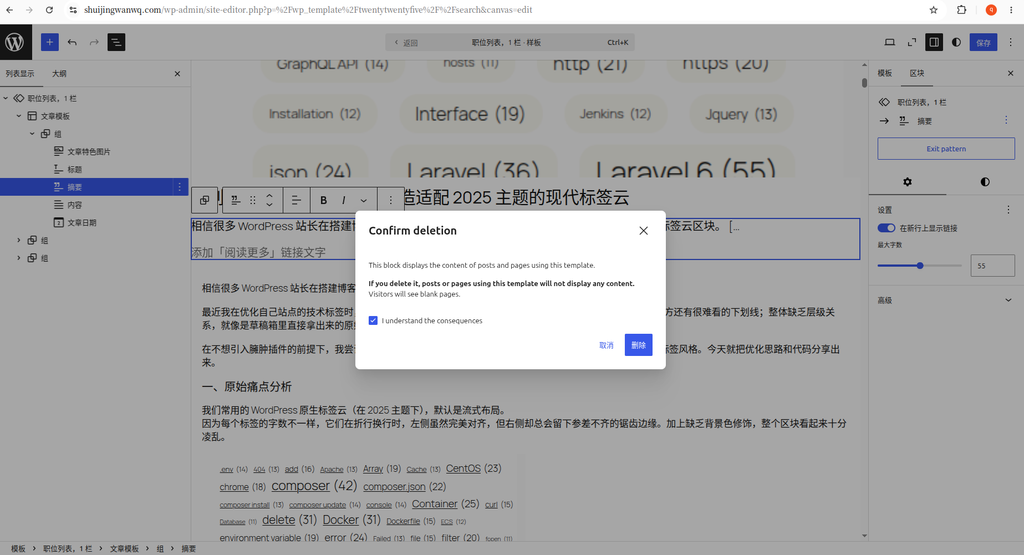
Honestly, I was really stunned when I first saw this prompt. But on second thought, this warning is for the current template (search result page), deleting the content block will only affect the display of the search result page, and the details page of a single article is completely unaffected. So don’t worry, click to confirm deletion.
After deleting the ‘content’ block, I also deleted the ‘article picture’ block together. Each article in the search list is equipped with a large picture, which takes up too much space, and to be honest, it has no practical significance in this scenario.
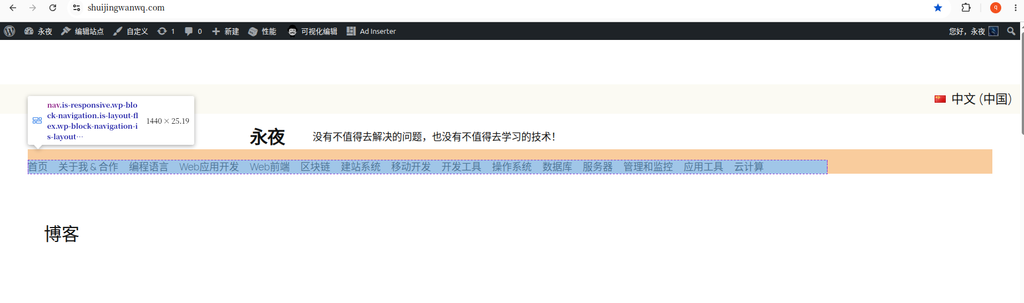
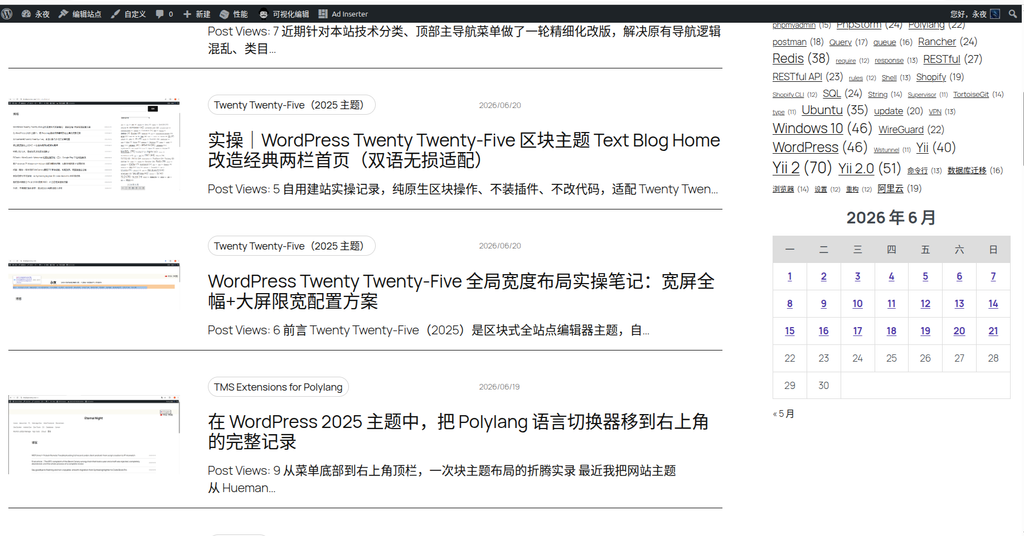
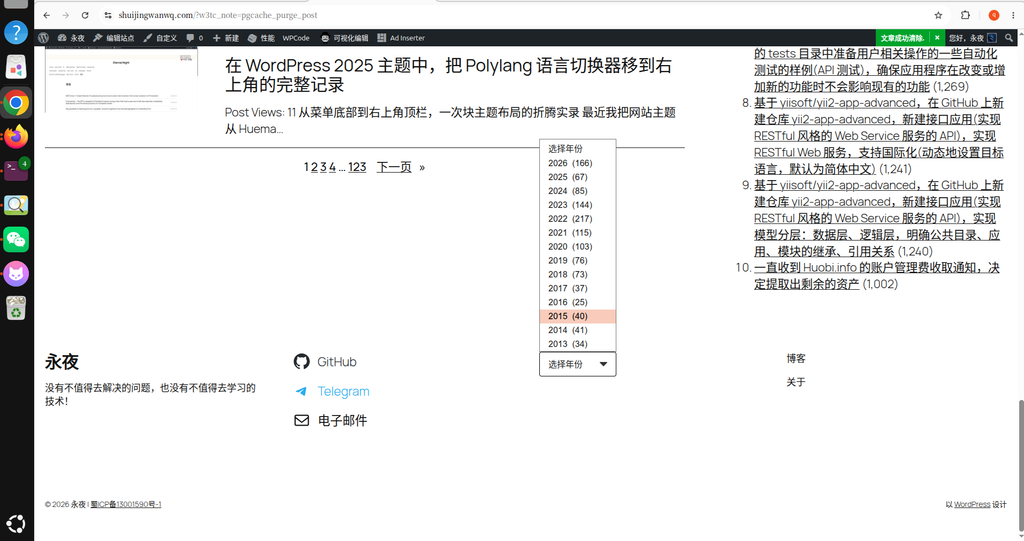
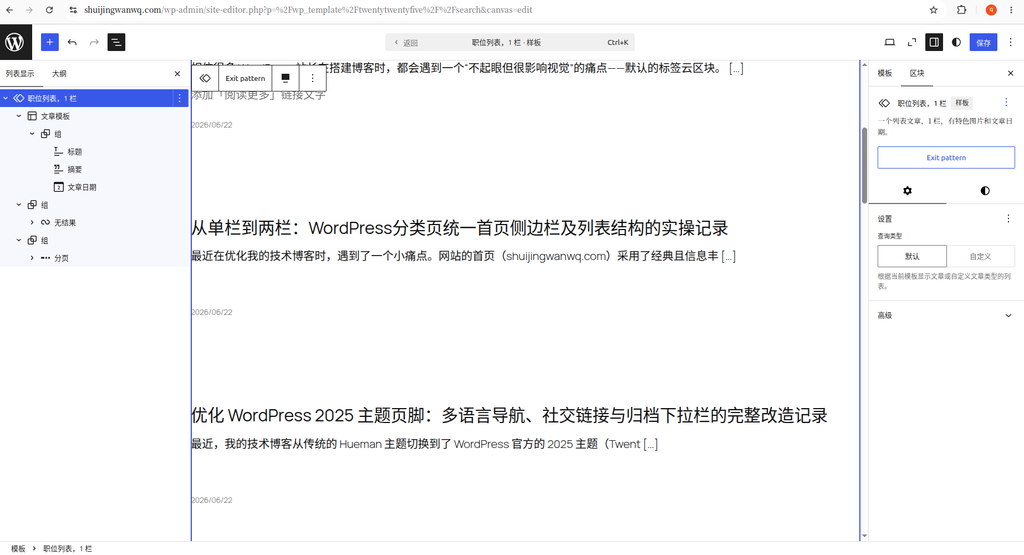
Next, add a ‘Summary’ block below the title, as shown in Figure 3. In this way, the search results have become a concise list of ‘Title + Summary + Date’, which is much more refreshing.
Why do I keep a single bar without adding a sidebar
After changing the summary, I actually considered a question: do you want to add the right sidebar to the search result page like the classification page?
After thinking about it, I decided not to add it. Two reasons:
First, the frequency of use of the search result pages is not high. Users come in with clear keywords, and they leave at a glance. There is no need to stack so many elements on this low-frequency page.
Second, it is also good to keep the search result pages and the classification list pages a certain visual difference. The category page is responsible for the function of ‘browsing and discovering’, and it is reasonable to recommend popular articles with the sidebar; the search page is more inclined to the attributes of the tool, and the minimalist design of the single-column makes users more focused on the matching result itself.
The effect after the change
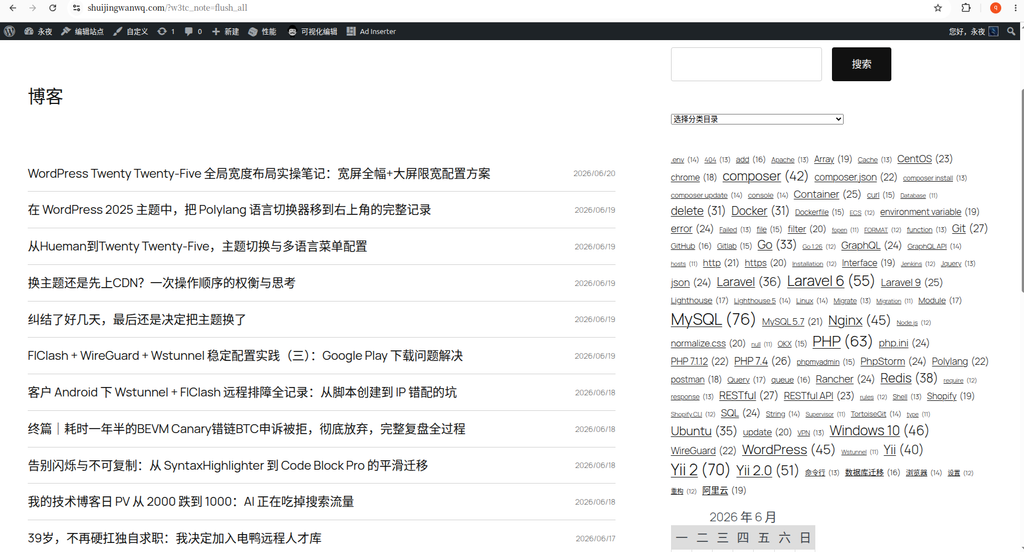
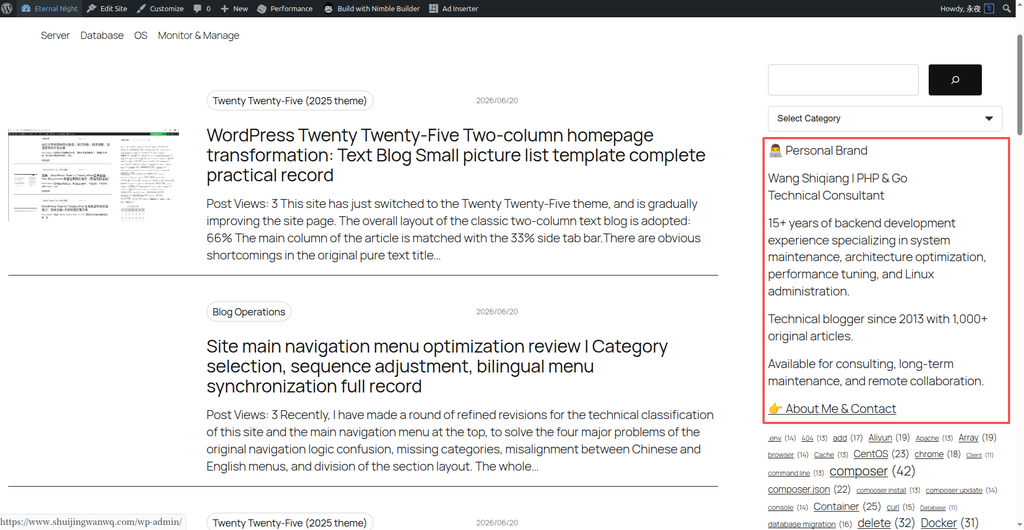
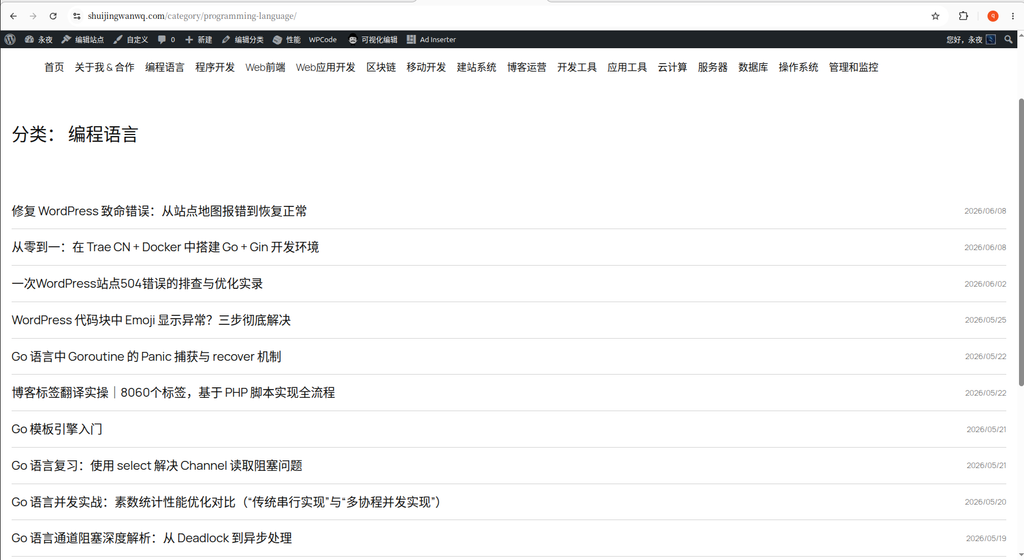
The final effect is shown in Figure 4, which is clean. No big picture, no full text overflow, only title, short summary and release date. The purpose of quickly positioning information can be achieved within one screen.
This change is actually very small. I only made a few clicks in the site editor, but I didn’t move a line of code. But it is this small adjustment that makes the experience of the search results page to a higher level.
Leave a Reply