
problem background
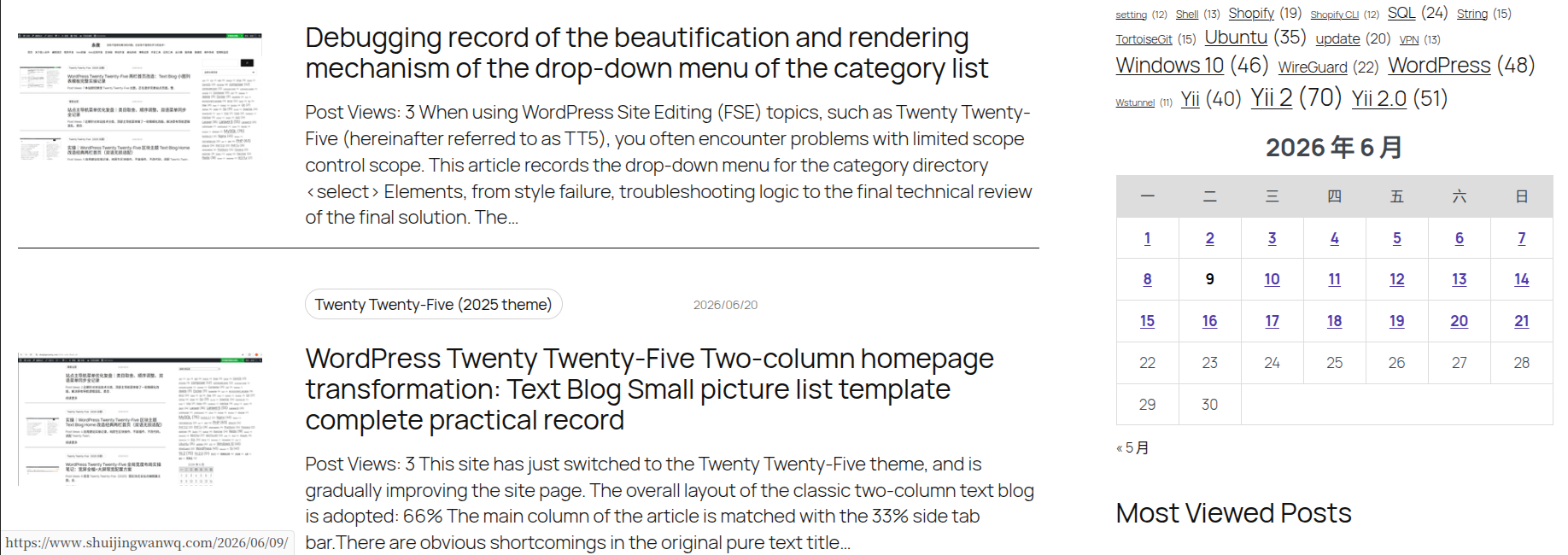
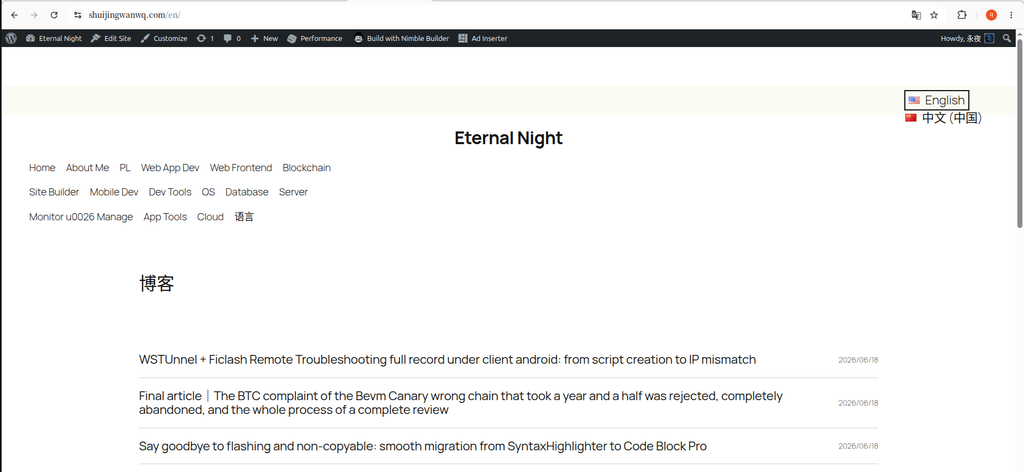
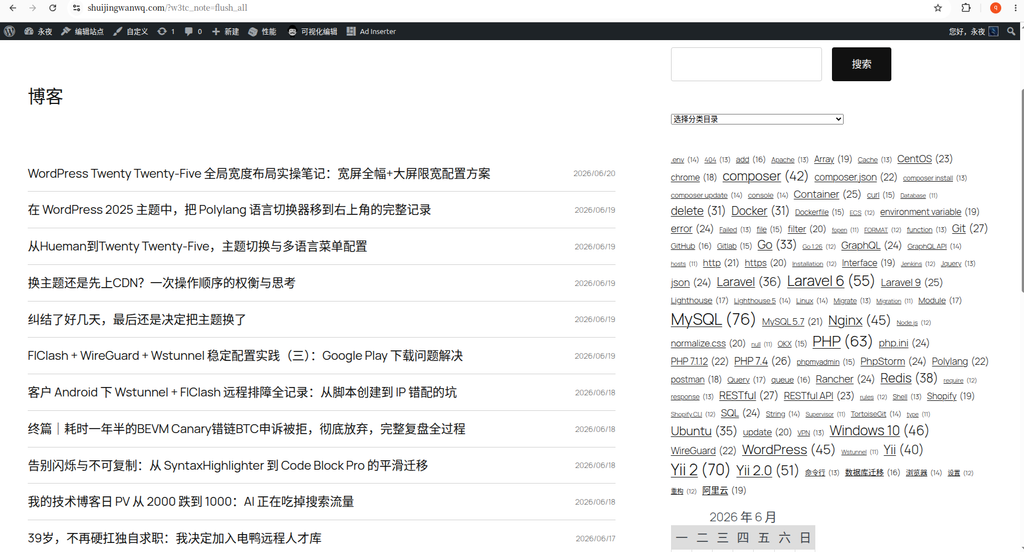
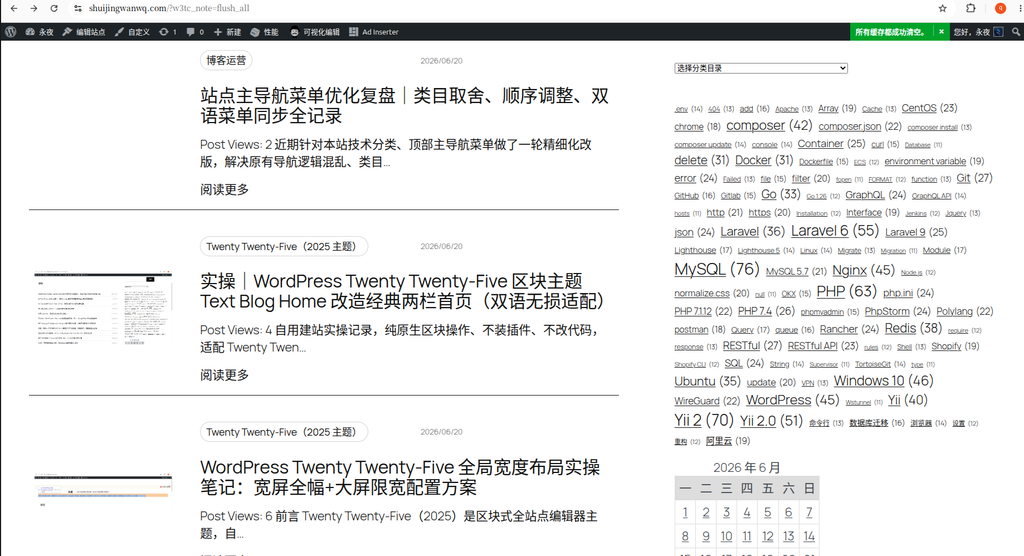
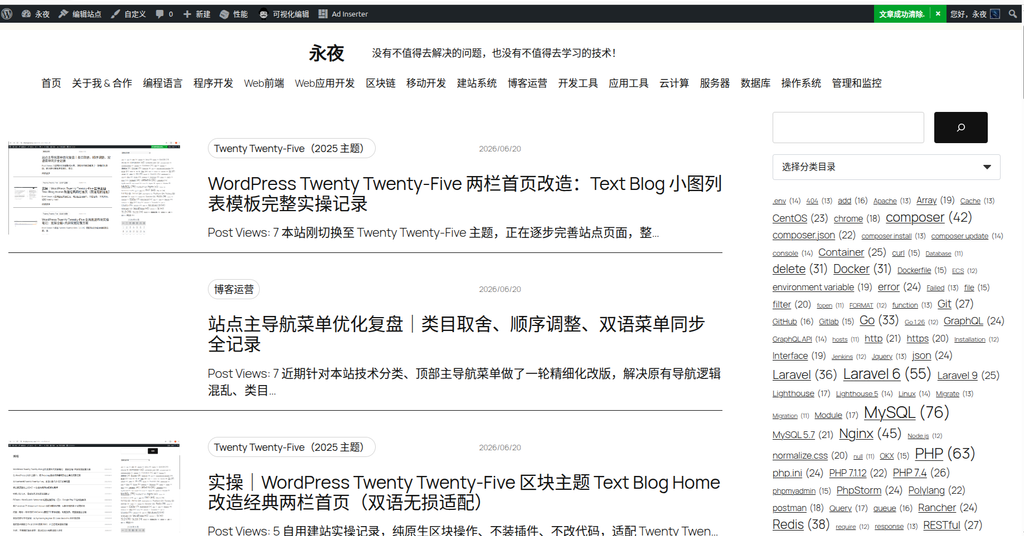
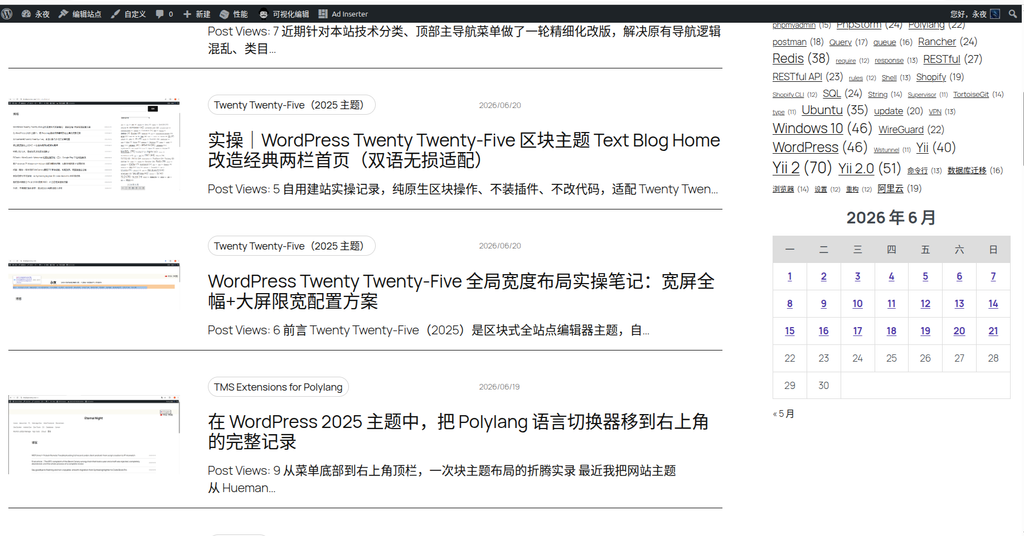
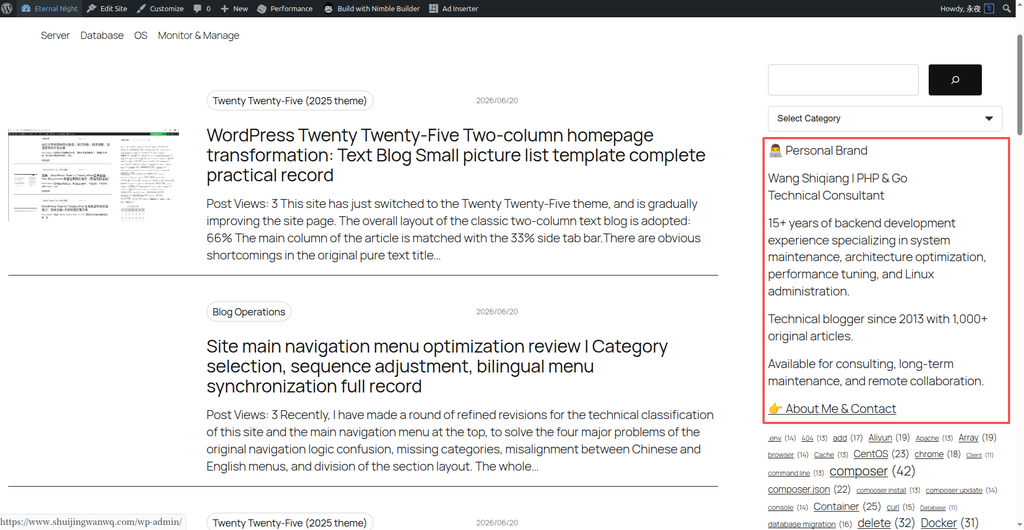
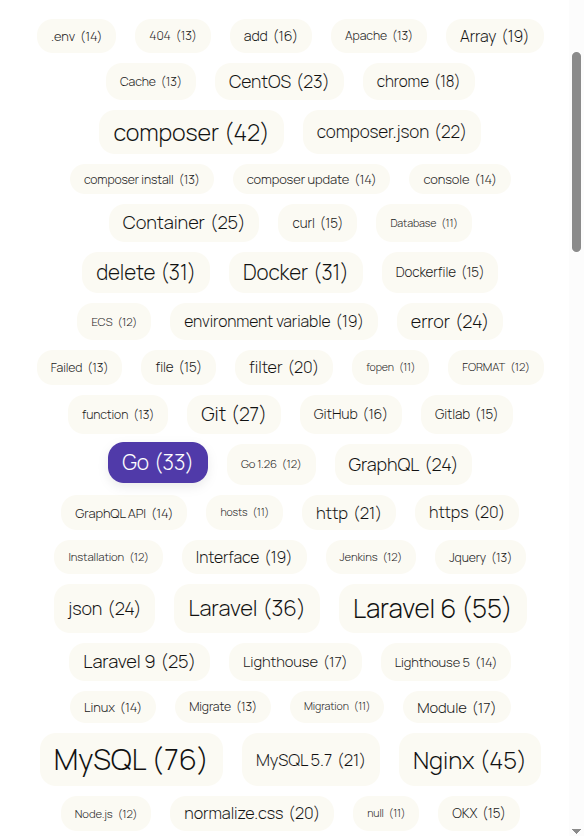
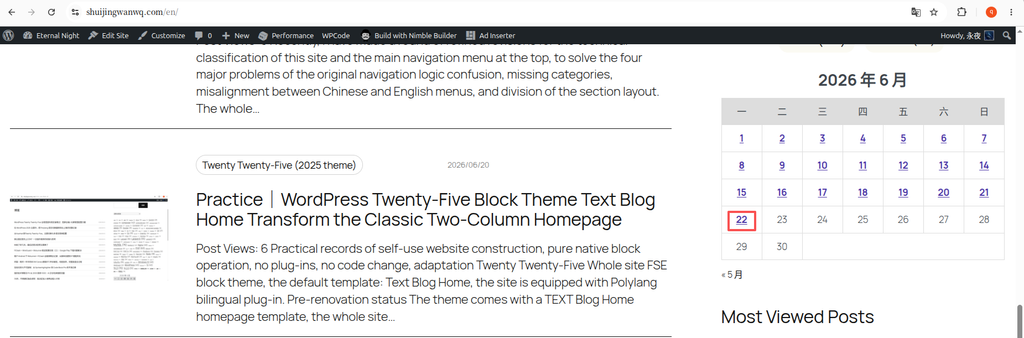
After switching from Hueman theme to WordPress official 2025 theme (Twenty Twenty-Five), the website needs to support both Chinese and English, and uses the Polylang plugin to achieve internationalization. After the switching is complete, I found a weird problem:Links to components such as label clouds, category lists, etc. can be properly brought /en/ Language directory, only the link of the calendar gadget is ‘fallen’.
in the English page (https://www.shuijingwanwq.com/en/), the link to the jump after each date on the calendar is still https://www.shuijingwanwq.com/2026/06/08/ form, not expected https://www.shuijingwanwq.com/en/2026/06/08/.
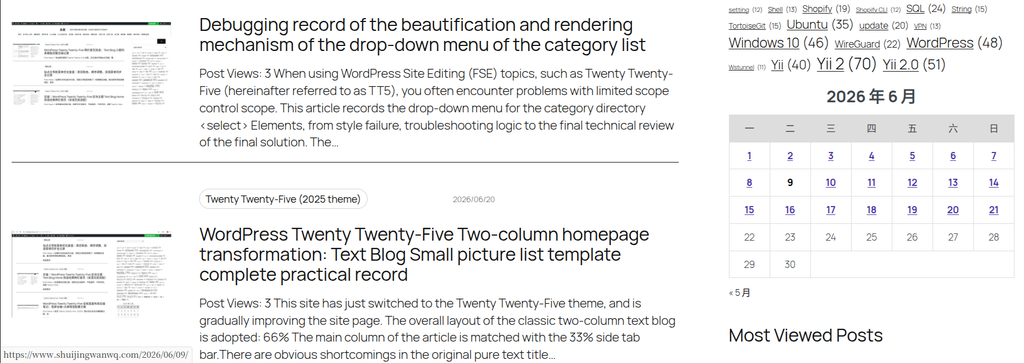
This problem will cause the user to jump to the date archive page of the Chinese version (the default language) after clicking the date from the English version of the calendar, instead of the corresponding English date archive, which seriously affects the user experience of multilingual sites.
Problem root analysis
Why is only the calendar ‘lost’?
After investigation, it was found that the default calendar gadget of WordPress did not use standard, multi-language compatible ones when generating date links. home_url() function, but use get_day_link(),get_month_link() and other lower-level functions. When these functions generate links,Language directory prefixes added by plugins such as Polylang will not be actively considered(such as /en/).
Other components such as tag clouds and category lists work fine because they correctly use functions that recognize the current locale to generate links. So no matter how PolyLang is set, the calendar ‘stubbornly’ generates links without language code.
Polylang configuration confirmation
Before you start, make sure that the basic settings of Polylang are correct:
- permalink structure:
Settings > PermalinksSelected ‘Custom Structure’https://www.shuijingwanwq.com/%year%/%monthnum%/%day%/%post_id%/ - URL Modify settings:
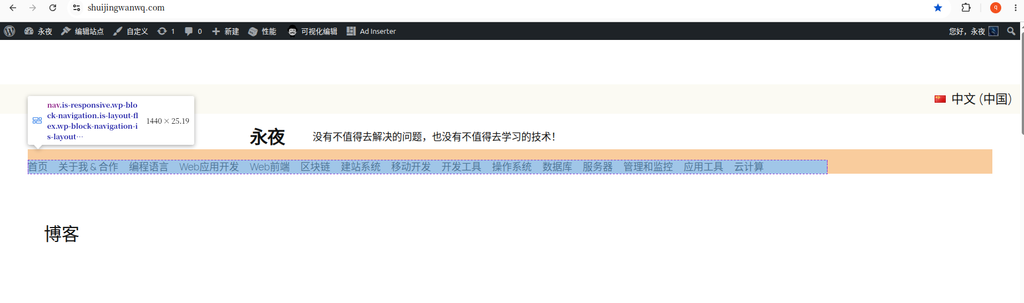
Language > Settings > URL modification‘Set the language according to the directory name in the fixed link’ is checked - default language: Chinese (
open) as the default language, not displayed in the URL/zh/Directory
The debug code also verifies that the language recognition is normal:
- Chinese homepage:
<!--polylang current language: en --> - English homepage:
<!--polylang current language: en -->
Since the Polylang settings are correct, the problem lies in the calendar gadget itself – the calendar link needs to be ‘manually’ corrected through code.
Solution: Add custom code using WPCode plugin
directly modify the subject functions.php Although the file is feasible, the modification will be lost when the theme is updated. more recommended wpcode Plugins to safely add custom code snippets.
Step 1: Install the WPCode plugin
In the WordPress background, enter plugin > install plugin, search wpcode, click ‘Install Now’ and activate it after finding it.
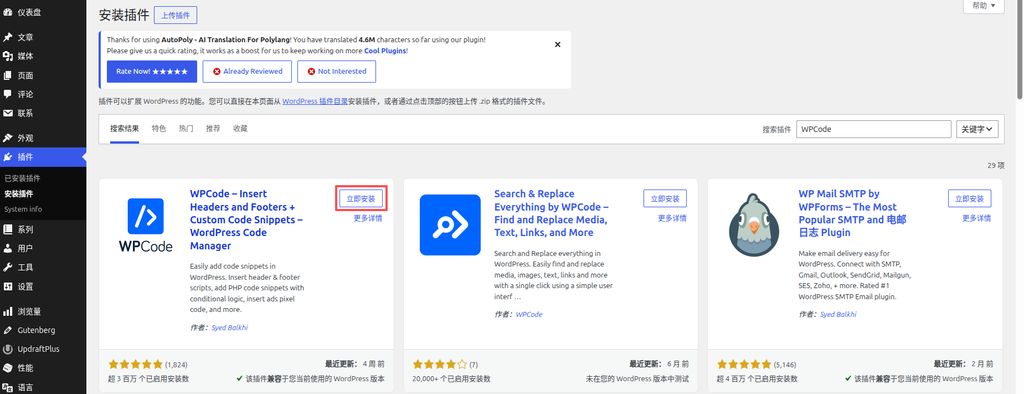
WPCode is a code management plugin that safely adds various code snippets (PHP, CSS, JavaScript, HTML, etc.) to WordPress without directly modifying the theme file.
Step 2: Go to Code Snippets and add new clips
After activating WPCode, go to the left menu Code Snippets(code snippet), click on the top add snippet(Add Fragment) button.
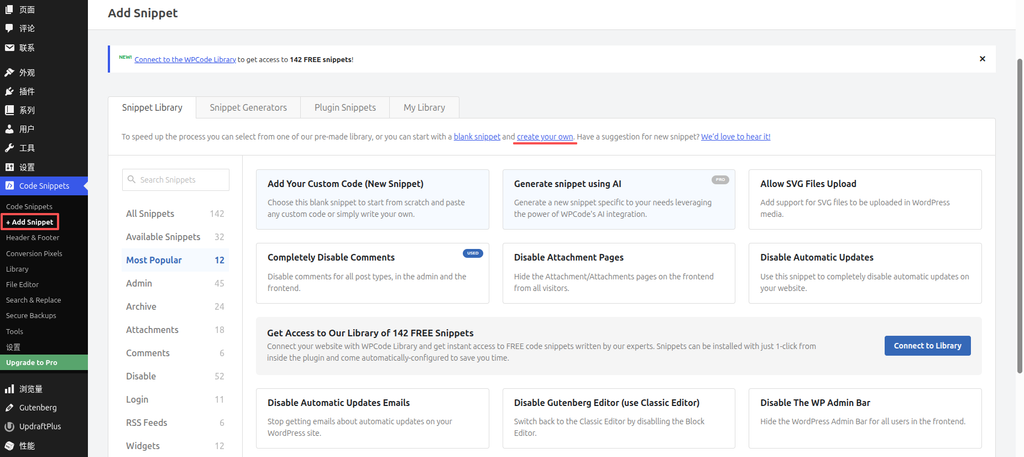
In the page, find and click Add your custom code (new snippet) The card, the entrance to ‘Create Your Own’.
Step 3: Select the PHP Snippet type
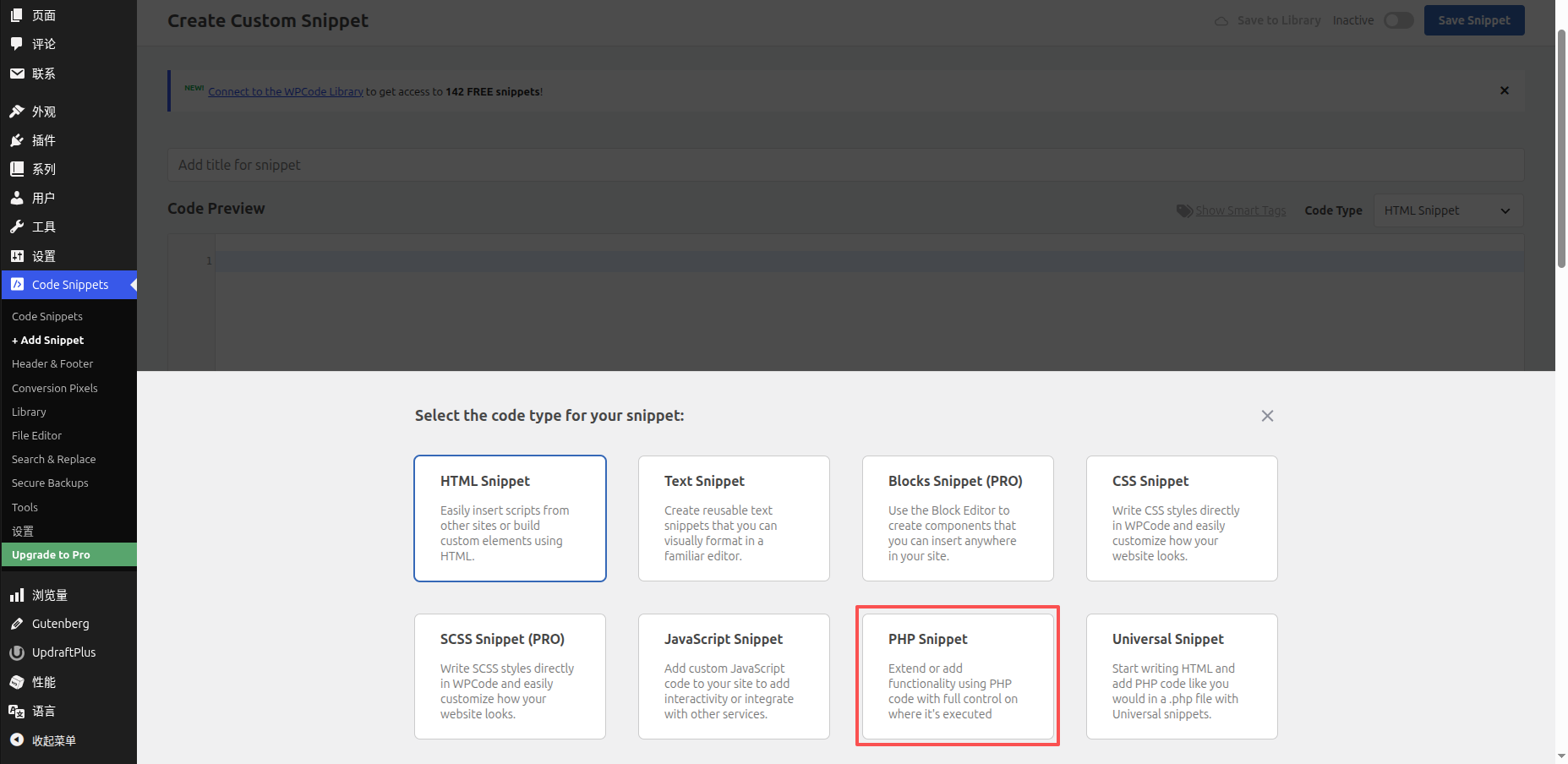
After clicking, it will pop up create custom snippet window. In this window, you will see multiple code type cards, such as HTML Snippet, Text Snippet, CSS Snippet, JavaScript Snippet, PHP Snippet, Universal Snippet et al.
Click directly php snippet card, select the PHP code snippet type.
Step 4: Paste the repair code and set it up
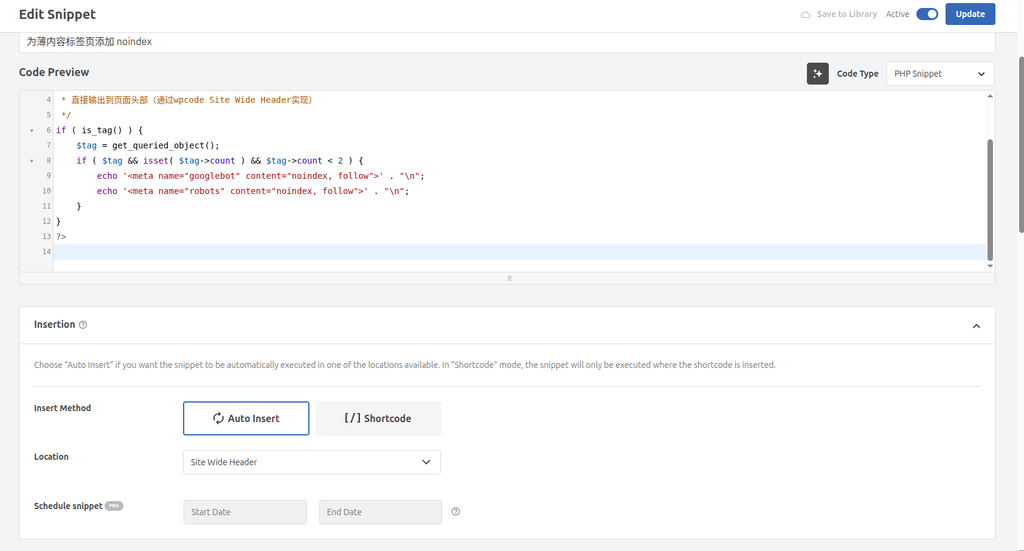
In the editing interface, fill in Title(such as ‘Fix multilingual calendar link’), and then paste the following fix code completely into Code preview in the code box:
<?php
/**
 * 为 WordPress 默认日历小工具的所有日期链接添加 Polylang 语言前缀
 * 仅在英文(en)页面生效,中文页面保持原样
 */
function fix_calendar_links_with_polylang( $calendar_output ) {

    // 1. 检查 Polylang 函数是否存在,且不在后台
    if ( function_exists( 'pll_current_language' ) && ! is_admin() ) {

        // 2. 获取当前语言
        $current_lang = pll_current_language();

        // 3. 只在英文页面进行替换
        if ( $current_lang === 'en' ) {

            // 4. 获取不带语言前缀的主页 URL(用于匹配旧链接)
            $home_url = home_url( '/' );

            // 5. 构建包含 /en/ 的正确主页 URL
            $correct_home_url = str_replace( 'https://www.shuijingwanwq.com/', 'https://www.shuijingwanwq.com/en/', $home_url );

            // 6. 在日历HTML中,将所有旧链接替换为新的
            $calendar_output = str_replace( $home_url, $correct_home_url, $calendar_output );
        }
    }

    return $calendar_output;
}
add_filter( 'get_calendar', 'fix_calendar_links_with_polylang' );Code description:
- 3rd line
if ( $current_lang ===en)EnsureReplacement operations are only performed on English pages, the Chinese page is not affected - Line 5 build contains
/en/correct link - Line 6 performs link replacement
Insert position settings:
at the bottom of the editing interface Insertion area:
- Insert method: select auto insert(auto insert)
- location: select frontend only(Front-end only), make sure that the code is only effective at the front desk of the website, more secure
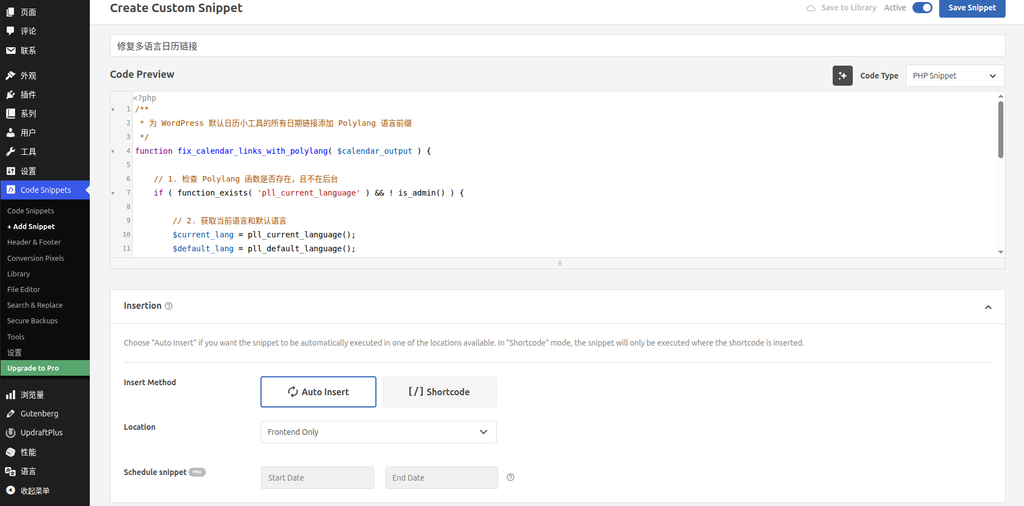
After completing the setting, set the switch in the upper right corner from inactive switch to active(Activate), click save snippet(Save the fragment).
Step 5: Clear the cache
After the code takes effect,Be sure to clear all caches:
- WPCode does not require additional operations, the code saving takes effect
- W3 Total Cache: Enter the plugin settings, click ‘Clear all caches’
- Browser cache: press
Ctrl + Shift + R(Windows/Linux) orCMD + SHIFT + R(MAC) Forced refresh - If using a CDN (such as Cloudflare), also clear the CDN cache
final verification result
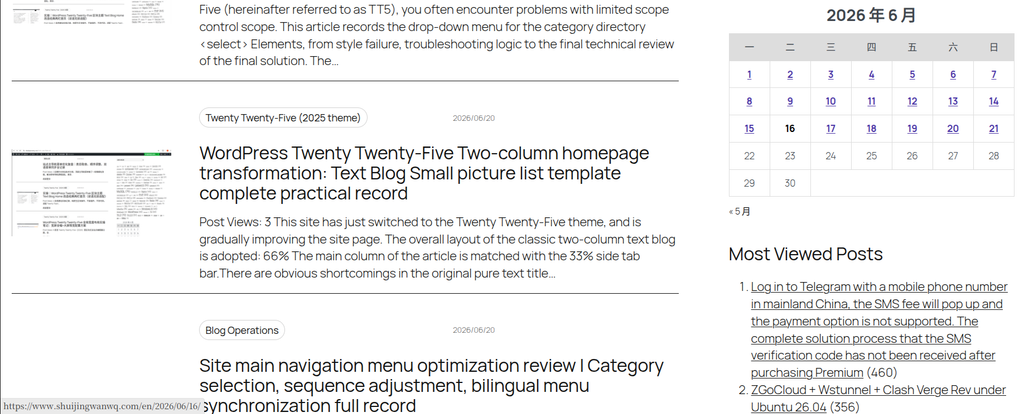
After the repair is completed, visit the Chinese homepage and English homepage respectively to verify the calendar link:
| Page | Before repair | After repair |
|---|---|---|
Chinese Home (/ / *) | https://.../2026/06/16/ ✅ | https://.../2026/06/16/ ✅ |
English Home (/en/) | https://.../2026/06/16/ ❌ | https://.../en/2026/06/16/ ✅ |
Stepping on the pit record and key points
Step on the pit 1: The first version of the code causes /en/en/ Repeat
When the original version of the code was replaced, it did not determine whether the current page already contained the language directory, resulting in the link being incorrectly removed from the English page. https://.../en/2026/... replace again with https://.../en/en/2026/....
Solution: In the replacement logic, only for links that do not contain language prefixes are processed.
Step on the pit 2: Chinese page was added by mistake /en/
Due to Chinese (open) as the default language, the URL does not contain /zh/ Directory, and the previous code is not limited to only take effect on the English page, resulting in the calendar link of the Chinese page being added incorrectly /en/.
Solution: increase if ( $current_lang ===en) judge,Only perform replacement operations on the English page.
Key points summary
- WordPress Default Calendar WidgetThe language directory of Polylang is not compatible with polylang when generating links, and needs to be passed through
get_calendarFilters manually corrected - Use the WPCode pluginAdd code to modify directly
functions.phpSafer and easier to manage - Be sure to judge the current language, only perform replacements for languages (such as English) that need to be corrected to avoid affecting the default language page
- Remember to clear all caches after code modification, including plugin cache, browser cache and CDN cache
Leave a Reply