

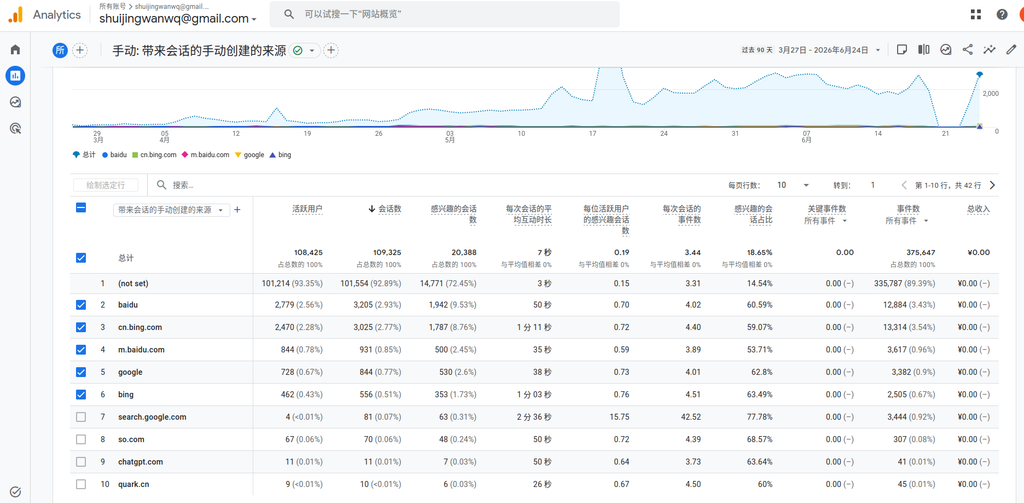
When I was adjusting my blog recently, I found a small but affecting reading experience.
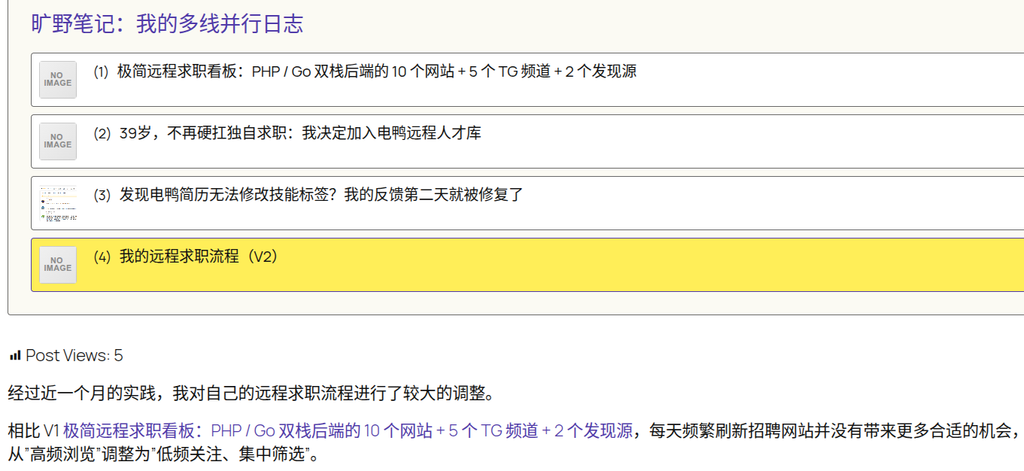
My blog is using WordPress Twenty Twenty-Five theme. By default, the difference between the links in the body and the normal text is not obvious.
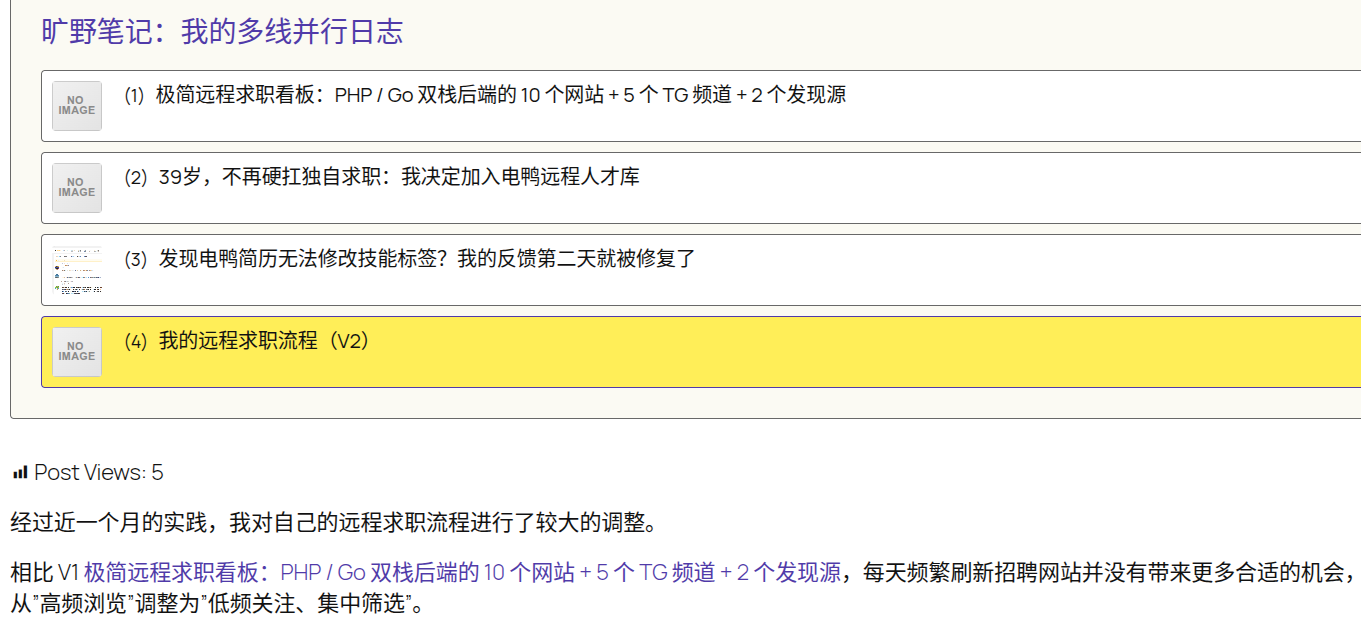
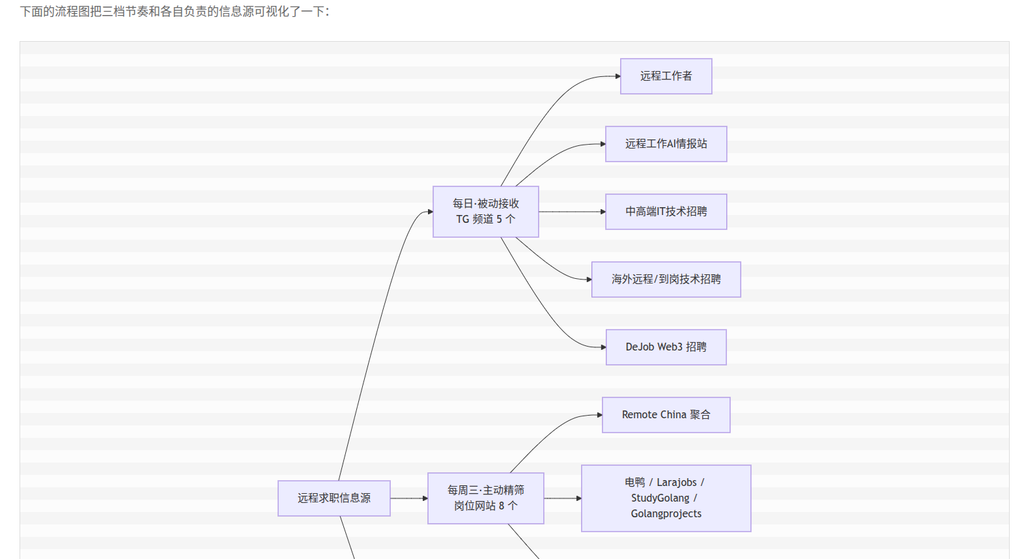
For example in an article, I quoted the previous article:
Minimalist Remote Job Search Board: 10 websites for PHP / Go dual-stack backend + 5 TG channels + 2 discovery sources
This text has actually added a link, but from the page, it is almost impossible to recognize at a glance.

For readers, if the link does not have an obvious style, it is easy to miss the context-related article. In particular, blog posts often refer to each other. If the link is not visible, it will affect the reading path and on-site browsing experience.
initial attempt
In the beginning, I thought about modifying all the link styles in the body content area directly:
.entry-content a {
    color: #503aa8;
    text-decoration: none;
    border-bottom: 1px solid rgba(80,58,168,.35);
}

.entry-content a:hover {
    color: #3e2d84;
    border-bottom-color: #503aa8;
}
This scheme does make the links obvious.
But quickly found a problem:.entry-content a The range is too large.
It not only affects the normal links in the text paragraph, but also affects other component links in the content area of the article, such as:
- series of articles;
- classification components;
- directory;
- other blocks embedded in the article;
- Some CTA or recommendation modules.
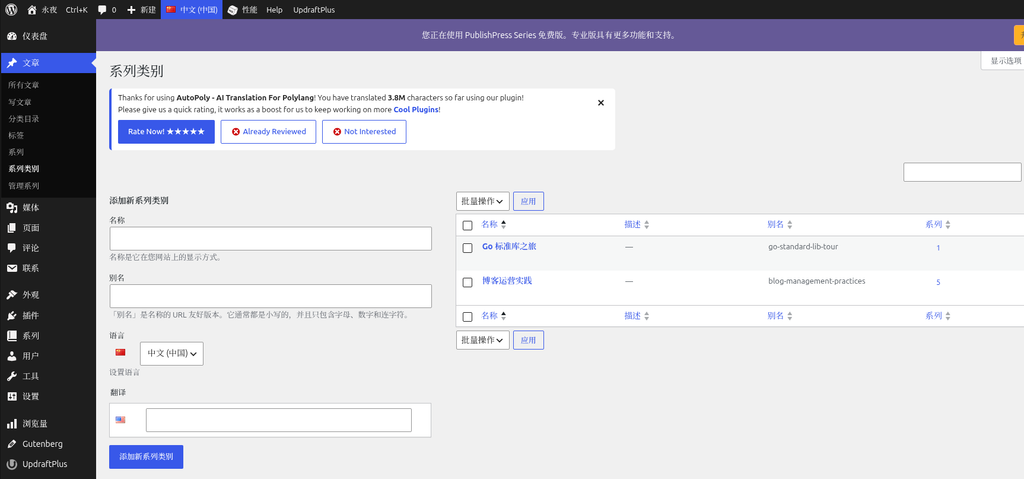
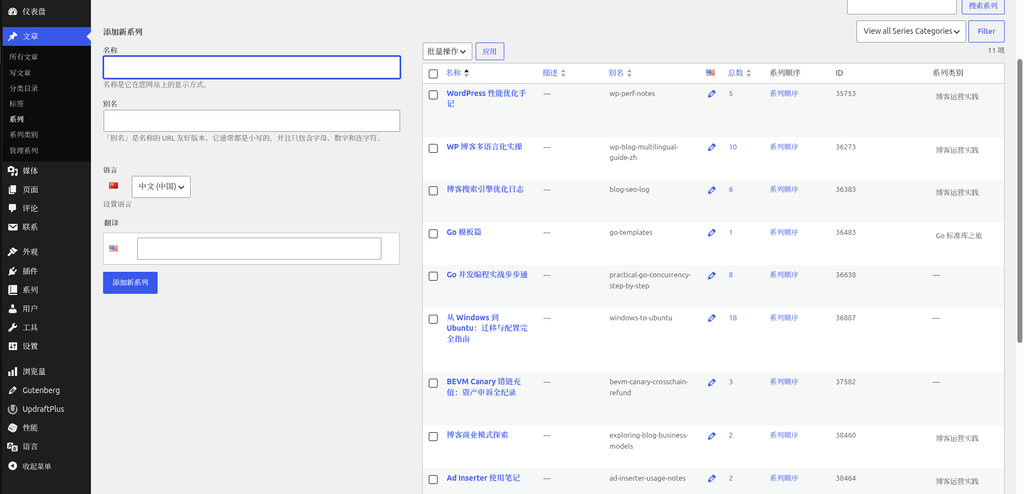
For example, in the title of the series of articles, the purple underscore will also appear after the mouse is moved, which is not very coordinated visually.
Therefore, this scheme is not accurate enough.
final scheme
Later I narrowed down the selector range, only for normal text links in the body paragraph:
/* 仅正文段落中的普通链接 */
.entry-content p a {
    color: #503aa8;
    text-decoration: none;
    transition: color .2s ease;
}

.entry-content p a:hover {
    color: #3e2d84;
    text-decoration: underline;
}
The key point of this scheme is:
.entry-content p a
It only matches the links in the body paragraph of the article.
That is, it mainly affects something like this:
<p>
相比 V1 <a href="...">极简远程求职看板:PHP / Go 双栈后端的 10 个网站 + 5 个 TG 频道 + 2 个发现源</a>,每天频繁刷新招聘网站并没有带来更多合适的机会。
</p>
It will not affect the series of article list, classification module, navigation menu and other components.
final result
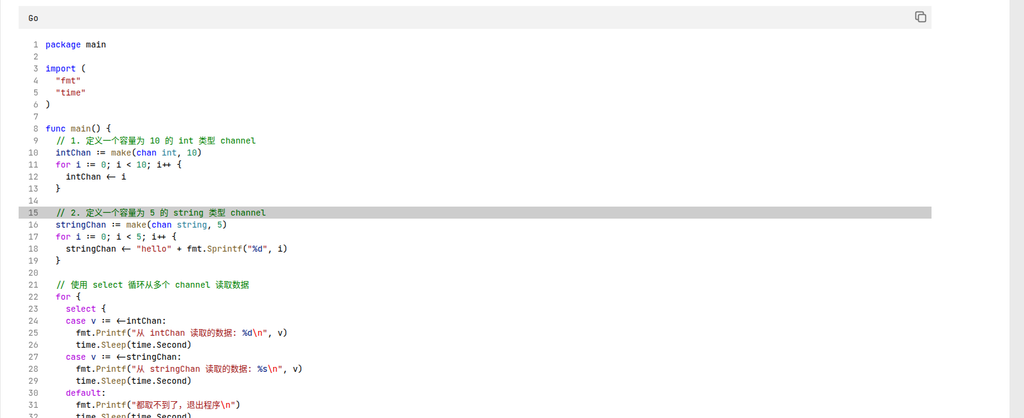
After modification, the text link will be displayed as purple under normal reading state:
In this way, the reader can see at a glance that this is a clickable content.
When the mouse is moved to the link, the color will go a little darker, and the underscore is displayed:
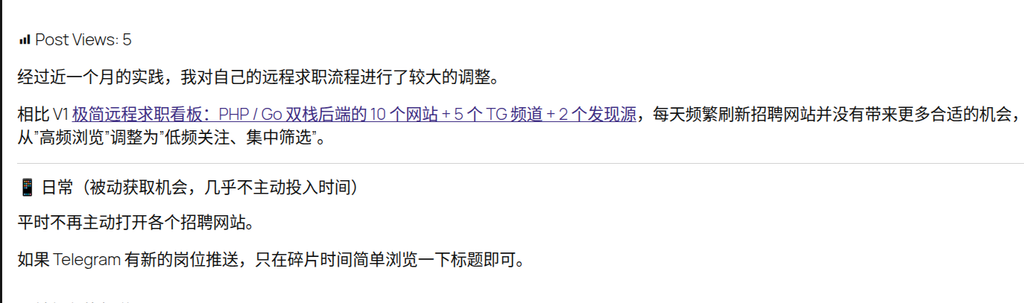
This effect is relatively restrained, does not destroy the layout of the text, and is also in line with the habitual perception of most users about link interaction.
Why use #503aa8?
used here #503aa8 It’s not a random color to choose.
My blog is using the Twenty Twenty-Five theme, and #503aa8 It is in the theme editor palette Emphasize color 3.
At present I have reused this color in multiple places, for example:
- The date of the article is published in the calendar;
- Reference links in the body;
- Other elements that need to be highlighted but do not want to be too conspicuous.
The advantage of this is that the website will not have too many scattered colors, and the overall vision will be more unified.
About CSS Variables
From a long-term maintenance perspective, it is more ideal to use the CSS variables provided by the theme, rather than directly writing dead color values.
For example:
.entry-content p a {
color: var(--wp--preset--color--accent-3);
}
In this way, if ‘Essential Color 3’ is modified in the theme editor later, all places that refer to this variable will be updated automatically synchronously.
However, I already have a lot of extra CSS in my blog, and there is no plan to uniformly transform it into a variable. So this time, I still use the specific color value first:
#503aa8
In the future, if the additional CSS of the whole site is uniformly organized, then consider gradually replacing these color values with the theme variables.
final reserved css
The final code reserved this time is as follows:
/* 仅正文段落中的普通链接 */
.entry-content p a {
    color: #503aa8;
    text-decoration: none;
    transition: color .2s ease;
}

.entry-content p a:hover {
    color: #3e2d84;
    text-decoration: underline;
}
Summary
Although this adjustment is only a few lines of CSS, it solves a very practical problem:
The text link needs to be recognized by the reader, but it cannot affect other components such as the series list, classification module, and navigation menu.
The final solution is to style enhancement only for ordinary links in the body paragraphs.
This not only improves the reading experience of the text, but also avoids the problem of excessive global CSS influence.
This is also a very important principle for WordPress theme style adjustment:
The CSS selector would rather write more precisely than directly affect the entire content area for trouble.
Especially in block topics such as Twenty Twenty-Five, there may be many different types of blocks and components in the content area of the article. If the selector is too wide, it is easy to solve the problem in one place, but create new style problems in another.
Technical Blog Growth & Monetization Consulting
I have been running my personal technology blog for more than 10 years and have published over 1,000 original articles covering WordPress optimization, multilingual websites, Google SEO, content strategy, and website monetization. All insights shared on this site come from real-world operation and long-term experimentation. If you are building a blog, developer website, SaaS project, or content-driven platform, I would be happy to share practical experience and optimization suggestions.
Ideal For:
✅ Technical bloggers
✅ Independent developers
✅ SaaS website owners
✅ Content creators seeking organic traffic growth
✅ Website owners interested in monetization opportunities
What I Offer:
✅ WordPress Performance Optimization
✅ SEO Consulting
✅ Multilingual Website Setup
✅ Ad Revenue Optimization
✅ Blog Growth & Monetization Consulting
If you would like to discuss your website, traffic growth strategy, or monetization opportunities, please contact me and mention: Blog Growth Consultation.
Contact Me:
Telegram: @shuijingwan
WeChat: 13980074657
Email: shuijingwanwq@gmail.com
Leave a Reply